Become a Gaming Content Creator
Record, Edit & Share Your Best Gaming Moments with AI




Supported Games
Can’t find the game you’re looking for? You can record manually, or request our dev team to add AI recording!
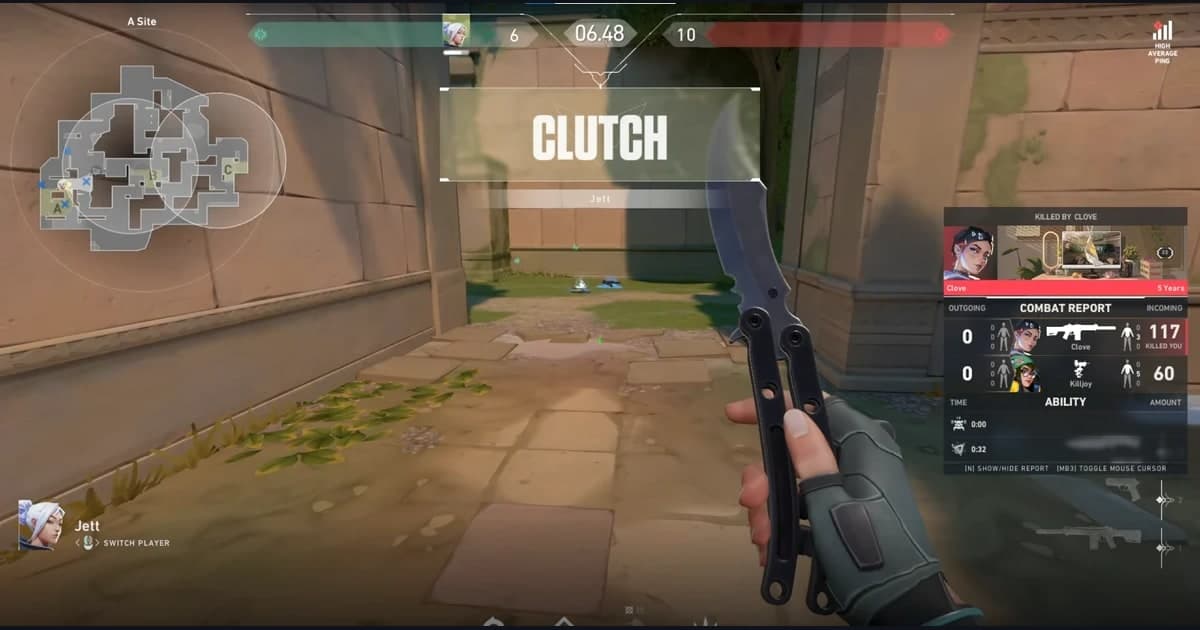
Valorant

League of Legends

PUBG: Battlegrounds

Overwatch
Teamfight Tactics

FC Online

Fortnite

Counter-Strike

Roblox
Minecraft

Sudden Attack

Apex Legends

Rainbow Six Siege

Eternal Return

Delta Force

Marvel Rivals

Battlefield 6
ARC Raiders

GTA V

MapleStory
Dota 2

Crimson Desert

EA SPORTS FC 26

Palworld
Rust

Dead by Daylight

StarCraft

Destiny 2

FiveM

PEAK

MECCHA CHAMELEON
Slay the Spire 2
The Binding of Isaac: Rebirth

EA SPORTS FC 27

AION 2

WARDOGS
Valheim

World of Warcraft
Call of Duty: Modern Warfare 4
Call of Duty

Rocket League
Path of Exile 2

Escape from Tarkov

Deadlock
HELLDIVERS 2
Geometry Dash
Limbus Company

Stardew Valley

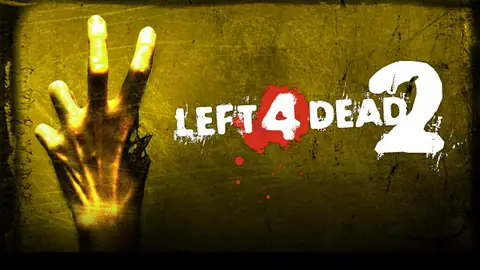
Left 4 Dead 2
How to Fish
Terraria
Team Fortress 2
Project Zomboid
Euro Truck Simulator 2
Total War: WARHAMMER III
Don't Starve Together

BeamNG.drive
R.E.P.O.
Yu-Gi-Oh! Master Duel

Garry's Mod
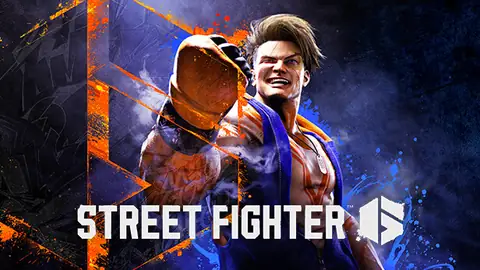
Street Fighter 6

TBH: Task Bar Hero

eFootball
Sid Meier's Civilization VI
Farming Simulator 25
Brawlhalla

No Man's Sky

Assetto Corsa
Ori and the Will of the Wisps
RimWorld
Bloons TD 6

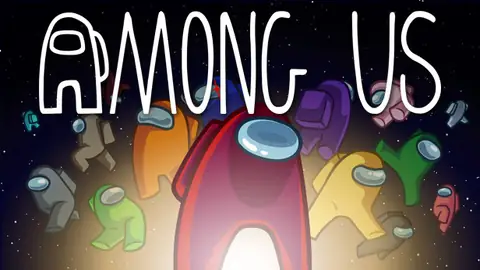
Among Us
Monster Hunter: World

Aimlabs
Phasmophobia

Transport Fever 3

Ready or Not
Resident Evil 4
Sons Of The Forest
Last Epoch
The Witcher 3: Wild Hunt

War Thunder
The Outlast Trials
Warframe
Cyberpunk 2077

VRChat
Baldur's Gate 3

Red Dead Redemption 2

Hearts of Iron IV

Crusader Kings III
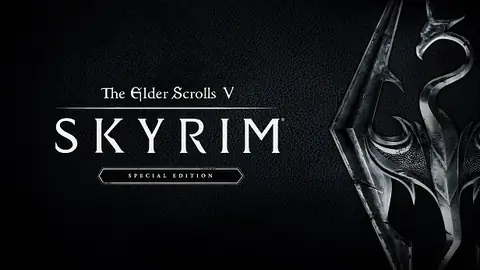
The Elder Scrolls V: Skyrim Special Edition
ELDEN RING

ACE COMBAT 8: WINGS OF THEVE
The Sims 4
Mount & Blade II: Bannerlord

DayZ
7 Days to Die

THE FINALS
RuneScape: Dragonwilds

Warhammer 40,000: Space Marine 2

Forza Horizon 6
Monster Hunter Wilds

Hunt: Showdown 1896
Diablo IV

Dressmaker
Age of Empires II: Definitive Edition

Lineage
Lost Ark

MapleStory Worlds
Dungeon & Fighter

TalesRunner
Warcraft III: Reforged
Diablo II: Resurrected

Gersang
Cyphers

Black Desert
Special Force
Special Force Remastered
StarCraft II

Genshin Impact
Lineage II

Mabinogi Mobile
AION Classic
Wuthering Waves

FreeStyle: Reboot

Blade & Soul
Elsword

Ragnarok Online

Aniimo

Arena Breakout: Infinite

NARAKA: BLADEPOINT
Why DOR?All-in-One Video Creating Solution with AI
Everything you need to capture, edit, and share your gaming highlights in one powerful application.
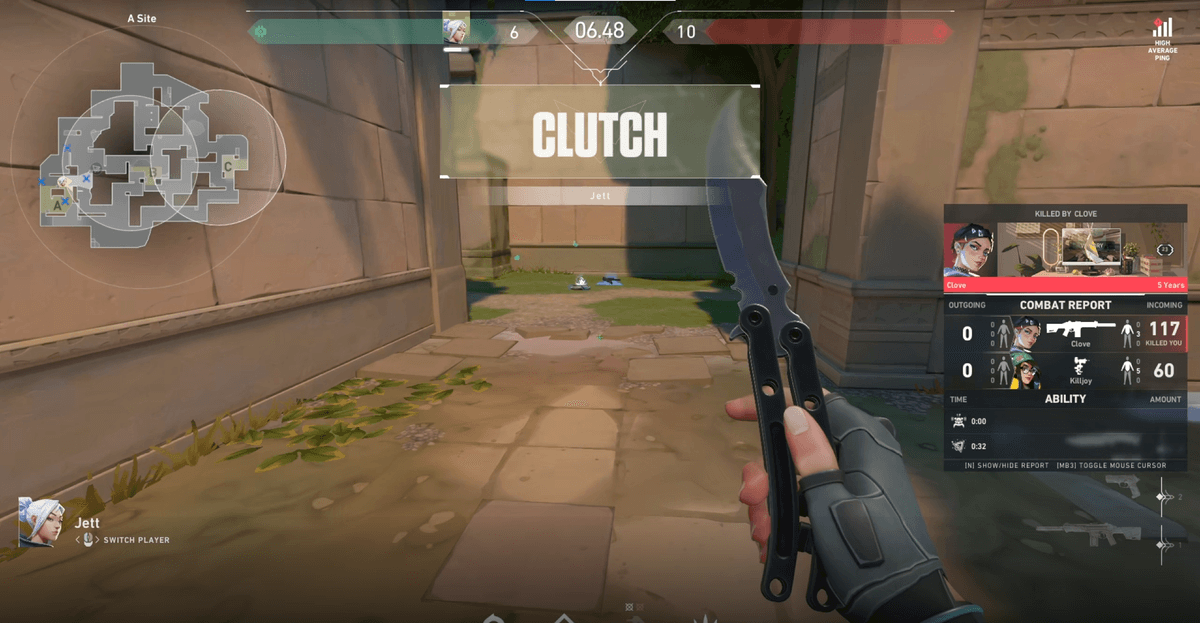
Automatic Recording
Never miss a moment – DOR captures kills, assists, and epic plays in real-time with zero lag. Set it and forget it while you focus on the game.
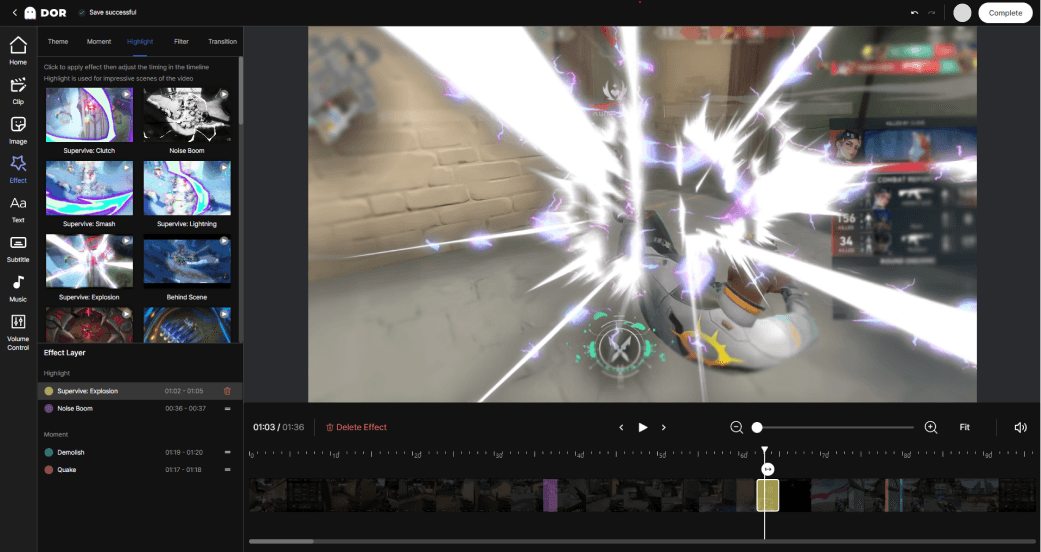
Built-in Clip Editor
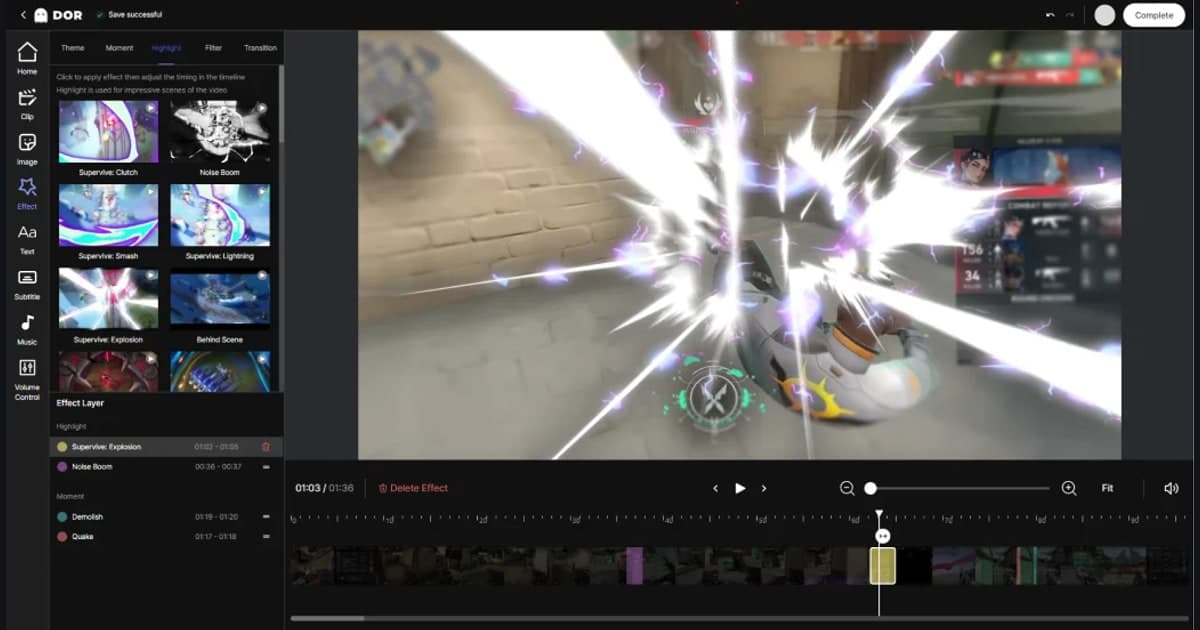
Turn raw footage into share-worthy clips with our easy editor – trim, add effects, and highlight key moments in seconds. No external tools needed.
Share with the Community
Instantly share your clips with friends or on DOR's community feed, and discover amazing plays by others. Connect with gamers worldwide.
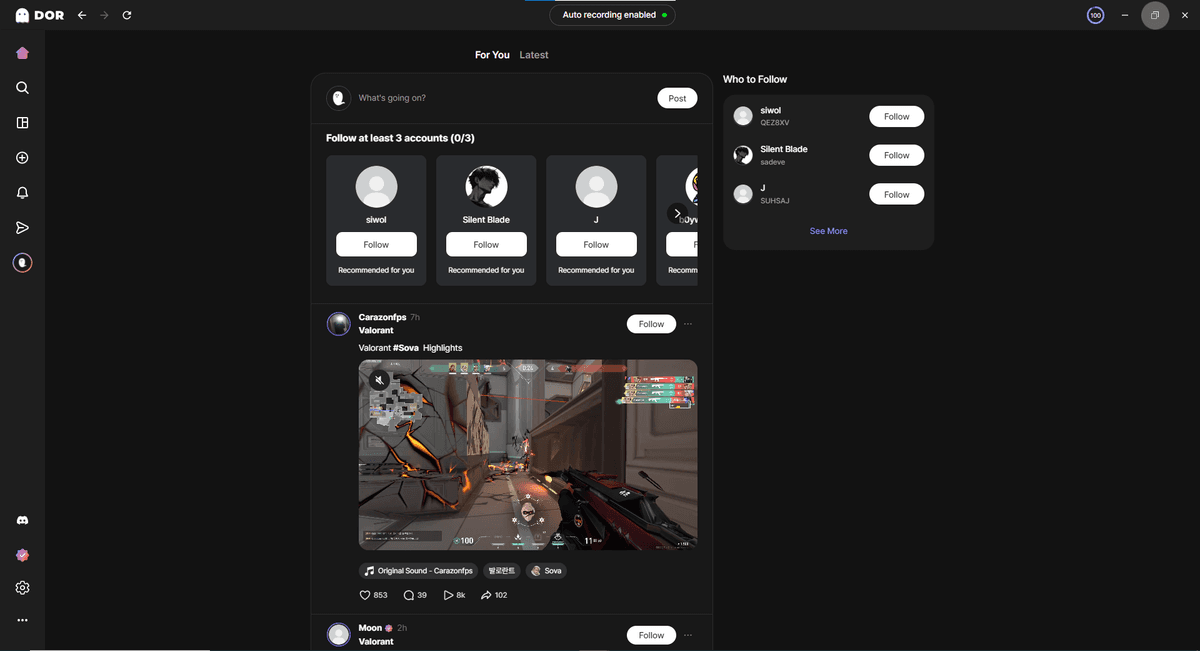
A free game recorder you just leave running. DOR starts recording when your game starts, saves your best plays as clips, and sends them to friends as one link.
Records when your game starts
DOR detects all 130 supported games and records them automatically. No record button, no scene setup.
Lightweight recording
On NVIDIA graphics cards, NVENC hardware encoding is the default, so your frame rate barely moves.
Free, with no time limit or watermark
No recording length limit and no watermark. Record as much as your storage allows.
130 games, recorded the moment you launch
No record button to press. DOR detects every supported game, records it automatically, and captures game audio, your mic and your keyboard and mouse input.
See the game recorderYour best plays, merged into one highlight
When a match ends, your best moments are sorted into clips. Pick the ones you want, press Create highlight, and they are merged into a single video.
About highlight clipsTrim what you need, export in Shorts ratio
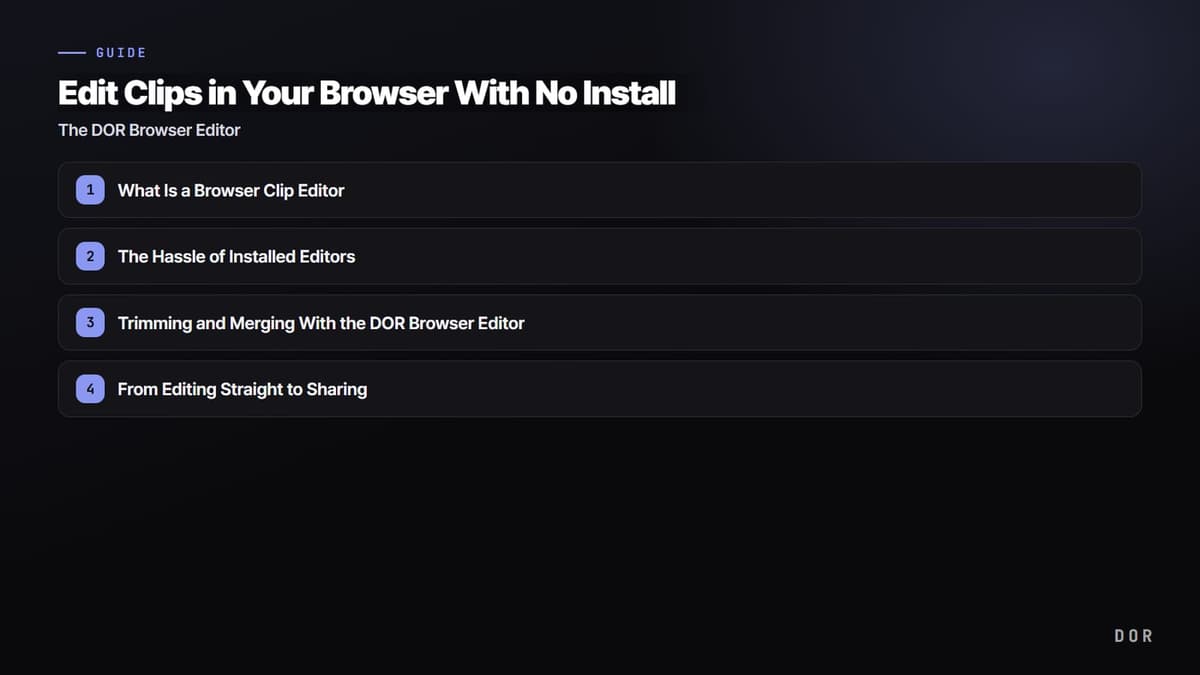
Trim clips in your library and export at 16:9, 9:16 or 1:1. In DOR Studio in your browser you can merge clips and add effects, text and music.
How to trim game clipsOne link for your friends, then Instagram, TikTok, YouTube
Copy one link and send it to friends right away. Then spread the same clip to Instagram, TikTok, Facebook, YouTube and Discord.
How sharing worksRecord 130 games Find yours
From League, Valorant and PUBG to Steam indies. Every game has its own recording settings and clip guide.
 League of LegendsRecording guide
 PUBG: BattlegroundsRecording guide
 OverwatchRecording guide
 Teamfight TacticsRecording guide
 FC OnlineRecording guide
 FortniteRecording guide
 Counter-StrikeRecording guide
 RobloxRecording guide
 MinecraftRecording guide
 Sudden AttackRecording guide
 Apex LegendsRecording guide
 Rainbow Six SiegeRecording guide
How to record games in 4 steps
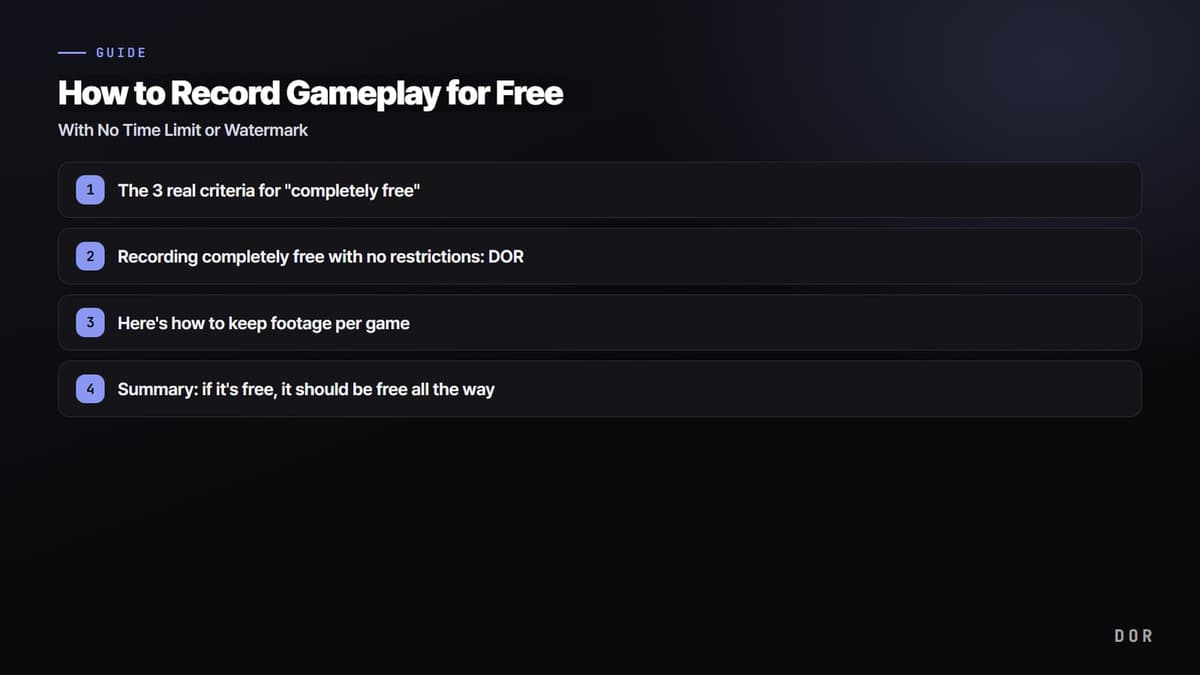
To record games, install the free game recorder DOR and launch your game: recording starts automatically. DOR detects 130+ games including League of Legends, Valorant and PUBG, with no time limit and no watermark. Trim what you recorded and share it as a link right away.
Install DOR for free
Install it on your Windows PC. No sign-up needed to start.
Play as usual
Launch a game and DOR detects it and starts recording.
Open your library
When a match ends, the recording is waiting in your library.
Trim and share a link
Keep only the part you want and send it as a link.
Game recording guides
From recording settings to editing and sharing, the how-tos people look for most.
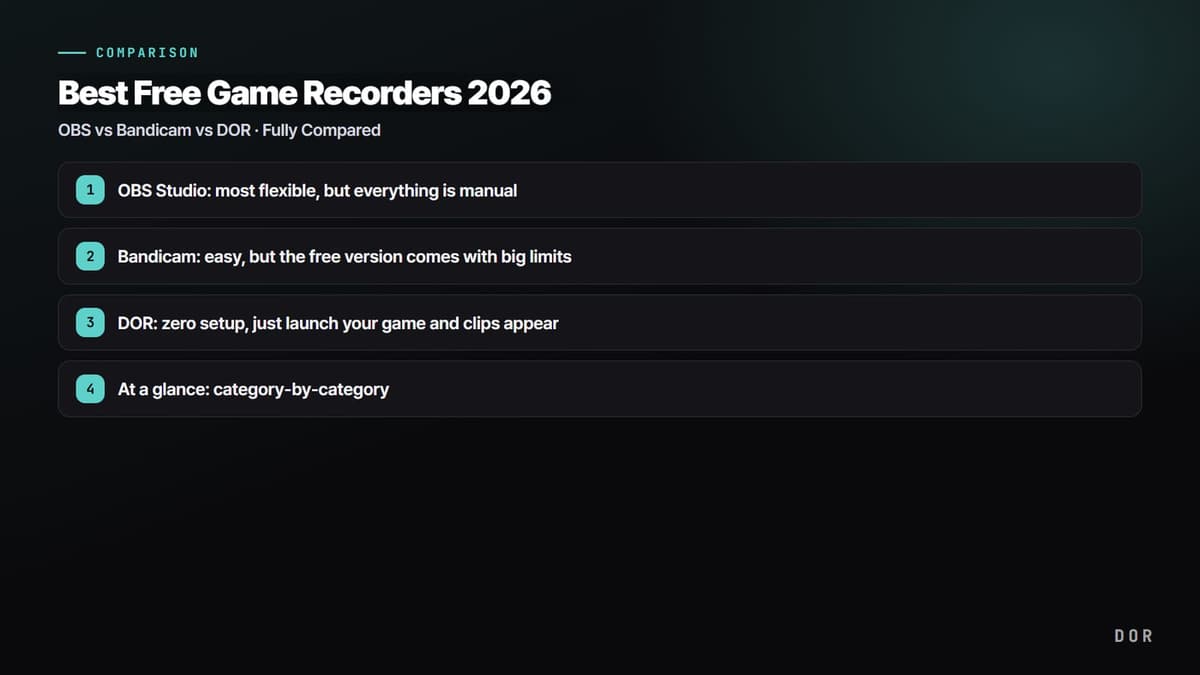
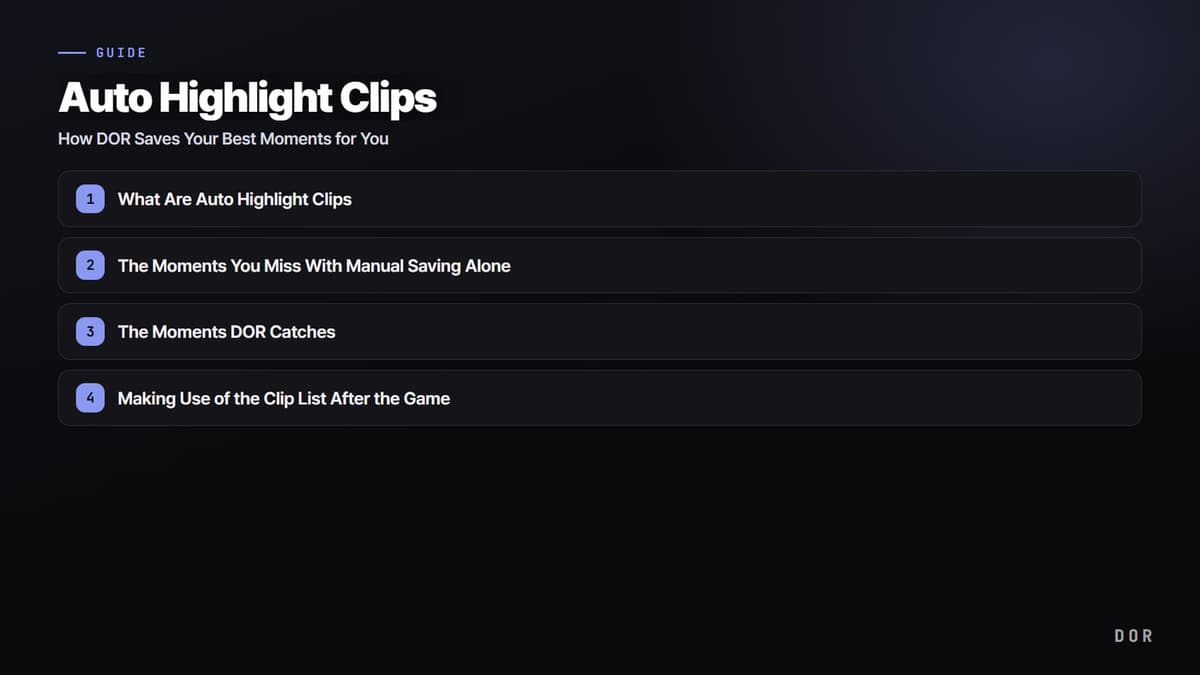
Frequently asked questions
Is DOR really free?
Yes. It is free, with no recording length limit and no watermark.
Which games can I record?
DOR automatically detects and records 130+ games, including League of Legends, Valorant and PUBG. You can also record games that are not on the list yourself.
Will it lower my frame rate?
On NVIDIA graphics cards NVENC hardware encoding is the default, so the load is small. On a lower-end PC, check the recommended settings for your game.
How do I share a recording?
Trim the part you want in your library and send it as a link. Whoever gets it opens the link and watches right away.
Does it work on Mac?
No. DOR is a desktop app for Windows PCs.
Ready to create your own
Gaming Contents?
DOR’s got your back, capture your best gaming moments now.