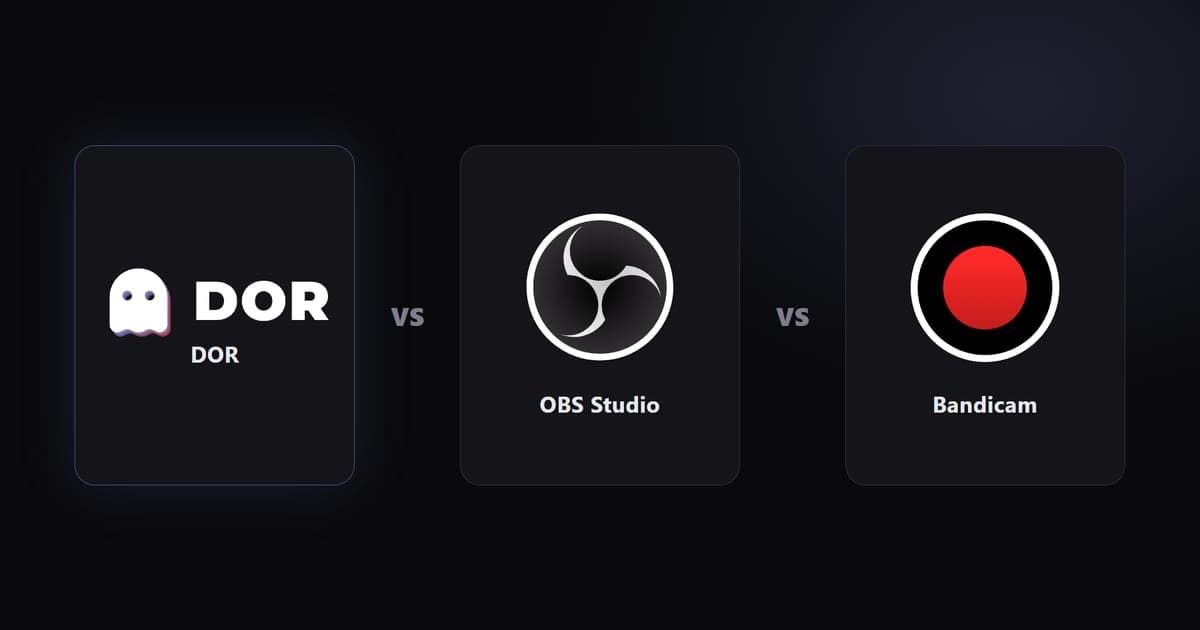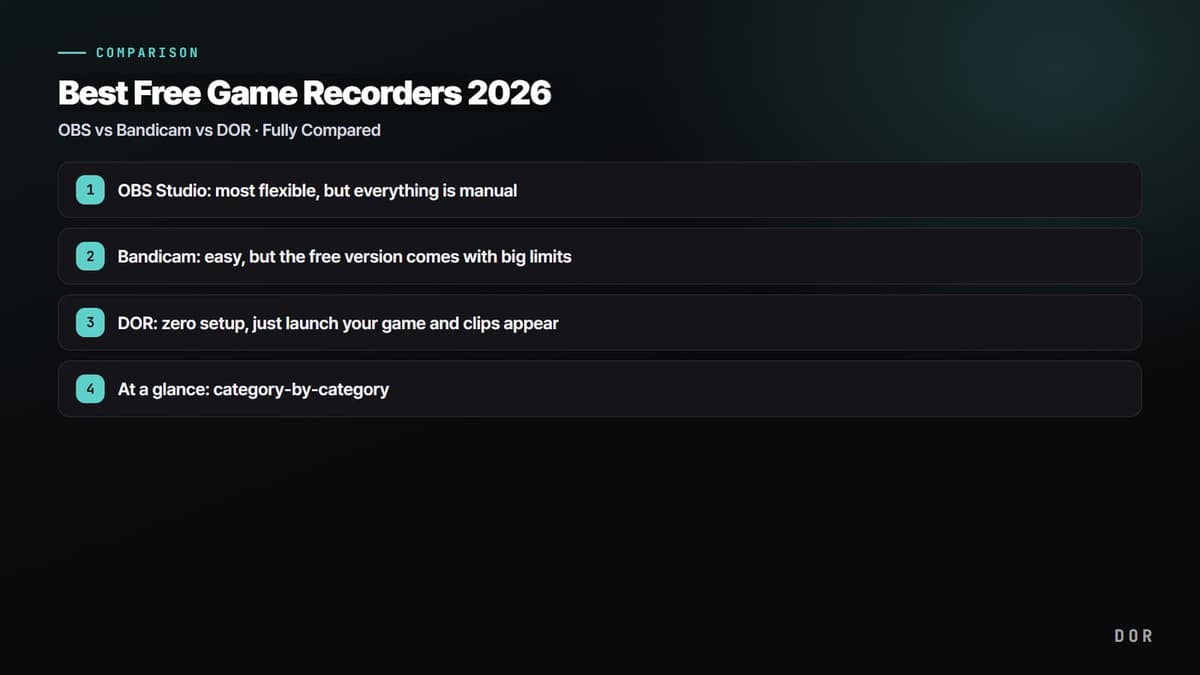
There are plenty of game recorders out there, but once you actually use them, complaints tend to fall into three buckets. "The setup is so complicated I can't even get it running," "My frames tank the moment I hit record and the game becomes unplayable," and "The clutch play always happens when recording wasn't on." Using those three pain points as our yardstick, we compared the three most popular free recorders, OBS, Bandicam, and DOR, from a real-world usage perspective.
If you just want the verdict, the key takeaways at the top have you covered. If you need a category-by-category breakdown, jump to the "At a glance" section below. Everything in between is the pros and cons from actually using each one.



OBS Studio: most flexible, but everything is manual
OBS Studio is completely free, open source, and has the widest feature set of the three. No recording time limits, no watermark, and you can dial in resolution, bitrate, and audio tracks exactly how you want. If you're serious about full-length YouTube videos or streaming, it's basically the standard. The catch is that you only get all that flexibility once you've configured everything yourself.
Setup difficulty: a long road to your first recording
After installing, you're dropped onto a blank screen where you have to add Scenes and Sources yourself. You create a "Display Capture" or "Game Capture" source, then head to Settings, Output, Recording and manually set the encoder (x264 or NVENC), bitrate, save path, and format (mp4/mkv) before you can record a single frame. First-timers often get stuck on a black screen (failed game capture), and you have to assign hotkeys yourself too.
Lag and performance: the defaults are a trap
OBS often defaults to the software encoder (x264), which grinds your CPU directly and noticeably drops your in-game frames. Switch Settings, Output, Encoder to "NVIDIA NVENC H.264" and the encoding load shifts to a dedicated GPU chip, slashing frame loss. On the same PC, x264 might cost you 20 to 30 average frames, while NVENC can drop that to single digits.
Clipping: there's a replay buffer, but it's manual
OBS does have a "replay buffer" that saves the last N seconds, but you still have to hit the hotkey at the right moment, and only you know where the highlight was. Picking out and trimming highlights from a long recording is a job for a separate editing program.
Bandicam: easy, but the free version comes with big limits
Bandicam is far simpler than OBS, which is why it's been a longtime favorite for beginners. Its intuitive design, flip on game mode, hit record, gets you to "I just want to capture my screen" in no time.
Price and watermark: the real cost of the free version
Bandicam's biggest downside is its free-version limits. Use it for free and you get a Bandicam watermark stamped across the top of your video, plus a roughly 10-minute cap per recording. To lift those, you have to buy a paid license (a 1-PC lifetime license typically runs around $40).
Automation: you still have to hunt for the highlights
Bandicam makes recording easy, but it won't pick out where the good moment starts and ends. Whether it's a chicken dinner in PUBG or an ace round in Valorant, you still have to scrub through the long recording and trim the clip yourself. Recording is lightweight, but the "editing time" cost stays right where it was.
DOR: zero setup, just launch your game and clips appear
DOR is a free recorder that tries to solve the problems the other two leave behind, complicated setup, lag, and manual editing, through automation. Install it and it automatically detects when a game launches, records in the background, and clips out key moments like kills, aces, and pentakills on its own. You never have to hit record or memorize a hotkey.
Setup difficulty: there's no concept of scenes or sources
There's no need to build scenes and sources or pick an encoder like in OBS. Run it once after installing and it automatically starts recording every time you launch a supported game like Valorant, League of Legends, or PUBG.
Lag and performance: NVENC hardware encoding by default
DOR uses NVIDIA NVENC hardware encoding to offload the encoding work to a dedicated GPU chip. Its impact on your CPU and in-game frames is minimal, so even low-spec PCs record with few dropped frames. Think of it as having the "switch to NVENC" that OBS makes you do manually already applied as the default.
Clipping: automatic detection instead of doing it yourself
This is the biggest difference. DOR detects key in-game moments like kills, aces, pentakills, and chicken dinners, then automatically turns just those segments into short clips. There's no scrubbing through a long recording to find the moment, so by the time you close the game your highlights are already collected. No watermark, and it's free.
At a glance: category-by-category
- Auto-clipping: OBS manual (replay buffer hotkey) / Bandicam manual / DOR auto-detect and auto-save
- Lag (performance): OBS depends on the encoder (x264 heavy, NVENC light) / Bandicam light / DOR light thanks to NVENC by default
- Setup difficulty: OBS high (scenes, sources, encoder by hand) / Bandicam low / DOR almost none (install, launch a game, done)
- Watermark: OBS none / Bandicam yes on the free version / DOR none
- Price: OBS completely free / Bandicam limited free version, full features paid (around $40) / DOR free
- Automatic game detection: OBS none / Bandicam none / DOR supported (auto-recognizes Valorant, LoL, PUBG, and many more)
Verdict: recommendations by use case
The right answer depends on what you're using it for. If you stream or edit long videos yourself to post on YouTube, OBS and its maximum flexibility is the way to go. If you don't want to spend time on setup and are fine living with a watermark and length limit, or paying to remove them, Bandicam works fine too. But if your core worry is "I just want my good plays collected automatically" or "I keep forgetting to hit record," DOR is the lowest-effort option by far.
Check the recommended settings and real auto-clip examples on the page for the game you play most: PUBG, Valorant, League of Legends.