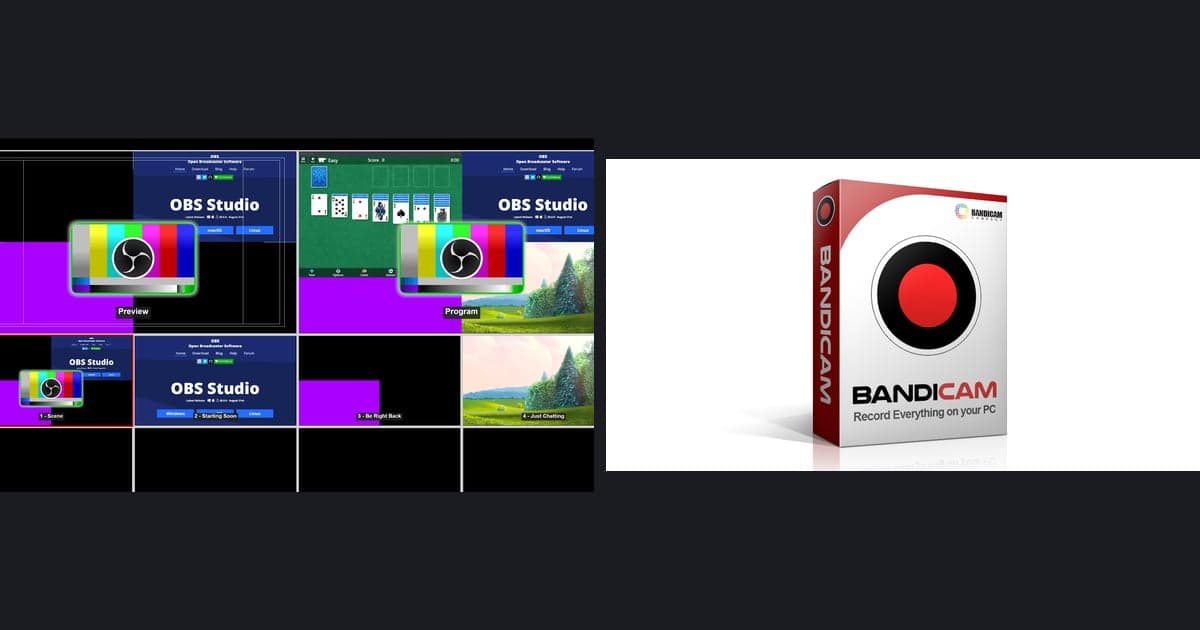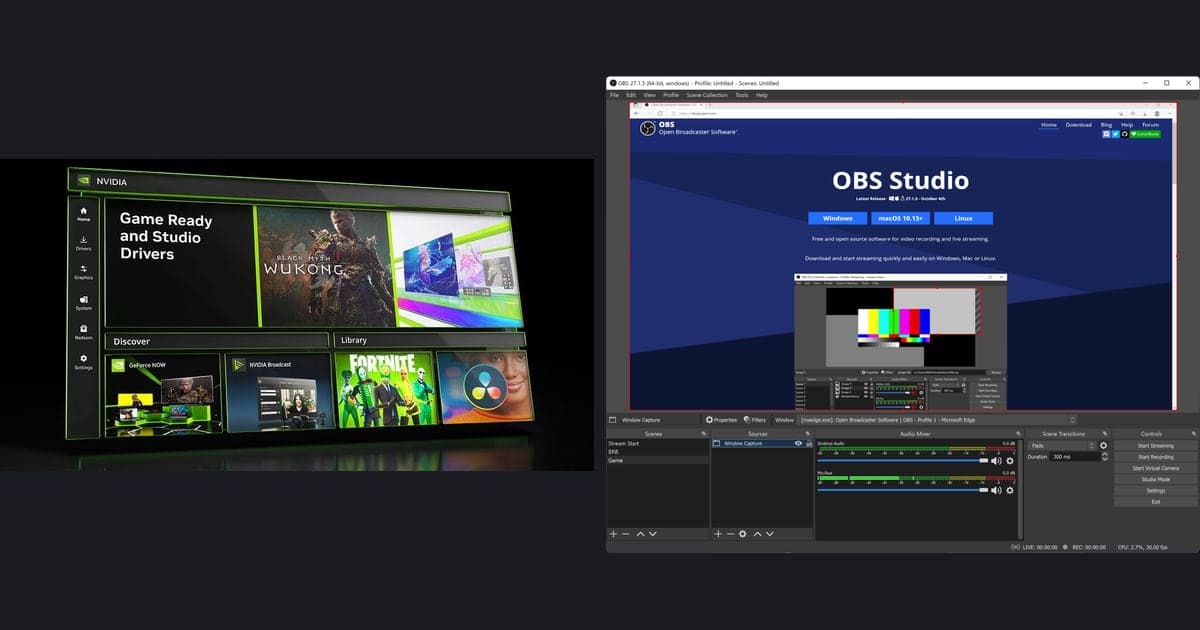
OBS Studio is a great program. It is free and open source, handles both streaming and recording at once, and lets you fine-tune video and audio quality as much as you want. But to enjoy that freedom you have to build scenes and sources yourself and even dial in the encoder by hand, which is definitely complicated for a beginner opening it for the first time. So if you are looking for an OBS alternative, you should first ask: what exactly is bothering you enough to switch? Bottom line, if your goal is streaming and full manual control, you are better off keeping OBS, but if your goal is the convenience of 'install it and it just records for you,' DOR is the right fit.
The real reason OBS feels complicated
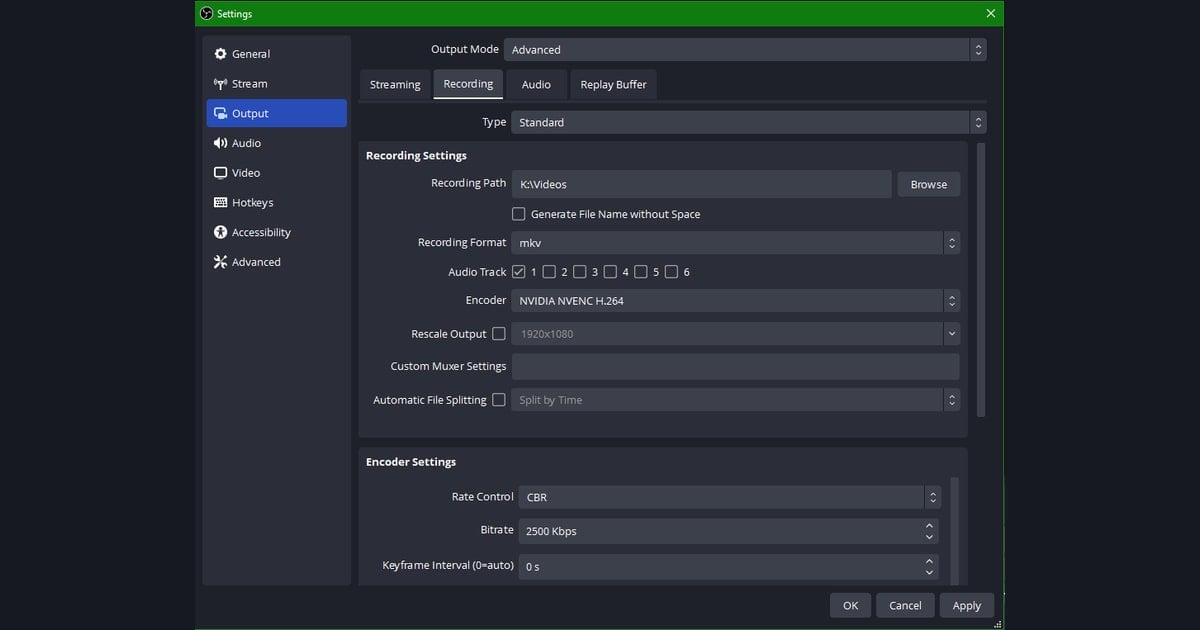
When you install OBS, you are met with a blank screen. You have to add a 'Game Capture' or 'Display Capture' source yourself, then go to Settings, Output, Recording tab and manually set the encoder, bitrate, save path, and format (mp4/mkv) before your first recording works. Beginners often get stuck on things like game capture showing a black screen, or having to assign hotkeys yourself. This is not a bug, it is a design philosophy. OBS is built so you can tweak anything, and the price of that is you have to tweak everything.
Let's honestly admit where OBS still wins
It would be dishonest to trash OBS just because this is an article about alternatives. If you need the items below, there is almost no reason to replace OBS. On the flip side of these strengths is the person who needs an alternative.
- Completely free and open source: no watermark, no time limit, and the code is public, so it is highly trustworthy.
- The de facto standard for streaming (live broadcasting): its streaming workflow is overwhelming, from Twitch and YouTube output to multi-scene switching to overlay and alert integration.
- Full manual control: for people who want to fine-tune everything down to bitrate, audio tracks, and keyframes, the freedom is unmatched.
- Plugin ecosystem: filters, virtual cameras, and all sorts of extensions give it broad extensibility.
OBS alternatives split by purpose
The commonly mentioned OBS alternatives fall into roughly three groups. The 'lightweight manual recording' camp, like Bandicam, is simpler than OBS, but the free version has a watermark and time limit, and you still have to find and cut the best moments yourself. GPU-maker built-in recording tools do offer auto-detection and replay, but they are tied to a specific graphics card. And then there is the camp that aims for 'install it and it automatically records and clips,' which is DOR. The fact that it is designed to eliminate setup is the exact opposite of OBS.
DOR: the alternative that removes setup
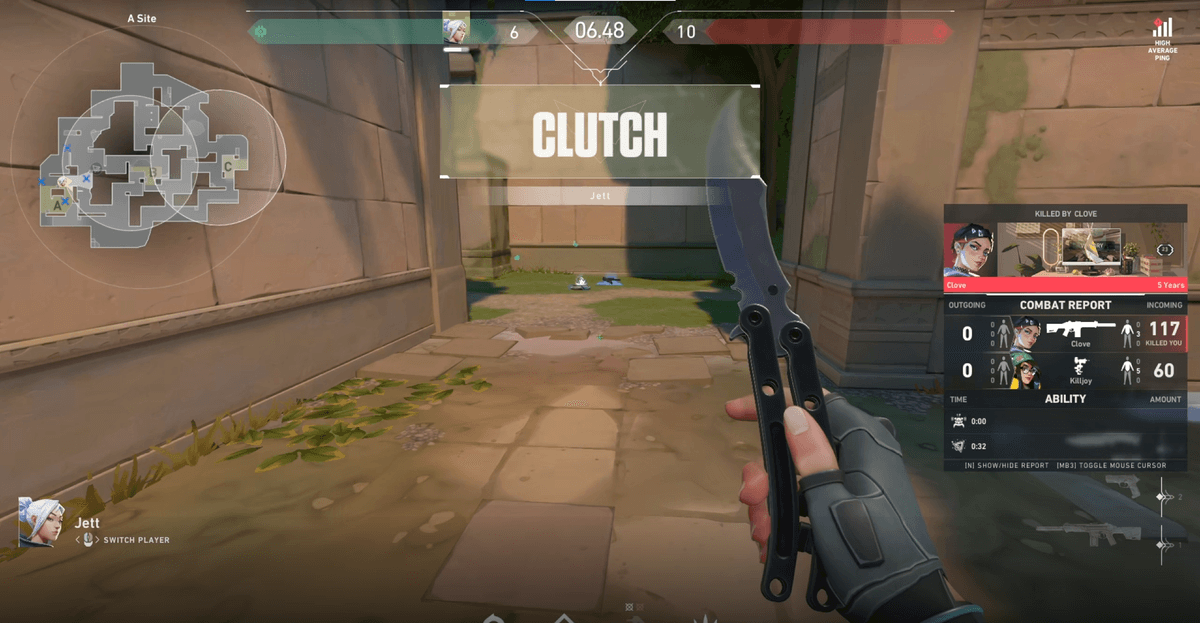
DOR takes the opposite approach to OBS. You do not need to build scenes or sources. Install it, launch your game, and it automatically detects the running game and starts recording. The encoder is NVENC (GPU encoding) based from the start, so you do not have to worry about the process of switching the encoder from x264 to NVENC in OBS to reduce frame loss. And there is no watermark on the result.
- Automatic game detection: launch a game and recording starts on its own. You are less likely to miss a great moment because you forgot to hit record.
- Automatic clips: it automatically cuts moments like kills and highlights and collects them as clips. The editing time spent scrubbing through long recordings to find the right section disappears.
- NVENC by default: GPU encoding is the default, so in-game frame loss is small. There is no setting to touch.
- No watermark: even on the free plan, no logo is burned into your video.
Comparison at a glance
- Setup difficulty -> DOR: install then launch the game, done / OBS: manual scene, source, and encoder setup / others (Bandicam type): medium, mostly buttons but you set the options yourself
- Auto recording and detection -> DOR: automatic game detection / OBS: manual start (it does have a replay buffer) / others: mostly manual
- Automatic clips (highlights) -> DOR: supported / OBS: not supported (edit yourself) / others: mostly not supported
- Default encoder -> DOR: NVENC by default / OBS: often x264 by default (change it yourself) / others: varies by product
- Watermark -> DOR: none / OBS: none / others: often present on the free version
- Streaming and full control -> DOR: specialized in recording and clips / OBS: the best / others: limited
- Price -> DOR: free to start / OBS: completely free and open source / others: paid after free-version limits
So which should you choose
If the point that bothered you about OBS was not 'there are too many streaming settings' but 'even just recording once takes a long time to prepare,' it is time to change direction. Great moments, like an ace round in Valorant or a pentakill in League of Legends, tend to happen when you did not have recording turned on. With DOR, which automatically detects and records the moment you launch a game and even cuts out highlights, you worry less about missing that moment. Conversely, if you seriously stream on Twitch or YouTube, or need to freely handle overlays and multiple scenes, keeping OBS is still the best choice. Choosing an alternative is not about picking 'a better program' but 'the program that better fits my purpose,' so if your goal is automatic recording with no setup, install DOR and play a single match to feel the difference right away.
 #Valorant