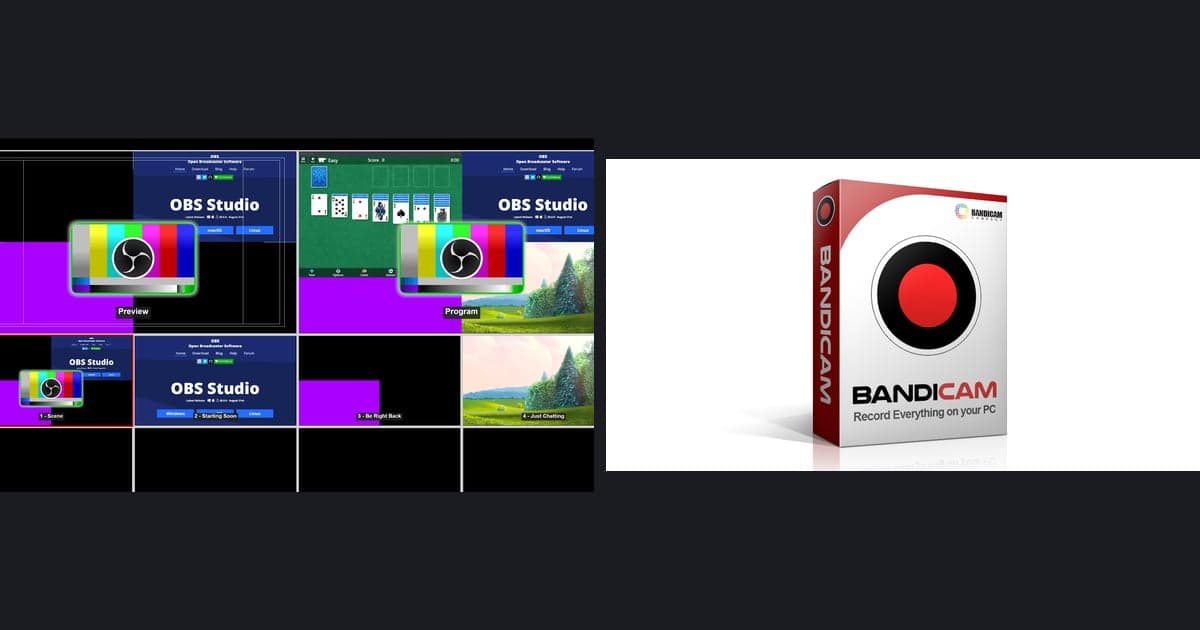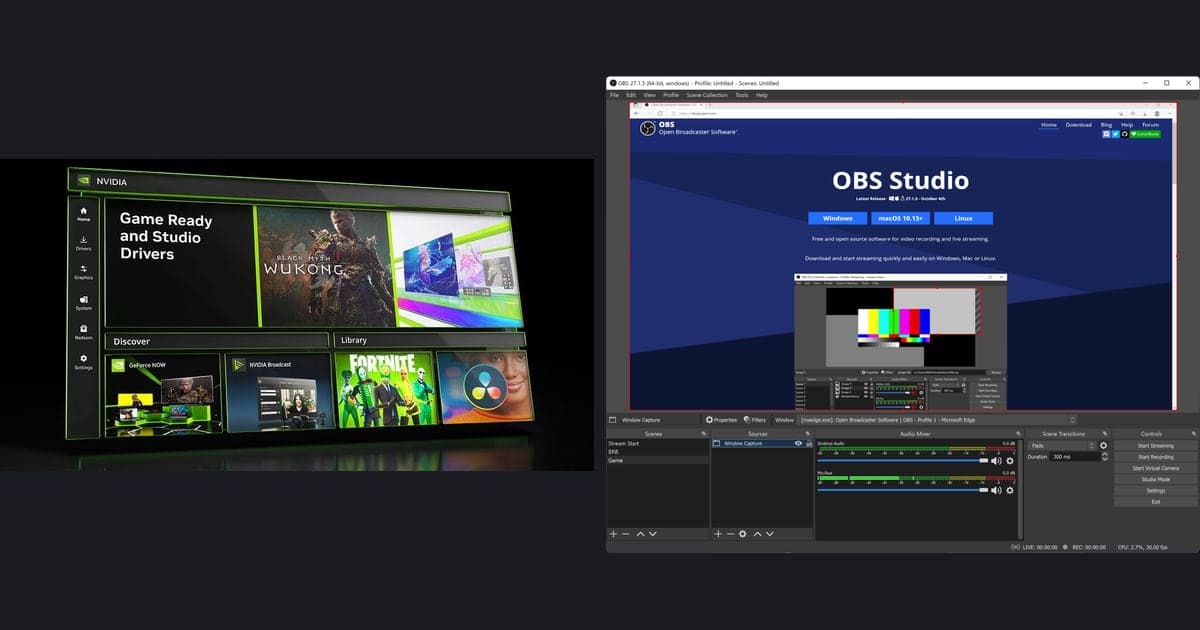
Let's start with the conclusion: the most common reason a logo ends up on your game clip is that you used a recorder that adds a watermark. A large share of free recorders stamp their own logo in a corner of your saved video, and in bad cases cap the recording time to a few minutes and then tell you it unlocks if you pay. A watermark like this, already baked into the original file, is hard to cleanly erase no matter how much you edit later. So the surest method is not to learn a removal technique but to choose a program that does not stamp a watermark from the start. This article honestly compares whether the major recorders leave watermarks and lays out the criteria for choosing a free, watermark-free recorder.
Why do free recorders stamp watermarks?
The reason programs advertised as free add a watermark is simple. The structure puts a logo and a time limit on the free version and makes you pay for the paid version to remove them. The problem is that this logo is not an editing filter or a caption but is melted right into the video pixels. The moment recording ends, the logo is carved into the original file itself, so even blurring or cropping in a later editing step tends to leave a mark or wreck the framing. In the end, the watermark is decided at the stage of choosing a program before you record.
Comparing whether major recorders leave a watermark
We honestly sorted the widely used recorders by watermark and time limit. The standard is not the ad copy but whether a logo remains when you actually save with the free version. They split broadly into two groups.
Programs that record without a watermark
- OBS Studio: as free open-source software it has no watermark at all and no recording time limit. You can finely adjust quality and bitrate, but the initial setup is somewhat complex.
- Windows Game Bar: a recording feature built into Windows 10 and 11, opened with the Windows key and G. It records a game window with no watermark, with no install or sign-up.
- NVIDIA recording (ShadowPlay): if you use a GeForce graphics card, the recording feature included in the driver can save your game with no watermark.
- oCam: a free Korean-made program that supports Korean and has no watermark or recording time limit. The free version, however, shows ads.
- DOR: records completely free, with no watermark and no limit, and even auto-trims your highlights into short clips.
Programs whose free version carries a watermark or time limit
- Bandicam: the free version stamps a Bandicam logo watermark at the top of the video and records only up to 10 minutes at a time. Paying unlocks both.
- GOM Cam: a screen recorder separate from GOM Mix. Check its current plan for free recording terms.
- Fraps: the free version records only up to 30 seconds at a time and shows a logo on screen.
- Camtasia: video exported from the trial carries a watermark, and full use is paid.
Criteria for choosing a watermark-free recorder
If you have seen the comparison, the criteria are practically already set. But having no watermark is not the end; you also have to check whether it is usable for game recording. Check these four things and you can choose without regret.
- Whether the free version's saved result has no logo: record briefly before paying and play it back yourself.
- Whether there is no recording time limit: to keep a whole match, there must be no cap measured in minutes.
- Whether it captures game quality and frame rate properly: check that it records smoothly at least at 1080p and 60fps.
- Whether the setup is not a burden: check how much effort it takes to hit the record button and manage things each time.
DOR is completely free, watermark-free, and unlimited
The one that satisfies all the criteria laid out so far in one go is DOR. DOR is completely free, does not stamp a watermark on your saved video, and has no recording time limit. On top of that, it automatically detects when a game launches, records in the background, and auto-trims key moments like kills, aces, pentakills, and chicken dinners into short clips. Without pressing a record button yourself or opening a separate editing program, when you close the game a Valorant ace or a League of Legends pentakill is piled up in your folder as a watermark-free clip.
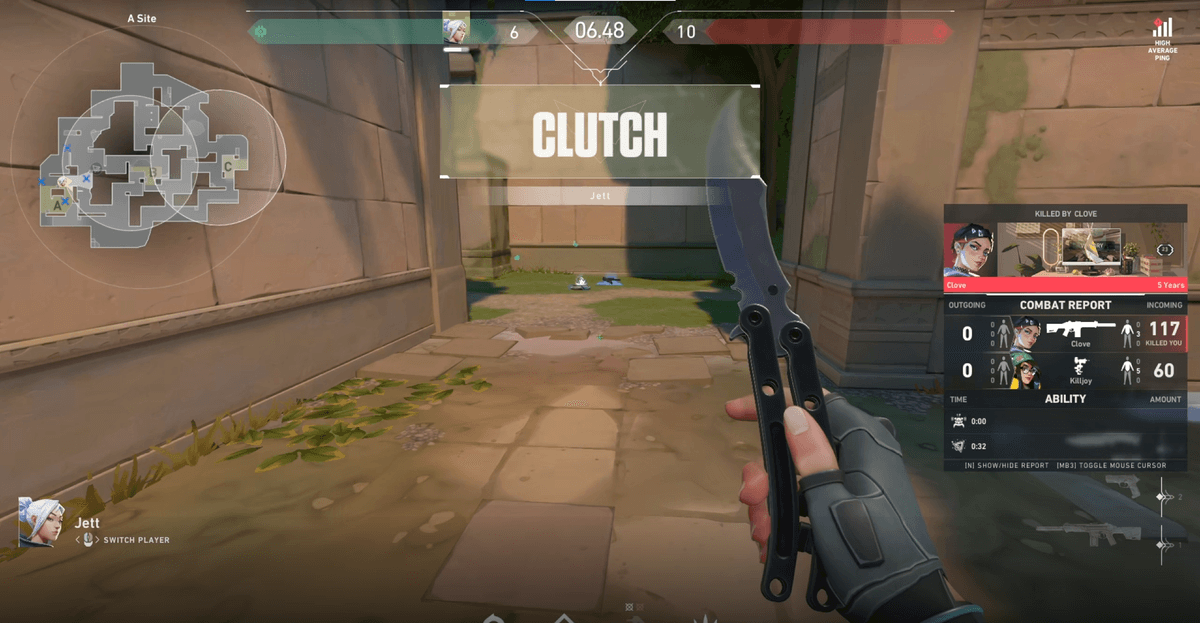
Instead of spending time erasing a logo from watermarked footage, if you choose a program that does not stamp one from the start, that whole process becomes unnecessary. Watermark-free free tools like OBS or Windows Game Bar are good options, and if you want auto-clipping in one go too, DOR is convenient. Check out watermark-free auto-clip examples on your favorite game's page: Valorant, League of Legends.
 #Valorant