Bottom line first: ShadowPlay (as of 2026 merged into the NVIDIA App) is still top tier when you look purely at low-overhead recording and instant replay. Because it processes video with the GPU's dedicated encoder (NVENC), frame loss is nearly zero, and the instant replay, which always holds the last few minutes in the background and saves the moment that just happened with a single hotkey, is genuinely convenient. But exactly two things hold it back. First, it is NVIDIA-GPU only. Second, its automatic detection of best moments, editing, and sharing are weak.
So this article sums it up like this. If you have moved to an AMD Radeon or Intel graphics card, or even if you stay on NVIDIA but want the good moments cut for you and trimmed and shared right away, DOR is a realistic alternative. Conversely, if you use an NVIDIA GPU and just want to record lightly, there is no real reason to switch. We compared the two fully by this standard.
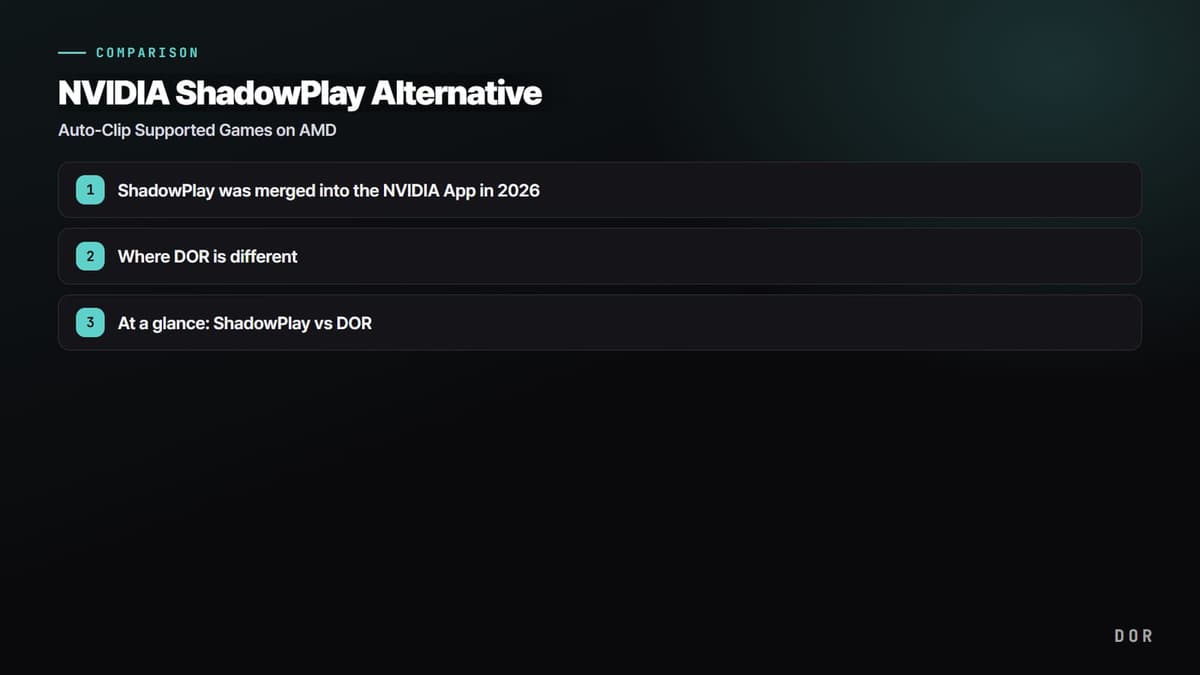
ShadowPlay was merged into the NVIDIA App in 2026
First, some context. ShadowPlay, which was long inside GeForce Experience, was moved to the NVIDIA App through 2025. The name and menu layout changed, but the hotkey (ALT+Z) and core features carry over. If anything, you can now use the overlay and recording without logging in, and it supports the AV1 codec, so file sizes drop noticeably at the same quality. On the latest RTX 40 and 50 series, high-spec recording like 4K 240FPS has opened up too.
In other words, ShadowPlay (the NVIDIA App) as a pure recorder keeps getting stronger even as of 2026. We have no intention of downplaying that. The catch is that all of those strengths stand on the premise of an NVIDIA GPU.
Credit where it's due: low overhead and instant replay are excellent
ShadowPlay's real strengths are two things. One is performance. Because it processes video with the NVENC encoder built into the GPU, game frames drop far less than with CPU encoding (x264). The other is instant replay. It continuously holds the recent window (30 seconds by default, configurable up to 20 minutes) in a buffer, and right after a good moment you just press a hotkey to save that scene to a file. It is one of the best-made features in this category, greatly reducing the cases where you miss a great moment because you did not hit record in advance.
Limit 1: the NVIDIA-GPU-only wall
This is the most decisive limit. ShadowPlay only works if you have an NVIDIA GeForce GPU. Many users have recently moved to AMD Radeon for price and performance reasons, and the moment you switch to Radeon, ShadowPlay simply disappears. The same goes for Intel Arc and integrated graphics. AMD has Adrenalin's own recording feature, but that too is AMD-only, so this time you repeat the same problem in the opposite direction. In effect, you have to relearn your recording habits every time you change GPUs.
Limit 2: automatic detection of best moments, editing, and sharing are weak
Instant replay is convenient, but in the end a person has to press a hotkey at the good moment to save it. That means judging where the best moment is and moving your hand is still on you. There is no feature that automatically detects per-game events like kills, aces, and pentakills and stacks them up as clips. The flow of trimming a saved clip on the spot or posting it straight to a community is also weak. Editing goes to a separate program, and sharing goes through yet another path.
Where DOR is different
DOR's approach starts from the opposite point. The goal is that 'whatever GPU you use, just launch the game and the good moments stack up as clips on their own.' So three things differ from ShadowPlay.
- All-GPU support: it works the same on AMD Radeon and Intel graphics, not just NVIDIA. Even if you change GPUs, your recording environment carries over.
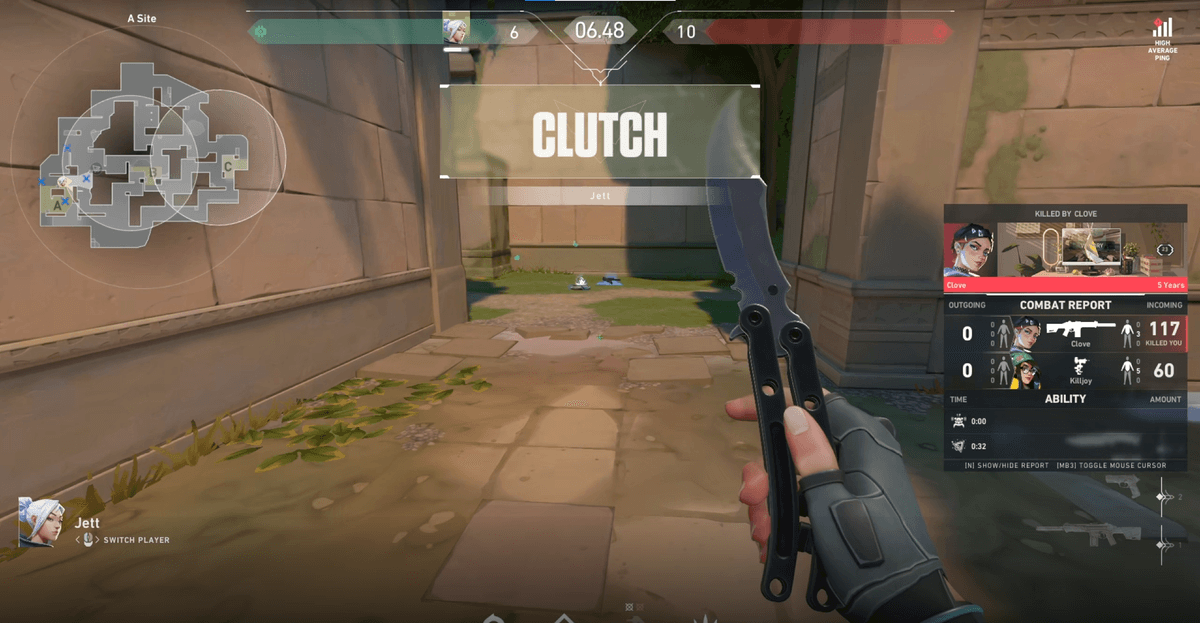
- Automatic game-detection clips: it detects moments per game, like an ace in Valorant, a pentakill in League of Legends, or a chicken dinner in PUBG, and automatically saves clips. You do not miss them even if you fail to press a hotkey.
- Editing and sharing in one flow: you can trim a saved clip on the spot and post it straight to the community to share with other players.
To sum up, if ShadowPlay is strong at 'recording lightly on an NVIDIA GPU and manually saving the scene that just happened,' DOR is strong at 'automatically collecting the best moments regardless of GPU and carrying through to editing and sharing.' They are not overlapping tools; they aim at different points.
At a glance: ShadowPlay vs DOR
- Supported GPUs: ShadowPlay is NVIDIA GeForce only / DOR supports all GPUs, NVIDIA, AMD, and Intel
- Recording overhead: ShadowPlay is very low with NVENC hardware encoding / DOR is low by leveraging hardware encoding
- Saving the scene that just happened: ShadowPlay uses instant replay (manual hotkey) / DOR uses automatic game-event detection clips
- Automatic detection of best moments: ShadowPlay none / DOR automatically detects per-game kills, aces, and highlights
- Editing: ShadowPlay needs a separate program / DOR supports trimming clips directly
- Sharing: ShadowPlay weak / DOR has built-in community sharing
- Price: both free to start, no watermark
Lastly, honestly: if you use an NVIDIA GPU right now and are satisfied with instant replay alone, there is no need to switch. But if you plan to move to AMD, or you are tired of scrubbing through long recordings every time to find the best moments, or you want to trim clips and post them straight to friends and communities, that is the moment to try DOR. Since it does not care which GPU you use, your recording habits carry over even when you change graphics cards next time.
 #Valorant