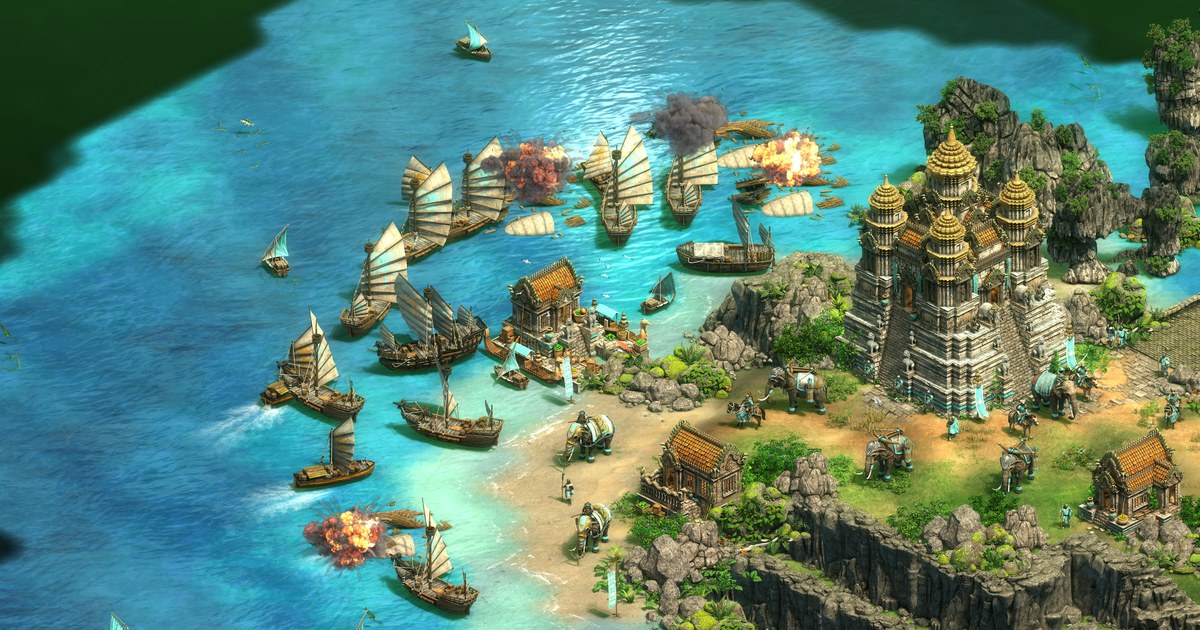

Spectating is what you use when a friend is grinding ranked, when a clanmate is practicing for a tournament, or when you want to study a strong player's build order in real time. Age of Empires II: Definitive Edition lets you watch live matches inside the game, with no extra software.
The short answer: click the Multiplayer icon on the left of the home screen, open Find Custom Game, and switch to the Spectate Games tab to see the matches you can watch right now.
Still, many players end up searching for an AoE2 spectate fix because a friend's game is not listed, the screen stays blank for a long time after joining, or a 'Failed to download match content' error appears.
Most of the time the cause is a spectator setting the host picked in the lobby, or a known issue already listed on the official support site.
This guide is based on the official support articles as of November 29, 2026 and covers where the spectate menu is, which spectator settings the host controls, what to check when spectating fails, how spectating differs from recorded game files, and how to keep a great moment you watched as a video.
Bottom line: pick your friend's match in Spectate Games and wait out the host's delay
Spectating in AoE2 starts from the Multiplayer menu. According to the official support article, Multiplayer offers Ranked, Quick Play, Find Custom Game, and Host Game, and inside Find Custom Game there is a Spectate Games tab. That tab lists matches you can watch to learn from other players.
Pick your friend's match and spectating begins, but when you actually see it depends on the host. When creating a lobby, the host uses Allow Spectators to decide whether anyone may watch, and Spectator Delay to set how long spectators must wait before they can view the match.
That is why one of your friend's games may open quickly while another keeps you waiting. If Hide Civilizations is on, each player's civilization stays hidden until the match begins. Unlike spectating in League of Legends, where the delay is fixed per mode, AoE2 follows whatever the host chose, and that is the biggest difference.
If you watch a friend often, the most reliable approach is to ask them to keep Allow Spectators on and agree on the delay in advance. If you are the host, adding a delay to ranked or tournament practice games is the safer choice so opponents cannot get information through a spectator.
How to spectate a friend's AoE2 game
- 1Open the Multiplayer menuLaunch Age of Empires II: Definitive Edition and click the Multiplayer icon on the left of the home screen. You will see Ranked, Quick Play, Find Custom Game, and Host Game.
- 2Choose the Spectate Games tabGo into Find Custom Game and several tabs appear at the top. Click Spectate Games to see the list of matches you can watch right now.
- 3Pick your friend's matchSelect the match with your friend's name and start spectating. If their lobby is not listed, open the lobby's game ID link your friend sends you instead.
- 4Wait out the spectator delayIf the host set a Spectator Delay, the match only opens after that time. If you are on a Discord call with your friend, their voice may run ahead of what you see.
- 5Note the time of big momentsWhen a Castle Age push or a Wonder defense happens, jot down the game time. After spectating, you can find that part of the recording quickly.
Why AoE2 spectating is missing or failing, by cause (as of November 29, 2026)
| Situation | Cause | Fix |
|---|---|---|
| Your friend is in a game but you cannot spectate | The host turned off Allow Spectators | You cannot watch that match. Ask them to turn on Allow Spectators when they create the next lobby. |
| You joined but the match does not show right away | The host set a Spectator Delay | This is normal, not an error. The match opens once the set time has passed. |
| Your friend's lobby is not in the list | The host used Visibility to limit who sees the lobby in the Lobby Browser | Ask your friend for the lobby's game ID link and open it directly. |
| 'Failed to download match content' error | A known issue when joining through a game ID link or a spectate file | As the official page advises, fully restart the game and try again (tracked on Steam and Microsoft Store). |
| The view will not switch after the watched player resigns | A known issue that stops you from moving to the remaining players | The official support page lists no workaround yet, so watch for a patch. |
| You cannot see civilizations before the start | The host turned on Hide Civilizations | This is normal. Civilizations are revealed when the match begins. |
Check before you spectate
- I asked my friend whether Allow Spectators is on in their lobby
- I know what Spectator Delay the host picked
- I have the game ID link in case the match is not in the list
- If an error appears, I fully restart the game before trying again
- To keep the moment, I launched AoE2 with DOR running
How to save the comeback you watched as a video
If you want to show a friend the comeback or Wonder defense you watched, keep it as a video with DOR.
DOR is a free Windows recording app: when you launch Age of Empires II: Definitive Edition, it detects the game and records everything from launch to exit as one video, collected in the app's My Clips.
Spectating happens inside the same game, so after watching, open that session video in My Clips and jump to the time you noted.
Cut the part you want with the app's trim tool and save it as 16:9, 9:16, or 1:1, then use DOR Studio (dor.gg/studio) to combine scenes, add text, BGM, and effects such as Shake Zoom and Punch Zoom, and export an mp4 or share a dor.gg link. There is no watermark on the result.
On supported NVIDIA graphics cards such as the RTX series, DOR records with NVENC hardware encoding. Tips for picking the decisive fight from an hour long match are in sharing an AoE2 comeback video, and the order for trimming idle stretches from a long video is in cutting the boring parts of gameplay videos.