DOR press kit
Boilerplate, verified facts, logos and screenshots you can use in articles, videos and write-ups.
Facts at a glance
| Product | DOR, by DOR Corporation |
| In one line | A free Windows app that records PC games and saves your best moments as clips |
| Platform | Windows 10 or later desktop app, plus a browser video editor (no install) |
| Price | Free. No watermark, no limit on recording time or clip count |
| Supported games | 33 PC games, full list on the games page |
| How it records | Auto-detects supported games and records full matches as mp4; kills and highlights are clipped automatically in 7 games |
| Encoding and audio | NVENC hardware encoding on NVIDIA graphics cards; game sound and microphone are recorded together |
| Editing and sharing | Trim in the in-app library, share by link, free browser editor (trim, merge, text, music, effects) |
| Website languages | Korean, English, Japanese, Simplified and Traditional Chinese, Vietnamese |
| Partner programs | NVIDIA Inception, Samsung C-Lab |
Boilerplate (copy and use)
DOR is a free Windows app that automatically records PC games and saves highlights as clips.
DOR is a free Windows app that auto-detects supported PC games, records your matches and saves highlights as clips. It adds no watermark and has no recording time limit, and your videos can be shared by link or polished in a free browser editor.
DOR, made by DOR Corporation, is a game recording and clipping app for Windows PCs. When you launch one of the 33 supported games, DOR detects it automatically and records the full match as an mp4 file, and in 7 of those games it also clips kills and highlight moments automatically. On NVIDIA graphics cards it records with NVENC hardware encoding, capturing game sound and the microphone together. The app is free with no watermark, and saved videos can be shared by link or finished in a browser editor, with no install, that offers trimming, merging, text, music and effects.
Key features
| Auto-detect and full-match recording | Launch a supported game and DOR detects it and records the whole match as mp4. |
| Automatic kill and highlight clips | In some games, kills and highlight moments are cut and saved automatically. |
| Game sound and microphone | Records game audio and your microphone together, with NVENC by default on NVIDIA graphics cards. |
| Trim and share by link | Set a start and end in the in-app library; shared links also play in mobile browsers. |
| Free browser editor | Trim, merge, change the aspect ratio (16:9, 1:1, 9:16, 3:4), add text, background music and effects, with no install. |
How clips are saved, by game
Every supported game gets full-match recording. Only the way clips are created differs by game.
| Method | How it works | Games |
|---|---|---|
| Automatic clips | Kills and highlight moments are detected and saved as clips automatically | Valorant, League of Legends, PUBG: Battlegrounds, Overwatch, FC Online, Fortnite, Counter-Strike |
| One tap | Press a hotkey right after a great play to save the moment you just made | Teamfight Tactics, Roblox, Minecraft, Sudden Attack, Apex Legends, Rainbow Six Siege, Eternal Return, Delta Force, Marvel Rivals, Battlefield 6, ARC Raiders, GTA V, MapleStory, Dota 2, Crimson Desert, EA SPORTS FC 26, Palworld, Rust, Dead by Daylight, StarCraft, Destiny 2, FiveM, PEAK, MECCHA CHAMELEON, Slay the Spire 2, The Binding of Isaac: Rebirth |
Logos and screenshots
Official images you can use in articles and videos. Please do not stretch or recolor the logo.




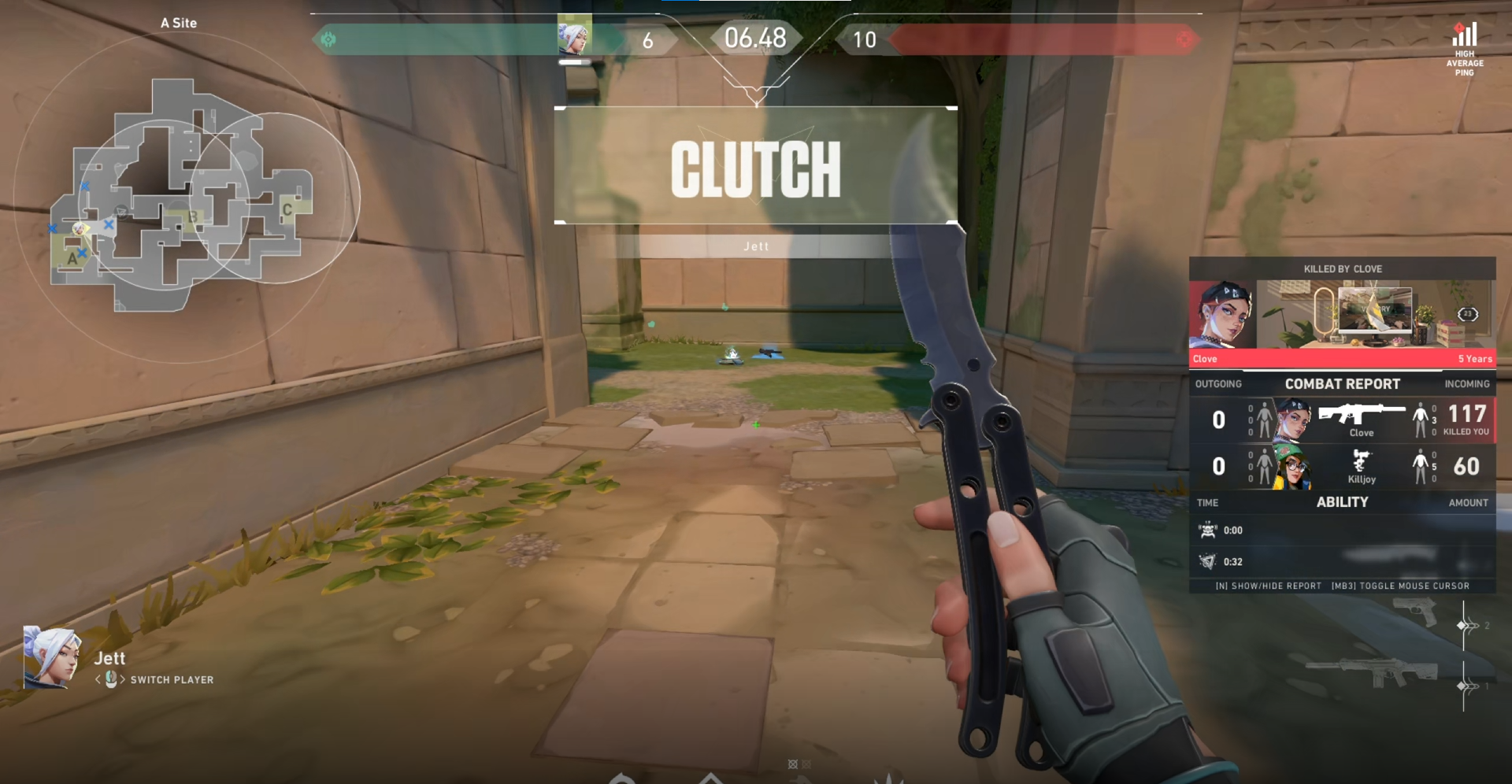
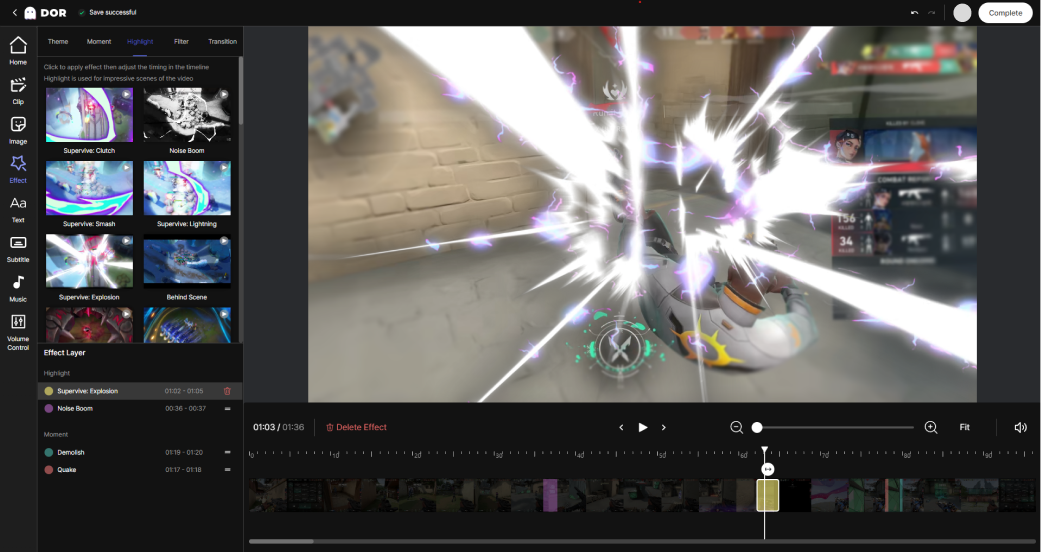
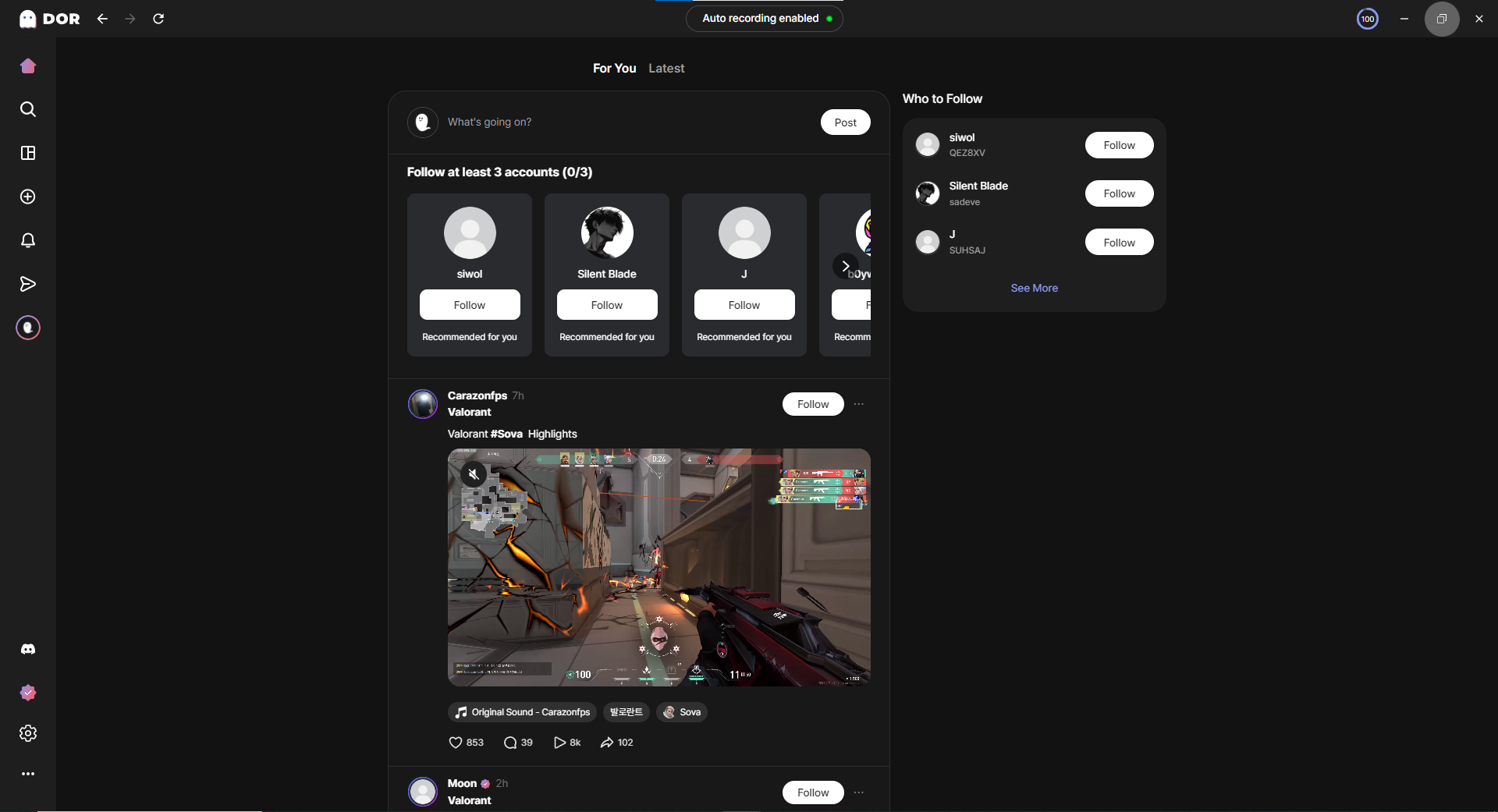
Game footage shown in screenshots belongs to each game publisher.
Frequently asked questions
What is DOR?
DOR is a free Windows app that automatically records PC games and saves highlights as clips. Saved videos can be shared by link or polished in a free browser editor.
Is DOR free? Does it add a watermark?
It is free and adds no watermark. There is no limit on recording time or clip count beyond your storage space.
Which games does DOR support?
DOR supports 33 PC games, and in 7 of them kills and highlights are saved as clips automatically. The full list is on the games page.
Does DOR work on Mac or mobile?
The recording app is for Windows 10 or later. The browser editor works on the web with no install.
Does it affect game performance?
DOR uses low-overhead background capture, designed to keep the impact on in-game FPS small.
Contact and official channels
For partnerships, coverage and image-use questions, please use the official channels below.
When citing
Product information follows this page. Supported games and features can change, so please check the official site for the latest.
Last updated 2026-10-07