If you turned around a game you were losing on resources with one Castle Age fight in Age of Empires II: Definitive Edition, you will want to show it to the teammates who fought beside you, or to the opponent who typed gg. AoE2 DE is a real-time strategy game for Windows published by Xbox Game Studios, with campaigns, online matches and co-op play. With the October 2026 app update, it became a DOR 'Full-play recording' game. Launch it and DOR detects it automatically and saves everything from launch to exit as one video. This guide covers how to find and trim the moment that decided a team game from a recording that can run close to an hour.
Decide how to record based on how many games you will play
An AoE2 game can be 20 minutes or well over an hour, and if you queue several ranked or team games back to back, all of them go into one recording. If you plan to play team games all evening, leave recording on and note the result and rough time after each game so you can find it later. On days when you are slowly playing through a campaign and do not expect anything worth sending, switch this game's recording off in settings. For general checks that keep hours-long sessions recording smoothly, see the long gameplay recording guide.
Finding the deciding fight in a team game recording and sending it
- 1Check recording and disk before team gamesIn DOR settings, confirm AoE2 DE is on under 'Full-play recording' and that you have comfortably more than 20GB free. Then launch the game on your Windows PC; automatic detection starts recording, and it continues until you close the game.
- 2Note the result and time after each gameSeveral games end up in one recording, so whenever a match ends and the stats screen appears, jot down the result and the rough time. Later, jump to the stats screen of the game you won and rewind a little to land on its late game.
- 3Split one game into four parts by age-upEach time you advance an age, the age indicator at the top of the screen changes and a notice appears. Splitting the recording at those points puts Feudal rushes near the start, Castle Age fights in the middle and Imperial clashes near the end.
- 4Start fight clips when the army gathersA clip of just the fight does not show why you won. Start a few seconds earlier, when you gather your army and move out, and run to the moment enemy buildings fall or their army breaks: 40 to 60 seconds lets teammates follow the flow.
- 5Keep 16:9 so the minimap stays visibleAoE2 shows the minimap at the bottom and resources and population at the top. A 9:16 cut drops that information and the scale of the fight gets lost, so trim team videos at 16:9 and make a separate vertical clip only for something focused on one spot, like a knight charge.
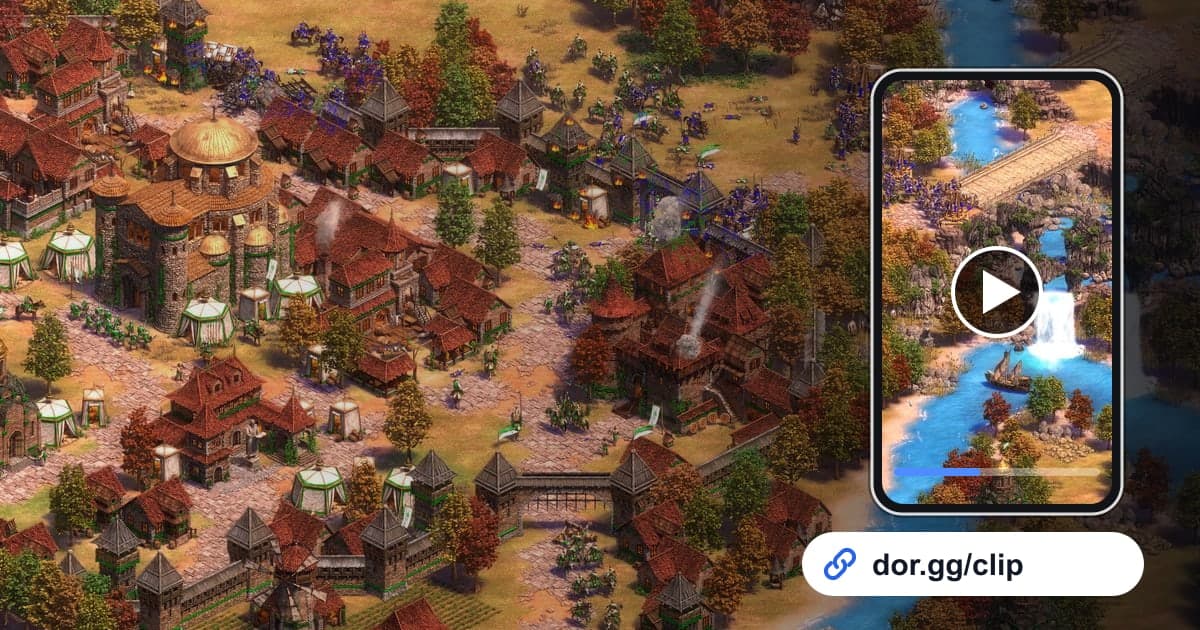
- 6Send the link and plan the next gameThe trimmed video can be shared as a dor.gg link. Paste it into team chat or a messenger, and teammates watch it in a browser with no app, which makes it easy to talk through the next game, such as when to gather your army.
Scenes worth keeping in each AoE2 age
| Age or phase | Scene worth sending | Where to look and how long |
|---|---|---|
| Dark Age | Early scouting and harassing enemy villagers | First few minutes, 20-30 seconds |
| Feudal Age | An archer or infantry rush into the enemy base | Right after the age-up notice, 30-60 seconds |
| Castle Age | Knights or siege tearing down an enemy castle | Around the building collapse, 40-60 seconds |
| Imperial Age | The final clash of two big armies that decided it | Late game at full population, 1-2 minutes |
| Wonder | Holding your Wonder or finally razing theirs | Fighting around the Wonder, 30-60 seconds |
| Campaign mission | Beating a tough mission and seeing the victory | End of the recording, 15-30 seconds |
Check before you send
- AoE2 DE is switched on under 'Full-play recording' in settings.
- On multi-game days, you noted each result and when it ended.
- The fight clip starts when the army gathers.
- You trimmed at 16:9 so the minimap and resources are visible.
- Wonder or campaign clips include the screen that shows the result.
- You cleared plenty of disk space on days you expect long games.
How DOR records AoE2
DOR is a free Windows desktop app. When you launch Age of Empires II: Definitive Edition, it detects the game automatically and records until you close it as one mp4 video; it does not cut fights or wins into automatic highlights. You find the scenes yourself in the app library and trim them, and choosing 16:9, 9:16 or 1:1 creates a dor.gg link. Tips for setting start and end points are in how to trim game clips. Game sound and microphone are recorded together, so your voice telling the team where to gather before the fight stays in the video. If your mic level or background noise worries you, check how to record game sound and mic together first. To bundle highlights from several games into one piece, merge them in DOR Studio in your browser and add text for each game.