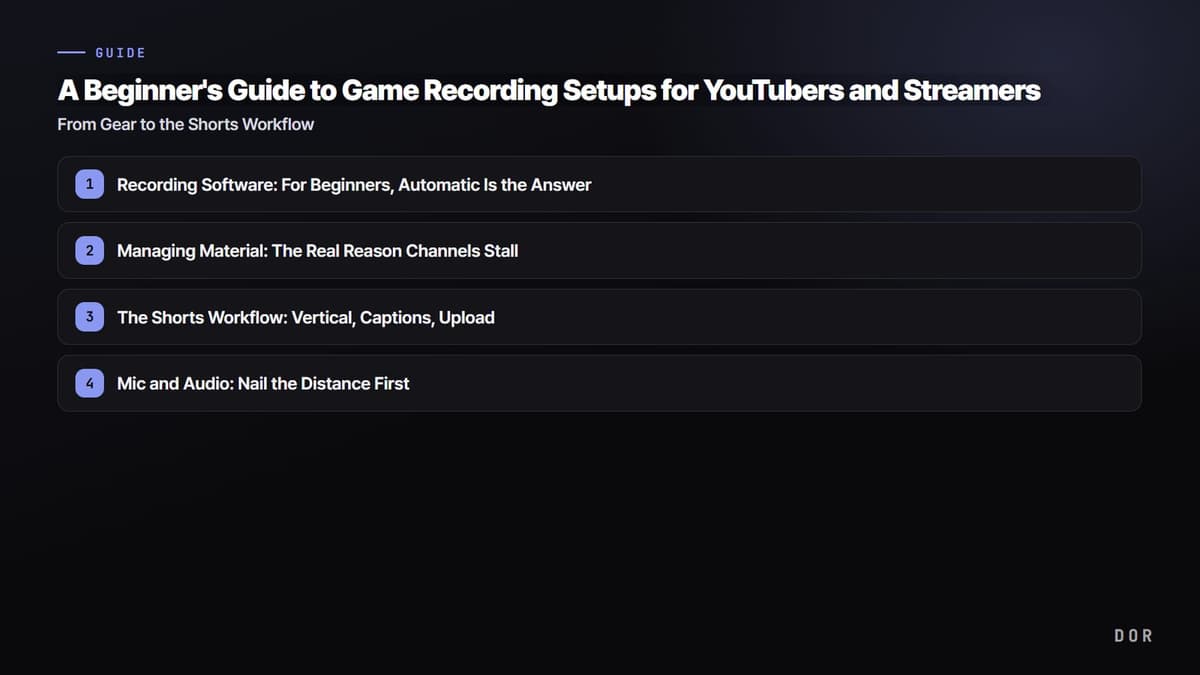
Search for how to start making game content and the first thing you'll run into is a vibe of "you have to buy gear first." But the one thing people who actually grew their channels have in common isn't good gear; it's that they "posted consistently." This is a beginner's guide for first-time game YouTubers and streamers, laying out, before you spend big money, what to set up and how so you can keep posting without stopping, in the order of recording software, PC specs, managing material, Shorts, and audio.
Here's the core message up front: at the start, building "a structure where recording doesn't break and material piles up" matters far more than "being good at editing." Aim for a perfectly fully-edited video right out of the gate and most people burn out and quit after two or three episodes.
1. Recording Software: For Beginners, Automatic Is the Answer
Recording software broadly splits into the manual approach, where you set everything up yourself like in OBS, and the automatic approach, where it detects your game and creates recordings and clips on its own, like DOR. Bottom line: for beginners just starting out with content, automatic is overwhelmingly more time-efficient.
OBS Manual Approach: High Flexibility, but There's a Barrier to Entry
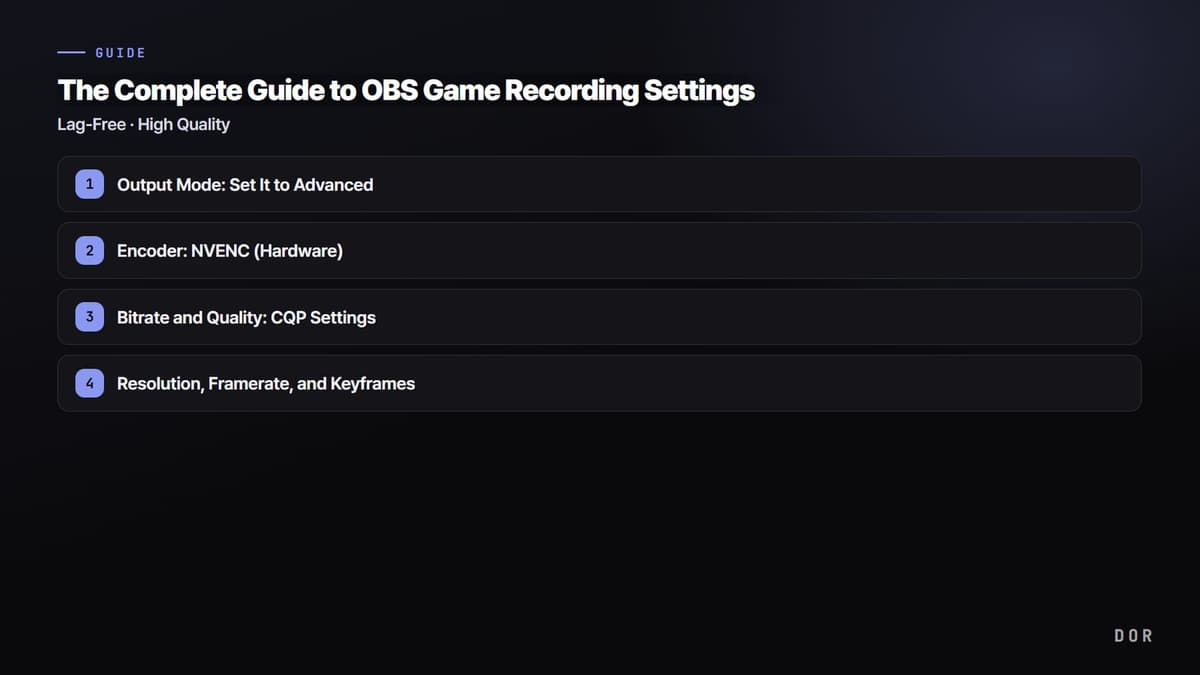
OBS Studio is the completely free, most flexible standard tool. But you have to build scenes and sources yourself, set up the encoder (x264 or NVENC), bitrate, and save path by hand, and even memorize the record hotkey before your first video comes out. If you're going to stream seriously or build out a detailed layout, you'll end up on OBS eventually, but at the beginner stage of "I just want to save my gameplay as video," this setup process itself becomes a wall that delays getting started.
DOR Automatic Approach: Just Launch a Game and Clips Pile Up
Install DOR and it automatically detects when a game launches, records in the background, and cuts key moments like kills, aces, and pentakills into short clips on its own. There's no record button to press and no hotkey to memorize, so just launch and play Valorant or League of Legends like usual, and when you're done the highlights are already gathered. It structurally eliminates the problem beginners hit most often: "an amazing moment happened, but I lost it because I didn't have recording on."
2. Recommended PC Specs: It's Not About Being Expensive, NVENC Is the Key
The most common misconception in recording for beginners is "you have to build a high-spec PC first." In reality, what determines smooth recording isn't pricey parts, it's whether the GPU handles the encoding for you.
GPU: A GeForce with NVENC Is Enough
NVIDIA GeForce graphics cards have a dedicated recording encoding chip called NVENC. Use it and the video encoding load shifts from the CPU to that dedicated GPU chip, letting you record while barely dropping your game's framerate. The GTX 16 series and every RTX generation have NVENC, so you don't need the latest, most expensive graphics card. DOR uses this NVENC hardware encoding by default, so it records with little frame loss even on a low-spec PC.
CPU, RAM, and Storage: 16GB of RAM and an SSD
As for the CPU, if it's a PC that runs games, it's generally enough, because NVENC takes the encoding off its hands so you don't need to pour in a much bigger CPU. For RAM, we recommend 16GB. 8GB can record, but it gets tight when you run your game, recording, and a browser at once. The most frequently overlooked piece is storage: always save recording files to an SSD. Video writes tens of MB per second, so recording straight to a slow HDD can leave the write speed unable to keep up, causing dropped frames or corrupted files. Keep saving full videos and you'll pile up several GB an hour, so an approach that saves only short highlight clips automatically is better for storage management too.
3. Managing Material: The Real Reason Channels Stall
The most common reason a beginner channel stalls isn't editing skill or planning ability, it's simply "running out of things to post." When you consciously turn recording on and off every time, the good games end up with recording off, and when you actually go to edit, there are no usable moments. It happens over and over.
This is where automatic clips play a decisive role. Keep DOR on and just play like usual, and a PUBG chicken dinner moment or a Valorant ace round stacks up as a clip on its own. Play for just a week and you've got dozens of clips waiting in a folder to be edited, so "I have nothing to post this week" rarely even comes up. Always having material left over means you can keep posting consistently.
4. The Shorts Workflow: Vertical, Captions, Upload
These days the fastest path to reach for a game channel is vertical short-form like Shorts and Reels. Fortunately, there are only three simple rules a beginner needs to follow.
- Vertical (9:16): Fit horizontal clips into a vertical frame so the key play sits in the center of the screen. With material that's already cut short, like automatic clips, this is much faster.
- Captions: Many viewers watch on mute, so captions are essentially a must. Use a mobile editing app's auto-captions and it's done in a minute.
- Length and upload: Trim to 15 to 40 seconds of just the essentials, and put the strongest moment in the first 1 to 2 seconds. Post a vertical clip you make once to YouTube Shorts, Instagram Reels, and TikTok together to expand reach.
Rather than spending days editing a single full video, a flow of cutting automatically stacked clips vertically, slapping on captions, and posting one a day is far more sustainable for a beginner.
5. Mic and Audio: Nail the Distance First
Audio is an area where, surprisingly, the "amateur" tell shows up even faster than picture quality. That said, you don't need to buy an expensive mic from the start.
The Distance Between Your Mouth and the Mic Determines Sound Quality
With the same mic, being far from your mouth picks up room echo and keyboard noise and sounds muffled, while being close makes your voice crisp. Whether it's a gaming headset mic or a cheap USB mic, just keeping it within a hand's width of your mouth dramatically improves sound quality. Start with the headset you already have, and once your channel finds its footing, upgrading to a USB mic in the $10 to $50 range isn't too late.
Separate the Game and Mic Audio at the Recording Stage
If you plan to edit, it's better to record the game sound and mic sound separately, because you can later lower one side's volume or boost just your voice. OBS requires you to split the audio tracks and assign them yourself, but the key thing is the habit of "testing once that the mic is actually coming through before you record." The most common mistake beginners make is recording for ages without realizing the mic is muted.
Wrapping Up: Consistency, Not the Setup, Grows a Channel
We've covered recording software, PC specs, managing material, Shorts, and audio, but in the end what matters most is "posting continuously." That's why, the earlier the stage, the more a low-effort setup, a structure where material piles up automatically the moment you launch a game, works in your favor. Saving the energy you'd spend on settings and the record button and putting it into posting content is the most realistic way to keep your channel alive a year from now.
Check out the recommended recording settings and automatic clip examples on the page for the game you mainly play: Valorant, League of Legends, PUBG.