
Why the Same Sensitivity Feels Different in Every Game
Type your PUBG sensitivity number straight into Valorant and it will feel like a completely different setting. The reason is simple: every game defines a different amount of rotation per unit of sensitivity. Some games are designed for fine adjustment in increments of 0.1, while others use double-digit numbers by default. In other words, a sensitivity number is a unit that only means something inside its own game, not a shared standard you can compare across titles. Your active DPI profile, FOV-dependent on-screen feel, and each game's scoped-sensitivity scaling add more differences. Resolution and FOV do not change the physical hipfire cm/360 formula by themselves, although they can change how the same rotation looks. That is why converting sensitivity means recalculating based on how far your hand actually moves, not copying a number.
eDPI = DPI x In-Game Sensitivity
- eDPI (effective DPI) is your mouse DPI multiplied by your in-game sensitivity value. At 800 DPI with 0.4 sensitivity, your eDPI is 320.
- eDPI works because DPI and in-game sensitivity offset each other. Someone at 400 DPI with 0.8 and someone at 800 DPI with 0.4 share the same eDPI and effectively the same feel.
- That said, eDPI is only a valid comparison within the same game. Change games and the meaning of one unit of sensitivity changes, so two players at 320 eDPI can have completely different sensitivities.
- This is exactly why people list DPI alongside in-game sensitivity when sharing settings. Ask for the sensitivity number alone and you get half the information.
Why cm/360 Is the Real Standard
The most trustworthy standard for cross-game conversion is cm/360. It expresses how many centimeters your mouse must travel to spin your character exactly one full circle. Because this is a real physical distance rather than an internal game unit, its meaning holds no matter which game you are in. Aim itself is memorized as movement distance in your wrist and arm, so how many centimeters you travel across the pad is effectively your aim. A lower cm/360 means high sensitivity, covering large rotation in little distance; a higher one means low sensitivity. When converting sensitivity, think of preserving this cm/360 value as the whole objective.
How to Convert Sensitivity Between Games (Step-by-Step Example)
- Step 1. Write down your current setup precisely. You need two things: your mouse DPI and your current in-game sensitivity value. For this example, assume 800 DPI and a PUBG general sensitivity of 50. If you still need a PUBG starting value, set one with the PUBG sensitivity settings guide first.
- Step 2. Measure your current cm/360. Direct measurement is the most reliable method. Lay a ruler on your pad and measure how far you move the mouse for your character to complete exactly one rotation. Lining your crosshair up on a specific spot on a wall and timing the moment you return to it reduces error.
- Step 3. In the new game, set a rough sensitivity and measure cm/360 the same way. For this example, say 0.5 sensitivity produced 30cm.
- Step 4. Solve for the target sensitivity with a simple proportion. Target sensitivity = current sensitivity x (measured cm/360 / target cm/360). If your target is 25cm, that gives 0.5 x (30 / 25) = 0.6.
- Step 5. Apply the calculated value and measure cm/360 again. FOV changes on-screen feel, not the physical hipfire formula itself. If you change a scope multiplier, remeasure cm/360 for that mode.
- The numbers above are illustrative and exist to show the flow of the calculation. Each game's internal coefficients can shift with patches or settings, so treating your own measurements as the source of truth is always safest.
What Happens to Sensitivity If You Drop From 800 to 400 DPI?
This case is straightforward, because all you have to do is preserve your eDPI. If you were running 800 DPI at 0.4, your eDPI is 320, and dropping to 400 DPI means entering 320 divided by 400, or 0.8, as your in-game sensitivity. Halve the DPI and the sensitivity doubles. Go the other way to 1600 DPI and your sensitivity halves to 0.2. You might reasonably ask why bother changing DPI at all if the feel stays identical. The difference is that lower DPI produces less sensor noise while higher DPI offers finer movement resolution. Modern sensors are stable enough anywhere between 400 and 1600, so you really just need to avoid the extremes.
Sensitivity calculator
Match real 360° mouse travel instead of relying on eDPI alone.
Target DPI is included to preserve the same hipfire cm/360.
Input environment calibrationLock mouse software and PC settings, then correct the model with a real measurement.0/3 manually checked
Enter the mouse travel for exactly one in-game turn to use it instead of the theoretical distance.
Observed effective DPI is a diagnostic value that also includes measurement error and the input path, not a sensor specification.
A web page cannot read G Hub, Synapse, or Windows mouse settings automatically. Verify the items above manually.
Polling rate changes latency and smoothness; FOV and resolution change perception. None of them belongs in the physical cm/360 formula.
Matching cm/360 preserves hipfire turn distance only. FOV, ADS, zoom, and acceleration can still change perceived aim.
| Game | Turn coefficient (yaw) | vs. Valorant sens |
|---|---|---|
| Valorant | 0.07 | ×1.00 (base) |
| CS2 | 0.022 | ×3.18 |
| Apex Legends | 0.022 | ×3.18 |
| Overwatch 2 | 0.0066 | ×10.61 |
Watch Out for Sensitivity Scale Differences Between Games
How to Adapt After Converting
- After switching, spend about 10 minutes hitting static targets in the range or a practice mode to let your hand adjust first. Jump straight into ranked and you will not be able to tell a sensitivity issue from a plain mistake.
- Practice 180-degree turns repeatedly. When you turn around and land looking exactly the opposite direction, the sensitivity has settled into your hand.
- Building the habit of starting from a consistent position on your mousepad makes a converted sensitivity feel natural much faster.
- Do not keep fiddling during the adaptation period. Lock it in for at least a few days before judging whether the value actually fits.
- If it still feels off, fine-tune within 5 percent. Make a big jump and you have to start the adaptation process all over again.
Comparing Before and After Clips With DOR
Whether a sensitivity fits is far easier to judge on video than by feel. Record your gameplay with DOR and you can put a fight played on your old sensitivity next to one played on the converted value. The things to look for are clear: has overshooting, where your crosshair sails past the target and snaps back, decreased, or has undershooting appeared, where you fall short and push in several small corrections? Frequent overshooting means the sensitivity is still too high; frequent undershooting means it is too low. DOR is free and lets you save only the highlight segment, so collecting a handful of duel clips on every day you adjust lets you narrow down your ideal value with actual data. This comparison helps most in games with distinct per-weapon recoil patterns, such as Valorant or PUBG.
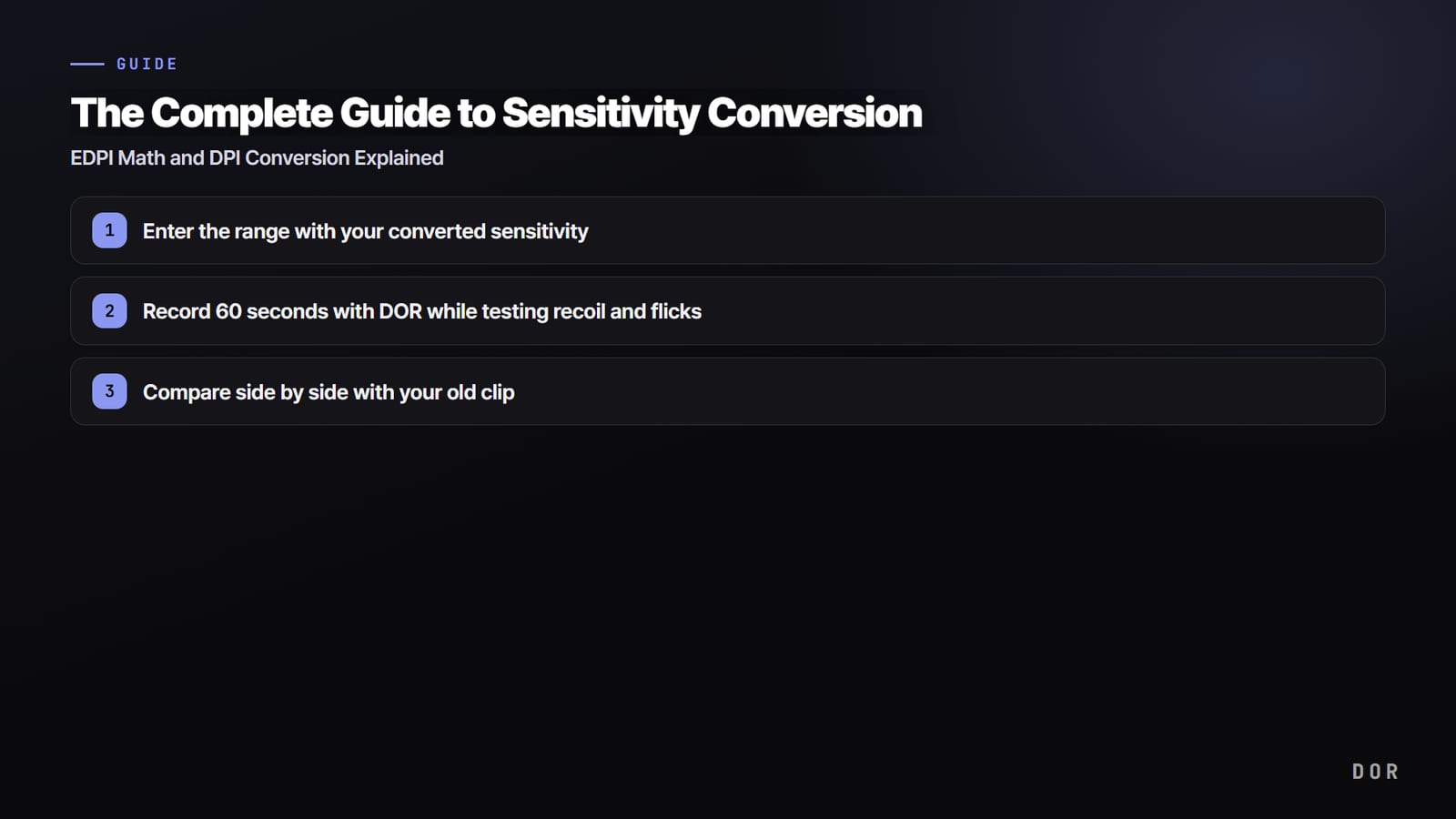
- 1Enter the range with your converted sensitivityType in the value from the calculator and jump into a firing range or practice mode.
- 2Record 60 seconds with DOR while testing recoil and flicksRepeat recoil control and quick flicks while capturing the screen.
- 3Compare side by side with your old clipIf it feels too fast or slow next to the old clip, adjust eDPI by 5–10% and test again.
Wrapping Up
Sensitivity conversion comes down to three lines. eDPI is DPI multiplied by in-game sensitivity, and it is a comparison standard within a single game. When games differ, the answer is matching cm/360, the mouse distance needed for one full rotation. When only DPI changes, adjust sensitivity inversely so your eDPI stays constant. Numbers from a calculator are a starting point; finalize with a measurement in the range and with real gunfight clips. The distance your hand remembers is your real sensitivity, not the number.