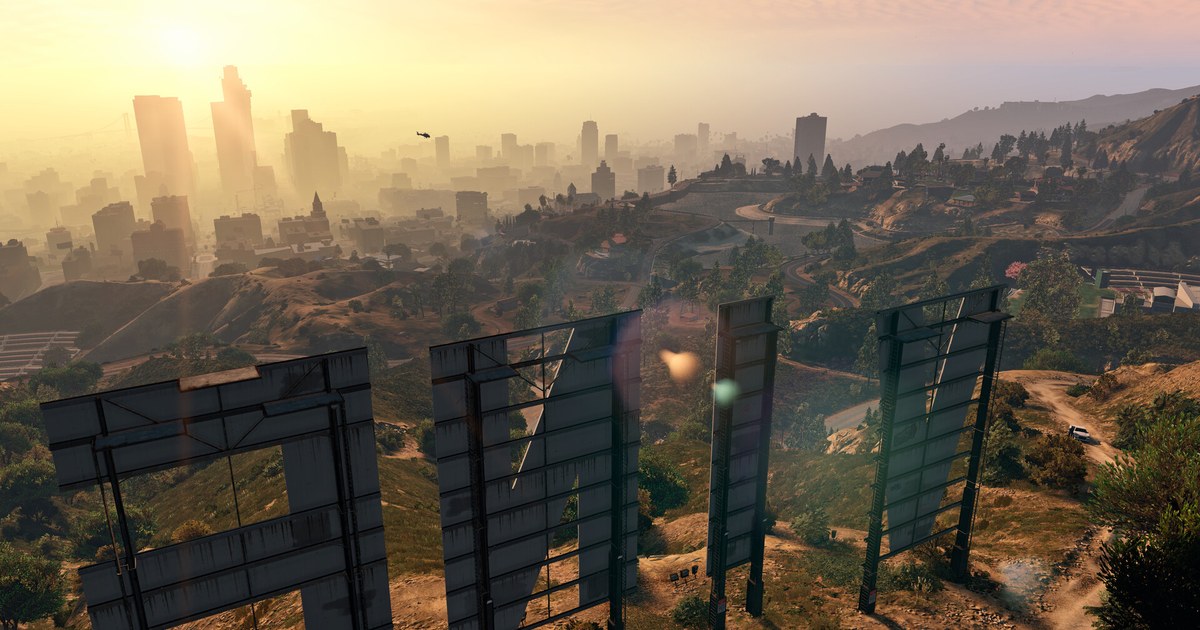

The short answer: install GTA 5 Enhanced if your PC can run it, and stay on Legacy if it cannot. Enhanced arrived on March 4, 2025 as a free upgrade for existing PC owners, and buying the game on Steam includes Legacy as well, so you can choose which one to launch.
Enhanced adds ray tracing, DLSS and FSR support, faster loading through SSD and DirectStorage, and Dolby Atmos. The trade-off is that it requires an SSD even at the minimum spec and a GPU with 4GB of VRAM, and GTA Online sessions on the two versions cannot meet each other.
This guide covers what actually differs between the two PC versions of GTA 5, and which one fits which PC and which way of playing. It also covers the things people regret after choosing: mods, FiveM and the one-time progress transfer.
The exact storage figures and minimum and recommended specs are laid out in a table in GTA 5 install size and system requirements, so this article sticks to the differences and how to choose.
Short answer: Enhanced if your PC can run it, check mods and FiveM first
Choose Enhanced if your graphics card has at least 4GB of VRAM (GTX 1630 or RX 6400 class), you have 8GB of RAM or more, and you can install the game on an SSD. You get ray tracing options plus DLSS and FSR, and loading is faster on an SSD.
If your VRAM is below 4GB or you only have a hard drive, Legacy is the right pick, and Rockstar said it will keep supporting Legacy for exactly those PCs. One more thing to decide is who you play with.
GTA Online is separate between the two versions, so you need to be on the same version as your friends to share a session. If you rely on single player mods or play on FiveM servers, check which version your mods and server support before you commit. If frame rate is the problem, follow the official order in how to boost GTA 5 FPS first.
GTA 5 PC Enhanced vs Legacy at a glance (as of Nov 24, 2026)
| Item | Enhanced | Legacy |
|---|---|---|
| Release and bundle | March 4, 2025, free upgrade for existing PC owners | 2015 PC release, included when you buy Enhanced on Steam |
| Graphics | Ray tracing (AO, GI, shadows, reflections), DLSS and FSR | 2015 PC options, resolutions up to 4K and beyond at 60fps |
| Storage drive | SSD required from the minimum spec, DirectStorage SSD recommended | No SSD requirement listed |
| Space and specs | 105GB, minimum 8GB RAM and 4GB VRAM | 125GB, minimum 4GB RAM and 1GB VRAM |
| GTA Online | Enhanced content such as Hao's Special Works, separate sessions from Legacy | Sessions only with other Legacy players |
| Mods | Support is per version, Enhanced needs its own tools | Most older mods target Legacy |
| FiveM | Early access since July 21, 2026, separate client | The existing FiveM keeps working |
| Progress transfer | One-time transfer of story and online progress, cannot be undone | Legacy progress stays after the transfer |
Last check before you choose a version
- Your GPU has at least 4GB of VRAM and you have 8GB of RAM or more
- The drive you install on is an SSD
- Your friends play the same version
- Your mods and FiveM server support that version
- You know the progress transfer happens once and cannot be undone
How to decide which version to use
- 1Check your PC specs and drive typeOpen the Performance tab in Task Manager and note your GPU VRAM, RAM and whether the install drive is an SSD. If you have 4GB of VRAM, 8GB of RAM and an SSD, Enhanced is a candidate. Compare the numbers with the table in GTA 5 install size and system requirements.
- 2Match the version your friends useGTA Online is separate between Enhanced and Legacy, so players on different versions cannot join the same session. Ask your usual group which version they play and pick the same one.
- 3Check mod and FiveM supportLook at the download page of each mod for the version it targets, Enhanced or Legacy. If you play on a FiveM server, check which version that server supports too. Picking a version they do not support can leave mods or the server unable to run.
- 4Decide whether to move your Legacy progressStory mode and GTA Online progress can each be moved from Legacy to Enhanced once, and the transfer cannot be undone. Your Legacy progress is not deleted. Decide which version you will keep playing before you transfer.
- 5Install it and check your frame rateInstall your chosen version on an SSD and launch it. If frames are short, work through how to boost GTA 5 FPS and treat ray tracing as the first option to turn down.
Keeping your GTA 5 sessions as video
On either version, leave DOR on and your GTA 5 play is recorded automatically from launch until you close the game, and the recordings gather in My Clips in the app. You can cut just the moments you want from a long recording, in 16:9, 9:16 or 1:1.
In DOR Studio (dor.gg/studio) you can merge videos, add text, BGM and effects such as shake zoom, then export an mp4 or share a link, with no watermark on the result. The full flow is in how to record GTA 5 and how to share GTA 5 gameplay videos. If you want to capture ray tracing, make sure your frame rate holds up first.