To put the conclusion first, killcams and deathcams flash by in an instant, so if you want to see them again you need a recording. A killcam is a screen that briefly replays the moment a takedown just happened. Whether it's the moment you took down an enemy or the moment an enemy took you down, it flickers by in just a few seconds and then vanishes. The problem is that each game shows this scene differently. Some games play it briefly the instant you die, while others have no killcam at all and require you to open the match record separately. In this article we'll sort out the terms first, then walk through how to capture those moments as clips in Valorant, CS2, and PUBG, game by game.
What Are Killcams and Deathcams? A Quick Rundown of the Terms
A killcam is, literally, the camera on the moment a takedown happened. When a takedown occurs, the game replays the few seconds just before it to show who shot from where and how. The viewpoint usually comes from the side that made the takedown, that is, the person who fired. So typically, what plays for the person who was taken down is a killcam (deathcam): a brief replay of the moment you fall, seen from the viewpoint of the opponent who got you.
A deathcam (death cam) is the expression that, within this, focuses on the side that died, meaning you. In other words, a deathcam is a screen that briefly shows the moment an enemy took you down, usually from the position of the opponent who killed you. To sum up, killcam is the broad term for the whole takedown moment, while deathcam is the term that focuses on your point of death within it. Only the direction is reversed; both share the same trait of passing in a few seconds and being hard to save.
Killcams and Deathcams Differ by Game, and How to Save the Moment
Valorant: No Killcam, Just Spectating After Death
Valorant has no separate killcam sequence that plays automatically the instant you die. When you fall, you naturally transition to spectating a living teammate's viewpoint, and you tend to infer the position and movement of the opponent who got you from this spectator screen and minimap info. In other words, in Valorant, recording that moment as video from the start is practically the only sure way to rewatch your kill scene or death scene. If you pulled off a great aim shot or got taken down unfairly, rewinding the recording is far more accurate than relying on memory.
CS2: Demo (.dem) Replays Instead of a Killcam
Counter-Strike likewise doesn't provide a constant killcam that pops up the instant you die in competitive by default. Instead, CS2 leaves a demo (.dem) file that fully recreates the entire match once it ends, so you can open the demo and rewatch the moments you made a takedown or got taken down from a free viewpoint. However, a demo isn't a finished video but data that recreates the match, so on its own it doesn't become an mp4 you can send to a friend or edit. Only by recording the screen while playing back the demo does it finally become a video file.
PUBG: Check the Direction With the Deathcam, Save by Recording
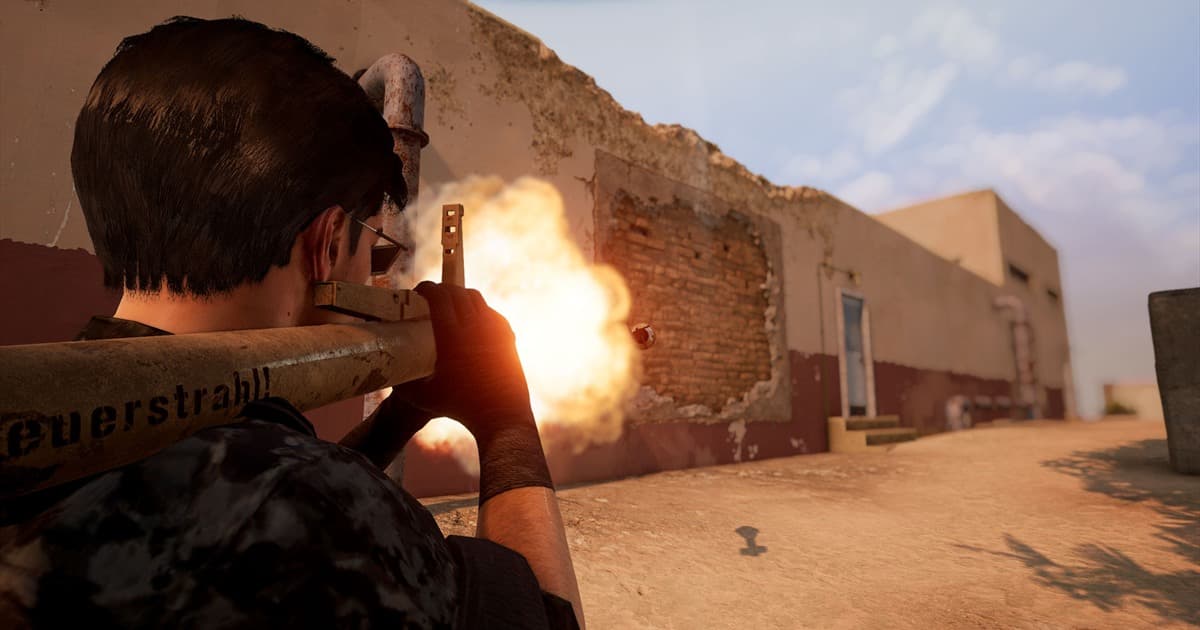
PUBG is the closest to a true deathcam among the three games. Right after you fall, it briefly shows the position and shooting of the opponent who took you down, so you can get an immediate sense of roughly which direction and distance you were hit from. That said, this deathcam is short and can't be recalled, so it's for checking the direction, not for saving. If you want to keep that scene, the answer in the end is recording your screen while you play.
Killcams Are Split-Second; Recording Is What It Takes to Save Them
Looking at the three games, the methods differ but the conclusion is the same. Whether it's a killcam or a deathcam, on its own it isn't a saved file but a screen that flashes by for a moment. Valorant has no killcam at all, and CS2 demos and PUBG deathcams don't come straight out as mp4 either. So to truly make a great kill moment or an unfair death scene your own, recording your screen while you play is the surest method regardless of the game. The problem is you can't know in advance when a highlight-worthy scene will happen, so manually hitting the record button every time or memorizing hotkeys is realistically easy to miss.
DOR: Automatically Detects the Moment of a Kill and Turns It Into a Clip
DOR solves this problem with automation. Install DOR and it detects when a game launches on its own, records in the background, and automatically cuts key moments like kills into short clips and saves them. Whether or not a killcam pops up, whether or not a deathcam passes by in a flash, the actual moment itself is saved as an mp4 clip, so you'll never miss a killcam. There's no need to turn on recording ahead of time, and no need to be disappointed after a highlight-worthy scene. Even games with wildly different killcam approaches like Valorant, CS2, and PUBG are, from DOR's standpoint, simply detected the same way as a kill moment and saved as a clip. It's free, and there's no watermark on the video.
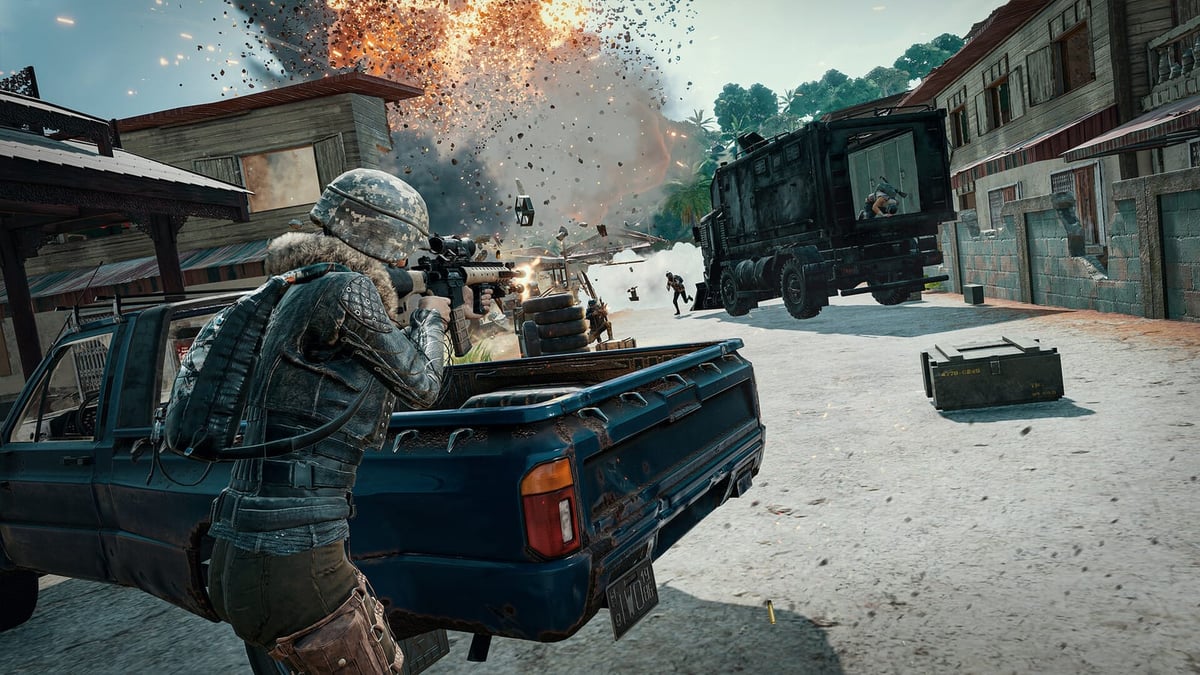
To sum up, a killcam is a screen that briefly shows the moment of a takedown, and a deathcam is the expression that focuses on your point of death within it. Both pass in an instant and aren't saved on their own, and Valorant, CS2, and PUBG even handle them differently from one another. So the way to truly capture those moments ultimately converges on one thing, recording, and if you use DOR alongside it, kill moments pile up as automatic clips with no effort needed. Check the recommended settings and automatic clip examples on the pages for the games you play often, Valorant, Counter-Strike, PUBG.
 #Valorant