When you play games, the best moments always seem to happen when you were not recording. Even if you land a clutch or pull off a team fight you want to rewatch, that moment is gone for good if you did not hit record beforehand. DOR's auto recording aims to eliminate this problem entirely, because all you have to do is launch the game and DOR starts recording for you.
What Is Auto Recording
Auto recording is a method where the program decides on its own whether a game is running and starts and stops recording, without you having to turn it on and off manually. The key is that no human hand is involved. While you focus on your game, recording runs quietly in the background, and once you finish playing you simply check the saved footage.
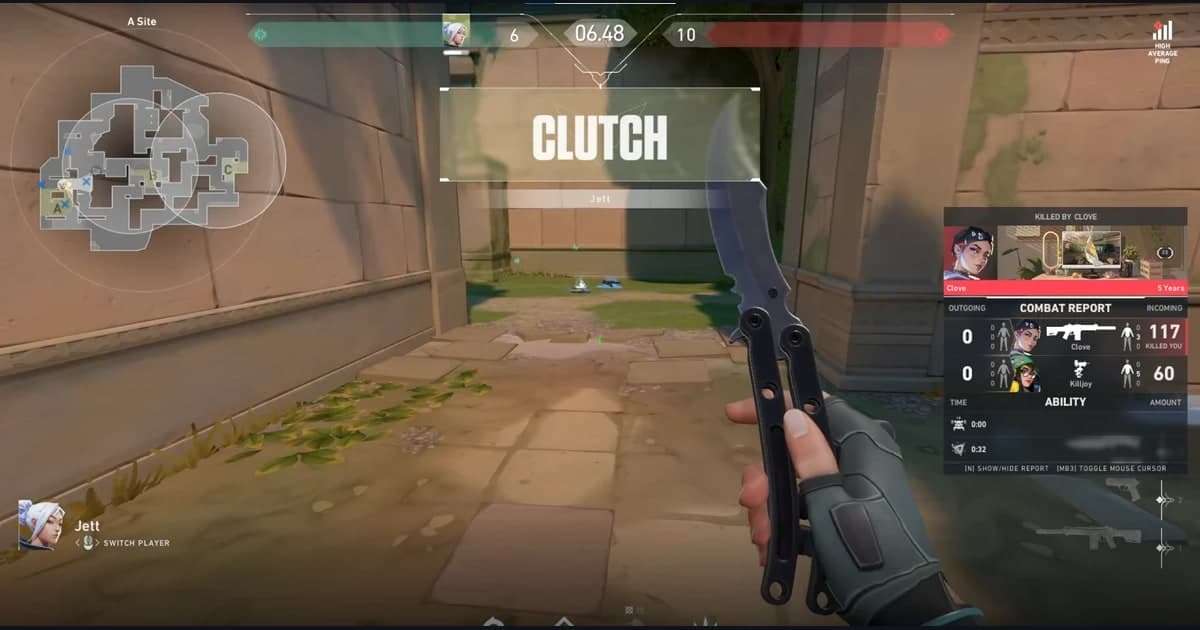
This approach fits competitive games especially well, where every moment counts. In games like Valorant and League of Legends, where several decisive moments happen within a single match, the instant you forget to hit record you lose the chance to ever see that moment again.
The Hassle of Manual Recording
Recording manually with a tool like OBS is powerful, but there are many steps you have to handle yourself every time. Before launching a game, you have to open the program, check your scenes and sources, and then press the record button. When you finish playing, you have to press stop again, and you repeat this process every single time you play.
- When you get absorbed in the game, you often forget to press the record button.
- Sometimes you do not press stop after a match ends, so you record long stretches you do not need.
- Every time you switch between games, you have to recheck your settings.
- The decisive moments mostly happen in the matches where you did not have recording turned on.
In the end, manual recording is flexible if you stay on top of it, but it has the weakness of relying on your memory and habits. This is exactly the point where DOR's auto recording steps in to solve it for you.
Here Is How DOR Auto Recording Works
Once you have DOR running, the rest of the process flows almost entirely on its own. The only thing you need to worry about is the first install and launch, and from then on recording follows the rhythm of you starting and closing your games. Two things get saved: a full-match video covering the whole game from launch to exit stays in your library, and highlight moments like kills are cut into separate short clips. If the clip side is what you care about, see our comparison of game clipping programs.
- Game detection: When you launch a supported game, DOR detects it.
- Auto start: When the game begins, recording turns on automatically. There is no separate button to press.
- Auto stop: When you close the game, recording stops with it and the footage is saved.
- Review your saves: After you finish playing, just pick the moments you want to rewatch from the list of saved footage.
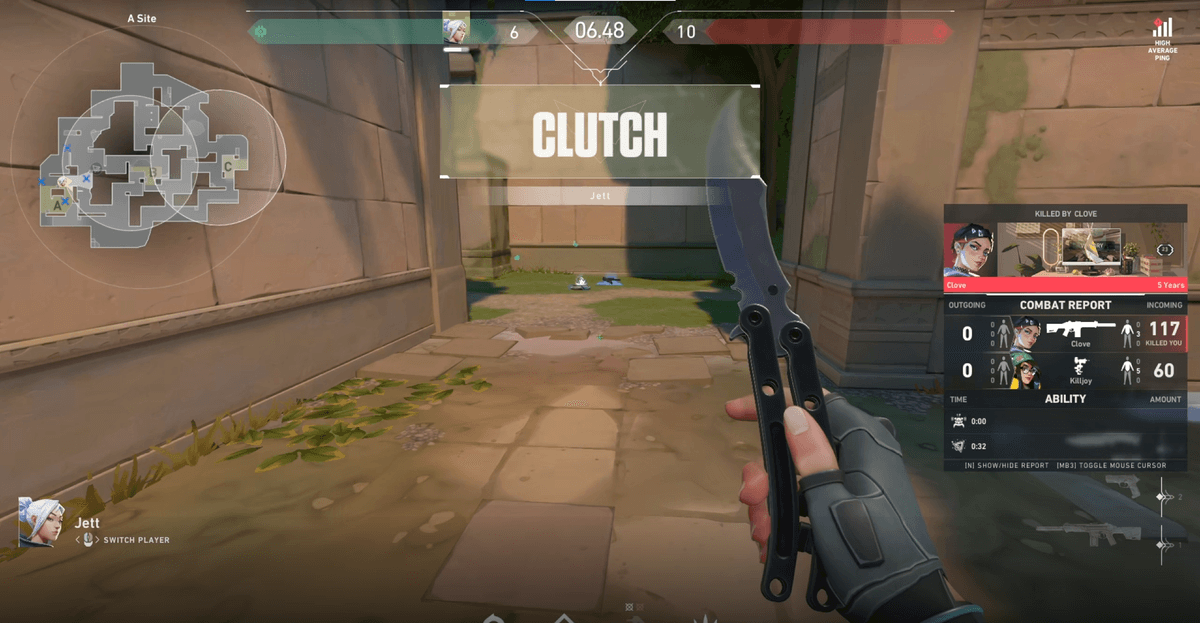
Setting up automatic game recording: a one-time checklist
- Install and launch: install the Windows desktop app and run it. From then on, launching a supported game is all it takes to start recording.
- Startup: let DOR launch together with your PC so recording is ready from the first match of the day.
- Audio: game sound and your microphone can be recorded together, so you do not need another program to keep your team's voice reactions.
- Encoding: NVENC hardware encoding is the default, so you can start with low overhead without memorizing quality or bitrate values.
Managing storage for auto recording: full-match videos and highlight clips
Because recordings pile up every time you play, the next thing to think about is storage. DOR keeps two kinds of files: a full-match video covering the whole game, and highlight clips cut short around moments like kills. The full-match videos are what grow, so the basic routine is to keep only the matches you will rewatch and clear the rest from your saved list.
| What is saved | What it contains | Size behavior | How to manage it |
|---|---|---|---|
| Full-match video | The whole game from launch to exit | Grows with length and bitrate (e.g. about 1.8GB for 30 minutes at 8Mbps) | Keep only the matches you will rewatch and clear the rest |
| Highlight clips | A short window around moments like kills | Short, so little storage per match | Keep only what you will share or edit |
Light on Low-End PCs and No Watermark
If you hear that it keeps recording automatically, you might worry your computer will slow down. DOR reduces this load by using NVENC hardware encoding. Because the graphics card's dedicated encoder handles the video processing, it causes less frame drop and lag than methods that put heavy load on the CPU.
As a result, even without a high-end PC, it is much easier to keep recording on while playing frame-sensitive games like Overwatch. You have less reason to worry about the game itself stuttering because of recording.
On top of that, footage saved with DOR carries no watermark. Since there is no logo stamped in a corner of the screen, you can freely rewatch a saved clip, send it to a friend, or use it as editing material without any hesitation.
- NVENC hardware encoding reduces CPU load and frame drop.
- It is light enough to keep recording on while playing, even on low-end PCs.
- Saved footage has no watermark, so you can keep and share it as is.
- It is free to use.
Wrap-Up
DOR's auto recording is a feature that takes the act of turning recording on and off off your plate entirely. When you launch a game it detects it and starts, and when you close it, it stops on its own. NVENC hardware encoding keeps the load light on low-end machines, and there is no watermark. If you have often felt the sting of missing a highlight, it is worth trying a method that saves everything the moment you launch the game, instead of remembering the button every time.
More on automatic game recording: clips, comparisons, and per-game examples
- Game clip software compared: if you want only kill and ace moments as clips rather than the whole match, continue there.
- When OBS is too complicated and free game recorder comparison: manual recording tools and automatic recording side by side.
- Per-game auto recording examples: see what gets saved on the Valorant, PUBG, and League of Legends pages.
 #Valorant