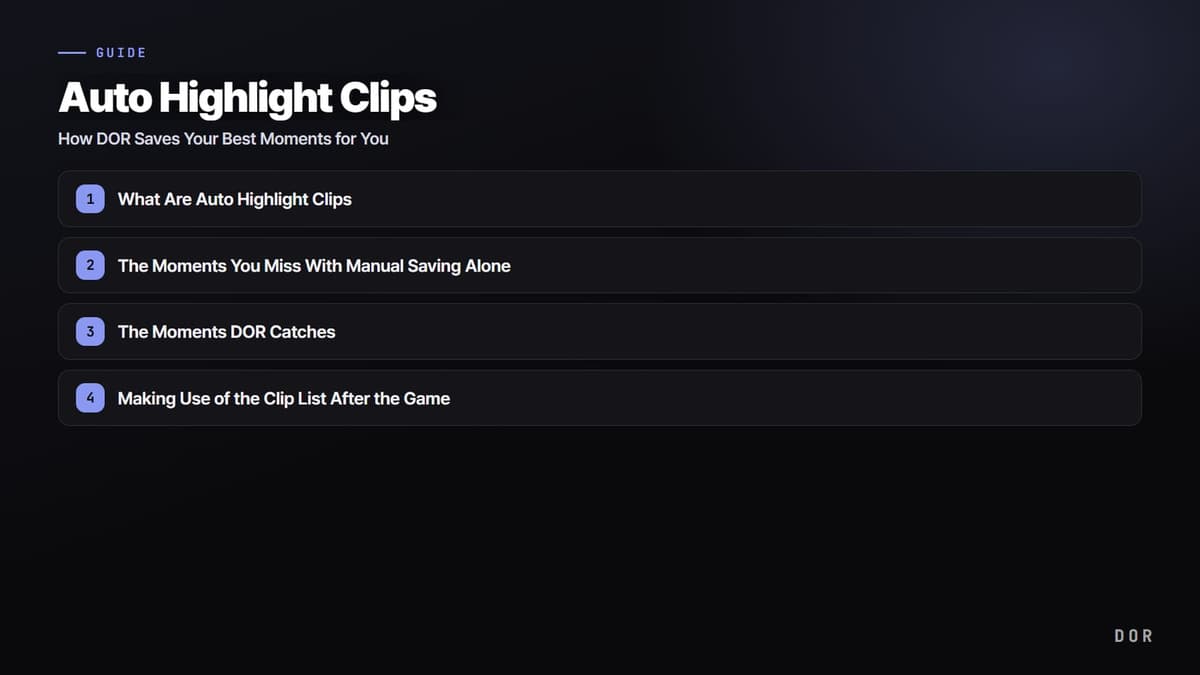
What Are Auto Highlight Clips
Auto highlight clips is a feature, available in seven supported games, where DOR recognizes the best moments happening during your game on its own and saves them as short clips. Even without manually marking the moments you want to rewatch later, like landing a kill or making a big play in a team fight, DOR catches them automatically. While you focus on your game, the highlights pile up behind the scenes.
The key is detection. DOR recognizes in-game events like kills and trims the segment around them into a single clip. So when the game ends, instead of digging through one long video, you are met with a list of clips already split by moment.
The Moments You Miss With Manual Saving Alone
To keep a good moment, you usually have to press a save shortcut after the decisive moment has passed. The problem is that at that very moment you are focused on the fight and have no room to press a button. Everyone has felt the regret of thinking "I should have saved that" only after a great play was already over.
- Your hands are tied up in the fight, so you miss the save key at the decisive moment.
- In a tense team fight, there is no time to even register what just happened.
- To keep several moments, you have to mind your save timing throughout the whole game.
Auto highlight clips lifts the burden of that save timing. Since DOR handles detecting and saving the best moments, you only have to focus on the game.
The Moments DOR Catches
Auto highlight clips work in seven games: League of Legends, VALORANT, PUBG: BATTLEGROUNDS, Fortnite, Counter-Strike 2, Overwatch and FC Online, and the events DOR detects differ by game. Other supported games are recorded as full matches, and you trim the moments you want yourself.
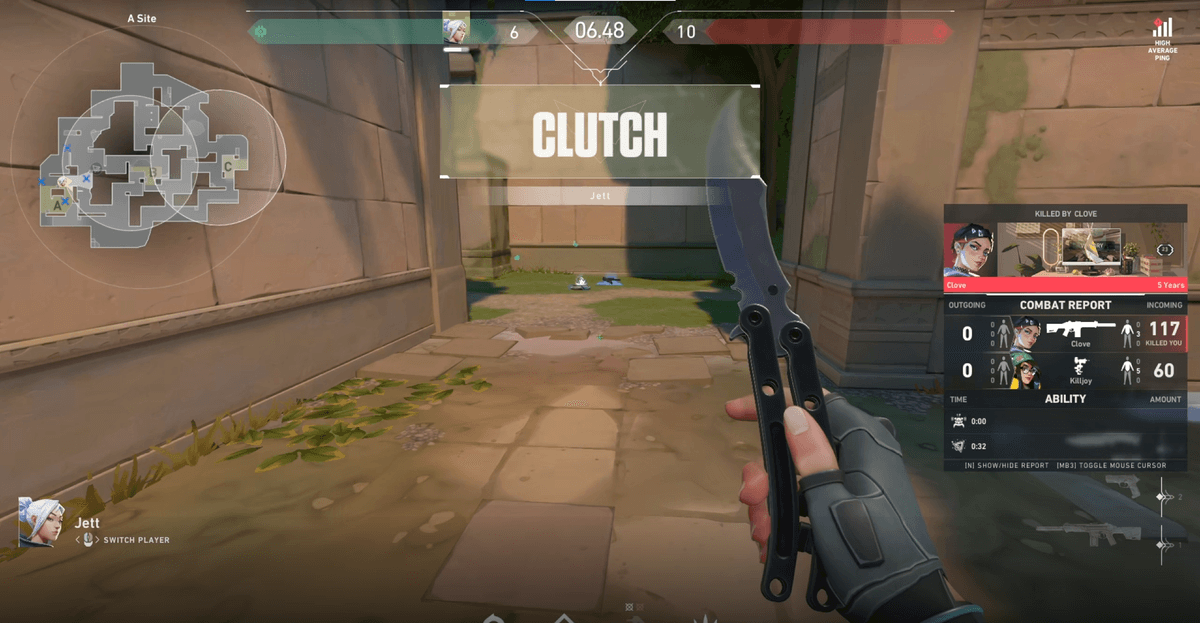
- VALORANT: kills, deaths and round clips tagged with results like ace or clutch, plus one POTG per match
- League of Legends: kills, double kills up to pentakills, assists, deaths, objectives, turrets and game end, plus one POTG per match
- PUBG: BATTLEGROUNDS: kills, knockdowns and deaths / Fortnite: kills and deaths
- Counter-Strike 2: kills, deaths and assists / Overwatch: kills and deaths / FC Online: goals
Making Use of the Clip List After the Game
When the game ends, DOR already has a list of highlight clips split by moment. You can scan the list, quickly check the scenes you like, and pick out only the ones you want to keep. It is also a handy way to look back on what went well in today's match.
- Play each clip right away to quickly see what the moment is.
- Pick only the clips worth keeping to share with friends or post on social media.
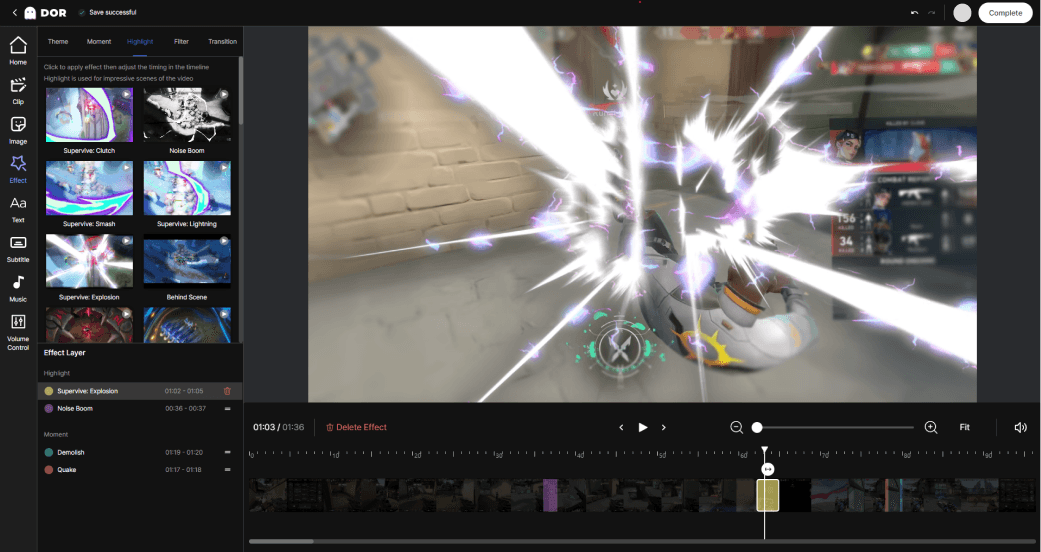
- Stitch several clips together to make a highlight reel.
Wrap-Up
Auto highlight clips lets you keep your best moments without minding your save timing. In seven supported games, DOR automatically detects moments like kills and saves them as clips (including League of Legends pentakills, VALORANT ace and clutch rounds, and a POTG for both), then organizes them into a ready-to-use list when the game ends. Now, instead of missing a great play, all you have to do afterward is choose which clips to keep.
 #Valorant