Let's start with the conclusion: Medal.tv is not a bad program. In fact, it is a flagship of the auto-clip category, automatically detecting your game and saving kills and highlight moments as clips on its own. Even so, after using it for a while, three things stand out. On the free plan, clips are downscaled and length-limited when you upload to medal.tv; the feed and community revolve around overseas users; and the fit for a native-language, local setup leaves something to be desired. If you want a native UI, low-overhead recording, automatic game detection, and integration with a local community (dor.gg) all together, DOR becomes the alternative.
Medal.tv, honestly, is good
This is a comparison, but the goal is not to run down the competition. Medal.tv's strengths are genuinely real. Install it, log in, and with no special setup it automatically picks up supported games, letting you trim a moment that just happened and share it as a link in a few clicks. Local recording, clip saving, and sharing themselves are free, and the free version does not stamp a watermark on your video. There is no cap on the number of clips either, so once you leave it running, highlights pile up on their own.
The flow of tossing a just-now moment straight out as a link, in particular, is something Medal has polished well. When you want to show a friend on Discord that kill you just landed, ending the whole thing with a single clip link, without hunting down and uploading a file, is a clear strength. It is only fair to acknowledge this even if you do switch.
But the things that nag after long-term local use
The free plan limits shared quality and length
Medal's free limits show up not so much in recording itself as when you upload and share to medal.tv. The paid Medal Premium is $9.99 per month ($7.99 per month on an annual plan), and a June 2026 update removed the upload length limit for Premium and made uploads keep their original quality with no downscaling. If you recorded in 4K, it uploads in 4K. Put another way, free users have their shared and uploaded clips lowered in quality and capped in length on medal.tv. Editing features like automatic captions also lean toward Premium. The original that stays on your local drive is fine, but the structure means you lose out on the very copy you show to others.
The community is overseas-centric
Medal is not just a recording tool but a platform with a social feed where you post clips and watch others' clips. The catch is that this feed and community run around overseas users. It has a different feel when it comes to building a flow of chatting about local servers, local top-ranked players, or sharing clips with friends from the same school or guild. A clip is only fun once you show it to someone, and if that someone is a local gamer, it leaves you wanting more.
Native and local optimization falls short
Medal does provide a medal.tv/ko Korean page, but the service overall and its community are designed around English-speaking users. The guidance text, the sharing flow, and the tags and search do not perfectly match local usage habits. For the impression of being easy to a first-time user to really carry through, more optimization tuned to a native UI and to local games and communities is needed.
So what makes DOR different?
DOR is a local auto-clip program aimed squarely at the three things above: free-plan limits, an overseas-centric community, and native optimization. The big picture of automatically saving good moments is the same as Medal, but it differs in being designed to fit local gamers' environment.
- Native UI: guidance and settings are laid out in your own language so even a first-time user does not get lost.
- Low-overhead NVENC recording: it offloads encoding onto a dedicated GPU chip (NVENC), minimizing the frame loss in your game even with recording on.
- Automatic game detection: launch a game and DOR recognizes it automatically, saving kills and highlight moments as clips. You can even forget to hit the record button.
- dor.gg community integration: your saved clips connect straight into dor.gg, where local gamers gather, to share and watch.
At a glance: Medal.tv vs DOR
- Auto clips / automatic game detection: Medal.tv yes / DOR yes
- Free-plan watermark: Medal.tv none / DOR none
- Free-plan shared quality and length: Medal.tv downscaled and length-limited on upload (original quality and no limit require the $9.99/month Premium) / DOR offered free, tuned for local use
- Low-overhead NVENC recording: Medal.tv yes / DOR yes
- Native UI: Medal.tv offers a medal.tv/ko Korean page (overall built around English) / DOR designed native-first
- Community: Medal.tv overseas-centric feed / DOR local community dor.gg integration
- Instant link sharing: Medal.tv smooth (a strength) / DOR yes
So which one should you pick?
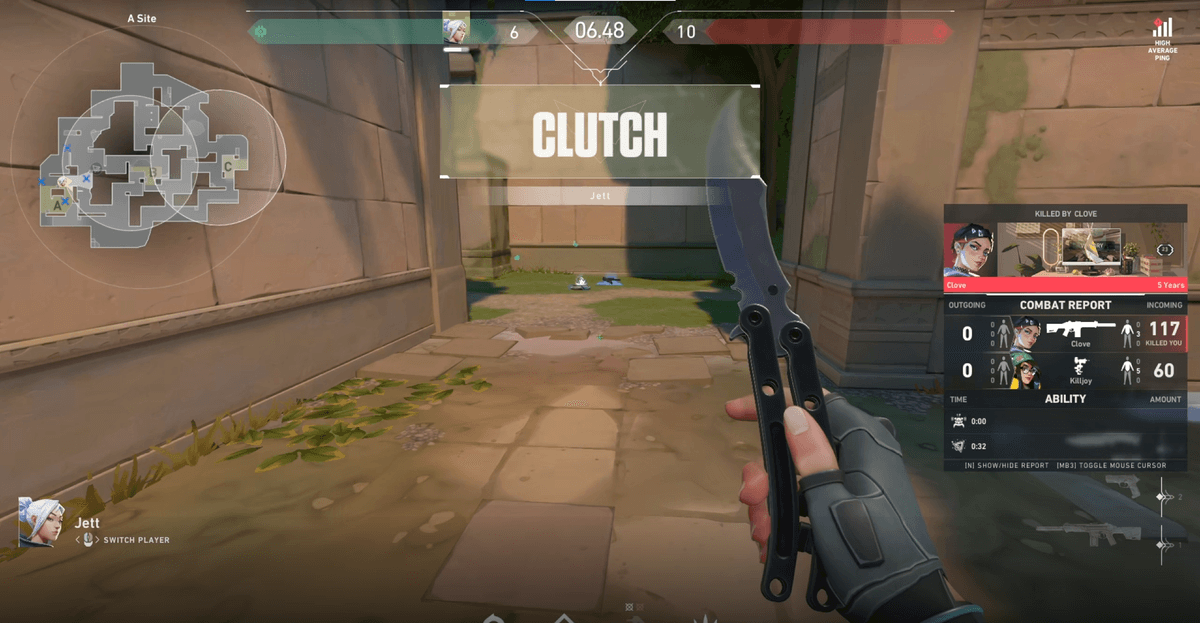
If you already share clips well through the Medal feed with overseas friends and have even paid for Premium to share at original quality, there is no real reason to switch. On the flip side, if you want to comfortably share a Valorant ace, a League of Legends pentakill, or an Overwatch teamfight with local gamers in your own language, and you do not want to lose out on shared quality even for free, DOR is a better fit. In the end the big frame of recording performance and auto clips is similar, so choose by the deciding factors: native language, low overhead, and a local community (dor.gg).
 #Valorant