A useful Minecraft server finder does more than sort by popularity. Java or Bedrock survival, minigame, and long-term communities can be impossible to join when the edition, supported game version, or required mod loader does not match your client. Even compatible survival servers differ in physical region, latency, reset cadence, PvP and griefing rules, land protection, economy, backups, rollback support, and moderation. Keep only listings that state Java or Bedrock, versions and required mods, region, primary modes, normal population, next reset, and a readable rules page. Check whether recent notices name moderators and explain reports, appeals, and recovery after a technical problem. Compatibility never requires a legal name, home address, school, phone number, password, verification code, identity document, or payment. Younger players should confirm multiplayer, chat, purchase, and privacy controls with a parent or guardian before entering a public server.
Reduce the list with six operational filters
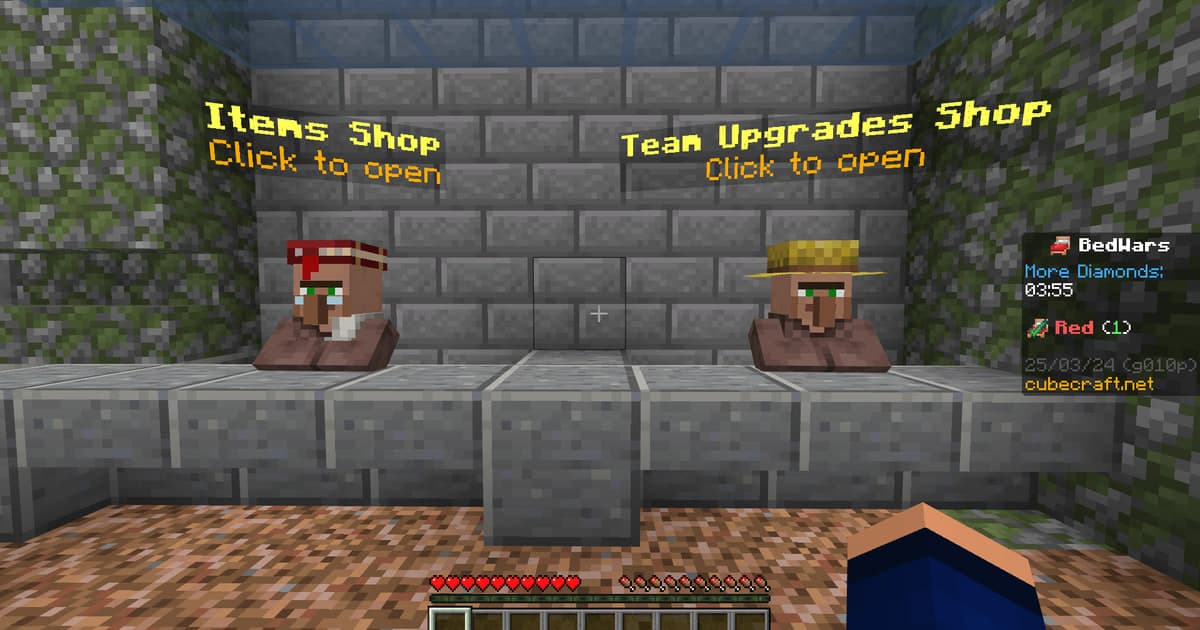
Server discovery is about edition, supported version or mod loader, reset cadence, PvP and griefing rules, staff presence, and reporting—not BedWars role tactics. On the first visit, move no valuable items and buy nothing; stay in a public area and check whether chat filtering, permissions, latency, and rollback support match the published rules. When several candidates remain, compare the date of the latest notice, current and peak population, next reset, backup and rollback scope, staff coverage, report response, and the accuracy of the status page. A whitelist form usually needs only a game name and agreement to rules. Reject identity documents, account loans, remote control, payment, or a surprise executable. Bound the first visit to thirty minutes in a public area on a fresh profile plus a rules and reporting check. If permissions, chat behavior, latency, or reset information contradict the listing, leave before moving valuable items or inviting friends.
Checklist before adding a server address
- Edition, supported version, and required mod loader are explicit
- Physical region, main mode, expected latency, and normal population are published
- Reset, backup, rollback, PvP, griefing, and land rules are readable
- Recent notices, named staff, reporting, and appeals are active
- No unknown launcher, remote control, account loan, or surprise re-login is required
- No payment or valuable-item transfer is required before a first visit
- Minors can keep parental controls and blocking or reporting available
Minecraft server candidate matrix
| Filter | Check before joining | Verify in the first visit |
|---|---|---|
| Compatibility | Java or Bedrock, version, and mod loader | Official client connects without an unexpected download |
| Region and mode | Physical region, survival, minigame, or creative focus | Playable latency and the advertised loop |
| World lifecycle | Reset date, backup, and rollback scope | Notices and in-game messages agree |
| Rules and permissions | PvP, griefing, land protection, and basic commands | New-player permissions and sanctions are clear |
| Moderation | Recent notices, staff, report and appeal routes | Public chat is managed and questions receive an answer |
From a server list to a safe first connection
- 1Filter by connection requirements — Confirm edition, version, required mods, region, and mode before comparing popularity or cosmetic rewards.
- 2Read rules and operational history — Review resets, PvP, griefing, sanctions, backups, rollback, reports, appeals, and the latest notices.
- 3Verify the address and file source — Copy the address from the official listing; avoid unknown launchers, re-login pages, remote control, and account-sharing requests.
- 4Stay in public space for one bounded visit — Use thirty minutes in a public area on a fresh profile plus a rules and reporting check to observe latency, chat moderation, default permissions, and staff response without paying or moving valuables.
- 5Commit only when the listing matches reality — Confirm the next reset and exit or data policy, then invite a friend only with that person’s informed agreement.
DOR provides public play context, not a trust certificate
DOR does not automatically recommend servers or audit their operation. The Minecraft page, public clips, and communities are optional context for understanding play style. Use the broader game friends and party finder when looking for people to play with, and the gaming Discord server finder when evaluating links and moderation in an external voice space. A public clip cannot establish identity or safety; use the official join path, a bounded trial, minimum permissions, and your own judgment.
Confirm the current official join flow
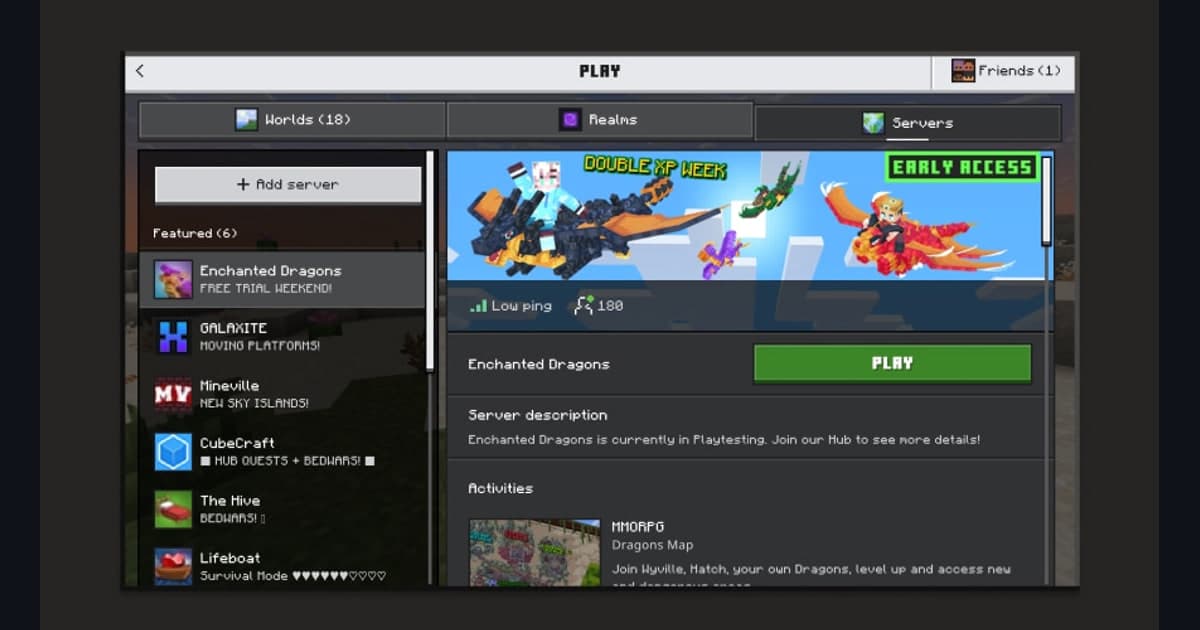
The official Minecraft information currently explains that the official server list lets players explore large community-made worlds and featured Bedrock servers. Lists, supported versions, featured entries, Community approval, age, and chat features can change, so recheck the official site and client on the day you connect or join. Appearance in an official feature does not certify every server, Community, owner, or member as safe.