Gaming Discord servers make it easy to find a VALORANT duo, PUBG squad, League of Legends custom lobby, or Eternal Return teammate in real time. Still, verify that the invite link is trustworthy, the server is genuinely active, and its moderators are present. Do not judge by member count alone; check the source, activity, moderation, and safety in that order.
First decide what kind of gaming Discord server you need
| Server type | Primary purpose | What to check |
|---|---|---|
| Official or publisher-run server | Notices, patches, official events | Whether it is linked from the official website |
| Multi-game community | Recruiting friends and parties for various games | Activity and moderation in each game's channels |
| Game-specific recruitment server | Duo, squad, or custom-game recruitment | Whether rank and mode channels have recent recruitment posts |
| Guild or clan server | Long-term affiliation and regular activities | Membership criteria, obligations, and withdrawal method |
| Small social server | Casual play with a familiar group | Whether established members welcome newcomers |
A safe way to find gaming Discord servers
Discord explains how public servers appear in its Server Discovery help. Before using search results or external invite links, also review the official Discord Safety Center for account-security and scam-prevention guidance.
- 1Check the game's official channel — First, check if there are Discord links on the official website, game launcher, or verified social accounts.
- 2Find possible servers in active communities — Look through recent game posts and gameplay videos, then check who posted the server listing, when it was posted, and who moderates the server.
- 3Ask people who played with you why they recommended it — Ask which modes and play hours are active instead of accepting an unexplained invite link.
- 4Review the link destination before joining — Check that the displayed address, actual domain, and name/icon in the server preview match the description.
- 5Read before posting or joining voice chat — Review the rules, notices, reporting process, and recent recruitment posts before introducing yourself or entering a voice channel.
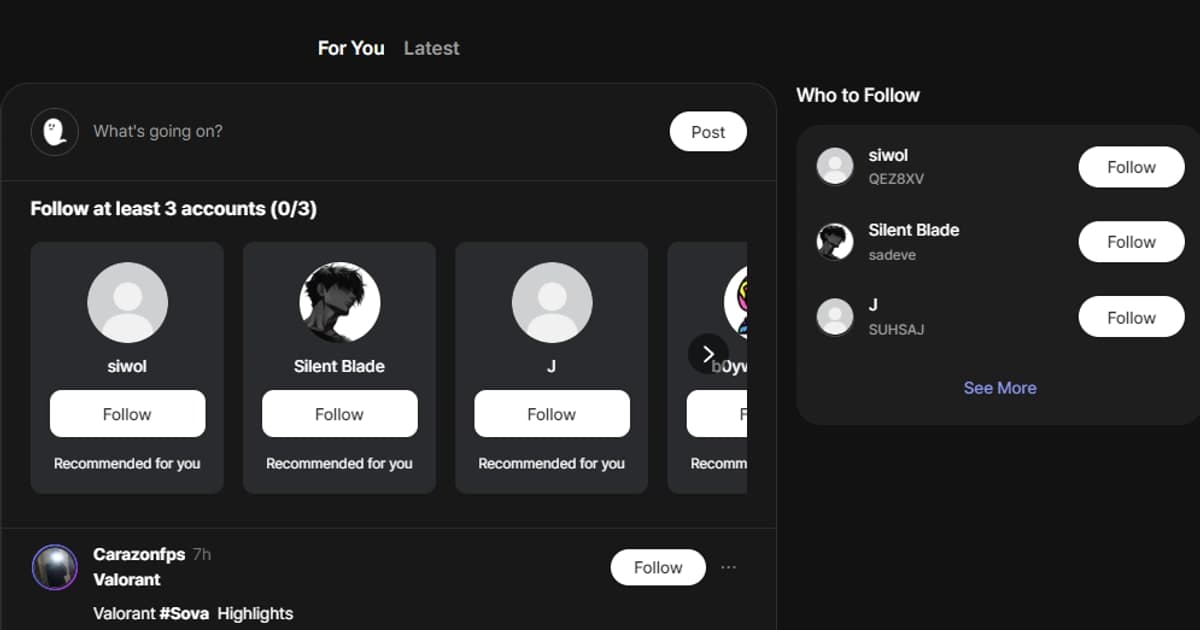
In gaming communities such as DOR, posts and clips can show who plays the same games and what a group feels like. If someone shares an external Discord server, do not assume the link is safe or that DOR operates or endorses it. Verify the operator and invite link independently before joining.
Real activity matters more than member count
- Are actual party recruitment posts posted consistently within the last 7 days?
- Do other users reply to recruitment posts or join the listed voice channels?
- Are voice channels available during the time I play?
- Does the server have recent conversations, not just old announcements?
- Do management or existing members answer questions from new members?
- Are moderation standards visible instead of disputes and messages simply disappearing?
- Is the channel managed according to game patches and tier/mode changes?
| Surface-level signal | What actually matters |
|---|---|
| 10,000 members | Current online users and recent recruitment participation |
| Dozens of channels | Recent conversation in the channel for your game and mode |
| Event announcement | Evidence that the event happened and a clear next date |
| Friendly welcome message | How moderators handle disputes and reports |
How to check management status and rules
- Are there specific rules prohibiting swearing, hate, sexual harassment, and harassment?
- Is the reporting channel or method of contacting management easily visible?
- Are management authority and sanctions standards disclosed?
- Are there standards for protection of minors, NSFW content and external links?
- How are cash trades, account rentals, proxy play, and boosting promotions handled?
- Are the permissions required by the bot and how personal information is processed explained?
- Does the server explain what happens to personal or verification data after you leave?
Discord invite-link checklist
| Check | Normal behavior | Red flag |
|---|---|---|
| Domain | Discord's official invite flow | Unfamiliar login site with similar spelling |
| Server preview | Matches the introduced name, icon, and member information | Completely different servers or excessive adult/investment promotions |
| Login | Occurs in the official Discord app or website | QR scan/token/code request on external page |
| Bot authorization | Description of required scope and operating entity | Account password/recovery code/remote control request |
| Files | No executable is required to read the rules | Requires an authentication program, game hack, or archive to be run |
Configure roles, voice, and notifications after joining
- 1Read the rules and notices first — Review the self-introduction form, how to use recruiting channels, and what actions are prohibited.
- 2Choose only the game roles you need — You don't need to get full notifications for games you're not playing.
- 3Review your private messaging settings — If you are concerned about advertising or fraudulent messages from unfamiliar members, adjust the DM permission range for server members.
- 4Check voice input and personal information — Adjust push-to-talk or voice sensitivity and prevent your real name or surrounding conversations from being revealed.
- 5Evaluate the server after a party or two — After one or two parties, decide whether the recruitment post matches the real atmosphere and moderators' response.
Scam and privacy red flags
Be especially wary of messages offering free items, Nitro, game currency, or contest prizes in exchange for clicking a link or scanning a login QR code. An acquaintance's account may have been hijacked, so verify the message through another contact method. If you already shared an authentication or recovery code, change your password immediately and review every active session and connected app.
- Legitimate moderators will not ask for your Discord password or two-factor authentication code.
- Game-account rentals, proxy play, and boosting offers can violate game rules and expose your account to theft.
- Do not run an unfamiliar executable, even if someone calls it a tournament client or verification tool.
- Real name, address, school, workplace, and ID are not required for party recruitment.
- If someone threatens or harms you, preserve message links and screenshots, then use the platform's report and block tools.