To get straight to the point, for Teamfight Tactics (TFT), recording by round is far more convenient than full recording. Install DOR and recording starts automatically the moment you boot the game, and the moment you lock in first place or a comeback fight when your health is rock-bottom gets saved separately as a clip. Instead of needing to keep an entire 30-plus-minute match, only the scenes you want to rewatch end up in your hands.
TFT has a different flavor of recording dilemma than other games. A match is long, and what you actually want to see is, in most cases, just the final 1v1 fight or a few decisive rounds. So in this article, we've laid out, step by step, how to set up round-by-round recording with DOR and the flow of saving decisive moments as clips.
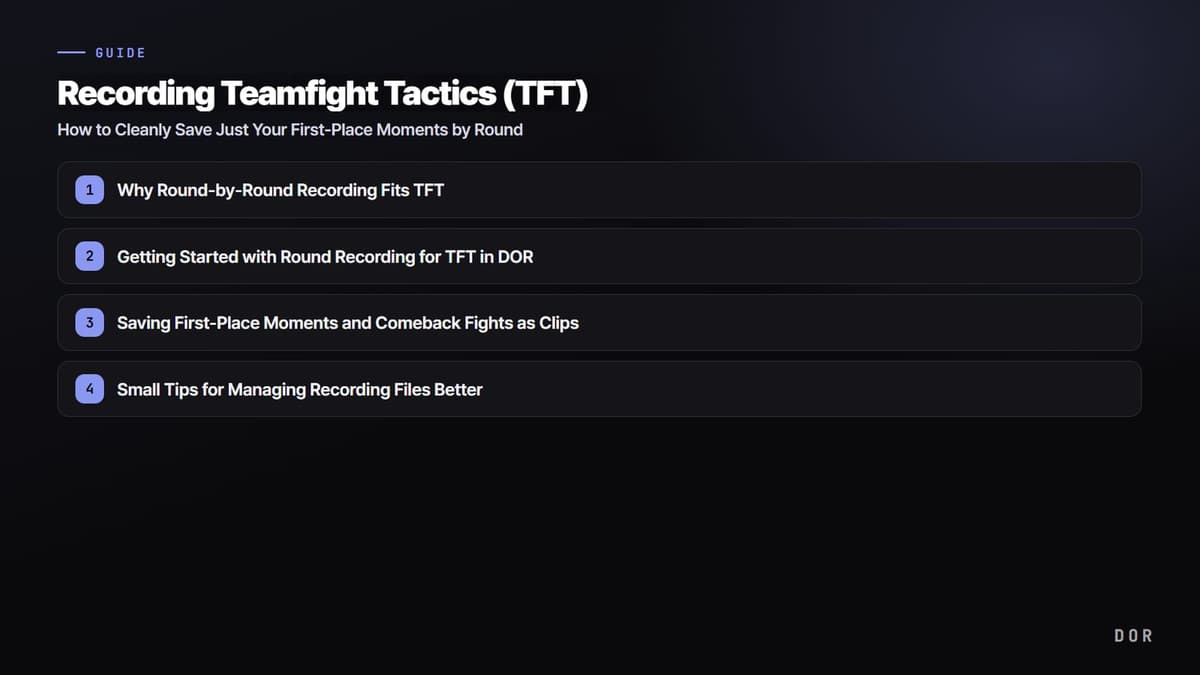
Why Round-by-Round Recording Fits TFT
A single Teamfight Tactics match usually runs between 30 and 40 minutes. Full-record this at 1080p and several gigabytes pile up per match, and to rewatch it later you have to skim through a long video to find the round you want. What you actually want to post to social media or show a friend is the final 1v1 fight, the moment a carry champion sweeps the enemy in one shot, or the round where you survive from top 8 into top 4.
Recording by round simplifies this flow. Because the segments are divided by combat round, you can pinpoint right away what happened in which round, and you can just pick and save the rounds you need. The key is that you can enjoy a whole match lightly to the end without the pressure of full recording.
Getting Started with Round Recording for TFT in DOR
Prep is simple. Just follow the steps below and you can turn on round-by-round recording with no separate video editing knowledge.
- Install and launch DOR on your PC. The install size is light and it runs in the background, so there's almost no frame loss.
- Check that Teamfight Tactics (TFT) is recognized in the supported games list. TFT accessed through the League of Legends client is caught the same way.
- Set the recording quality and frame rate. For sharing, 1080p 60fps; for storage-focused, 1080p 30fps gives a good balance of size and quality.
- Check that round-by-round recording and auto-clip saving options are turned on.
- Launch TFT and start a game. From then on, recording proceeds with no extra action.
Set it up once and from the next match on, you just boot the game. There's no need to press a record button separately or worry about stopping, so your hands stay on the keyboard and mouse and your head stays only on build choices.

Saving First-Place Moments and Comeback Fights as Clips
While round recording runs, DOR separately collects decisive scenes as clips. Moments worth rewatching, like the final fight where first place is locked in or a comeback round where you survive after your health drops to single digits, are automatically cut and saved. When the game ends, you can check the scenes you want right away in the clip list.
- First-place lock-in moment: The fight segment where you clean up the last opponent and the standing firms up is saved as a clip.
- Comeback round: It won't miss a fight where you survive with rock-bottom health or flip the standings.
- One-shot cleanup scene: The moment a carry champion sweeps the enemy board in an instant is kept separately as a short clip.
The clips collected this way are a good length to send straight to a friend or post to social media. That's because they come into your hands already pared down to just the decisive scenes, without the effort of cutting a long video yourself.
Small Tips for Managing Recording Files Better
To make the most of round-by-round recording's advantage, it's good to check your storage space and quality now and then. Lower the quality a bit to save space on clips you'll only store, and keep clips you'll share or edit at high quality, dividing them this way, and you can keep your disk from filling up fast. Move clips you rewatch often to a separate folder, and the highlights of each match naturally pile up like a collection.
In summary, TFT is a game where a single match is long, making full recording a burden. DOR records Teamfight Tactics by round and saves first-place and comeback moments as clips, helping you lightly keep only the scenes you want to see. Just boot the game and play as usual, and DOR takes care of the decisive moments on its own.