To get straight to the point, the surest way to save a LoL pentakill clip is to auto-detect and save it with DOR, and pairing it with the in-game replay as a backup makes it perfect. By the time a pentakill shows up on screen, the moment is already over, so the key to keeping a clip comes down to one thing: whether recording was already running before it happened.
This article explains it in two branches. One is the auto-detection method that catches the pentakill moment in real time, and the other is the method of re-recording it with the client replay after the game ends. Follow both, and you'll almost never miss a pentakill again.
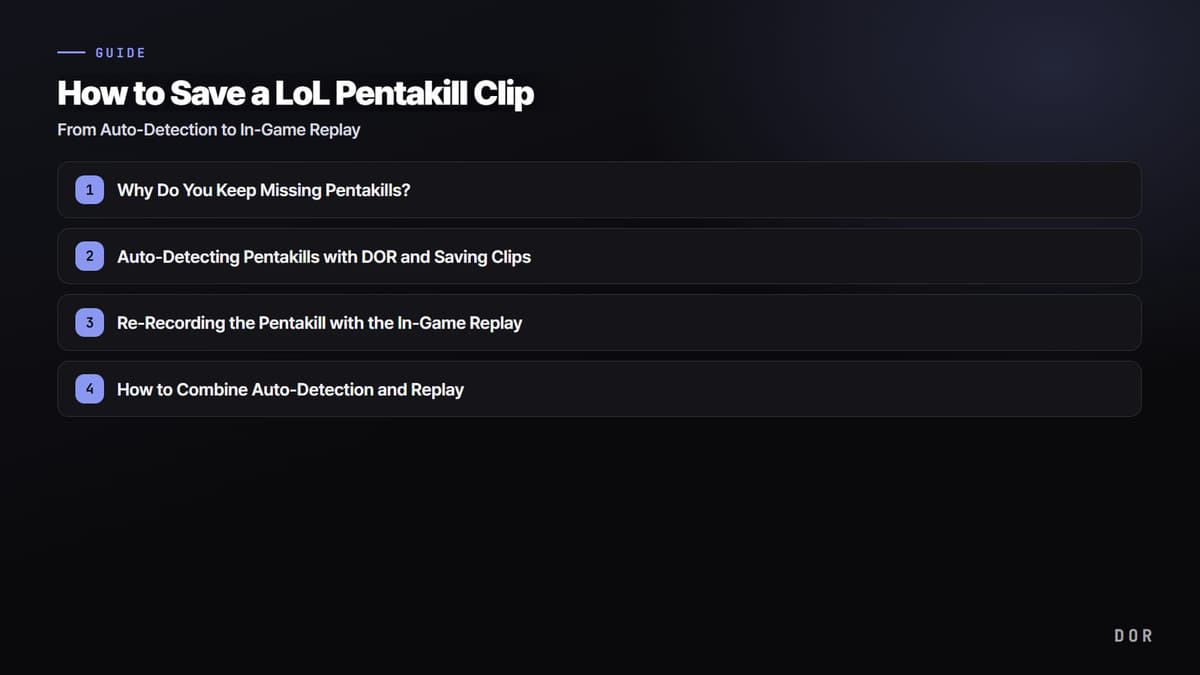
Why Do You Keep Missing Pentakills?
A pentakill is often decided within 0.5 seconds of a teamfight ending. By the moment you think "wait, that's four kills?", the fifth kill has already landed, and even if you think of the record button right then, it's too late. Turning recording on ahead of time means running it at full capacity every game, and then the storage becomes unmanageable.
So the keys to saving pentakills are twofold. First, it has to always be on without eating up storage. Second, it has to cut out precisely the moment the pentakill happened. It's hard for a person to manage both of these by hand, so you need a tool that automatically detects the event.
Method 1. Auto-Detecting Pentakills with DOR and Saving Clips
Pentakills happen without warning, so you'll miss them if you don't have recording running in advance, but DOR automatically detects kills and pentakills and saves that moment as a clip. It keeps watching the game screen in the background and cuts out and saves the segment when a kill event occurs, so the user doesn't need to press any button.
Install and set it up in the following order. The point is to have it running ahead of time before you play League of Legends.
- Install and launch DOR, then set the target game for detection to League of Legends.
- Turn on the kill/multikill auto-detection option. If you want to catch double kills and up, not just pentakills, set the detection range wider.
- Open the LoL client and start your game as usual. DOR stands by in the background.
- When a pentakill happens in a teamfight, DOR automatically detects that moment and cuts it out as a clip.
- After the game ends, check the pentakill scene right away in the clip list, then trim its length or share it.
Method 2. Re-Recording the Pentakill with the In-Game Replay
If it's a game where you didn't have auto-detection running, you can bring the pentakill back to life with the LoL client's replay feature. LoL keeps replay files (.rofl) of recent matches, so even after the game ends you can watch that scene again and save it as a video.
- In the LoL client's match history, find the match where the pentakill happened and press the download or watch button.
- Once the replay launches, move to the timeline segment where the pentakill happened.
- Lock the camera onto your champion or set it to the viewpoint you want to reconstruct the teamfight.
- Use the recording shortcut (Ctrl+V by default) to save that segment as a video file.
- Bring the saved video into an editing tool and finish by cutting out just the pentakill moment.
The advantage of the replay method is that you can freely change the viewpoint. You can pull the same scene from multiple angles, not just your champion's view but the pentakill seen from the enemy's perspective, a top-down view, and so on, making it great as an editing source.
How to Combine Auto-Detection and Replay
The most reliable approach is to use both together. Normally, keep DOR auto-detection on and secure the clip the instant a pentakill happens, and if you happened to miss the detection or need a better angle, reinforce it with the replay. It's a structure where auto-detection takes charge of "not missing it" and the replay handles "polishing it up nicer."
Auto-detection is especially valuable in games like League of Legends, where a single teamfight decides the match. With the same DOR setup, you can also detect and collect the decisive moments of Teamfight Tactics or other games, so even as you switch between games your highlights pile up in one place.
Wrap-Up
A pentakill isn't a scene you can recreate just because you want to. So it all comes down to whether it was saved when it happened. Just build the habit of catching that moment without missing it via DOR auto-detection and backing it up with the in-game replay, and you'll never let a pentakill of a lifetime slip through your fingers. Before you boot up your next game, fire up DOR first.
Before the replay stops opening
If the pentakill exists only as a replay file, one patch can make it impossible to open. League replays depend on the game version, so playback itself stops working when a new season or patch arrives. If there is a moment you want to keep, converting it to video while the replay still works is the only reliable option.
- 1Check the replays that still open now — First confirm that Replay launches from Match History in the client. If it does not open, the compatible window has already passed.
- 2Start recording and play the replay — With an automatic recorder running, the playback screen is saved directly as video.
- 3Separate only the highlight — You do not need to keep all forty minutes; save just the pentakill segment as a clip.