Maybe you want to play a match on the same server as a friend living abroad, or experience the NA meta firsthand, or you moved and your ping got too bad. But when you log in with your Korean account, you always end up on the Korean server. Let's start with the bottom line: a Valorant account region is set based on your IP when you first sign up, but realistic ways to play in another region definitely exist. In this article, we lay out the three methods that work, in order of reliability.
First, What You Should Know: Why Is the Valorant Region Locked?
When you first create a Valorant account, it's bound to a specific game shard (service region) based on your IP address. If you signed up in Korea, that account is a Korean server account, and the people you match with and the servers you can connect to are all fixed to that region. So you can't just switch servers with the same account and enter a different region's ranked queue.
Here you need to first distinguish two easily confused concepts. One is match server selection, choosing a server with good ping in the game client; the other is changing the Region of Residence your account itself belongs to. These two are completely different. If you're just adjusting ping within the same region of residence, you can do it right in the client, but to play on a completely different country's server, you need the methods below.
Method 1: Create a New Account in That Region (Most Reliable)
The most reliable and fastest way is to create a brand-new Riot account in the region you want to go to. Because a Valorant account region is set based on your connection environment at sign-up, creating a new account based in that region cleanly makes it a server account for that region.
- Go to the account sign-up page on Riot Games' official site.
- On the sign-up form, select the region and country as the place you want to go to (for example, North America or Japan).
- Enter an email, username, and password to create a new account.
- When you log in to the Valorant client with the new account, play begins with you tied to that region's server.
The advantages are clear. You can choose the region your friend is in and meet them right away in the same queue, and there's no risk of violating the terms of service. The downsides are clear too. The skins, rank, and level you collected on your existing account don't follow at all, and you have to start over from level 1. If your goal is to briefly hang out with friends or experience a different server, this method is the cleanest.
Method 2: Connect via a VPN Workaround
If you want to keep your current account as is and create or connect a new account in a different region's environment, there's the option of using a VPN. Because a Valorant account region is set by your IP at sign-up, creating a new account while connected to a VPN server in the country you want makes it an account in that country's region.
- Install a trustworthy VPN and connect to a server in the country you want to go to.
- With the VPN on, sign up for a new account on Riot's official site.
- When signing up, also set the region to the same country.
- Log in to Valorant and play on that region's server.
There are points to be honest about. First, connecting to a physically distant country's server raises your ping significantly, putting you at a disadvantage in competitive. A VPN only changes your region; it can't eliminate the delay caused by distance. Second, Riot does not recommend manipulating region information through a VPN, and working around to a location different from your region of residence has potential terms-of-service issues. Riot can detect account manipulation, and if caught, you may face restrictions on competitive access or customer support.
Method 3: Official Region of Residence Transfer Through Riot Support
If you've actually moved to another country and want to bring your existing account's skins and agents along as is, an official Region of Residence (RoR) transfer supported by Riot is the standard route. This is a procedure that moves the account itself to a different game shard, and you request the region of residence change on Riot Games' customer support site.
- Submit a region of residence change request on Riot Games' customer support site.
- The reason for the change must be an actual relocation of residence; it won't be approved just because you want to play on a different server.
- Once the transfer is processed, your account is moved to the new region's shard, and your payment, currency, and default language change to that region's standards too.
Be clear on the restrictions. Your region of residence can only be changed to where you currently actually live. Once you transfer, you can't transfer again for 90 days. There are also special cross-region restrictions: Korean residents can't transfer to the Japan region of residence, transferring to Vietnam requires Vietnamese permanent residency, and for China you have to create a separate new account rather than transfer. Your owned skins and agents are kept during the official transfer process, but depending on the procedure, your competitive rank or match history may be reset, so be sure to check the latest account transfer FAQ before applying.
Things to Watch When Playing in Another Region
Whichever method you use, there are three things you have to account for. Ping is proportional to physical distance, so distant region servers feel less responsive, and in tactical shooters like Valorant or Counter-Strike, where fast engagements are key, the impact is large. The terms of service don't recommend working around to a location different from your region of residence, so don't push it with your main account. Rank accumulates separately per region, so you have to go through placements again in a new region.
For reference, Riot tends to revise its account region policy often, so the methods and restrictions above may change over time. Before spending a lot of money or time, it's safer to check Riot's official customer support guidance on region of residence changes and account transfers against the latest standards one more time.
That Ace You Got in Another Region: DOR Saves It Automatically
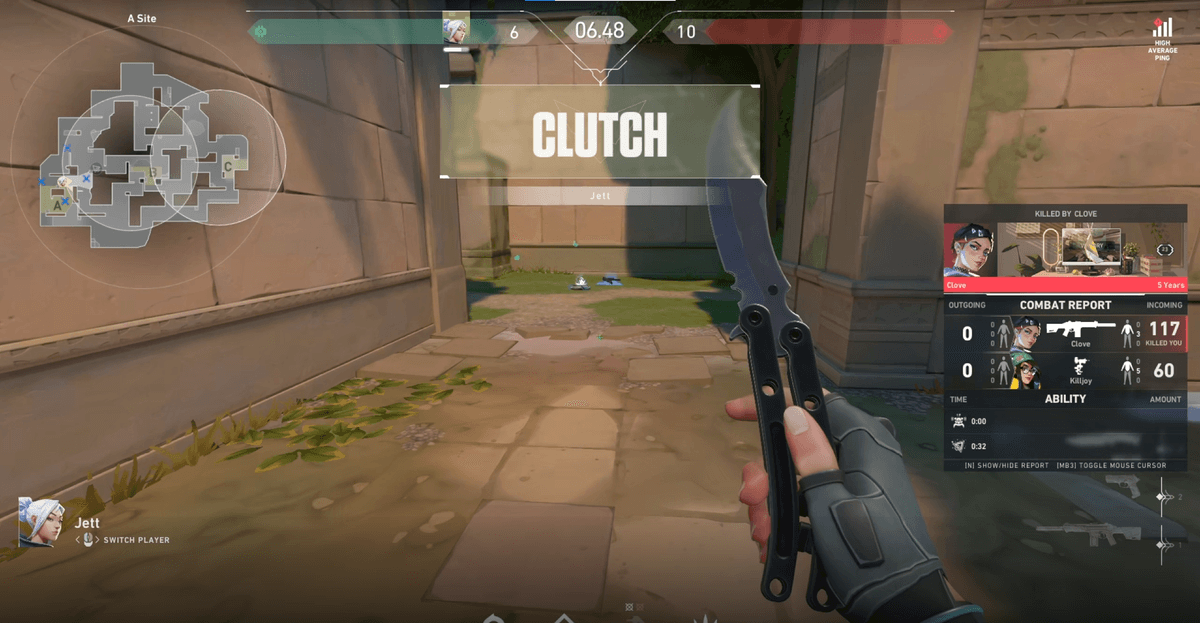
When you land your first clutch or ace with friends on a new region's server, you'll want to watch that moment again. DOR automatically recognizes highlight moments during the game and saves them as clips, so no matter which region's server you play on, your best moments are left for you without having to press a record button. You won't miss your first ace on an overseas server either.