Auto-clipping is a feature where the program itself detects in-game events like kills, aces, and pentakills and, on its own, trims and saves just those moments. The key point is that you do not have to turn recording on ahead of time. Nor do you have to hit a save button after a highlight happens. Just leave the game running, and clips pile up on their own whenever a good moment comes, so when you close the game, only the highlights are laid out and ready.
What exactly auto-clipping does
If ordinary recording captures the whole game from start to finish, auto-clipping picks out and keeps only the meaningful moments in short form. The program recognizes the point at which an event like a kill or a takedown occurred from the screen, sound, and game signals, and turns the few seconds before and after into a single clip. So the output is not a multi-hour original but several highlights of around ten seconds each. The chore of hunting through footage in editing to trim the good parts disappears from the start.
Comparing the 3 recording approaches
There are broadly three ways to keep game footage. Each differs in how much effort it takes and how much you miss.
- Manual recording: turn recording on before the game and off when it ends. It captures the whole original but you have to find and trim the highlights yourself later, and if you forget to turn it on, that whole match is gone.
- Replay buffer: it continuously holds the last few seconds in memory, and when you press a hotkey it saves the segment just before that moment. There is no need to turn recording on ahead of time, but you have to hit the save key yourself right after a good moment.
- Event-detection auto clips: the program itself detects events like kills and aces and saves those segments on its own. No need to leave recording on, no need to press a save key.
Manual recording is the freest but takes the most effort. It keeps the whole original, so it is complete as source material, but to actually pull out highlights you have to rewind through long footage and find and trim them yourself. Above all, if you forget to leave recording on, that day's highlights are not saved.
The replay buffer patches that weakness somewhat. It always holds the last few dozen seconds in memory, and when a good moment happens you press a hotkey to save the segment that just passed. Not having to turn recording on ahead of time is convenient, but the limitation that a person still has to hit the save key remains. Frantic moments your hands cannot keep up with, or highlights you simply forgot to save, still slip by.
Event-detection auto clips remove even this last problem. Instead of leaving the save decision to a person's reaction speed, the program makes a clip on its own the instant it detects an event. Highlights quietly pile up behind the scenes while you focus on the game, so virtually nothing slips by.
How DOR saves via event detection
DOR works by the third approach, event-detection auto clips. When you launch a supported game, DOR watches the screen and game situation in the background, then recognizes the instant a highlight-worthy event, like a kill or a takedown, occurs. Using that event as the anchor, it trims the surrounding segment into a single clip and saves it. You do not turn recording on, and you do not press a save key. You just play as usual.
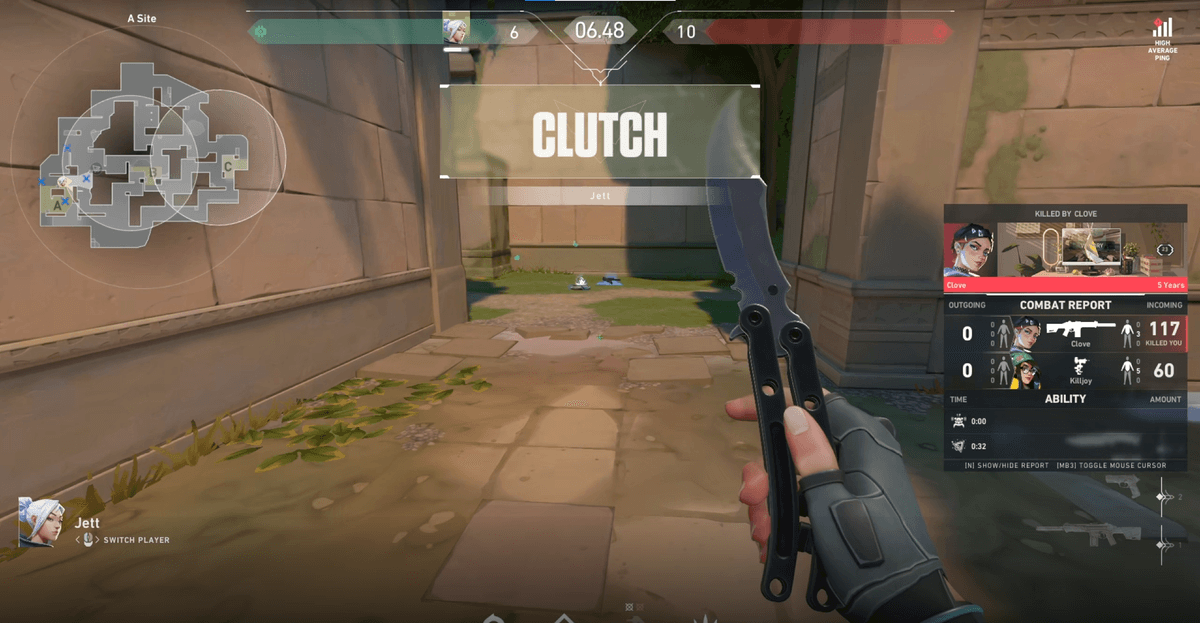
The moments it detects per game follow that game's own highlight standards. In Valorant, a moment like an ace, taking out all five opponents alone in a round, stays as a clip; in League of Legends, a pentakill, downing five in a row in a short span, is saved automatically. Even in team shooters like Overwatch, a killstreak or an ultimate-fueled teamfight moment becomes a detection target. Knowing what counts as a highlight in each game and keeping only that moment is the heart of the event-detection approach.
When auto-clipping is a good fit
Auto-clipping fits people who are too focused on the game to spare a moment to save, people tired of rewinding every match's footage to find highlights, and above all people who hate missing a good moment. Conversely, if you want to hand-pick every moment to keep, or you need the full original for your work, manual recording or a replay buffer may be better.
In short, the essence of auto-clipping is that the program, not the person, handles the judgment and timing of keeping a highlight. DOR catches moments like kills, aces, and pentakills on its own via event detection and saves just those segments, so highlights gather naturally without any need to leave recording on or press a save key. NVENC hardware encoding is the default, so the load is light too, and you can use it free with no watermark.
 #Valorant