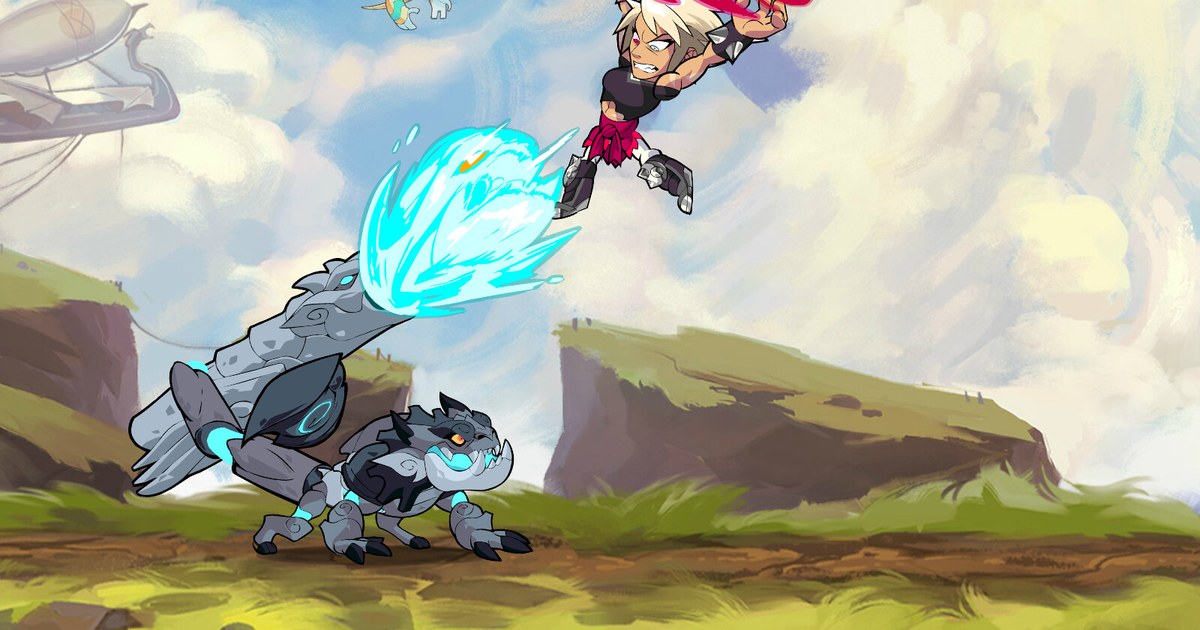

The short answer: the fastest way to reach the Brawlhalla replay folder is from inside the game. Go to the Replays tab from the main menu and click the small folder icon on the replay list screen; Windows File Explorer opens C:\Users\YourName\BrawlhallaReplays.
The .replay files in that folder are not videos, though. They are data the game uses to redraw the match, so once Brawlhalla updates, replays saved on the previous version will not play on the current one.
That is why the reliable way to keep a match you care about is to save it as video before the patch lands.
This guide walks through two ways to open the folder, why old replays stop working after an update, how to back up and share replay files, and the steps to keep a match as video (as of November 2026, PC version). If you want to know how long other games let you rewatch matches, see replay retention by game as well.
Bottom line: open the folder in game, keep the matches that matter as video
It comes down to three points. First, the Replays tab folder icon is the quickest way into the replay folder; if you want to go there directly, paste %USERPROFILE%\BrawlhallaReplays into the Windows Run box (Win+R) and the same folder opens.
Second, a replay only plays on the same game version it was saved on. The file is not a recording of the screen; the game engine recalculates the inputs from that match and shows the result, so when a patch changes Legend or weapon values, the same match can no longer be reproduced.
Third, copying the file to another folder protects the file itself, but it still will not play on the new version, so any match you want to watch later has to be played in game and saved as video before the patch arrives.
The PC version also has an Outdated Replays setting that decides what happens to replays from older versions; set to Delete, they are removed the next time you open the Replays tab. Follow the steps below to open the folder and sort out the matches you want to keep.
How to open the Brawlhalla replay folder and keep your best matches
- 1Open the Replays tab from the main menuLaunch Brawlhalla and go to the Replays tab from the main menu. Replays from your recent matches appear as a list, and clicking one plays it in game. The replay menu has moved several times over the years of updates, so if the layout looks a little different, just look for the Replays tab.
- 2Click the folder icon on the Replays tabClick the small folder icon on the replay list screen and Windows File Explorer opens the replay folder. Each match leaves one .replay file, and the files are small, so even dozens of them take up little space.
- 3Paste the path when looking for it yourselfTo find it without launching the game, press Win+R to open the Run box, paste %USERPROFILE%\BrawlhallaReplays, and press Enter. Typing C:\Users\YourName\BrawlhallaReplays into the File Explorer address bar takes you to the same folder.
- 4Copy your favorite replays and check Outdated ReplaysCopy the .replay files of matches you want to keep to another folder or an external drive. If Outdated Replays in System settings is set to Delete, replays from the previous version are removed when you open the Replays tab after an update, so keeping it on Keep is safer until you have sorted your files.
- 5Play it in game before the patch and save it as videoBefore the update arrives, play that replay in game with DOR running. DOR records everything from launching Brawlhalla to closing it, so the playback ends up in the recording too; trim just the part you need in My Clips and you can rewatch it anytime, whatever the patch.
Brawlhalla replay files at a glance
| Item | Details | Good to know |
|---|---|---|
| Save location | C:\Users\YourName\BrawlhallaReplays | Opens straight from the folder icon on the Replays tab |
| File type | .replay file (data that redraws the match) | Does not open in a video player; plays only inside Brawlhalla |
| Playback condition | The same game version it was saved on | After an update, replays from the previous version will not play |
| Older version replays | Outdated Replays in System settings (Keep or Delete) | On Delete, they are removed the next time you open the Replays tab (PC setting) |
| Sharing with a friend | Drop the file into the friend's BrawlhallaReplays folder | Plays only when both of you are on the same game version |
| Keeping as video | DOR recording (My Clips) | Plays regardless of game version; trim and share by link |
What to check before a patch
- Does the Replays tab folder icon open the BrawlhallaReplays folder
- Have you copied the .replay files of matches you want to keep to another folder
- Is Outdated Replays in System settings set the way you want (Keep or Delete)
- Have you played the must keep matches in game and saved them as video before the update
- Is DOR running before you launch Brawlhalla
With DOR running, your Brawlhalla matches stay as video
DOR is a free Windows game recording app. When you launch Brawlhalla, it detects the game automatically and records the whole session from launch to exit, and the recordings collect in the app's My Clips.
Unlike replay files, video keeps playing after the game updates, so a patch will not lock you out of a match you love. For moments worth keeping, such as a ring out finish or a weapon combo, set the start and end with the trim tool and save in 16:9, 9:16, or 1:1.
In DOR Studio (dor.gg/studio) you can merge several videos, change the aspect ratio, add effect templates (shake zoom, punch zoom, glitch transition and more), text, and BGM, then export an mp4 or share a dor.gg link, and DOR output carries no watermark.
Tips on pulling the deciding hit out of a long recording and sending it to a friend are in sending a Brawlhalla ring out clip, and game specific recording details are on the Brawlhalla game page.