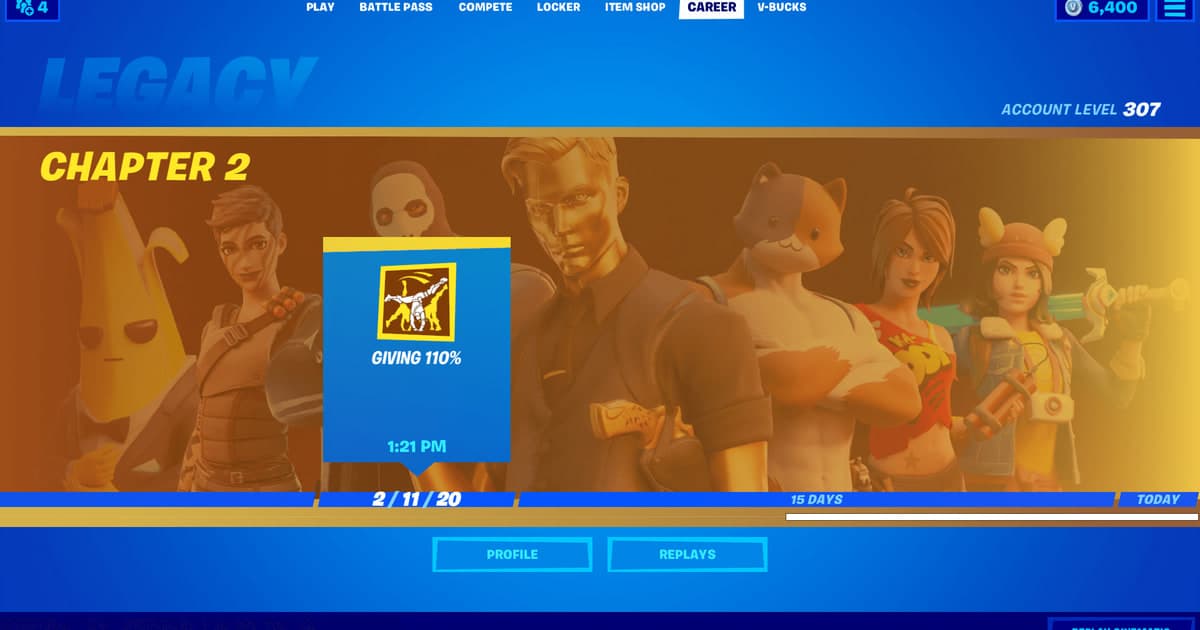
When no file appears under Career or playback fails, reinstalling first can put remaining sources at risk without identifying the cause. A Fortnite replay can be absent because recording was disabled, the mode is unsupported, the saved list changed, or a client update made the replay version incompatible.
Compare the options and their failure conditions
| Option | Best fit | Verify before committing |
|---|---|---|
| Inspect the Fortnite replay source | The feature was off or no file exists | Settings, location, and current version |
| Inspect playback and resources | A file exists but will not open or stops | Version, capacity, permission, external player |
| Compare a new sample | The correction must be verified | Same sixty-second conditions and one change |
Identify the file and the required outcome first
Check the REPLAYS group under the GAME settings tab, confirm a supported platform and mode, then compare the version that created the file with the current client. Epic says a replay is playable only in the Fortnite version in which it was recorded, so a new setting cannot revive source data already invalidated by an update.
A source-safe workflow
- 1Preserve the source and baseline — Copy the file and note game and app versions, display mode, audio devices, encoder, destination, and free space.
- 2Create a sixty-second reproduction — Use real-match conditions and include fast movement, game effects, microphone speech, and any required voice path.
- 3Inspect each result separately — In both the original app and an independent player, verify video, every audio source, frame pacing, seeking, and size.
- 4Change only one variable — Adjust one setting directly tied to the observed failure, then repeat the same sample and compare.
Checks after a one-match test
- A backup of the source file and settings exists.
- Current game and application versions are recorded.
- Game audio and microphone were checked separately.
- Output location and free space were verified.
- The sample opens in an independent player.
Test DOR as a separate capture path
DOR does not recover an existing Fortnite replay. Compare a fresh sample only when a separate video path for future supported-game moments is useful. turn a Fortnite replay into video, Fortnite recording guide, Fortnite game page.
Official source and version boundary
Epic says Replay is unavailable in Save the World, is available on PC, PlayStation, and Xbox, and plays only in the Fortnite version that recorded it. Epic Games previous-version replay support.