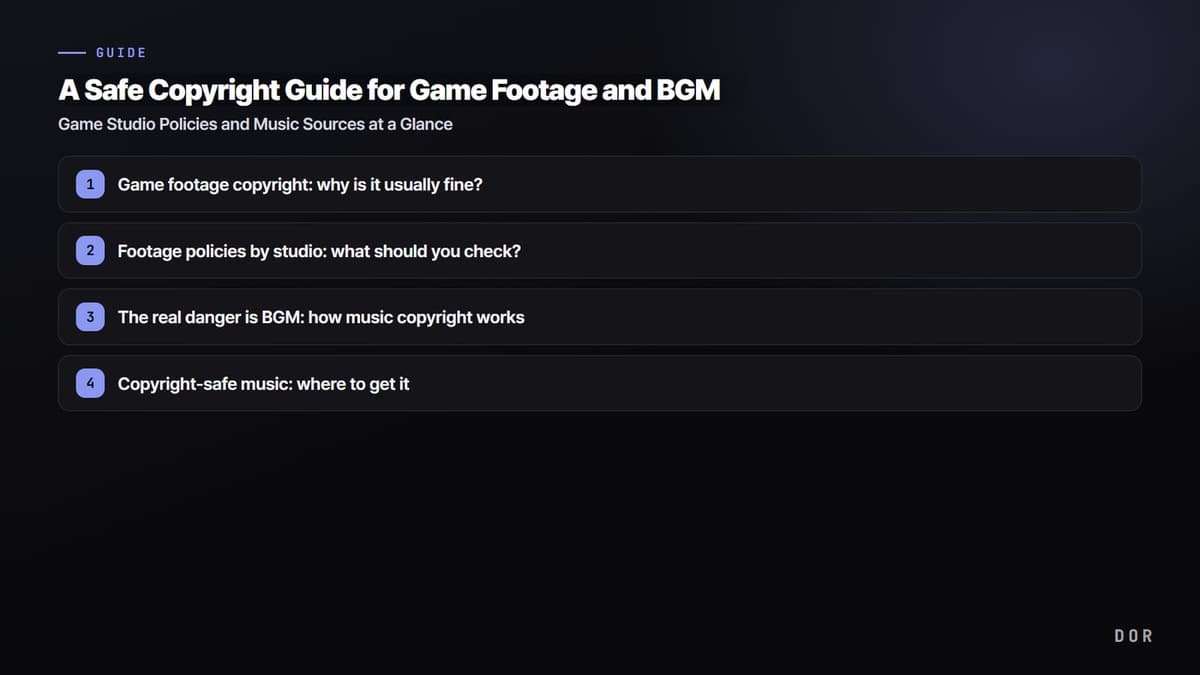
To put the conclusion first, gameplay footage itself can be used safely in most personal content. That is because nearly every major game studio explicitly permits personal, non-commercial videos or even ad-revenue-level use. The real cause of copyright strikes and demonetization lies elsewhere. It is the BGM you laid under your video.
1. Game footage copyright: why is it usually fine?
Game screens are clearly the studio's copyrighted work. By the book, you should not use them without permission. The reason countless game videos still go up without issue is that studios have effectively opened video creation and distribution to individual creators through separate content policies. YouTube's help documents also treat video game content itself as a policy-permitted area.
2. Footage policies by studio: what should you check?
- Pre-release spoilers: Streaming or releasing footage of the main game before the official launch date is mostly prohibited.
- No commercial resale: Even where ad or sponsorship revenue is allowed, directly selling footage, like a DVD or a paid membership, is often blocked.
- Non-game works: Music or brand assets that are inside the game but not owned by the studio can create separate rights issues if they go out in your video as-is.
- Monetization conditions: For videos that simply show long stretches of play, a studio may not grant commercial rights, and may require added value such as commentary or editing.
For example, Riot Games generally permits earning ad revenue from Valorant or League of Legends videos within its guidelines. However, if you use Riot's in-game music as-is, it can cause monetization problems unless it is a track on the creator-safe music list, so you have to handle that separately. The point that games are open but music is separate often trips people up.
3. The real danger is BGM: how music copyright works
Game music is protected by copyright just like any other music. If you lay a great OST you heard in a game under your edited video, the game screen passes but the music gets flagged. Because YouTube's Content ID automatically matches audio like a fingerprint, it pinpoints the music alone right after upload, even with no human report. If you get flagged, it is usually one of three outcomes. A copyright claim attaches and revenue goes to the rights holder, the video is blocked in certain regions, or, if it repeats, copyright strikes pile up on the channel. Not only studio OSTs but licensed music that sits inside the game without being studio-owned carries the same risk.
4. Copyright-safe music: where to get it
- YouTube Audio Library: The easiest if your video is for YouTube. The tracks are pre-cleared so you can download and use them right away, but commercial use outside YouTube may be limited in scope.
- Subscription music services: Services like Epidemic Sound and Artlist let you use tens of thousands of tracks for a monthly fee, and videos posted while subscribed keep a lifetime usage right, making them stable for monetization.
- Studio-provided music: Some studios, like Riot, directly run a creator-safe music list. It is an option that fits the game's mood while carrying no copyright worries.
- Public domain and CC0 music: Tracks marked PD or CC0 can be used freely, even commercially, without attribution. Note that an NC mark is non-commercial only and does not fit channel monetization.
5. Settling music right at the editing stage
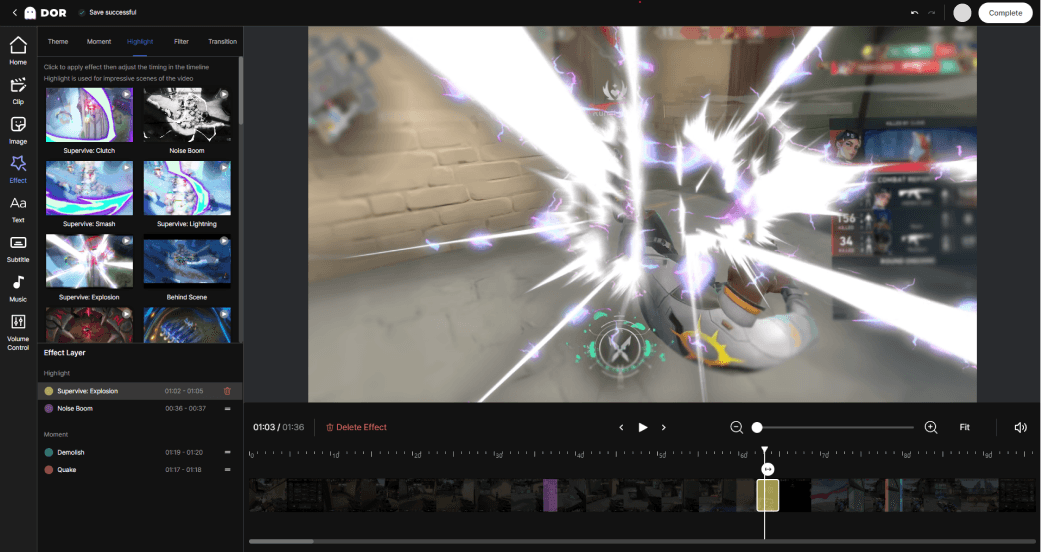
Music mishaps are mostly noticed only after you finish editing. Once you lay a good track down and plan to swap it later, realigning the timing is such a hassle that you end up just uploading it. So the cleanest approach is to finish music with a safe track right there as you edit. The DOR editor lets you lay copyright-safe music straight onto your video, cutting out the process of wandering across separate sites to fetch tracks. You cut a game clip and add music you can use with peace of mind right on the spot, which reduces worry about music strikes right after upload.
6. Summary
- Gameplay footage itself is safe in most personal, non-commercial content.
- Pre-release footage, directly selling footage, and assets not owned by the studio are often blocked by studio policy.
- The real danger is BGM, and YouTube's Content ID automatically catches the audio.
- Get music from clearly sourced places like the YouTube Audio Library, subscription services, studio-provided music, and CC0.
- Laying safe music on right at the editing stage is the surest way to prevent mishaps after upload.