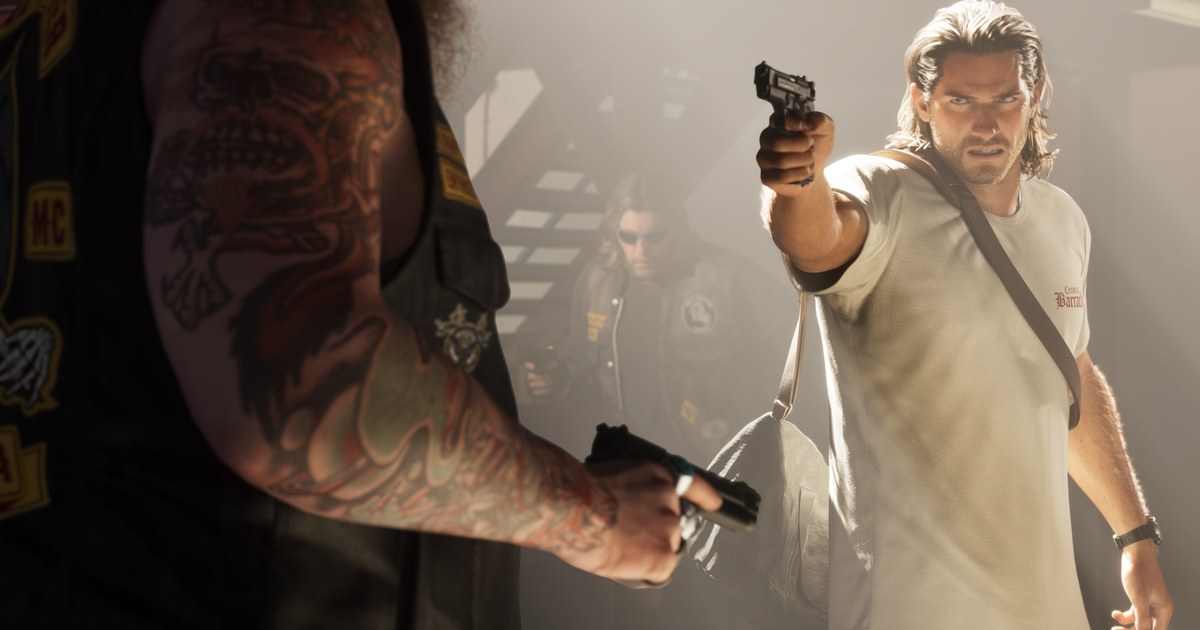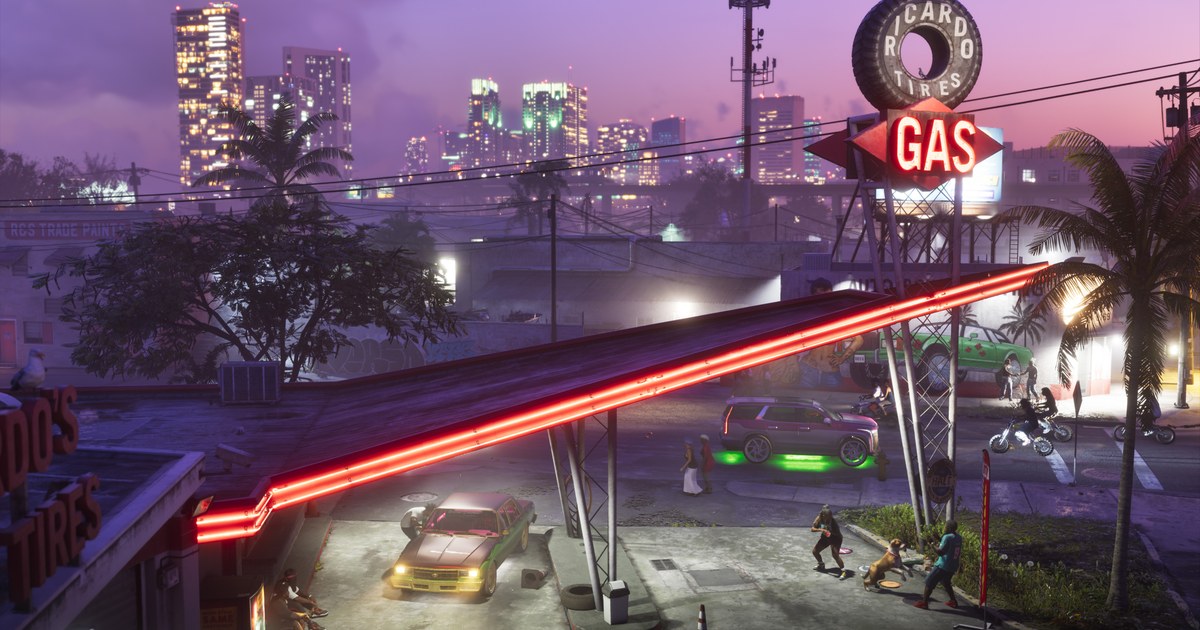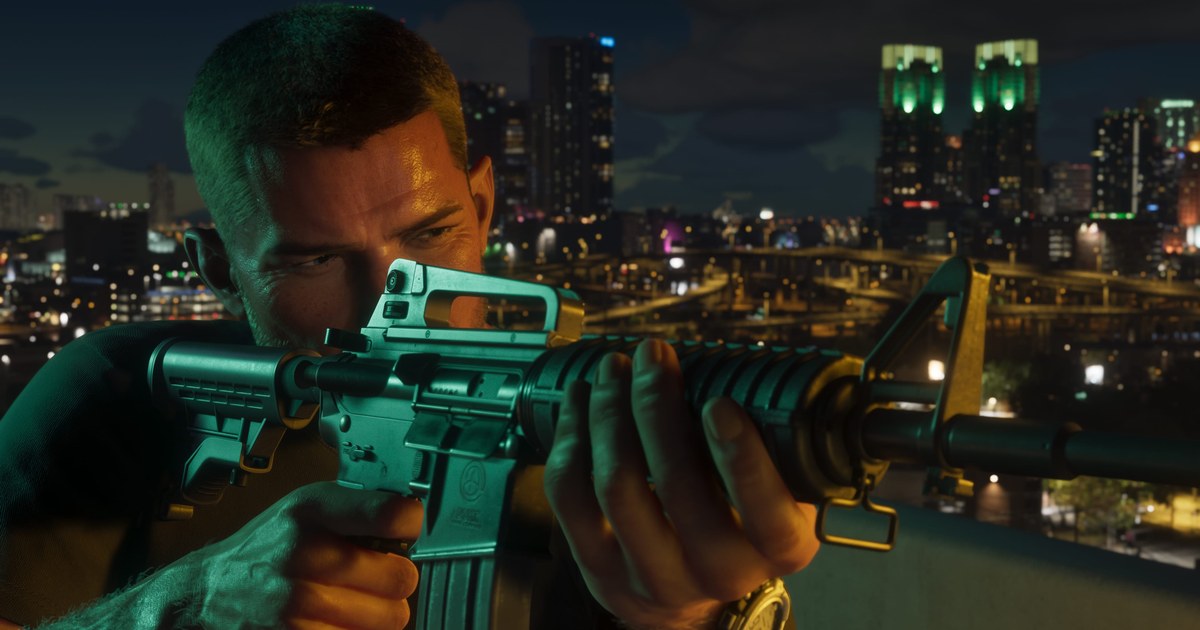
If you need body armor in GTA 6, walk into the nearest Ammu-Nation gun store, talk to the clerk and buy a vest from the Equipment section. When you buy it, you can choose to wear it right away or send it to the trunk of your own car.
To switch armor on or off, hold L1 on PS5 or LB on Xbox to open the wheel, press R1 or RB to move to the Items tab, pick the body armor slot and press X or A. Once it is on, a second, blue bar appears above your health bar, and when you get shot that blue bar drains before your health does.
A worn out vest cannot be repaired, so you have to buy or pick up a new one and put it on. Below, as of November 23, 2026, you will find where to buy it, the steps to equip it and what to check before a mission.
Bottom line: buy it at Ammu-Nation before a mission and wear it right away
The simplest approach is to stop at an Ammu-Nation before a big mission or gunfight, buy body armor and put it on right there.
The first Ammu-Nation you visit early in the story has vests on display on the right wall, and in other stores you will find armor under the Equipment section of the clerk menu. If you want a spare, choose send to trunk and keep it in your car.
The guns worth bringing along with your armor are in the GTA 6 best weapons tier list. If the store is far away, call a taxi, or once the RydeMe app is unlocked, use it to get dropped right at the door. GTA 6 launched on PS5 and Xbox Series X|S on November 19, 2026, and news on the PC version is in GTA 6 PC release date.
How to buy and wear body armor
- 1Find the nearest Ammu-NationFind the closest Ammu-Nation gun store on the map. If it is far away, call a taxi, or once the RydeMe app is unlocked, use it to get dropped right at the store. Stopping by just before a mission keeps your route short.
- 2Talk to the clerk and open EquipmentTalk to the clerk inside the store to open the purchase menu. Body armor is not listed with the guns but in the Equipment section, so move there instead of the weapon list. You can pick up consumables like ammo from the same menu.
- 3Choose to wear it now or send it to the trunkWhen you select body armor, you can choose between buying and wearing it now or sending it to your trunk. Pick wear now if you are about to fight, or send to trunk if you want a spare. Armor sent to the trunk goes into your own car's trunk.
- 4Turn it on and off in the item wheelHold L1 on PS5 or LB on Xbox to open the wheel and press R1 or RB to move to the Items tab. Select the body armor slot and press X on PS5 or A on Xbox to put it on, and press it again to take it off.
- 5Check the blue bar and head outIf you see a blue bar above your health bar, you are wearing armor. When you get shot this bar drains first, and once it is empty the next damage goes to your health. If the bar is low, get a new vest before the next mission.
GTA 6 body armor at a glance (as of November 23, 2026)
| Item | How | Notes |
|---|---|---|
| Where to buy | Equipment section of the Ammu-Nation clerk menu | First story store displays vests on the right wall |
| Purchase options | Buy and wear now, or send to trunk | Trunk means your own (personal) car |
| Equip and remove | Hold L1/LB, R1/RB to Items tab, X/A | The same button turns it on and off |
| On screen | Blue bar above the health bar | Drains before your health |
| Refill | Buy or pick up a new vest and wear it | A worn vest cannot be repaired |
| Getting there fast | Call a taxi or use the RydeMe app | RydeMe works once the app is unlocked |
What to check before a mission
- Look for the blue bar above your health. If it is missing, turn on body armor in the item wheel.
- If the blue bar is empty, you need a new vest. There is no way to repair a worn out one.
- Spare armor sent to the trunk is in your own car, so drive that car when you head out.
- Once the blue bar runs out, the next damage goes straight to your health, so wear a fresh vest before a big gunfight.
- Remember where the Ammu-Nation stores near the areas you visit most are on the map.
How to make a GTA 6 video
Capture the gunfights your armor got you through on console, move them to your PC or phone, then polish them in DOR Studio. On PS5, the Create button lets you save recent gameplay from 15 seconds up to 1 hour, or start a new recording of up to 1 hour.
On Xbox Series X|S, press the Xbox button to save the last 30 seconds right away, change the length to save up to the last 2 minutes, or use Start recording to capture from now on.
Copy PS5 captures to a USB drive or download them to your phone through the PS App, and get Xbox captures from the Xbox mobile app.
Upload the clip to DOR Studio on dor.gg and, right in your browser, switch to a 9:16 vertical ratio, merge several videos, trim, and add text, music and effects such as shake zoom, then export an mp4 or share a link, with no watermark. The full steps are in how to make a GTA 6 video and edit clips in your browser with no install.
For supported PC games, just leave the DOR app running and it detects the game and records the whole match automatically.