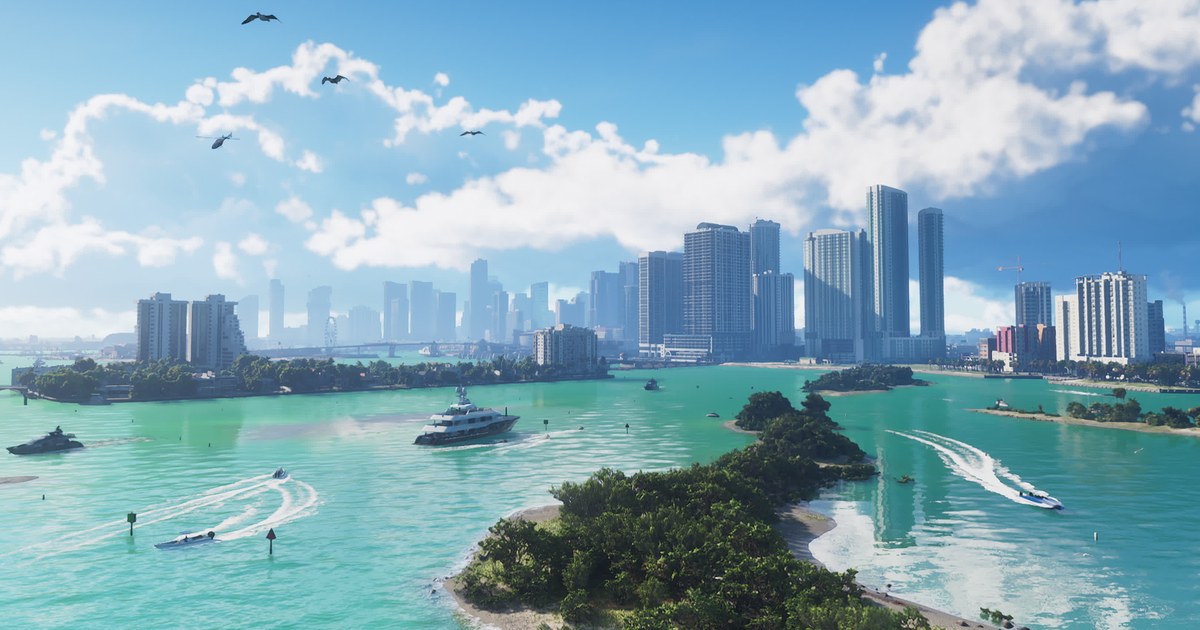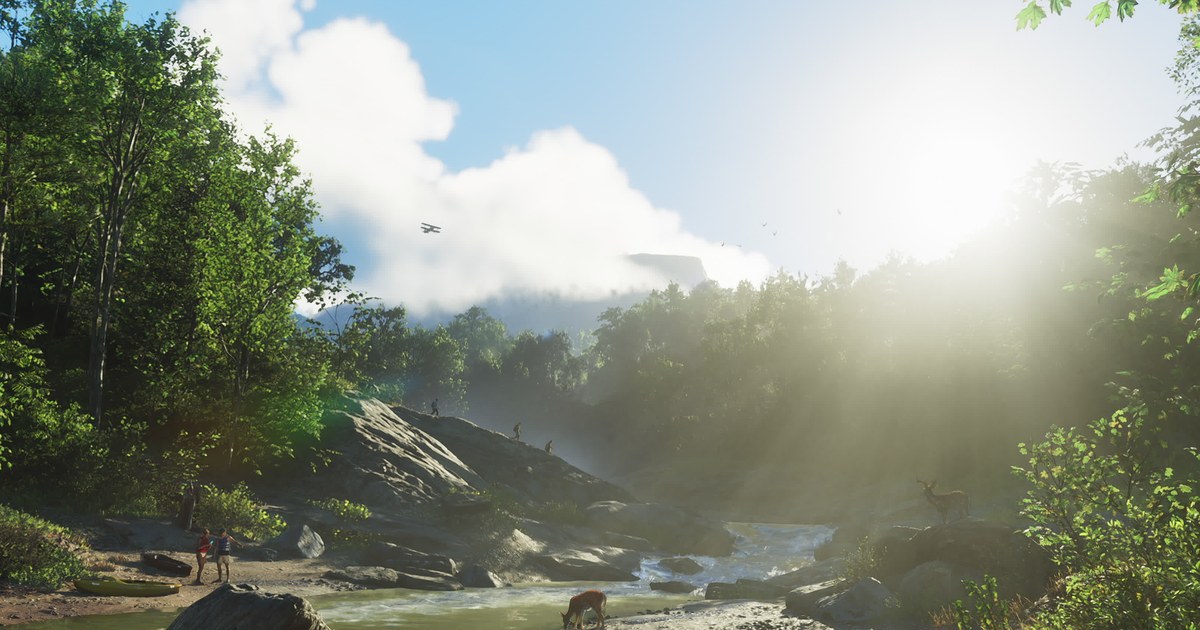
To make a GTA 6 video, capture the moment with your console's built in recording, move the file to your PC, edit it in a browser, and upload it to YouTube, Shorts or TikTok. The key point is that you can start with nothing more than a PS5 or an Xbox, no capture hardware required.
Grand Theft Auto VI launched on PlayStation 5 and Xbox Series X|S on November 19, 2026, and as of November 23, 2026, Rockstar Games had not officially announced a PC version. The PC timeline is covered separately in our GTA 6 PC release date guide.
That means any GTA 6 gameplay video, driving clip or funny moment compilation you make starts with console recording. Below are the recording options, two ways to move clips to a PC, and the editing and upload steps, based on the official PlayStation and Xbox support documents.
Which recording to use: save recent gameplay for moments that just happened, start a new recording for whole missions
For something that already happened, like a funny crash or a police chase, use Save Recent Gameplay. To capture a full mission from start to finish, use Start New Recording.
The PS5 records continuously in the background, so pressing the Create button lets you save anything from the last 15 seconds up to 1 hour, and a new recording can run for up to 1 hour.
Xbox Series X|S saves the last 30 seconds by default and up to 2 minutes if you choose a length, while recording from now runs up to 10 minutes on internal storage or up to 1 hour on external storage, depending on clip resolution and free space.
For 4K captures, the PS5 needs a 4K compatible display and the Xbox needs its TV output set to 4K. Once you have the footage, editing is far easier in a PC browser. To merge several moments, convert to vertical Shorts, and add text and music in one pass, we recommend finishing everything in the browser clip editor. Console specific steps are covered in how to record GTA 6 on PS5 and how to clip GTA 6 on Xbox.
How to make a GTA 6 video, step by step
- 1Record the moment on your consoleOn PS5, press the Create button and choose Save Recent Gameplay or Start New Recording. End a new recording by pressing the Create button again and selecting Stop Recording. On Xbox, press the Xbox button to open the guide and press X to save the last 30 seconds, or choose Start recording under Capture & share.
- 2Check your capture qualityOn PS5, change the video clip file type and resolution in the capture settings. On Xbox, go to Settings > Preferences > Capture & share to change resolution and storage location. 1080p is plenty for Shorts. If you want to upload to YouTube in 4K, set up 4K output first.
- 3Move clips to your PC or phoneOn PS5, select the capture in Media Gallery, then choose More > Copy to USB Drive. With PS App auto upload turned on, videos under 3 minutes at 1080p or lower are uploaded to the app for 14 days and can be downloaded to your phone. Xbox captures upload to the Xbox network automatically, and you open and share them from Captures in the Xbox mobile app.
- 4Edit in your browserOpen DOR Studio on dor.gg and drag in mp4, mov, webm or mkv files from My computer. Line up several clips on the timeline, split and delete the parts you do not need, pick a 16:9 or 9:16 ratio, then add text, music and effect templates.
- 5Export and uploadDownload the finished video as an mp4 and post it to YouTube, Shorts, TikTok or Instagram Reels, or send a dor.gg link straight to your friends. The result carries no watermark.
GTA 6 recording and transfer on PS5 vs Xbox (as of November 23, 2026)
| Item | PS5 | Xbox Series X|S |
|---|---|---|
| Save what just happened | Create button > Save Recent Gameplay, 15 seconds to 1 hour | Xbox button > X, 30 seconds by default, up to 2 minutes |
| Record from now | Start New Recording, up to 1 hour | Start recording, up to 10 minutes internal or 1 hour external |
| 4K capture requirement | A 4K compatible display | TV output set to 4K |
| Move to PC | Media Gallery > More > Copy to USB Drive | Captures upload to the Xbox network automatically, then share from the Xbox mobile app |
| Get clips on your phone | PS App auto upload, under 3 minutes and 1080p or lower, kept 14 days | Xbox mobile app > My library > Captures |
| When capture is blocked | Some scenes blocked by the game are left out of clips | Console clips cannot be captured while streaming with Remote Play |
Check before you upload
- Videos you bring into DOR Studio are at least 3 seconds long
- For Shorts and TikTok, the ratio is set to 9:16 and the car and character stay in the center of the frame
- If late story scenes or the ending appear, the title and thumbnail carry a spoiler warning
- Clips received through PS App auto upload were downloaded within 14 days
- You listened all the way through to balance game audio against background music
Edit and share GTA 6 videos with DOR
GTA 6 clips you move off your console can go straight into DOR Studio on dor.gg in your browser, with nothing to install.
Merging clips, trimming, switching between 16:9, 9:16 and 1:1, text, music and effect templates like Shake Zoom, Punch Zoom and Glitch transitions all happen on one screen, and you can export an mp4 or share a dor.gg link.
You record, edit and share with no watermark, so the result is ready for YouTube as is. If you stream GTA 6 to your PC with PS Remote Play, the free Windows app DOR can record that window with screen recording when it is full screen on your main monitor, and you edit it the same way.
PC games like GTA 5 record the whole session automatically as soon as you launch them, and sharing those videos with friends is covered in how to share GTA 5 gameplay videos.