Fishing in GTA 6 (Grand Theft Auto VI) needs no unlock. Once Jason can move around freely, head to the small pier just west of his house in Key Lento and pick up the fishing rod.
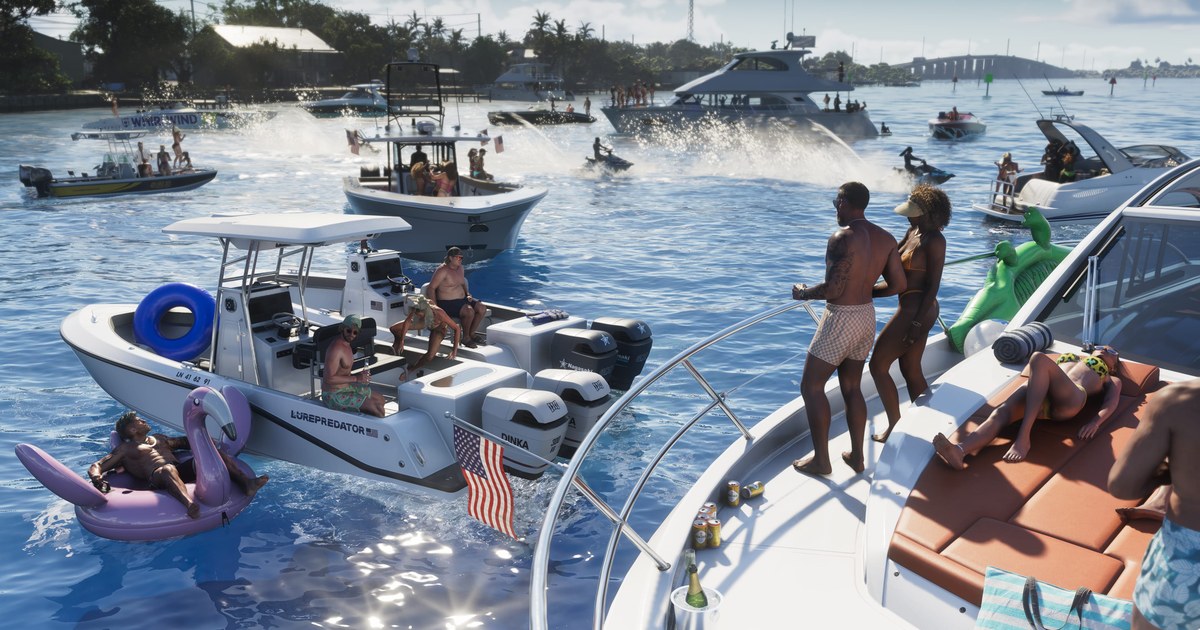
That starts the fishing tutorial, and from then on you can pull the rod out of the Equipment tab of the weapon wheel whenever you like. Any water works: docks, the coastline, lakes, rivers or the deck of a boat.
This guide is based on GTA 6 as released on PS5 and Xbox Series X|S on November 19, 2026 (as of November 23, 2026) and walks through the controls in order, which lure to use and where to buy more, what happens to the fish you catch, and how to beat Cal's fishing challenge. For the order of the story missions around it, see the GTA 6 missions and chapters list.
Your two starting lures are enough; buy bigger ones only for bigger fish
You do not need to buy anything at first. Your inventory already holds a Small Saltwater Lure and a Small Freshwater Lure, and even Cal's challenge can be finished with the basic saltwater lure.
As the names suggest, use the saltwater lure off docks, the coast and at sea, and the freshwater lure in lakes and rivers. When you want bigger lures, visit an Ammu-Nation that sells fishing supplies.
You can buy the Medium Saltwater Lure there right away, and Chuck's Tackle & Shot near Jason's house also sells lures. It also pays to plan for a boat.
During Chapter 1 you can use the boat at the pier next to Jason's house, but it is no longer available once Chapter 1 ends, so after that take a fishing boat from a dock such as the one next to The Rusty Anchor.
In short, the starting lures and the pier by the house are all you need at first, and the most efficient order is to swap lures at Ammu-Nation and find a boat only when you go after bigger fish further out at sea.
How to catch your first fish
- 1Pick up the rod on the pierGo to the small pier west of Jason's house in Key Lento and pick up the fishing rod lying there. This starts the fishing tutorial, and the rod comes ready to use with the basic saltwater lure.
- 2Pull the rod out of the weapon wheelOpen the weapon wheel with L1/LB, move to the Equipment tab and select the fishing rod. After you get it once, this is how you pull it out at any water.
- 3Use Focus to see where the fish areLook at the water in Focus mode and the areas where fish gather are highlighted. Aim for spots with shadows under the surface or fish leaping out of the water.
- 4Cast past the fish and waitHold L2/LT to hold the rod out, then press and release R2/RT to cast. Land the lure a little beyond the fish and reel slowly with the right stick so the fish follows. If nothing bites, reel the line back and cast again.
- 5Hook it, tire it out, then reel inWhen a fish bites, press R2/RT to hook it. Push the left stick in the opposite direction to where it is swimming to wear it down, and once it tires and stops, spin the right stick quickly to pull it in. Check the species and weight on the result screen, then throw it back.
GTA 6 fishing controls at a glance (PS5 / Xbox)
| Step | Control | Tip |
|---|---|---|
| Equip the rod | Open the weapon wheel with L1/LB and pick the rod in the Equipment tab | The first time, you have to pick up the rod on the pier by Jason's house |
| Find fish | Scan the water in Focus mode | Spots with fish light up, and fish jumping out of the water are a good sign |
| Hold the rod out | Hold L2/LT | Face the area where the fish are |
| Cast | Press and release R2/RT | The longer you hold, the further it flies, so cast a little past the fish |
| Hook | R2/RT when a fish bites | Reel slowly while you wait and press as soon as it bites |
| Tire it out | Left stick against the fish's direction | Hold on until the fish gets tired and stops |
| Reel in | Rotate the right stick | Spin quickly while the fish rests |
Check these before you go fishing
- I picked up the rod on the pier next to Jason's house
- I am using a saltwater lure at sea and a freshwater lure in lakes and rivers
- I know where an Ammu-Nation with fishing supplies is if I need bigger lures
- I have picked a dock to grab a boat from for open water after Chapter 1
- If Cal has texted me his challenge, I have checked the marked spot in Gambit Bay
How to make a GTA 6 video: keep the moment you land a big fish
For moments worth keeping, like the second you haul in a big fish, record on your console, move the clip to your PC and edit it in DOR Studio. On PS5, use the Create button to save recent gameplay from the last 15 seconds up to 1 hour, or start a new recording of up to 1 hour.
On Xbox Series X|S, open the Xbox button menu to capture what just happened, up to the last 2 minutes, or start a recording. Copy PS5 videos from the Media Gallery to a USB drive or get them on your phone through PS App auto upload, and find Xbox captures in the captures list of the Xbox mobile app.
Upload the clip to the dor.gg Studio to turn it into a 9:16 vertical Short, merge several clips, trim them, add text, music and effects (shake zoom, punch zoom and more), then export an mp4 or share a link. Your result has no watermark.
The full process from console recording to upload is in how to make a GTA 6 video, and the detailed steps for moving PS5 clips are in moving GTA 6 PS5 clips to PC or phone.