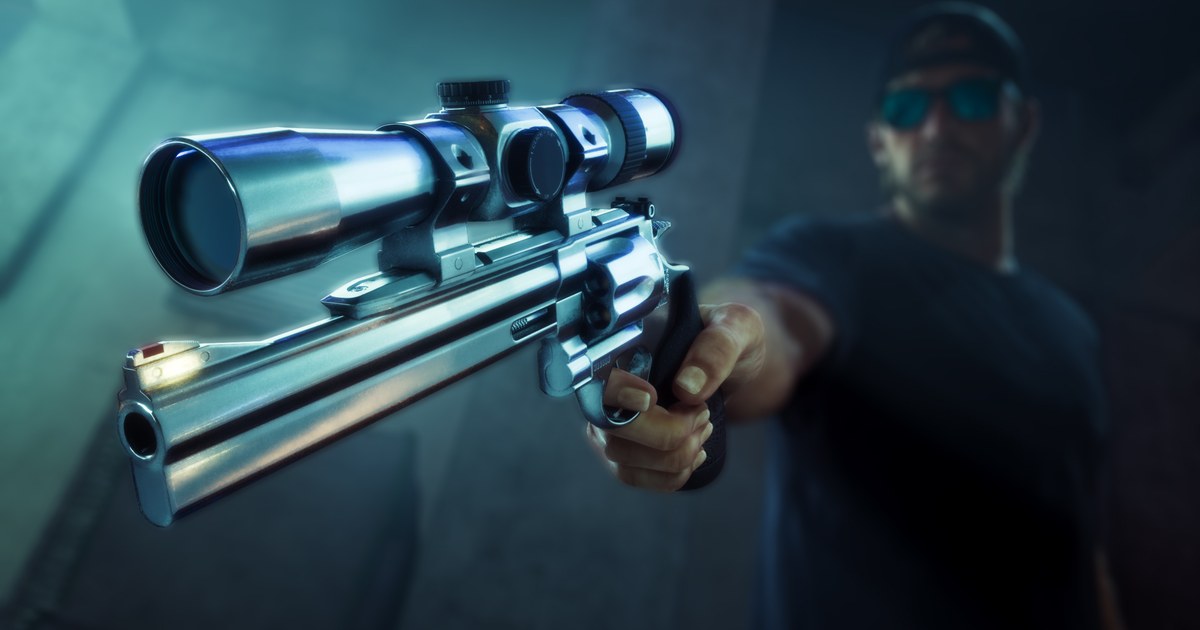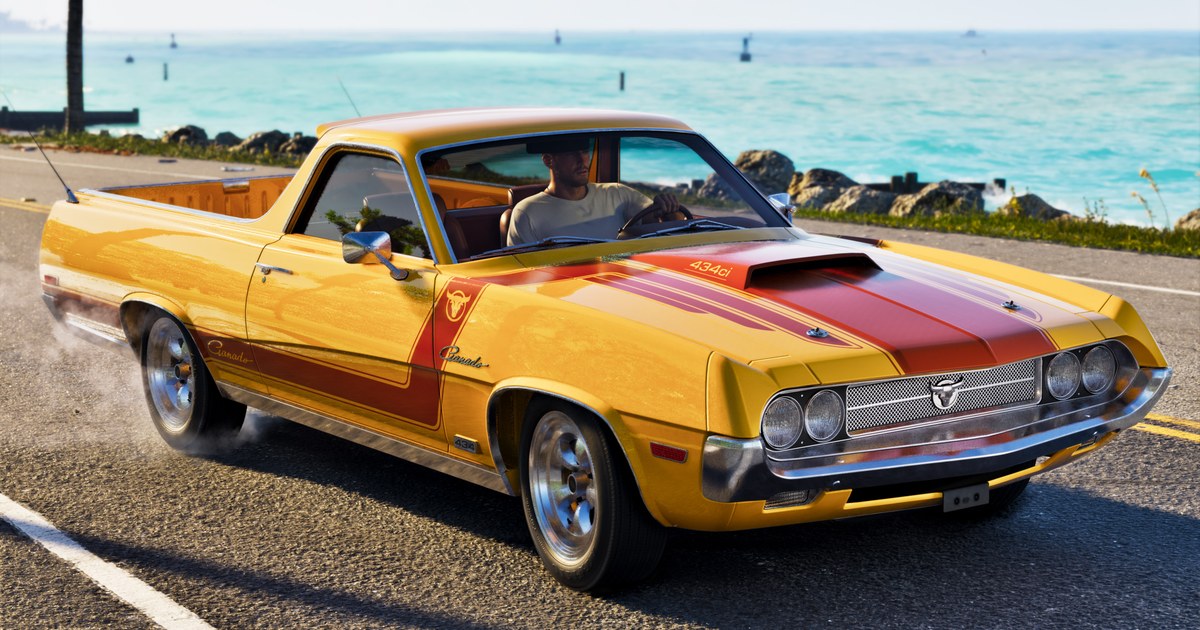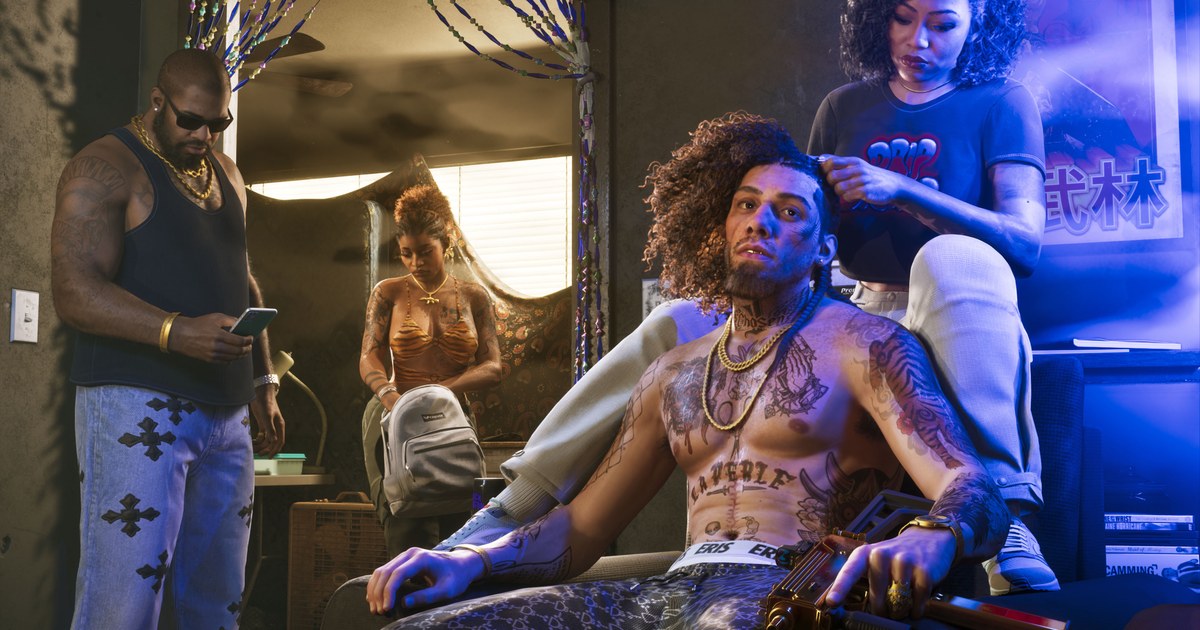
Changing how Jason and Lucia look in GTA 6 (Grand Theft Auto VI) comes down to visiting shops. Hairstyles come from hair salons, tattoos from tattoo studios, clothes and accessories like hats and sunglasses from clothing stores, and shoes from footwear stores.
Shops show up as map icons once you clear the fog, and the map's Style filter lists each type along with how many you have found.
This guide covers GTA 6 as released on PS5 and Xbox Series X|S on November 19, 2026 (as of November 23, 2026): the shop types and counts, where they are spread across Leonida, the order for trying and buying, and how to use your wardrobe and car trunk. If you are short on cash for clothes and tattoos, start with how to make money fast in GTA 6.
Find shops with the map Style filter and start in Vice-Dale
You do not need to hunt for shops one by one. Open the map, pick Style (the T-shirt icon), then choose a type such as clothing, footwear, hair and beauty or tattoos to get a list of those shops, with a counter in the bottom left showing how many you have found.
Shop icons only appear once that area's fog is cleared, so explore first. Hair salons use an orange scissors icon, tattoo studios an orange heart, and clothing stores a T-shirt icon.
Hover over a shop icon on the map to see its type, brand and what it sells, so you know in advance whether it has what you want. Vice-Dale County, home of Vice City, has the most shops: 12 of the 18 hair salons and 8 of the 11 tattoo studios are there.
The rest are in Mariana County in the southwest (3 salons, 1 tattoo studio), Kelly County (2 salons, 2 tattoo studios) and Leonard County (1 salon). To open the map quickly, see how to clear the map fog in GTA 6.
How to change your look
- 1Clear the map fog firstShop icons only show in areas where the fog is gone. Driving around downtown Vice City first unlocks the most shops.
- 2Pick a shop with the Style filterOn the map, choose Style (the T-shirt icon), select clothing, footwear, hair and beauty or tattoos, and set a waypoint to the closest shop.
- 3Hover over the icon to check stockHovering over a shop icon shows its type, brand and the items it sells. Head to the one that carries the style you want.
- 4Try on and buy in the shopIn a clothing store you can try items in different colors and patterns, buy them and change into them right away. Most clothing stores also have a changing room for clothes you already own.
- 5Save outfits and stock your trunkAt your home wardrobe, combine tops and bottoms and save them as an outfit to switch in one step. Put your favorite outfits in your car trunk to change while you are out.
Where to change your look in GTA 6 (guide counts as of November 23, 2026)
| Shop | Count and types | What you can change |
|---|---|---|
| Clothing stores | 67: Casual and Street 17, Sportswear 11, Formal 10, Souvenir and Swimwear 24, Thrift 5 | Tops, bottoms and accessories like hats and sunglasses |
| Footwear stores | 17, counted separately from clothing | Shoes |
| Hair and beauty salons | 18: barbers, beauty salons and unisex salons | Hairstyles, plus nail color and makeup for Lucia at beauty salons |
| Tattoo studios | 11, each with its own specialty style | Shop specific tattoo designs (different for Jason and Lucia) |
| Home wardrobe | At your home | Change into bought clothes and save top and bottom combos as outfits |
| Car trunk | Your vehicle | Change into stored outfits while out |
| Ultimate Edition shops | Stock 305 (clothing), Sara's Unisex Salon (hair), Electric Fang Tattoo (tattoos) | Edition exclusive clothes, hairstyles and tattoos |
Customization checklist
- I cleared the map fog around Vice City, where most shops are
- I checked how many shops I have found in the map Style filter
- I picked a tattoo studio that specializes in the style I want
- I saved my favorite combos as outfits in the wardrobe
- I put outfits in my car trunk for changing on the go
How to make GTA 6 videos: keep a before and after makeover clip
To show off a new haircut, tattoo or outfit next to your old look, record on your console, move the video to your PC and edit it in the DOR Studio. On PS5, use the Create button to save recent gameplay from 15 seconds up to one hour or start a new recording (up to one hour).
On Xbox Series X|S, use the Xbox button menu to capture what just happened, up to the last two minutes, or start a recording. Copy PS5 videos from the Media Gallery to a USB drive or get them on your phone with PS App auto upload, and find Xbox captures in the captures list of the Xbox mobile app.
Upload the video to the studio at dor.gg and you can turn it into a 9:16 vertical short, join your before and after clips, trim them, and add text, music and effects (shake zoom, punch zoom and more), then export an mp4 or share a link. Your finished video has no watermark. The full process from console recording to upload is in how to make GTA 6 videos, and tips for vertical edits are in GTA 6 Shorts and TikTok editing.