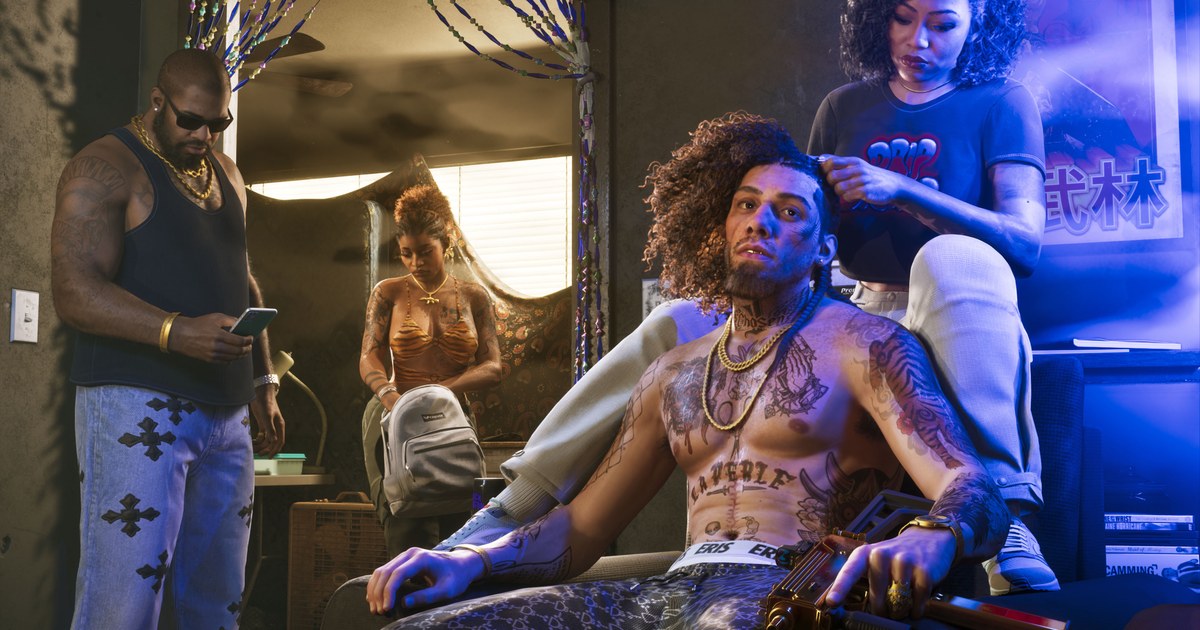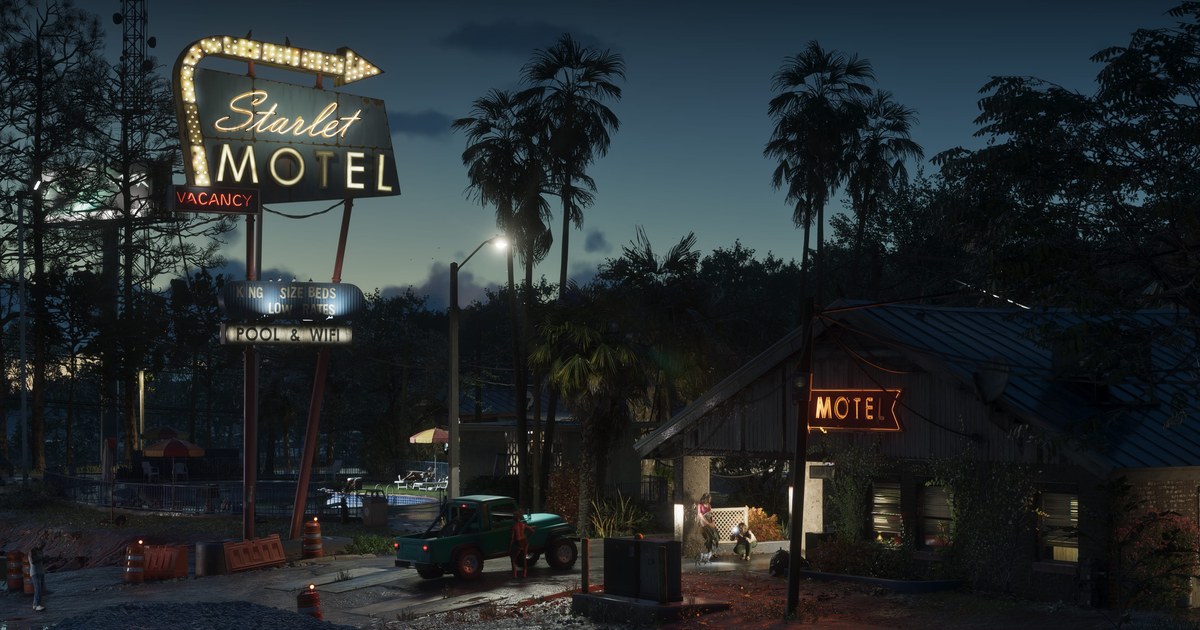
If your car vanished in GTA 6 (Grand Theft Auto VI), it went to a police impound lot. There are two ways to get it back. You can pay a fee in the Scooter Bros app on your phone and have the car delivered to where you are, or you can sneak into the impound lot and drive it out yourself.
The app is safe but costs money; the break in is free but earns a wanted level if you are seen.
This guide covers GTA 6 as released on PS5 and Xbox Series X|S on November 19, 2026 (as of November 23, 2026): what gets a car impounded, how to find it, how the two methods compare, and the story mission where you recover Lucia's car. The story missions in order, chapter by chapter, are listed separately in the GTA 6 mission and chapter list.
App delivery or lot break in: use the app if you can afford it
If you have the cash, the Scooter Bros app is the right call. Open the app, pick the impounded car, pay the recovery fee, and the car is delivered to you with no police involved. The app is not available from the start; it opens up as you progress through the story.
Every recovery costs money, so check your balance first. Buying the app's premium tier (GTA$12,500 in game) gives you up to three free recoveries per day, which suits you if frequent chases keep costing you your car. If money is tight or the app has not unlocked yet, break into the lot instead.
Slip past the officers, reach your car and drive out, but if you are spotted inside the lot you get a wanted level straight away. You only truly have the car back once you lose the wanted level without wrecking it, so go in with plenty of health and ammo.
If you left loot bags in the trunk when it was impounded, app delivery can cost you those bags, so in that case it is better to go in person and check the trunks of nearby police cars too.
How to get an impounded car back
- 1Find the car on the mapOpen the map and check the Personal tab of the legend to see where your car is. If it was impounded, this is also where you see which impound lot it is in.
- 2Check what was in the trunkIf you stored loot bags in the trunk, move quickly. Once a car is impounded, the bags can disappear or be moved to the trunk of a police car parked near the lot.
- 3Decide whether to use the appIn the Scooter Bros app, pick the impounded car and pay the recovery fee. The car is then delivered to you; with the premium tier, up to three recoveries a day are free.
- 4Approach quietly if you go in yourselfStay out of the officers' sight near the lot, reach your car and drive straight out. Being spotted means a wanted level, so plan your exit route before you go in.
- 5Lose the wanted level and fix the carShake off the police chase without wrecking the car. After the chase, stop at a Pay 'n' Spray to fix up any damage.
Impound recovery methods at a glance
| Method | Cost and risk | Pick it when |
|---|---|---|
| Scooter Bros app recovery | Recovery fee each time, no contact with police | You have cash and need the car right now |
| Scooter Bros premium | GTA$12,500 in game, three free recoveries per day | Frequent chases keep costing you your car |
| Impound lot break in | Free, wanted level if spotted | You want to save money or the app is not unlocked yet |
| Recovering trunk loot | You must open nearby police car trunks, risk of being seen | Your car was impounded with loot bags inside |
| Lucia's car mission (Impounded Vehicle) | Two star wanted level | Lucia's car is impounded after Breakfast Run in Chapter 2 |
| Preventing impounds | No cost | Crimes in stolen cars, your own car for everyday driving |
Check before you head to the impound lot
- I found the impound lot holding my car in the Personal tab of the map legend
- I have enough cash for the Scooter Bros recovery fee
- I remember whether there were loot bags in the trunk
- If I am breaking in, I have enough health and ammo to lose a wanted level
- From now on I will commit crimes in unregistered stolen cars
How to make GTA 6 videos: keep your impound escape
To keep a moment like an impound escape, record it on your console, move it to your PC and edit it in the DOR Studio. On PS5, use the Create button to save recent gameplay from 15 seconds up to one hour or start a new recording (up to one hour).
On Xbox Series X|S, use the Xbox button menu to capture what just happened, up to the last two minutes, or start a recording. Copy PS5 videos from the Media Gallery to a USB drive or get them on your phone with PS App auto upload, and find Xbox captures in the captures list of the Xbox mobile app.
Upload the video to the studio at dor.gg and you can turn it into a 9:16 vertical short, merge several clips, trim, add text, music and effects (shake zoom, punch zoom and more), then export an mp4 or share a link. The result has no watermark.
The full process from console recording to upload is in how to make GTA 6 videos, and tips for sending videos to friends are in sharing GTA 5 gameplay videos and sharing FiveM roleplay videos.