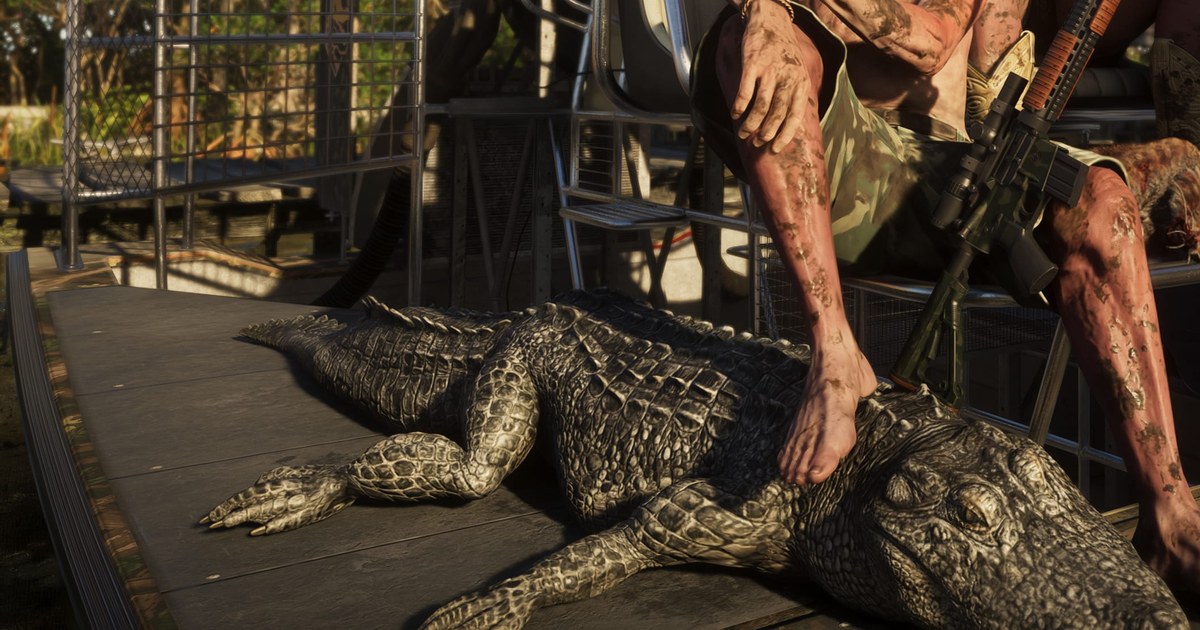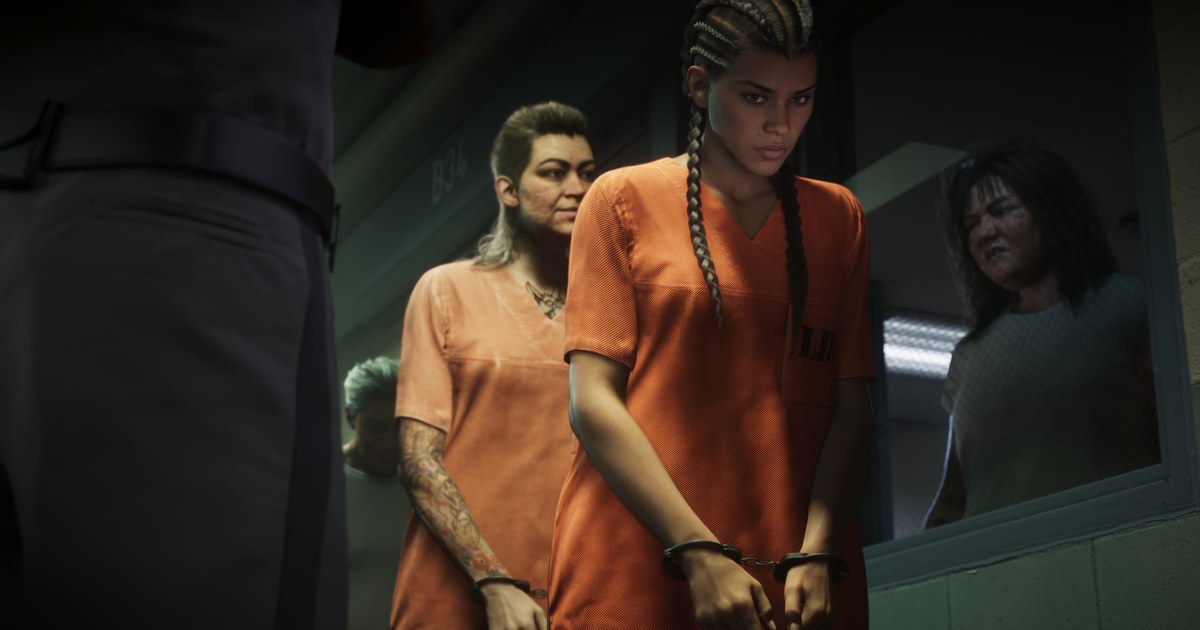
Short answer: the GTA 6 prologue is a short tutorial mission that needs no special strategy. You play Lucia Caminos, not Jason, and the mission begins in a cell at Hamlet Correctional. Talk to your cellmates, follow CO Wilson to the counselor's office, and the conversation cuts to a flashback.
In the flashback you rob a Payday Loan store, which teaches you to aim, threaten the teller and pick up the cash, and when a customer grabs you, you break free by following an on-screen prompt.
The police chase that follows is scripted, so you cannot lose the cops, and once you go back to the coffee shop Lucia is arrested and the prologue ends. As the first mission of GTA 6, which launched on November 19, 2026 for PS5 and Xbox Series X|S, most players only get stuck on the chase.
This guide covers that part, the order of events, the buttons, and whether anything is missable. It does describe some of the prologue, so skip past this paragraph if you want zero spoilers. At the end there is also a short section on saving your first mission as a video.
The answer: the chase is the only tricky part, and the answer is to keep running
The place you will spend the most time in the prologue is the police chase after the robbery. Several guides agree that this chase is scripted so Lucia ends up arrested, which means there is no way to escape for good.
You can stay ahead of the police for a while, and depending on how you play you may get a return to the coffee shop objective, but the outcome is the same. So do not look for somewhere to hide; follow the on-screen prompts and markers and keep moving.
The flashing blue and red circle on the minimap shows where the police are searching, so head away from it. During the robbery, the prompt for picking up the cash is Triangle on PS5 and Y on Xbox. When a customer grabs Lucia, simply press the inputs that appear on screen to break free. There are no collectibles or missable rewards in the prologue, so there is nothing to go back for.
How the prologue plays out
- 1Talk to your cellmatesLucia starts in a cell at Hamlet Correctional. Turn around and talk to your cellmates, and then CO Wilson opens the cell door. There is no hurry, but you need to finish the conversation to move on.
- 2Follow CO Wilson to the counselor's officeFollow Wilson through the common area to the counselor's office. The counselor talks through how Lucia was arrested and whether she could be released early, and that conversation leads into the flashback.
- 3Aim at the teller and take the cash in the flashbackIn the flashback, Lucia leaves a coffee shop and walks into a Payday Loan store. Hold the aim button (L2 on PS5, LT on Xbox) on the teller, who puts cash on the counter, and then press the prompted button (Triangle on PS5, Y on Xbox) to pick it up.
- 4Break free with the on-screen promptWhile you are taking the cash, a customer grabs Lucia. Follow the inputs shown on screen to break free. The button is not fixed, so just press whatever the prompt shows.
- 5Keep running through the chase, then return to the coffee shopWhen you leave the store the police chase starts. It is built so you cannot lose them, so keep running away from the police. When the game cuts back to the counselor's office, follow the coffee shop marker, and the arrest at the end finishes the prologue.
GTA 6 prologue at a glance
| Item | Details | What to check |
|---|---|---|
| Playable character | Lucia Caminos | Jason appears from the next mission |
| Starting place | A cell at Hamlet Correctional | Start by talking to your cellmates |
| Counselor's office | Follow CO Wilson there | The conversation leads into a flashback |
| Flashback robbery | Aim at the Payday Loan teller and pick up the cash | Cash prompt: Triangle on PS5, Y on Xbox |
| Customer grab | Break free by following the on-screen prompt | No fixed button, follow what appears |
| Police chase | Scripted, so you cannot lose the cops | Keep moving and the story continues |
| Ending | Return to the coffee shop and get arrested | This scene cannot be avoided |
| Next mission | Gone Fishing | No collectibles or missable rewards |
Before you finish the prologue
- The prologue is a required mission and counts toward 100% completion
- There are no collectibles, gold medal goals or missable rewards
- You cannot lose the police chase, so keep moving instead of looking for a dead end
- Make separate manual saves before and after the prologue if you want a point to return to
- When it ends, the next mission Gone Fishing puts you in control of Jason
How to make a GTA 6 video
If you want to keep the prologue or your first GTA 6 session as a video, record it on your console, move it to your PC or phone, and edit it there.
On PS5, press the Create button and choose Save recent gameplay to keep anything from the last 15 seconds up to 1 hour, or Start new recording to capture up to 1 hour.
On Xbox Series X|S, press the Xbox button and then X to save the last 30 seconds, pick a length to keep up to the last 2 minutes, or choose Start recording to record from now.
Copy PS5 videos from the Media Gallery to a USB drive or pull them through the PS App, and view and share Xbox captures in the Xbox mobile app.
Then upload the video to DOR Studio on dor.gg, switch it to vertical 9:16, merge several clips, trim, add text, music and effects such as shake zoom, and export an mp4 or share a link. Your result has no watermark. The full workflow is in how to make a GTA 6 video, PS5 recording is in how to record GTA 6 on PS5, and Xbox recording is in GTA 6 Xbox clip recording.