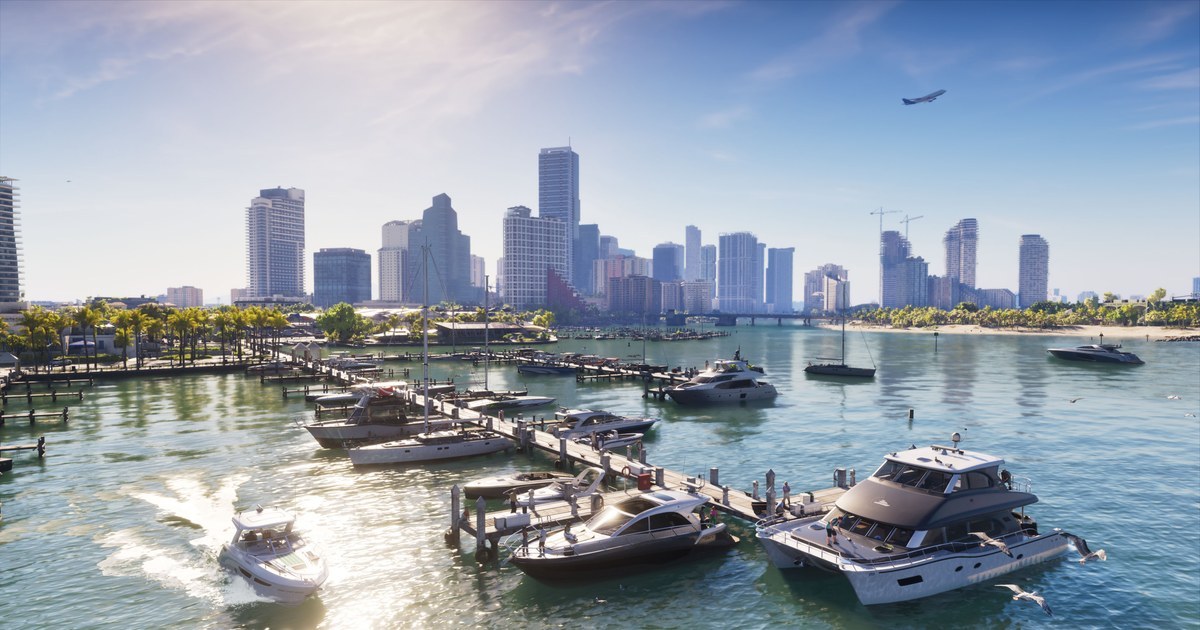
The short answer is Grassrivers. It is the Everglades-style wetland in southern Leonida, just above the Leonida Keys, and it is the place that guides and animal databases name most consistently for alligators.
What nobody has confirmed as of November 24, 2026 is an exact coordinate, a fixed spawn point or any time-of-day rule, so this guide focuses on where to search first and how to sweep an area.
GTA 6 came out on November 19, 2026 on PS5 and Xbox Series X|S, and alligators were already in the official trailer, turning up in unexpected places such as a residential pool and a convenience store.
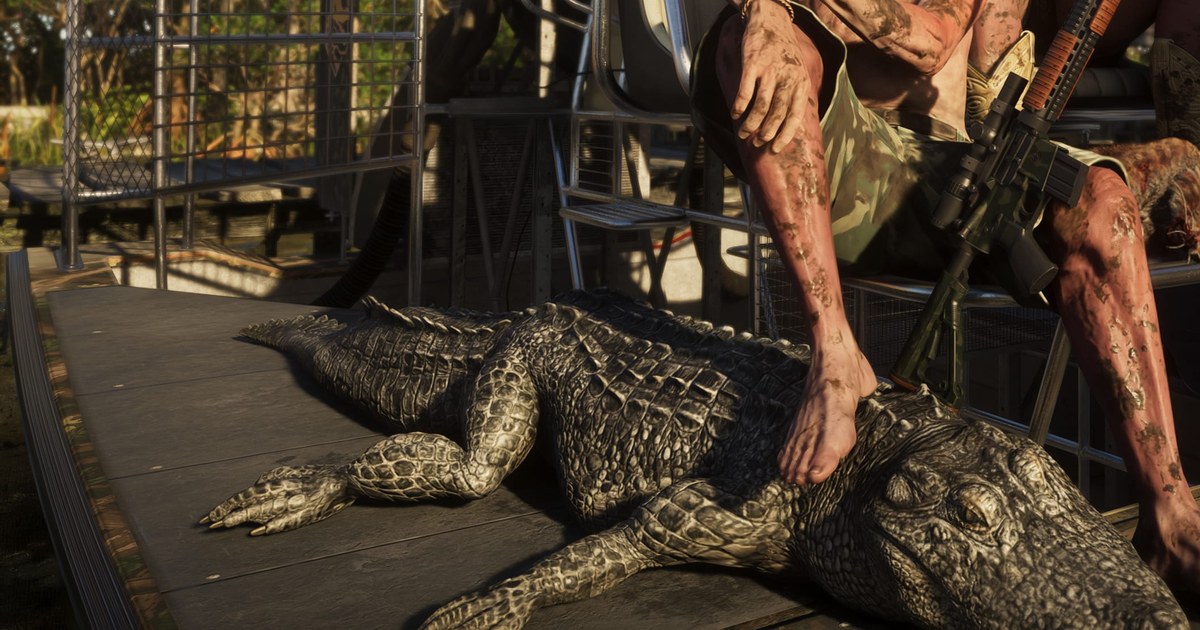
A Rockstar screenshot of Grassrivers on the official site also shows an alligator lying on an airboat deck, so swamp and alligators clearly go together. Below you get the search order, where the other animals are, and a clear line between what is confirmed and what is not.
The answer: sweep Grassrivers channels by airboat, then the mangrove gaps
Most people miss alligators because of how they look, not where. An alligator sits half underwater and blends into its surroundings, so scanning only the bank will fail.
Once you are in Grassrivers, check the open water first, sweep across the channel to both edges, and move to a clearer position wherever mangroves block your view.
Do not approach until you have confirmed the outline is an alligator, and keep a clear route back from the water while you watch from a distance. The airboat is described as the region's signature way to get around, but being on one does not guarantee you are safe.
Mount Kalaga is described as a hunting, fishing and off-road area and has not been confirmed as alligator habitat, so there is no reason to go there for gators. Guides disagree on whether you can hunt alligators and what that pays, so do not prepare as if it were confirmed.
How to find an alligator
- 1Head to GrassriversGo to the swamp region in southern Leonida, just above the Leonida Keys. On the map, the area with wetlands and mangroves is Grassrivers, and the airboat is described as the signature way to move around there.
- 2Check open water firstLook at the middle of the channel and any wide open stretch of water. Alligators sit half submerged, so often only the head and part of the back show above the surface.
- 3Sweep both edges of the channelDo not just watch the bank. Look across the channel and alternate between both edges, including shores where vegetation grows down to the water.
- 4Reposition around mangrove gapsWhere mangrove roots and branches block the view, do not decide the area is empty. Move to a clearer position and look again.
- 5Confirm from a distance, then note itDo not approach until you are sure the outline is an alligator, and keep a clear way back. Write each sighting down as simply seen or not seen with a nearby landmark, which makes your next sweep faster.
GTA 6 animal locations at a glance (as of November 24, 2026)
| Animal | Where to look | How solid |
|---|---|---|
| Alligator | Grassrivers wetlands, channels and mangroves | Sources agree, exact spot unconfirmed |
| Alligator (odd sightings) | Residential pool and convenience store near towns | Official trailer scenes, in game rules unconfirmed |
| Deer | Around Mount Kalaga | Lead from official regional imagery |
| Florida panther | Around Mount Kalaga, near the deer | Lead from official regional imagery |
| Manatee | Grassrivers waters | Mentioned by only some sources |
| Dolphins, sharks, whales | Open sea off Leonida | Mentioned by only some sources |
What to keep in mind while searching
- Confirm you are in Grassrivers, the swamp region in southern Leonida
- Sweep the open channels first from a water vehicle such as an airboat
- Check half-submerged outlines and mangrove gaps separately
- Keep your distance and a clear route back before you move closer
- Note each spot only as seen or not seen with a nearby landmark
How to save the alligator moment as a video
If you want to keep the first alligator encounter or an airboat run through the swamp as a video, record it on your console, move it to your PC or phone, and edit it there. On PS5, press the Create button and choose Save recent gameplay to keep anything from the last 15 seconds up to 1 hour.
On Xbox Series X|S, press the Xbox button and then X to save the last 30 seconds. Upload the video to DOR Studio at dor.gg, switch it to 9:16 vertical, combine several clips, trim, add text, music and effects, then export it as mp4 or share it as a link, with no watermark on the result. The full flow is in How to make a GTA 6 video, the order for joining clips is in How to merge game clips, and vertical Shorts are in How to make vertical game videos.