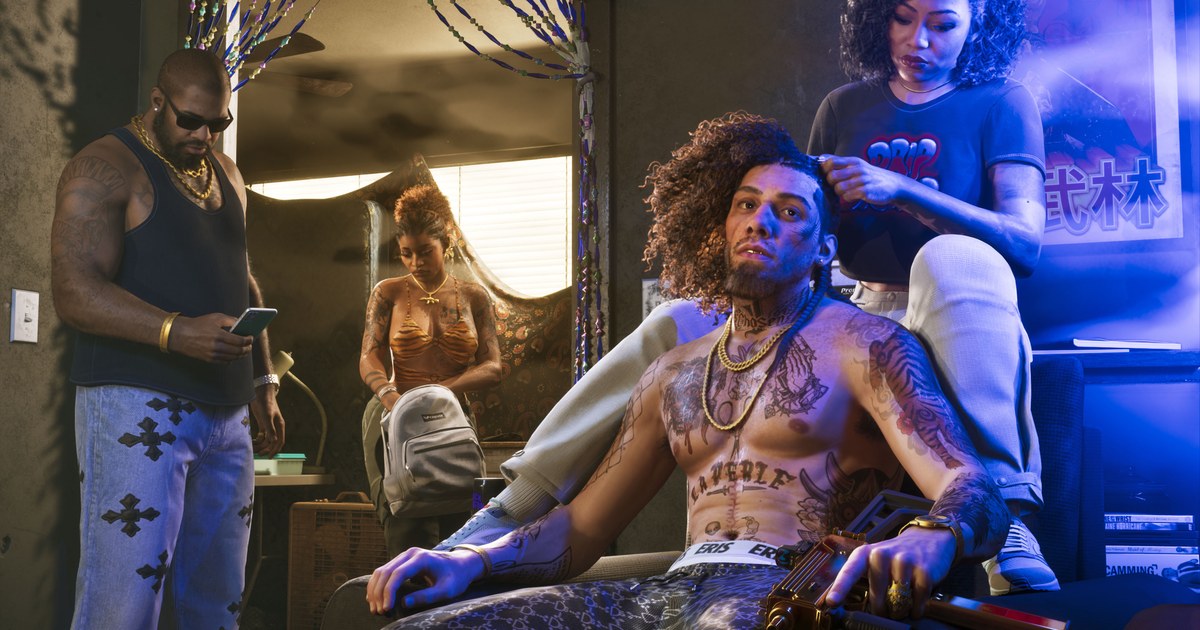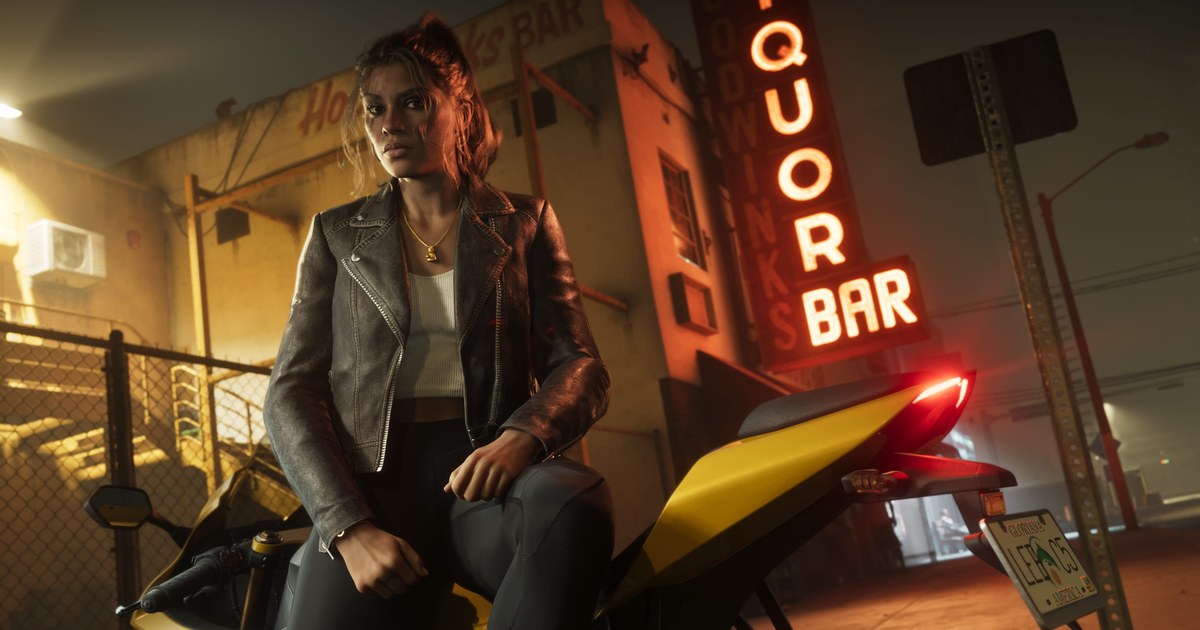
Short answer: to switch between Jason and Lucia whenever you want in GTA 6, you need to push the story to the Chapter 2 main mission Coffee Break. From then on, hold D-pad Right and press R1 on PS5, or hold D-pad Right and press RB on Xbox Series X|S, to jump to the other protagonist.
GTA 6, released on PS5 and Xbox Series X|S on November 19, 2026, does not let you swap from the very start. You start the prologue as Lucia, play Chapter 1 almost entirely as Jason, and spend the first part of Chapter 2 with Lucia on her own.
Only late in Chapter 2, once the two start moving together, does free switching open up. That is why most "the switch button does nothing" questions simply come from players who have not reached that point yet.
This guide covers when Lucia is first playable, when free switching unlocks, the buttons, and the situations that block a switch. For who the two leads are, see our GTA 6 characters and cast guide. Everything here is current as of November 23, 2026 and may change with patches.
If the button does nothing, check where you are in the story
When switching does not work, the first thing to check is which chapter you are in. Chapter 1 has short sections where you control Lucia, but the story sets them up, so you cannot swap characters from the switch menu.
After Chapter 1, you can control Lucia in free roam, but the early part of Chapter 2 is a solo stretch for her, so there is nobody to switch to yet. Once you finish the Chapter 2 main mission Coffee Break, you can move between both characters freely.
Some guides only say "late in Chapter 2" while others name Coffee Break, but they all agree it happens late in Chapter 2. Even after free switching unlocks, it can still be blocked. Some missions are written for Jason or Lucia alone, and the game locks you to that character while you play them.
The same goes for scripted story sequences. If the other character's portrait looks grey, switching is unavailable at that moment, so finish the mission or scene you are in, or move somewhere else, then open the menu again in free roam. The mission order by chapter is in our GTA 6 mission list.
How to switch between Jason and Lucia
- 1Play through to Coffee Break late in Chapter 2Free switching opens after the Chapter 2 main mission Coffee Break. In Chapter 1 and early Chapter 2 you only play the protagonist the story picks, so follow the main missions until you reach this point.
- 2Open the switch menu in free roamIn free roam with no active mission, hold D-pad Right to bring up the menu for the other character. A quick tap is not enough; keep it held down.
- 3Press R1 or RB to change charactersWith the menu open, press R1 on PS5 or RB on Xbox Series X|S to move to the other protagonist. Keep D-pad Right held while you press the bumper.
- 4If the portrait is grey, finish the mission and retryA grey portrait means you cannot switch right now. If you are in a mission built for one character or a story sequence, finish it first; if it is still grey, move somewhere else and open the menu again in free roam.
GTA 6 character switching by story stage (as of November 23, 2026)
| Story stage | Character you control | Free switching |
|---|---|---|
| Prologue | You start as Lucia | No, the story decides |
| Chapter 1 | Mostly Jason, plus short story driven Lucia sections | No, the story decides |
| Early Chapter 2 | Lucia solo, including in free roam | No, nobody to switch to yet |
| After Coffee Break, late Chapter 2 | Both Jason and Lucia | Yes, hold D-pad Right and press R1 (RB) |
| During a one character mission | Locked to that mission's character | Locked until the mission ends |
| Other character's portrait is grey | You stay as your current character | Not right now, finish the scene and retry |
What to check when switching does not work
- You have finished the Chapter 2 main mission Coffee Break
- You held D-pad Right instead of tapping it, then pressed R1 (RB)
- Your current mission is not built for just one character
- You are not in a cutscene or scripted sequence
- If the portrait is grey, you finished the current scene or moved somewhere else before reopening the menu
How to make GTA 6 videos: turn your two lead scenes into Shorts
To turn the scenes you capture while swapping between Jason and Lucia into a video, record them on your console, move them to your PC, and edit them in DOR Studio on dor.gg.
On PS5, the Create button lets you save recent gameplay from 15 seconds up to 1 hour or start a new recording of up to 1 hour; on Xbox, you can save the last 30 seconds, up to the last 2 minutes, or start a recording. Some scenes may be blocked from capture by the game.
On PS5, copy your captures from the Media Gallery to a USB drive to move them to your PC, or get them on your phone through the PS App.
Then upload them to DOR Studio in your browser, switch to a vertical 9:16 ratio, combine Jason and Lucia clips, trim what you do not need, and add text, music, and effects such as shake zoom. Export the result as an mp4 or share it straight away with a link, clean and without a watermark. The full flow from console capture to upload is in our guide to making GTA 6 videos.