If you pre-ordered the new Call of Duty entry, Call of Duty: Modern Warfare 4, the first thing you probably want to know is how long the campaign is. The short answer: the official mission count is sixteen. The Call of Duty blog post that opened Campaign Early Access on October 16, 2026 says twice in its own text that the campaign plays out across sixteen missions. If you come across a page saying the count has not been confirmed and that fourteen is the likely number based on previous entries, it was written before that announcement. Playtime is a different story. Unlike the mission count, no official figure for how many hours the campaign takes has been published as of October 17, 2026. So this guide splits the question in two. Confirmed by official sources: the mission count, where the campaign takes place, who you play as, the completion rewards, and exactly what Early Access opens. Not confirmed: the list of mission names, an average clear time, and anything about endings or branching paths. After that, the guide covers how to measure your own run and keep the whole playthrough on file instead of guessing from someone else's numbers. Campaign Early Access began on October 16 and the full release lands on October 23; if you only need the dates and unlock times, see Modern Warfare 4 release date and time.
The verdict: sixteen official missions, and no official clear time
Three things are settled by official sources. First, the campaign is made up of sixteen missions. Second, the entire campaign is open in Early Access to anyone who digitally pre-ordered or pre-purchased, on the Standard Digital Edition or the Vault Edition, and it stays available right up to the October 23 launch date. Third, the completion rewards you earn as you progress through the missions all become usable in Multiplayer and DMZ once the full game launches; they are eight base operators plus a calling card, an emblem, a loading screen, three Double XP Tokens and two Double Weapon XP Tokens. It is just as useful to be clear about what is not published. There is no official ordered list of mission titles, no stated average playtime, and nothing official about how many endings exist or whether the story branches, so this guide does not cover any of it. The reliable way to answer the playtime question for yourself is to combine the campaign progress screen in game with the length of the session recordings you keep on your own drive. It is also worth knowing exactly what Early Access covers. Per the official posts, Campaign Early Access is what is open first, DMZ Early Access starts on October 20, and the full game including Multiplayer unlocks on October 23. If you want to prepare for the extraction side before the campaign credits roll, read the Modern Warfare 4 DMZ mode guide. Because the campaign is a solo run, you do not need to squeeze frames the way you would in a competitive match, which leaves some headroom for image quality; Modern Warfare 4 graphics settings and frame rate walks through the options. One practical note if you plan to record: set resolution, frame rate and clip length before you launch the game.
How to keep all sixteen campaign missions on file
- 1Set your recording options before you launchSet resolution, frame rate and clip length before you launch, because a campaign session is exactly the kind of long single run you want to get right the first time. Open the DOR settings first, pick your resolution and frame rate, and choose a clip length of 15, 30, 45 or 60 seconds. Resolutions of 1440p and above, and frame rates of 120 and above, are Pro features.
- 2Clear drive space firstCampaign sessions tend to run long, and the video file grows with them. DOR warns you when the drive holding your recordings drops below 30GB free, and below 20GB it will not start a recording and stops one already running. If you plan to play several missions back to back, make room before you start rather than in the middle of a mission.
- 3Launch the campaign and confirm the recording startedTitles launched through Call of Duty HQ are detected automatically by DOR. Start the game, then glance at DOR once to confirm a recording is running. If the new title does not appear in the list, check Settings and then Games. Once recording begins, everything up to the moment you quit the game is kept as one video.
- 4Press F8 for the moments you want to keepPress F8 right after something worth keeping happens and the previous 30 seconds is saved as its own clip; the length is whichever of 15, 30, 45 or 60 seconds you chose in settings. For long set pieces such as a trench push or the Paris chase, press it once the scene has played out so the whole beat lands inside the clip.
- 5Protect each session and note its lengthAfter you finish a mission, mark that session recording as liked. With automatic file management on, full-session recordings roll over oldest first inside their own quota, which defaults to 5GB, while the newest session and anything you have liked are protected. Jot down each session length as you go and you will have your own clear time by the end of mission sixteen.
- 6Wrap up rewards and footage after the sixteenth missionFinishing the campaign banks the completion rewards, which become usable in Multiplayer and DMZ at full launch. For the footage, use the trim tool in your library to cut just the part you want in a 16:9, 9:16 or 1:1 frame. If the game crashed before you could press F8, trim the tail end of that session recording instead.
Modern Warfare 4 campaign: what official sources confirm (checked October 17, 2026)
| Item | What official sources confirm | Where to check it, and the catch |
|---|---|---|
| Mission count | Sixteen | Stated twice in the October 16 Campaign Early Access blog post. The 'probably fourteen' figure still circulating is not an official number. |
| Clear time | No official figure | No average playtime has been published. Measure your own with the campaign progress screen plus the length of your session recordings. |
| Mission names and order | No official list | No official source lists the mission titles in order. Check the mission select screen in the campaign menu instead. |
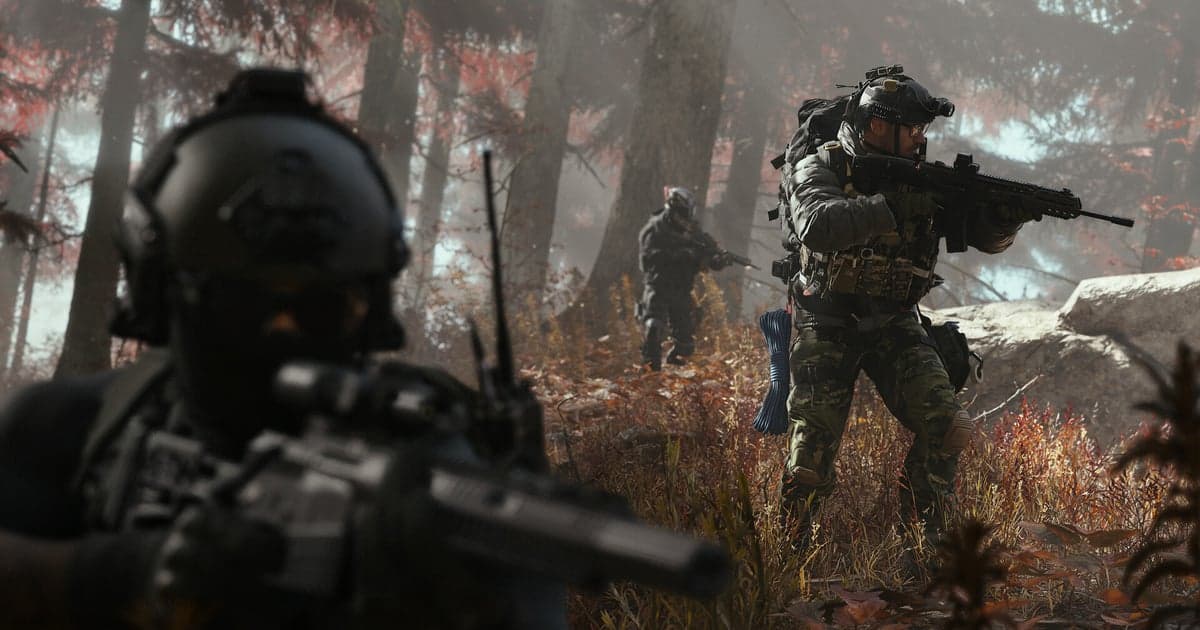
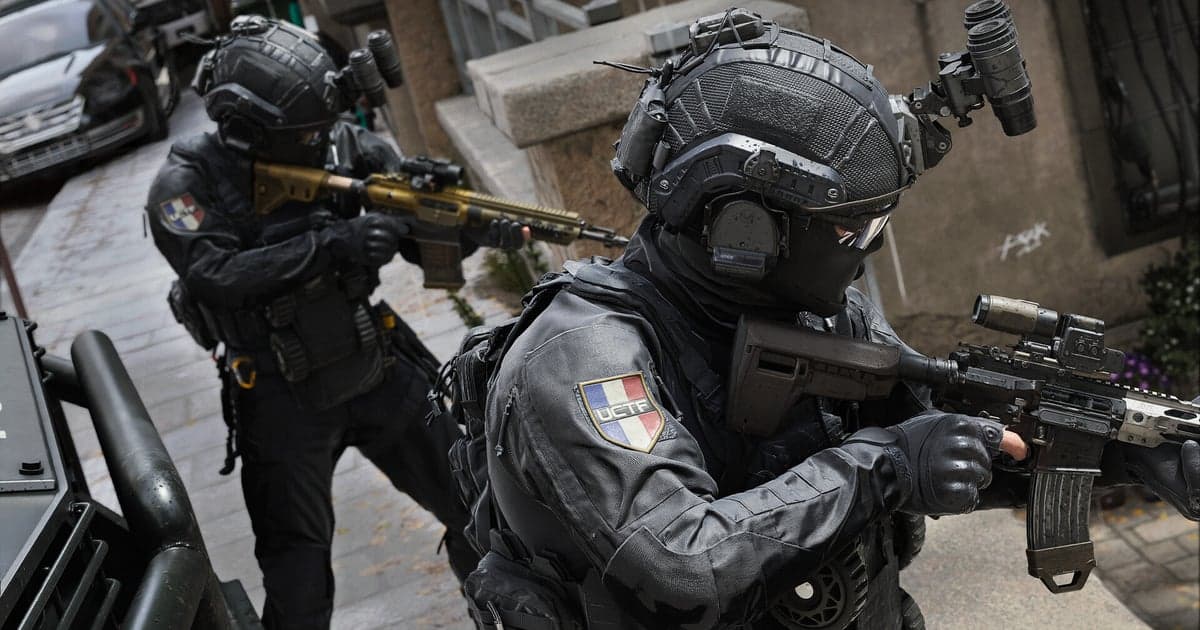
| Where it takes place | Trench warfare on the Korean Peninsula, close-quarters combat in New York, chases through Paris, SAS night raids in Mumbai, city-wide assaults to retake occupied territory | This is the scope given in the official store description. Anything beyond those locations has not been announced. |
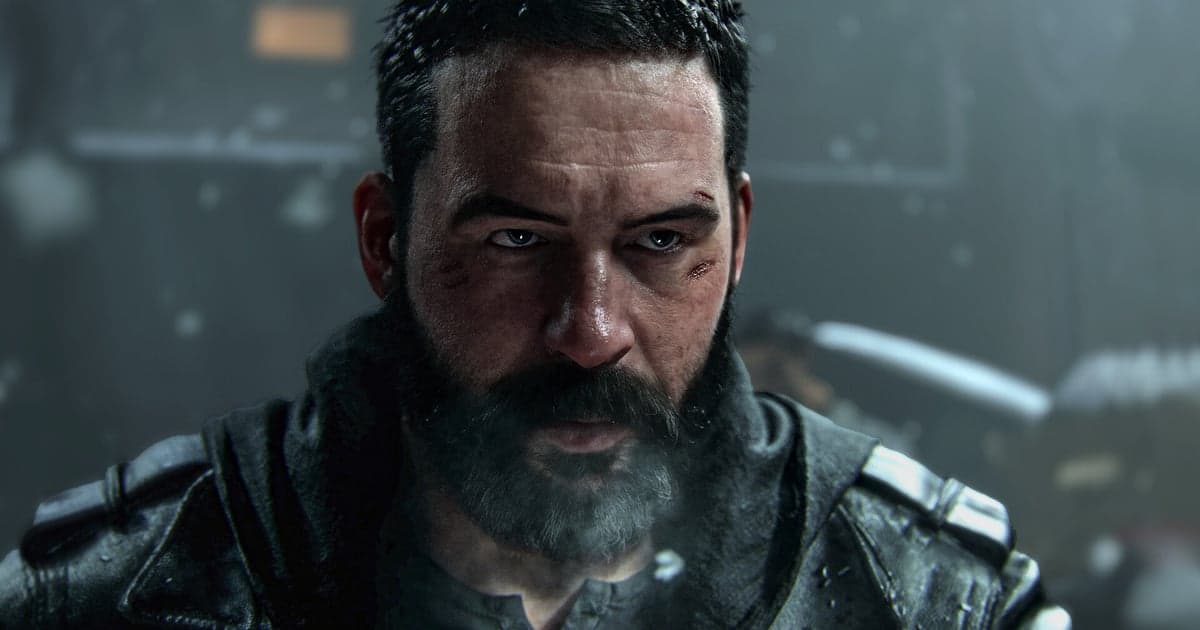
| Who you play as | Private Park Hyun Jun, in live combat for the first time, and Captain Price, running an off-book operation outside the system | From the official blog and store description. Endings and branching are not covered because no official source describes them. |
| Completion rewards | Eight base operators, a calling card, an emblem, a loading screen, three Double XP Tokens, two Double Weapon XP Tokens | Earned in order as you progress, and usable in Multiplayer and DMZ once the full game launches. |
Before you start the campaign
- I know the official mission count is sixteen, and that pages saying 'about fourteen' were written before the announcement.
- I know there is no official clear time, so I will measure my own run from the progress screen and my recording lengths.
- I have checked the Early Access and launch dates for my region: campaign from October 16, DMZ from October 20, full game October 23.
- I set DOR resolution, frame rate and clip length before launching the game.
- I left well over 30GB free on the drive where recordings are saved.
- I pressed F8 once during the first mission to confirm clips are saved, and liked the session recording.
Recording your campaign playthrough with DOR
DOR is a free Windows desktop app. Call of Duty sits in the full-session recording group in DOR, so when you launch the game on your PC, everything from launch to exit is recorded automatically as a single video. For a campaign, keeping the run whole is arguably the better fit: your first run through all sixteen missions is kept in full, and when something worth saving happens you press F8 and the previous 30 seconds is written out as a separate clip, with 15, 30, 45 and 60 seconds available in settings. Install detection looks at Call of Duty HQ on Steam and at the Battle.net install entry, so titles launched through Call of Duty HQ are picked up automatically; if the new title is missing from the list, check Settings and then Games. The step-by-step of saving campaign moments as clips is covered in how to save Modern Warfare 4 clips, and managing the space those session files take up is covered in Modern Warfare 4 recording storage and sessions. A few things are worth setting up front. Set resolution, frame rate and clip length before you launch the game. DOR warns you below 30GB of free space and will not start, or will stop, a recording below 20GB. With automatic file management on, full-session recordings roll over oldest first within their default 5GB quota, while the newest session and liked videos are protected. If the game crashes, the recording ends with the game; trim the tail of that session recording instead. Anything you keep can be trimmed in your library to a 16:9, 9:16 or 1:1 frame. DOR runs on Windows, so all of this applies to the Windows PC version.