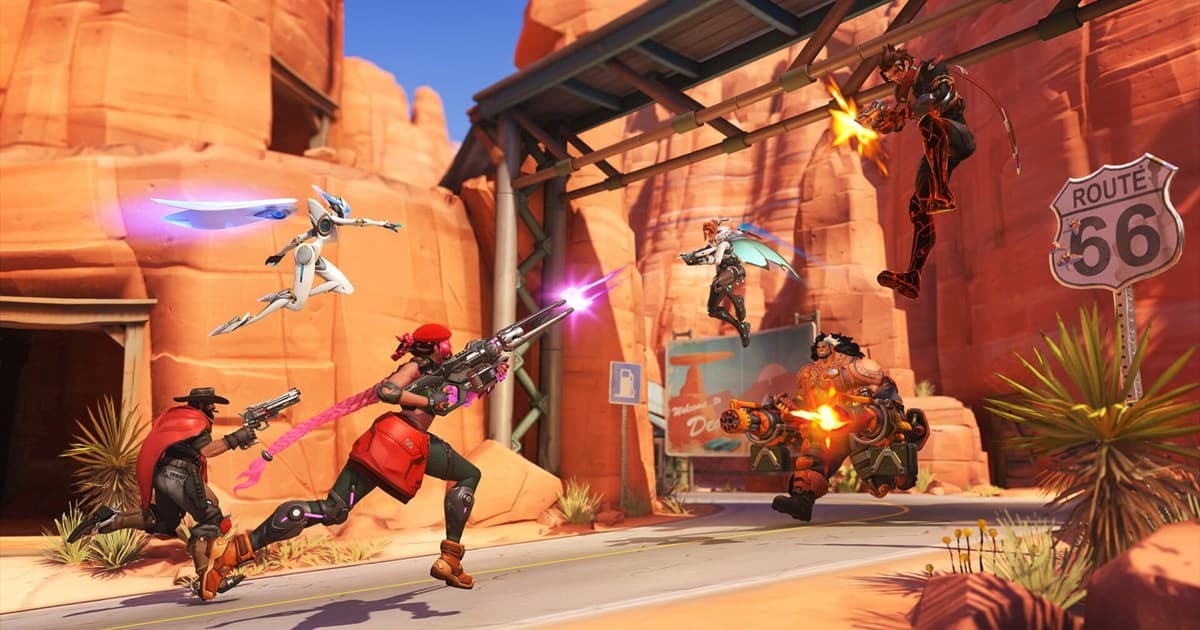
The short answer: Overwatch's POTG (Play of the Game) is the best play of the match that the game automatically picks and shows each time a game ends. The problem is that this scene plays for a few seconds on the end-of-match screen and then passes right by. Even if you want to rewatch that once-in-a-lifetime ultimate, the game has usually already moved on to the next screen. To keep a POTG as a video, you ultimately need to record it. This guide covers, in order, how POTG gets chosen, how to save it in-game and the limits of that, and how to reliably keep POTG-level moments as a video.
What is POTG and how is it chosen
POTG is a feature that automatically selects the single most impressive play of a match and, once the game ends, plays it back briefly from that player's point of view. If you get picked, your play shows up on every player's screen, so for Overwatch players landing a POTG is a goal and a bragging right in itself. A play that cleaned up several enemies with one ultimate, or saved the team at a decisive moment, frequently makes the shortlist.
The selection is known to work not by simply counting kills, but by breaking down how much impact you had in a short window across several categories. For example, it scores by category such as kill streaks, multikills, decisive saves or resurrections, and work on the objective, then picks the highest-value moment of the match as the featured scene. So even for the same 4 kills, a 4-kill while holding a point is more likely to be picked as POTG than 4 kills landed at some random time.
Saving POTG in-game: it works, but
Overwatch does include a feature to rewatch and save POTG and highlights. Open the highlights menu and you find recently auto-captured highlight candidates gathered together, where you can select a scene you like and export it as a video file. You can also flag a moment yourself with the capture key to keep it as a short clip. In other words, the flow of saving a fresh POTG as a highlight on the spot and later exporting it as a video is supported.
Why do highlights keep disappearing
The catch is that the highlights gathered in-game are not permanent. Auto-captured highlights have a storage cap, so as new scenes pile up the oldest get pushed out. On top of that there is a retention limit, so highlights you have not exported tend to reset after a certain time. Critically, when a game patch changes, data made on the previous version no longer plays. So if you do not export a POTG to video right when you see it, it has often already disappeared by the time you go looking for it.
- Count limit: only a set number of auto highlights are kept, so as new scenes pile up the oldest get pushed out.
- Duration limit: highlights you have not saved tend to reset over time.
- Patch limit: when the game version changes, highlights and replays from the previous patch no longer play.
- So a POTG you want to keep has to be exported to a video file the moment you see it to be safe.
How to reliably keep POTG-level moments as a video
The surest way is to turn the POTG or highlight into a video file like an mp4 and save it directly to your PC. There are two broad approaches. One is to pick the scene you want in the in-game highlights menu and export it. The other is to continuously record the gameplay screen itself with a separate recording program. The first approach relies only on the scenes the game captured for you and inherits the count and duration limits as-is, while the second lets you grab any moment you want, anytime, with no limits. The trap is that manually flipping recording on and off every match is ultimately easy to forget.
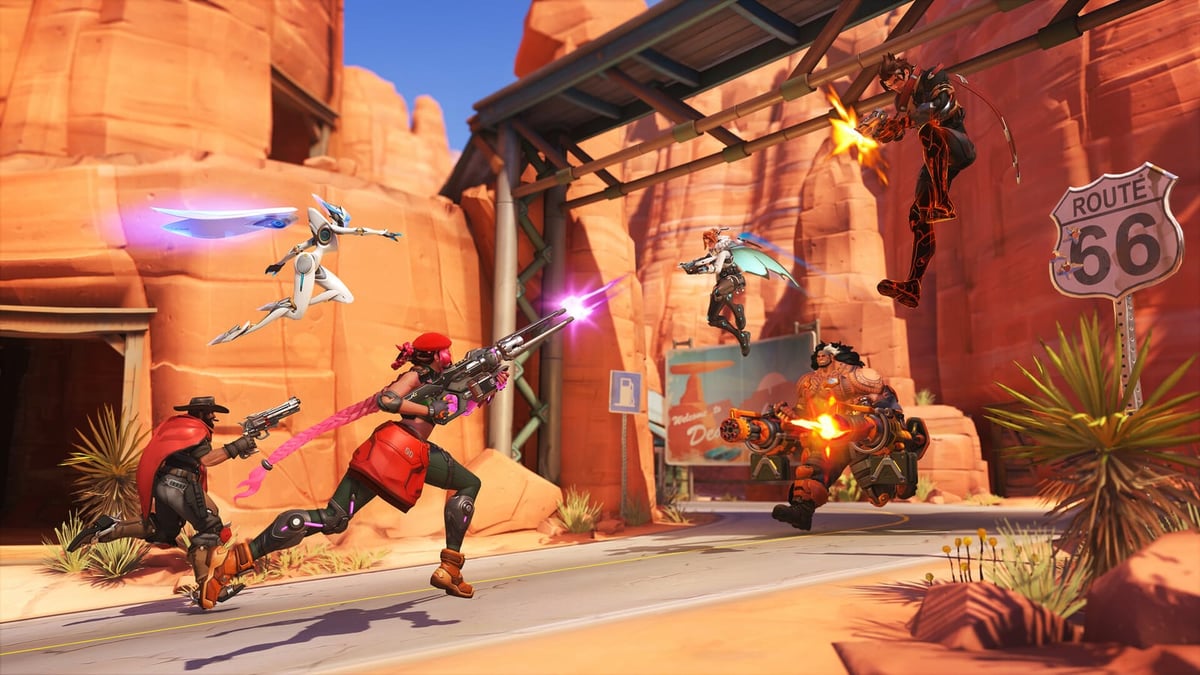
DOR is a free recording program that automates this recording process. Install it and it auto-detects when Overwatch launches, records in the background, and slices good moments like kills and ultimates into short clips on its own. It keeps not just the scene picked as POTG but also the moments that just missed POTG yet were plenty impressive, so when the match ends your highlights are already gathered as clips. Because it uses NVIDIA NVENC hardware encoding to offload the encoding load to the GPU, the in-game frame cost is small and you worry less about lag mid-match.
Overwatch is not the only game where missing a POTG stings. The same goes for games like Marvel Rivals that frequently produce flashy ultimates and split-second highlights, so the habit of automatically committing good plays to video as they happen is ultimately the surest bet. No more losing a once-in-a-lifetime scene because you forgot to hit record, and later a quick scroll through the clip list lays out the week's highlights for you.
Wrapping up: POTG is fleeting, clips are for keeping
POTG is a great feature that automatically picks and shows the best play of each match, but in-game it passes by in a flash, and even saved highlights are not free of count, duration, and patch limits. So it is cleaner to split the roles. Handle the quick post-match check and short shares with in-game highlights, and handle the permanent keeping of a POTG you really want with automatic recording like DOR, and even if the highlight disappears, your once-in-a-lifetime play stays put as a video.
 #Overwatch