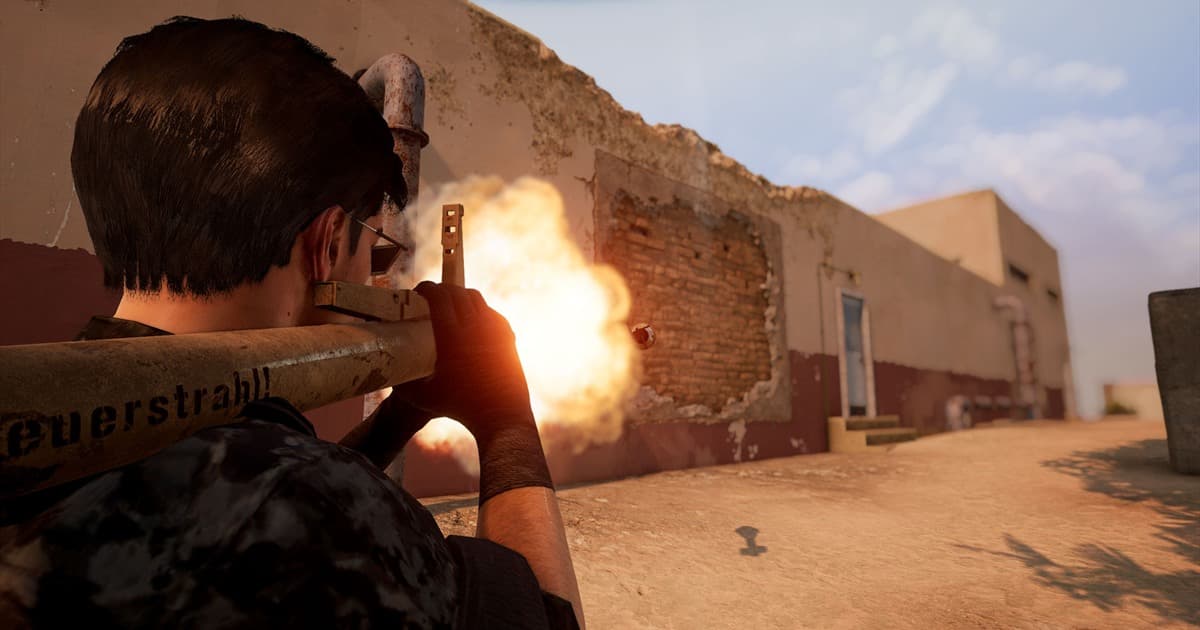
"Wait, where did that shot come from?" In PUBG, the moment after you die is often more frustrating than the death itself. You were sure you had cover, but your flank got opened up; you heard the sound but couldn't pin down the position. PUBG: BATTLEGROUNDS provides a death cam right after you die and a replay system to rewatch the whole match after it ends, precisely to answer these questions. This article covers, in order, the difference between the two and how to watch them, the knack for properly reviewing a fight, and finally how to save your best moments forever before they vanish.
Death cam vs. replay: what's the difference?
Both share the idea of "rewatching a moment that already happened," but they serve different purposes. The death cam is a short clip that plays right after you go down, briefly showing where the enemy who killed you was and how they aimed and shot at you. It's for instantly figuring out "so I got hit from that direction, at that range." The replay, by contrast, lets you load up the whole match separately after it ends and rewatch it, roaming the map with a free camera rather than just from your own view.
Death cam: right after you die, instantly see where you were killed from
The death cam appears briefly right after you're marked dead. It shows the position of the enemy who took you out and the shot itself, so you can get an instant read on "from which direction, at roughly what range" you got hit. In squads, you can immediately call that info out to your teammates. But because it's short and the perspective is limited, it's not enough to carefully pick apart the whole flow of the fight or your own decision-making mistakes. That's the replay's job.
Replay: after the match, the whole game from a free perspective
The replay system replays the entire match after it ends. The key is freedom. You're not tied to your character's view; you can move anywhere on the map with a free camera and observe from the outside which route the enemy team came in from and how the blue zone pushed. You can speed up to skip past boring travel stretches, or seek (jump on the timeline) to just before a decisive fight and rewatch it in slow motion. If the death cam is "a single scene of the outcome," the replay is the tool for seeing "the whole process."
How to review a fight with the death replay
If you just shrug off a death as "bad luck," you'll repeat the same mistake. Once you've opened the replay, here's the order I recommend. First, seek to 30 seconds to a minute before you died. Then move the free camera over to the enemy who killed you and check "how long they'd been watching you." You're working backwards through the timing you got exposed, the angle your cover broke at, and the audio cues you could have caught.
- Jump to 30 seconds to a minute before your death and watch from the start of the fight
- Move the free camera to the enemy's position to see when they spotted you
- Drop the playback speed to 0.5x or so and slowly watch the decisive moments (getting hit, trading aim)
- Watch the angles your cover and movement got exposed at, along with the direction the blue zone was pressuring you
- Sum up in a single sentence how you'd move if the same situation came up again
Repeat this just two or three times and your own habits start to show, like "my flank always gets opened up the same way." Taking the directional info from the death cam and expanding it into the full process in the replay is the heart of reviewing. If your reviews keep showing your aim overshooting or falling short, check your sensitivity first with our PUBG sensitivity settings guide.
Replays don't last forever: the limits of retention and patches
Here's a part many people miss. PUBG replays aren't permanent video files. The retention period is relatively short, so they disappear from the list after a while, and crucially, once the game gets patched, replays made before that often no longer play. That's because a replay isn't a "video"; it replays the game data of that version, so it breaks when the version changes.
So you find that life-defining chicken dinner or a clutch 1v4 in a replay, but a few days later when you go back to show a friend, the replay is already gone or won't open because of a patch. Moments like these only truly become yours if you save them separately as a video file (mp4) the same day you find them.
How to save your best moments forever: screen recording and automatic clips
There are two ways to lock a replay into video before it vanishes. One is to play the replay and capture that screen as mp4 with a recording program. The other is to record and clip automatically from the moment you're actually playing, so you don't depend on replays at all.
Record the replay playback screen and lock it into mp4
Open the replay, move to the section you want, and save that playback as a full mp4 with a screen recording feature, and you get a permanent video unaffected by patches or retention periods. With DOR running, the replay playback screen is fair game for recording too, so you can save the great angles you frame with the free camera straight to video.
DOR: automatic recording and automatic highlights from the match itself
The surer method is to capture the match itself automatically from the start, before you ever dig through a replay. Install DOR and it automatically detects when PUBG launches, records in the background, and uses AI to cut key moments like chicken dinners and kills into short highlight clips on its own. You don't have to hit a record button or memorize a hotkey, so the whole problem of "missing the play of my life because I didn't turn recording on" disappears. It's free, and there's no watermark on the video.
It's cleanest to split the roles: use replays to review, and use DOR to gather your best moments automatically. The same approach works just as well in other shooters like Fortnite and Battlefield 6. Just leave the game running and good moments pile up as clips on their own.
Suspect a cheater? Can you judge it from the death cam and replay?
If you "died to a headshot from an impossible angle," the death cam and replay are the first things to reference. You can follow the enemy's view with the free camera and look at whether their aim snaps on unnaturally, whether they're pre-watching through walls, and so on. But the important thing is that you shouldn't conclude it's cheating from this alone. Ping, interpolation, and animation can make perfectly clean plays look strange, so the death cam and replay are strictly for "reference," and the final judgment and penalty are the game's report system's job. If you're suspicious, don't conclude it yourself; hand it off through the report feature. That's the right move.
That said, for a scene that strikes you as "this is a bit off," saving it as video separately from the report is useful both as evidence and for rewatching later. Here too, it's safer to record the screen to mp4 before the replay vanishes.
In summary
The death cam instantly tells you "where did I get hit from" right after you die, and the replay lets you review the whole match after it ends with free perspective, playback speed, and seeking. But replays have a short retention period and break easily on patches, so review with replays while saving your best moments to video the day you find them. Pair that with DOR, which records matches automatically and gathers highlights as automatic clips, and even when the replay is gone, your life-defining chicken dinner survives as mp4. Check the recommended settings and automatic clip examples on the page for the games you play most: PUBG: BATTLEGROUNDS, Fortnite, Battlefield 6.