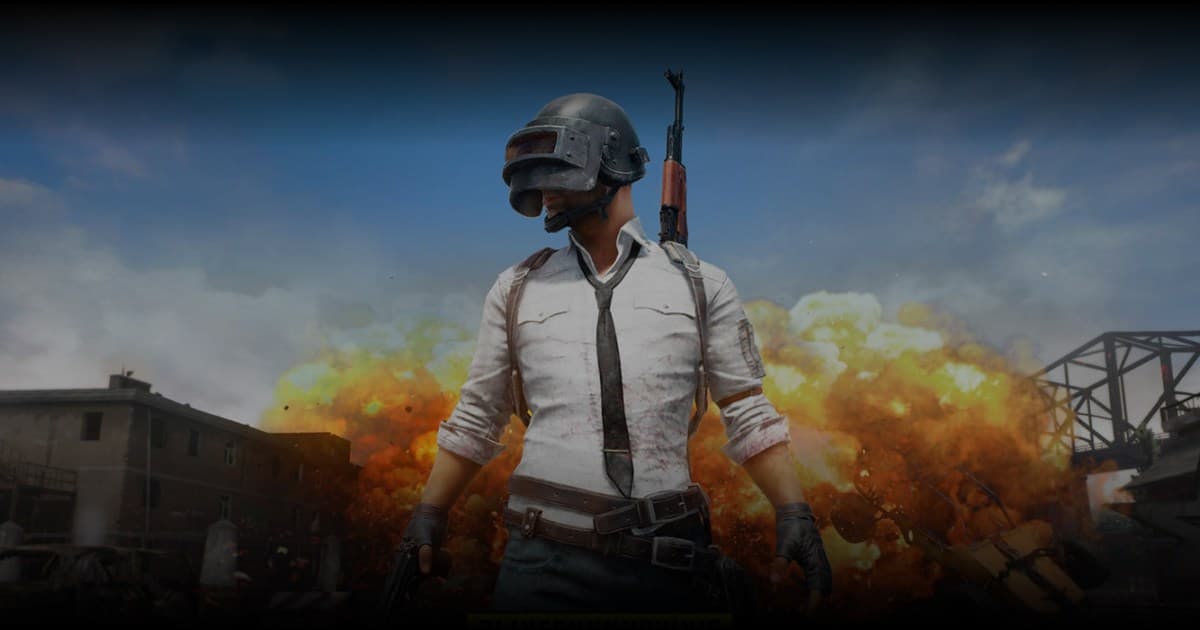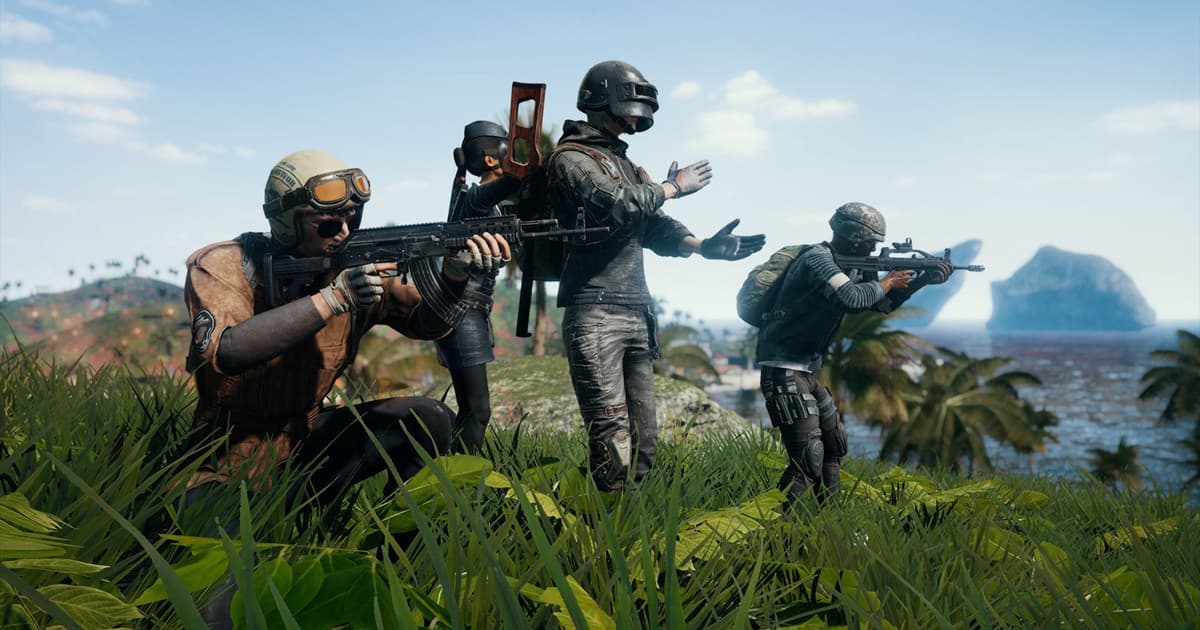
A lasting PUBG squad needs compatible movement pace, loot rules, and call density as much as aim. A public PUBG clip is only one signal, so confirm goals in the post and a short conversation. DOR lets people browse public clips and community activity and connect directly; it does not assign teammates or verify identities.
Check the in-game party flow in PUBG official help
PUBG’s official help for making Duo and Squad parties covers the basic friend-invite flow. Menus and availability can change, so use the current client as the final reference before inviting.
Copyable PUBG squad recruitment brief
| Field | Example |
|---|---|
| Region and mode | Asia, ranked squad or normal squad |
| Perspective and map | FPP preferred; state excluded maps |
| Schedule | Weekdays 22:00–01:00 KST, blocks of 2–3 matches |
| Style | Placement-focused; pings plus concise voice calls |
| Reply | In-game name, availability, preferred role, optional public clip |
- 1Lock the basics first — Put region, mode, perspective, maps, time zone, and microphone status at the top.
- 2Confirm expectations — Do not judge from a clip alone; ask whether the player prefers hot drops or placement.
- 3Play two or three tests — Agree on drop, when looting ends, vehicle calls, and rules for joining fights.
- 4Choose the next step — Schedule another session only when both sides agree; otherwise close politely after play.
Safety boundaries for PUBG party recruitment
- An in-game name and platform contact are enough; do not request legal name, phone number, or precise location.
- Reject cheats, unauthorized software, boosting, account sharing, and suspicious executable files.
- Before publishing clips, check for squad voice and names and obtain teammate consent.
- Leave immediately after threats, deliberate team killing, or severe abuse, then use game and platform report tools.
Replace “must be good” with concrete call style, goal, and end time. Specific expectations make compatible groups easier to find without vague skill pressure.
Use the general game friend and party finder to improve any recruitment post. If you need a voice community, continue with the PUBG Discord server finder and general Discord safety guide.