The fastest way to keep great clips in Sudden Attack is not to press a record button but to leave DOR running in the background. DOR reads the game's kill log in real time and automatically cuts and saves only the moment a headshot or kill streak goes off as a clip. In other words, if you focus only on playing, your highlights are already organized in a folder by the time the game ends.
This article first shows the step-by-step way to save automatically with DOR, then covers how to use the built-in recorder together with general recording tools like OBS. If you also enjoy Counter-Strike or Valorant alongside Sudden Attack, the same approach applies directly.
Why Sudden Attack clips are easy to miss with manual recording
Sudden Attack is an FPS with a fast combat pace. The moment you turn a corner, a headshot happens, and a double kill or triple kill can pack into one clip within one or two seconds. By the time you realize a great moment happened and your hand reaches for the shortcut, that moment has already passed. So manual recording is always a beat too late, or else you have to record everything from start to finish and then cut the long video yourself.
DOR solves this problem the opposite way. When the game starts, it is always running a recording buffer, and when a kill event is detected, it carves out only the segment before and after that moment as a clip. Thanks to this, you do not need to worry about shortcuts during play.
Auto-saving Sudden Attack clips with DOR
Step 1 · Install DOR and select Sudden Attack
Download and install DOR, then run it. Select Sudden Attack from the game list, and DOR sets up auto-detection to match that game's kill log recognition. Select it just once at the start, and it remembers from then on.
Step 2 · Turn on auto clip and launch the game
Launch Sudden Attack with DOR running. When DOR recognizes the game, background recording begins. Now you can play ranked or clan matches as usual. A recording status indicator appears on one side of the screen so you can confirm it is working right away.
Step 3 · Check and organize clips after the game
When the game ends, your DOR library has clips of each kill moment organized in chronological order. Each clip is cut based on events like headshots and multi-kills, so you can pick out just the great moments right away without digging through a long original. You can trim the length of clips you like or combine them into a single highlight.
When you want to save a clip yourself with one touch
Beyond auto-detection, there are moments when you absolutely want to keep this exact scene. In that case, pressing DOR's clip shortcut instantly saves the segment that just passed. Because the buffer keeps running, it reaches back to the play just before the moment you pressed the button, not the moment of the press. When you sense a great angle, just press one key.
What about the built-in recorder and OBS
Sudden Attack provides a built-in recording feature. You start recording with the F9 key and stop again with F9. Also, with an external capture module added to the game folder, you can use free recording programs like OBS Studio, NVIDIA ShadowPlay, and AMD ReLive.
These tools are useful for recording an entire match in one piece. However, the result is one big long video, so you spend separate editing time finding and cutting out the great moments yourself. By contrast, DOR gives you clips already cut by kill from the start, so it flows closer to sharing than editing.
- If your goal is to keep full footage of the entire match, do a full recording with OBS or the built-in recorder.
- If your goal is moment clips like headshots and multi-kills, use DOR's auto-detection.
- Using both together does not conflict, so you can run full recording and auto clip in parallel.
Other FPS games work the same way
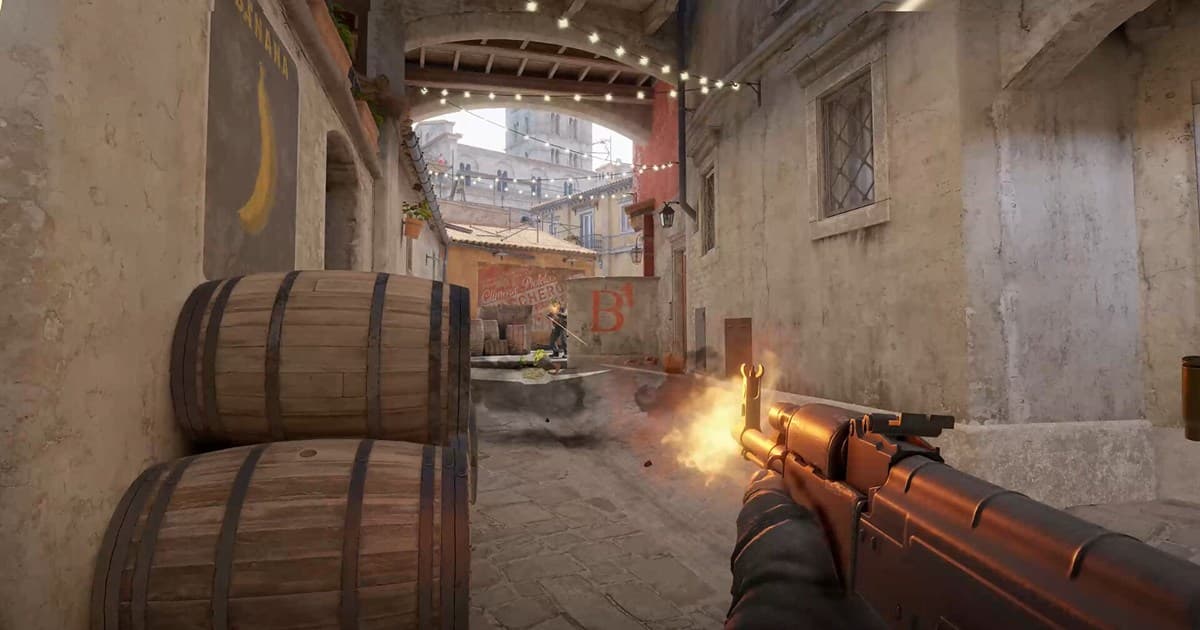
The flow of automatically catching kill moments is not unique to Sudden Attack. In games with a similar combat tempo like Counter-Strike and Valorant, leaving DOR running stacks up highlights the same way. If you play across several FPS games, you can unify everything into one without changing tools per game.
To sum up, the key to Sudden Attack clips is not fast hands but auto-detection. Set up DOR once, and from the next game on, just leaving it running saves your kill moments automatically. If you have ever felt the disappointment of missing a great moment, try starting your next match with DOR running in the background.