R.E.P.O. is an online co-op horror game where up to six players enter creepy locations, grab valuable objects that move by the laws of physics, and haul them out for extraction. Several people grunting to carry a heavy piano and slamming it into a wall, a friend dropping the ceramics everyone warned them about, or proximity chat erupting into screams when a monster appears usually pass in seconds, but they become jokes you bring up for weeks. This guide covers recording R.E.P.O. with DOR, trimming just those moments short, and sending them to the friends who played as a dor.gg link.
You find and cut the funny moments yourself
DOR captures R.E.P.O. with full-play recording. Finishing a level and moving to the next location does not split the file; everything from launch to exit runs together as one video. DOR does not detect broken loot or monster appearances to make clips, so you find the scene in the recording and cut it with the trim tool. Half the fun of this game is the voices, so it matters that your friends' screams and your own commentary come through clearly, and how to record game sound and mic together has tips on balancing them.
Sending an R.E.P.O. accident as a clip
- 1Have one or two people recordWith up to six players, not everyone needs to record. One person is usually enough, and if players spend long stretches in different places, such as one hauling and one scouting, two people recording separately gives you scenes from different viewpoints.
- 2Install DOR and join the lobby as usualDOR is a free Windows desktop app that detects the game automatically and starts recording when you launch it. Game audio and your mic are recorded together, so your friends' proximity voices heard in the game and your own voice end up in the same video.
- 3Remember which level the accident happened inPlaying several levels back to back makes the recording long, and it gets hard to remember who broke what and where. When something big happens, just remember which level number it was and the rough time, and you can jump straight to that level using the screen where you move to the next location as a boundary.
- 4Scrub quickly with the sound onOpen the recording in the library and scrub through quickly with the sound on, and you will notice points where screams or the crash of an object suddenly get loud. Most funny moments in this game sit right around that sound, so go back a few seconds from there to see where the accident started.
- 5Keep it short and match the ratio to the viewerA breakage or hauling accident needs 10 to 20 seconds, and a monster chase 30 to 60 seconds from the start of the chase to escaping or getting caught. If most friends will watch on phones, use 9:16 or 1:1; to show everyone carrying an object together, 16:9 works better.
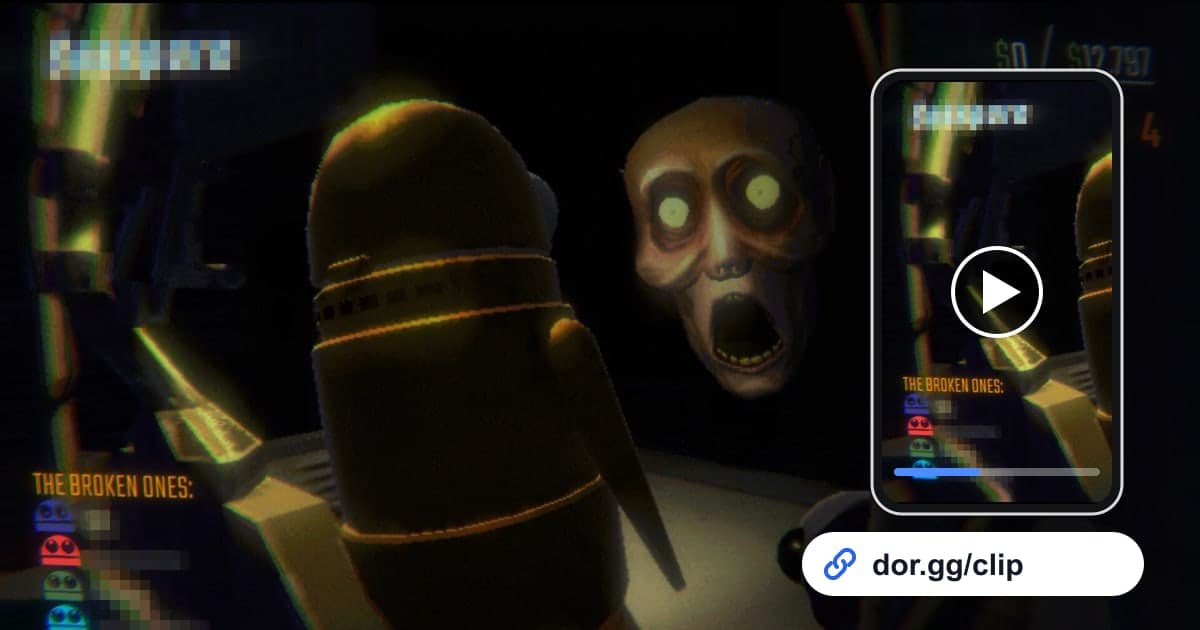
- 6Paste the dor.gg link in the party chatOnce trimming is done, you get a dor.gg link. Paste it in your group chat or Discord channel with the friends who played, and anyone who receives it can play it right away in a browser without installing an app.
Scenes, recording cues, and who to send them to
| Scene | Cue to look for in the recording | Good person to send it to |
|---|---|---|
| Team carry of a heavy object | The stretch where several people hold one object, inch forward, and shout directions | The teammate who was carrying it with you |
| Fragile loot broken | The sound of an object hitting the floor or wall and the groans right after | The friend who dropped it |
| Monster chase | The point where proximity chat screams suddenly spike and everyone runs the same way | A friend who could not log on that day |
| Holding your breath | The few dozen seconds when everyone stops talking and goes silent | A friend who loves horror games |
| Successful extraction | The scene where you get the loot out and everyone cheers | All six members of the party |
| First use of new gear | The first time you pull out gear bought with your earnings | The friend who picked the gear with you |
Checks before sending an R.E.P.O. clip
- The few seconds before the accident are included so it is clear who was holding what.
- Your friends' reactions, such as screams or groans, are not cut off.
- You checked once that dark scenes are still readable on a phone screen.
- You asked beforehand whether it is OK to share a video with your friends' voices.
- Before playing several levels in a row, you made sure the recording drive has well over 20GB free.
- Time spent just wandering around looking for loot is trimmed out.
How DOR records R.E.P.O.
R.E.P.O. was added as a DOR-supported game in the October 2026 app update. DOR is a free Windows desktop app: launch the game and it detects it automatically, saving your play until you quit as one mp4 that you can rewatch in the app's library. On PCs with an NVIDIA graphics card, NVENC hardware encoding is used by default. In the library's trim tool, set a start and end and choose 16:9, 9:16, or 1:1 to create a dor.gg link, so a single link does the job without passing files around. To string several of the day's accidents into one video, DOR Studio runs in the browser with no install and lets you merge videos and add text and background music. If you would rather not record this game on a given day, you can switch it off per game under the full-play recording group in settings, and a confirmation prompt appears when you do. If you are short on people to haul loot with, how to find gaming friends can help.