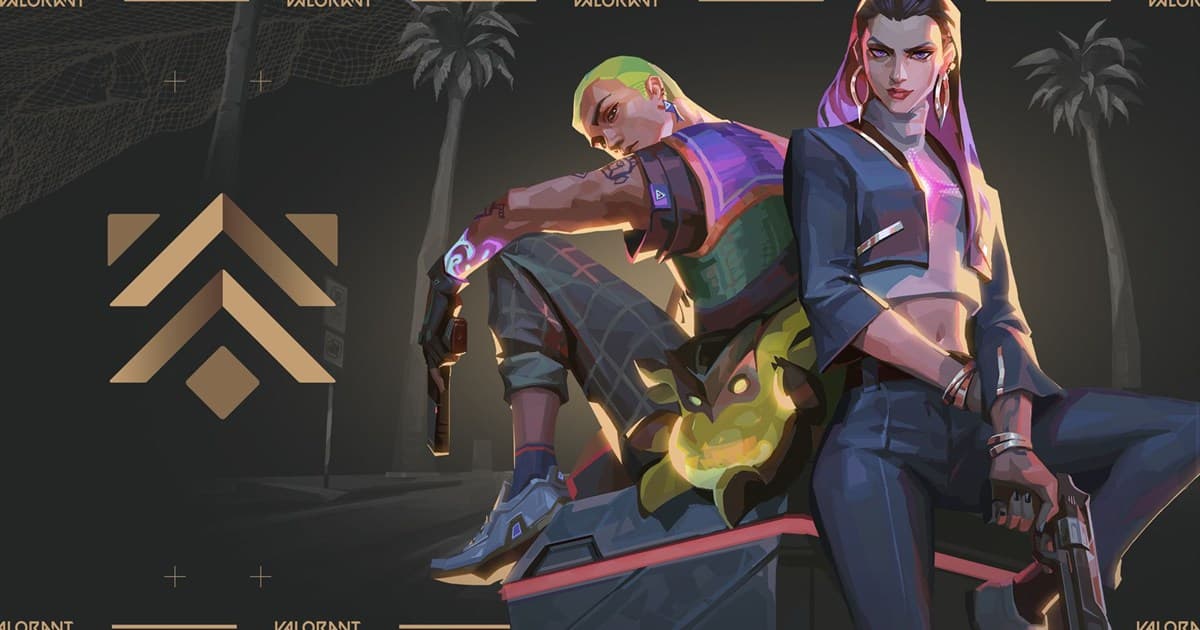
A VALORANT Premier team needs more than five players near the same rank: it needs compatible schedules and dependable roles. Share only the play information you are comfortable making public, then review candidates’ VALORANT clips and communication style. DOR is a place to browse public content and community activity and connect; it does not assign a team or guarantee skill.
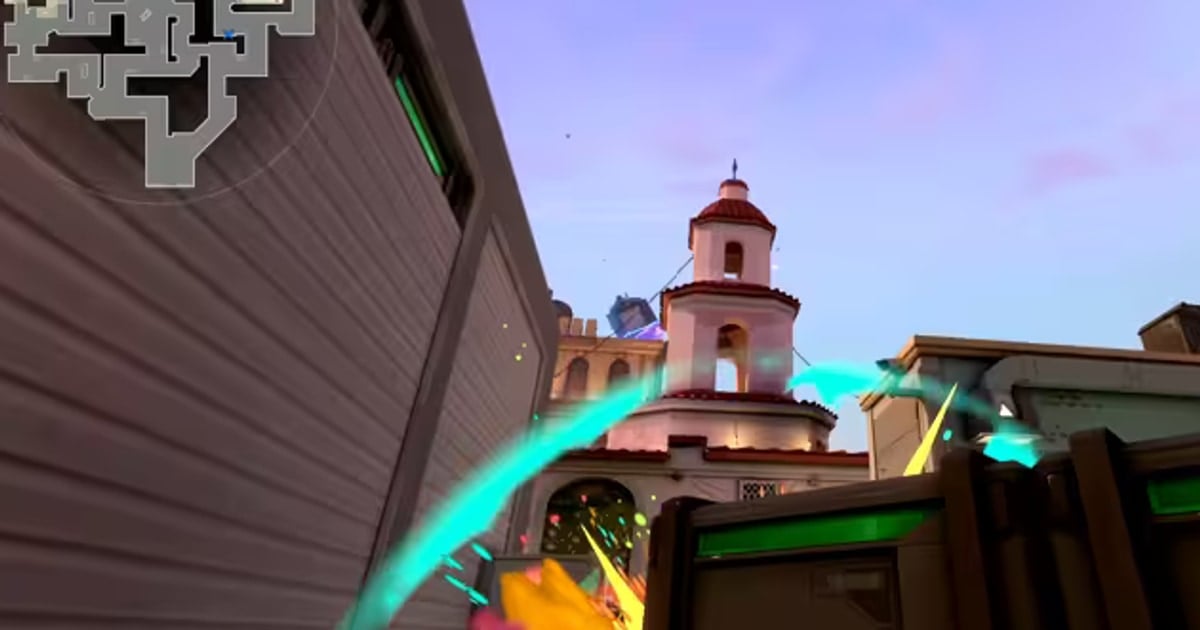
Confirm current Premier team rules in official guidance and the client
Riot Games’ official guide to creating and managing a Premier team explains the team workflow. Eligibility, schedules, and screens can change, so date your recruitment post and have every player verify the current game client before committing.
Copyable Premier recruitment brief and tryout flow
| Recruitment field | Example |
|---|---|
| Goal | Play the full stage consistently; completion before results |
| Role | One controller; note if flex initiator experience helps |
| Availability | Tue/Thu 21:00–23:00 KST; weekends by agreement |
| Communication | Voice during matches; feedback after the match |
| Application | Main role, current rank, availability, and 1–2 public clips |
- 1Publish one clear brief — Put goals, role, time zone, age policy, and voice expectations in one place.
- 2Review clips and conversation — Look beyond flashy kills for information sharing, rotations, and team play.
- 3Run short, consistent tryouts — Give candidates comparable sessions and note reliability and response to feedback.
- 4Recheck before joining — Everyone verifies the current client requirements and actual match schedule.
Safety rules for a new team
- Ask only for an in-game name and relevant play details at first, not legal name, phone, school, workplace, or address.
- Stop if anyone requests account access, verification codes, remote-control software, money, or items upfront.
- Tell participants before recording voice or publishing clips, and agree on the audience and retention period.
- Document harassment, discrimination, pressure, or repeated no-shows and use platform block and report tools when appropriate.
If you need a one-session party rather than a season roster, start with the game friend and party finder guide. Use the link and moderation checks in how to find a gaming Discord server before choosing a voice hub.