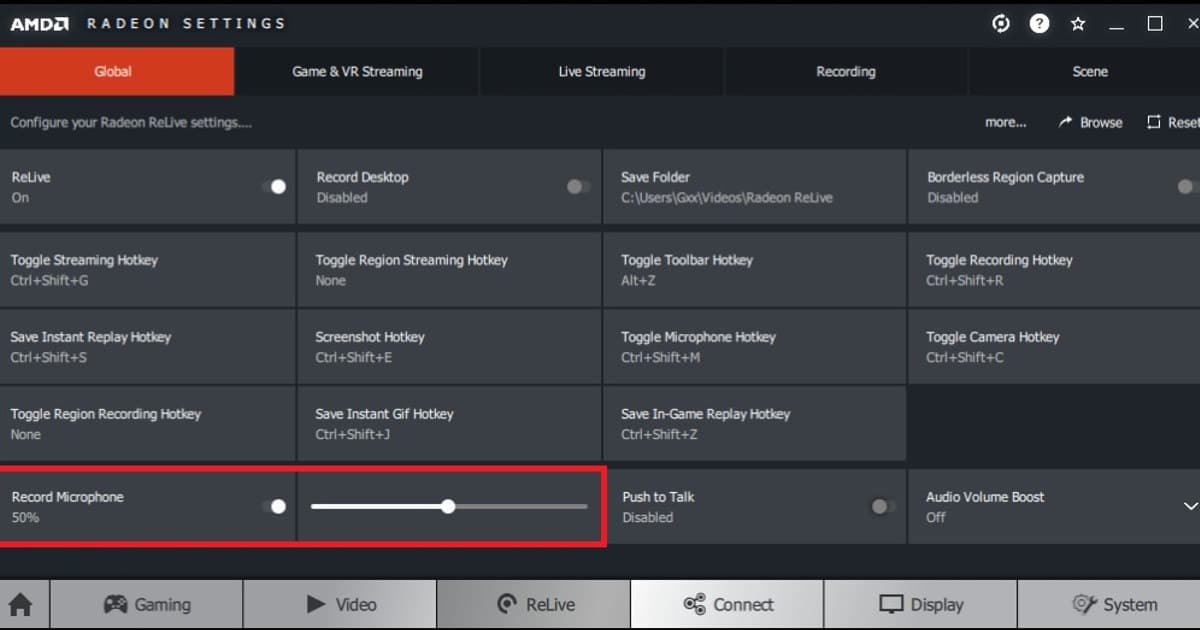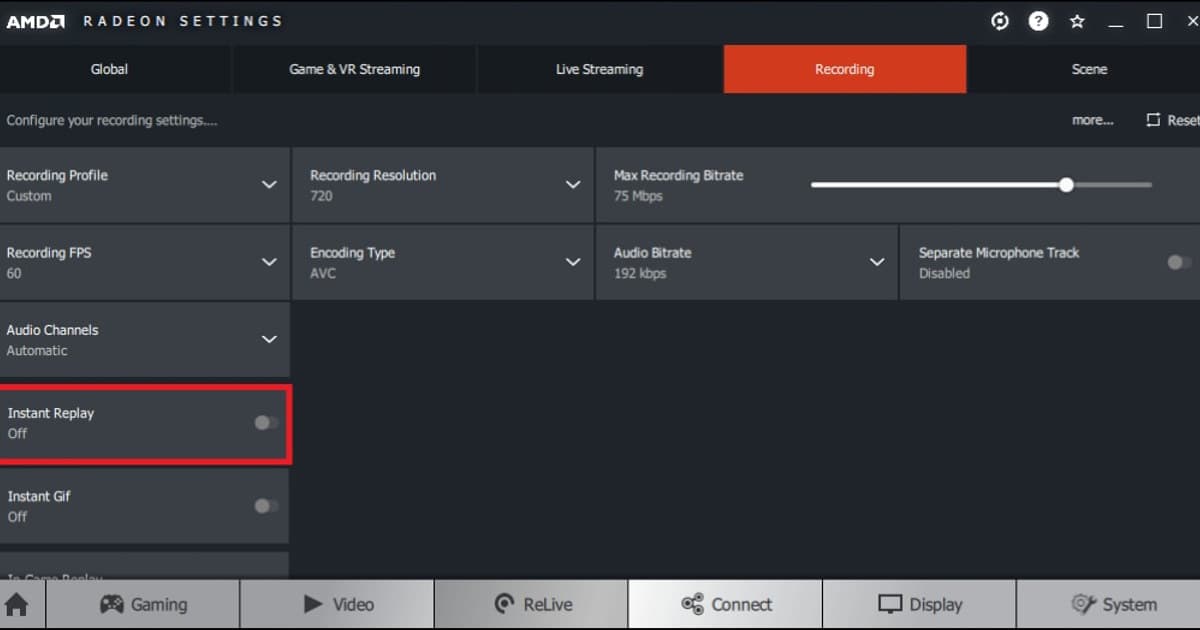
Instant Replay appears enabled in AMD Software, but the save hotkey creates no video or the Record & Stream section is absent. An absent Record & Stream page is an eligibility or installation question, not a failed replay hotkey, so do not troubleshoot those symptoms as one problem. When the page exists, the replay buffer must already be running before the moment occurs; enabling it afterward cannot reconstruct earlier frames. AMD also documents that its recorder should not run simultaneously with Microsoft Game DVR, making a single-recorder control test more useful than repeatedly changing codecs. Diagnose Instant Replay capture failure in AMD Instant Replay by separating detection, permissions, hotkeys, storage, capture, and audio playback.
Map each symptom to a small verification test
| Observed symptom | Likely stage | Smallest useful test |
|---|---|---|
| Instant Replay appears enabled in AMD Software, but the save hotkey creates no video or the Record & Stream section is absent. | Separate hardware eligibility and driver installation type from an inactive replay buffer, protected content, a hotkey conflict, or another recorder running. | Re-enable Instant Replay under Record & Stream and save a thirty-second supported-game sample with a conflict-free hotkey. |
| Hotkey reacts but no save confirmation appears | Another overlay owns the shortcut or the replay buffer is inactive | Assign a conflict-free key and create a thirty-second sample |
| Confirmation appears but the file seems missing | Save path changed, storage is low, or retention removed it | Open the configured media folder and check free space |
| A file exists but video or sound is wrong | Capture mode, device route, codec, or playback track | Play the short original in a second normal media player |
Separate the failed stage from the result you want
Separate hardware eligibility and driver installation type from an inactive replay buffer, protected content, a hotkey conflict, or another recorder running. The first controlled check is therefore: Re-enable Instant Replay under Record & Stream and save a thirty-second supported-game sample with a conflict-free hotkey. The relevant path is AMD Software > Record & Stream > Instant Replay and Hotkeys; if that menu is absent, confirm the installed version and eligibility before copying older instructions. Re-enable Instant Replay under Record & Stream and save a thirty-second supported-game sample with a conflict-free hotkey.
A controlled troubleshooting sequence
- 1Confirm eligibility and mode — Open AMD Software > Record & Stream > Instant Replay and Hotkeys, verify the feature is enabled, and confirm the current game and display mode are supported.
- 2Restart at one permission level — Exit both the game and recorder, close competing capture tools, then relaunch them with matching privilege levels.
- 3Create a thirty-second control sample — Re-enable Instant Replay under Record & Stream and save a thirty-second supported-game sample with a conflict-free hotkey.
- 4Separate saving from playback — Confirm the notification and actual file first, then inspect video, game audio, voice chat, and microphone independently.
- 5Escalate with evidence — If it still fails, record versions, GPU, settings screenshots, a short reproduction sequence, and the sample file details.
Final checklist before a real match
- The game and recorder are not running at mismatched administrator levels
- The required recording or replay buffer is active in this session
- The hotkey does not overlap the game, chat, or another overlay
- The media folder is writable and has sufficient free space
- A thirty-second file with separately verified game and microphone audio plays normally
Use DOR for a future supported-game session
Fix Instant Replay capture failure in AMD Instant Replay: a safe troubleshooting order: For a separate DOR test in a future supported-game session, use the free game recorder comparison, game-audio troubleshooting guide, and VALORANT game hub.
Recheck the current official documentation
AMD describes local video capture on supported hardware and states that simultaneous Radeon Record & Stream and Microsoft Game DVR recording is unsupported. AMD Record & Stream support.