Before preserving a decisive Apex Legends moment, define whether the deliverable is a quick automatic clip, a controlled full production, or an immediate manual save. Apex Legends clipping tools differ in automatic-event coverage, scene and audio control, performance cost, and editing preparation, so brand recognition alone cannot decide the winner.
Identify the file and the required outcome first
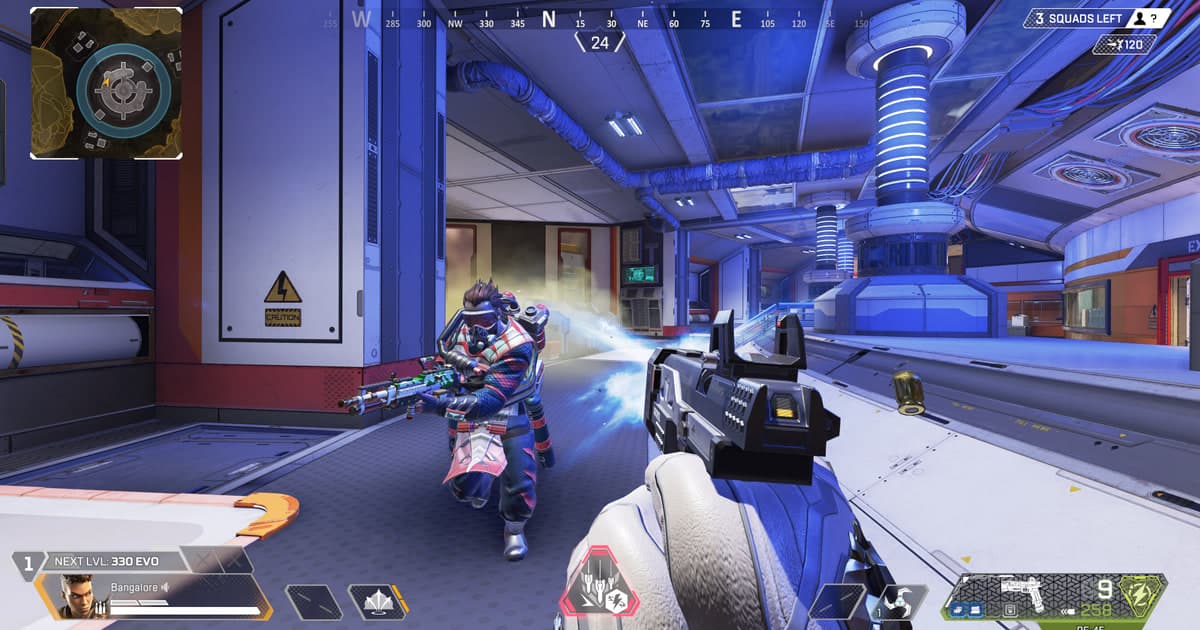
EA recommends starting with lower graphics settings for performance and changing a few options at a time, so recorder overhead should be isolated with the same discipline. Use the firing range to combine a slide, zipline, smoke, and a close-range tracking turn. Check low-frame pacing during a rapid 180-degree sweep, confirm squad voice, pings, and game effects, and inspect whether a single fight can be trimmed without losing its setup. A repeatable range sequence separates recorder overhead from a graphics-setting change far better than an entire battle-royale match. Repeat the route with a shield swap, heal, and inventory open so small HUD text and quiet cues are not hidden by compression. For an automatic clip candidate, compare whether it begins before the approach or only after the elimination, and verify that microphone gating does not remove a short team call. Keep the real resolution and frame cap, then test only the relevant DOR, OBS, and operating-system or GPU candidates for sixty seconds each. Do not inspect average FPS alone; compare low-frame smoothness, missing audio, compression artifacts during fast turns, seek behavior, and final file size.
Compare the options and their failure conditions
| Option | Best fit | Verify before committing |
|---|---|---|
| DOR | Simple short-clip collection when Apex Legends is supported | Actual support plus sixty-second video and audio quality |
| OBS Studio | Detailed control of scenes, audio, and encoder | Setup time, capture compatibility, performance headroom |
| OS or GPU capture | Immediate saving matters more than a custom production | Supported hardware, hotkeys, and storage limits |
Checks after a one-match test
- A backup of the source file and settings exists.
- Current game and application versions are recorded.
- Game audio and microphone were checked separately.
- Output location and free space were verified.
- The sample opens in an independent player.
A source-safe workflow
- 1Preserve the source and baseline — Copy the file and note game and app versions, display mode, audio devices, encoder, destination, and free space.
- 2Create a sixty-second reproduction — Use real-match conditions and include fast movement, game effects, microphone speech, and any required voice path.
- 3Inspect each result separately — In both the original app and an independent player, verify video, every audio source, frame pacing, seeking, and size.
- 4Change only one variable — Adjust one setting directly tied to the observed failure, then repeat the same sample and compare.
Test DOR as a separate capture path
Verify actual support before evaluating DOR as a short-clip candidate for Apex Legends. OBS may fit better when scene composition and multitrack production are required. Apex Legends game page, OBS versus ShadowPlay, audio sync diagnosis.
Official source and version boundary
EA recommends lower graphics settings as a performance starting point for Apex and testing a few options at a time to observe their effect. official EA Apex PC settings guide.