Counter-Strike 2's official Steam store page lists only a minimum spec for Windows, with no recommended tier, and it asks for 85 GB of available space. The core requirements are Windows 10, 4 hardware CPU threads (Intel Core i5 750 or higher), 8 GB of RAM, a video card with 1 GB or more that is DirectX 11-compatible with Shader Model 5.0 support, and DirectX 11 (checked September 30, 2026, Windows PC only). This guide copies the official wording, shows how to compare it with your own PC, and lists the steps for freeing up drive space. If you also plan to record while you play, the separate guide to recommended specs for game recording covers that side.
CS2 minimum specs on Windows (Steam store wording)
| Item | Official listing | How to check |
|---|---|---|
| OS | Windows® 10 | The store lists Windows 10 only, so Windows 11 behavior is not claimed here |
| Processor | 4 hardware CPU threads - Intel® Core™ i5 750 or higher | Compare with Processor on the dxdiag System tab |
| Memory | 8 GB RAM | Compare with Memory on the dxdiag System tab |
| Graphics | Video card must be 1 GB or more and should be DirectX 11-compatible with support for Shader Model 5.0 | Compare with the graphics details on the dxdiag Display tab |
| DirectX | Version 11 | DirectX Version under System Information on the dxdiag System tab |
| Storage | 85 GB available space | Free room required, not the size on disk after install (checked September 30, 2026) |
| Recommended spec | Not published | There is no official recommended figure, so none is made up here |
The short answer
Two points matter. First, the only official benchmark is the minimum spec, so the most you can confirm is whether your PC meets that table; the store page gives no target frame rate and no hardware advice by resolution. Second, 85 GB is the available space the store asks for, not a measured install size, so the drive you install on needs at least that much free room, and an exact on-disk size or download size is not published. The store lists Windows 10 only, so this guide does not claim how CS2 behaves on Windows 11. A Linux requirement is listed separately, but everything here is for Windows PCs. If your specs are tight and you want to record as well, see recording games on a low-end PC.
How to make room for 85 GB (based on Steam Help)
- 1Decide which drive to install on — In Steam, the Storage tab under Settings lets you manage library folders. The default install path is C:\Program Files (x86)\Steam\steamapps\common\, and if that drive has less than 85 GB available, move on to the next step.
- 2Add a library folder on another drive — If another drive has more room, use the + button at the top of Settings > Storage to create a new library path, then install Counter-Strike 2 there.
- 3Move a game that is already installed — If it is already installed, right-click the game in your library, open Properties... and the Installed Files tab, and choose Move Install Folder..., or pick the game under Settings > Storage and press Move. According to Steam Help, this moves the game without downloading it again.
- 4Control when updates apply — Steam can apply updates automatically. In the game's Properties, the Updates tab offers Always keep this game updated, Only update this game when I launch it, and High Priority - Always auto-update this game before others, and the Only auto-update games option under Settings > Downloads limits the hours when auto-updates run. We could not confirm an official figure for how much an update adds, so leave generous headroom.
- 5Check things when an install or update stalls — Run Verify integrity of game files under Properties > Installed Files, then try Clear Cache under Settings > Downloads, Repair Folder under Settings > Storage, and a different Download Region. Steam Help says a few files showing as failed during verification is normal for most Steam games. Avoid verifying while a disk defragmentation or virus scan is running, or while several games are open.
Check your own PC with dxdiag
- Type dxdiag into the taskbar search box and select dxdiag from the results (a digital signature driver prompt may appear on first launch)
- On the System tab, compare Operating System with the store's Windows 10
- On the System tab, compare Processor and Memory with 4 threads, Core i5 750 or higher, and 8 GB
- Confirm that DirectX Version under System Information on the System tab reads 11
- Open the Display tab and compare the graphics details with the store's 1 GB or more, DirectX 11-compatible, Shader Model 5.0 wording (field names can vary by PC)
- Check that the drive you will install on has at least the 85 GB of available space the store asks for
Budget game space and recording space separately
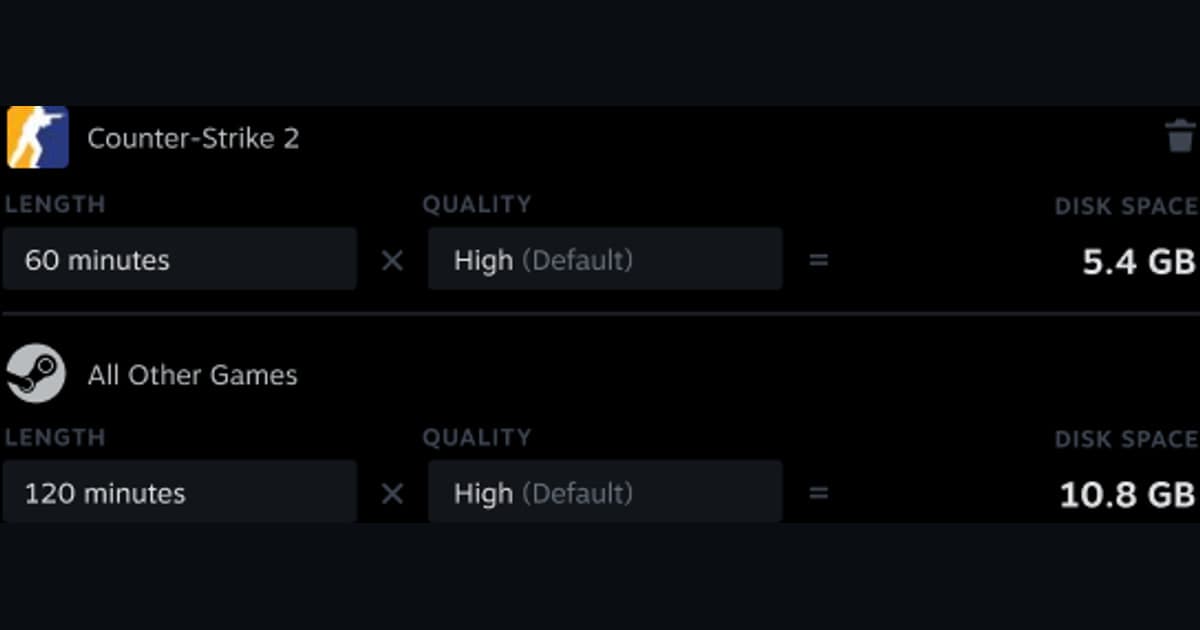
Counter-Strike is one of the games where DOR offers full-match auto recording and automatic highlight clips for kills and similar moments. DOR is a free Windows desktop app, and the saved mp4 files show up in its in-app library. The 85 GB in this guide is the room the game itself needs, while recordings use storage on top of that. There is no public basis for a DOR minimum spec or a recording file size, so this page gives no numbers; check the free room wherever you keep recordings. On an NVIDIA graphics card, NVENC hardware encoding is the default, so the card's dedicated encoder handles the encoding instead of the CPU, and game sound and your microphone can be captured together, which helps if you want team voice chat in the footage. To see which clipping tool suits CS2, read best CS2 clipping software.
Official sources and check date
Every figure here was checked on September 30, 2026. Specs and storage can change, so confirm the current wording on the Counter-Strike 2 page in the Steam store. The space-freeing steps come from Steam Help on moving games, and the dxdiag steps come from Microsoft's DirectX version guide. The automatic update and file verification steps also follow the English pages on help.steampowered.com.