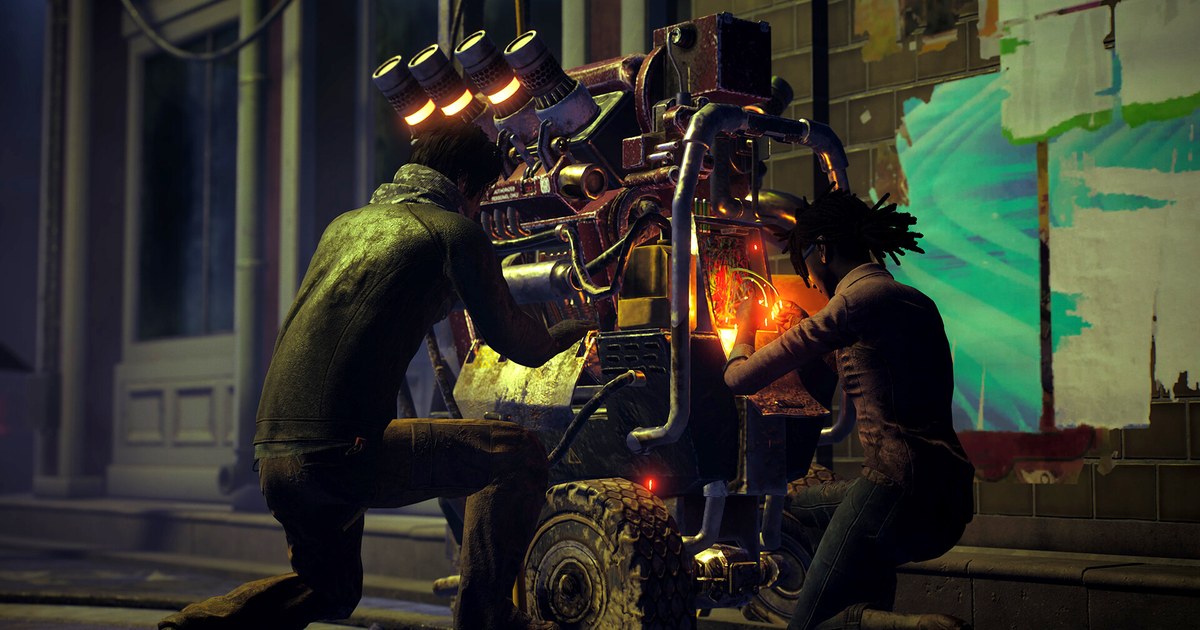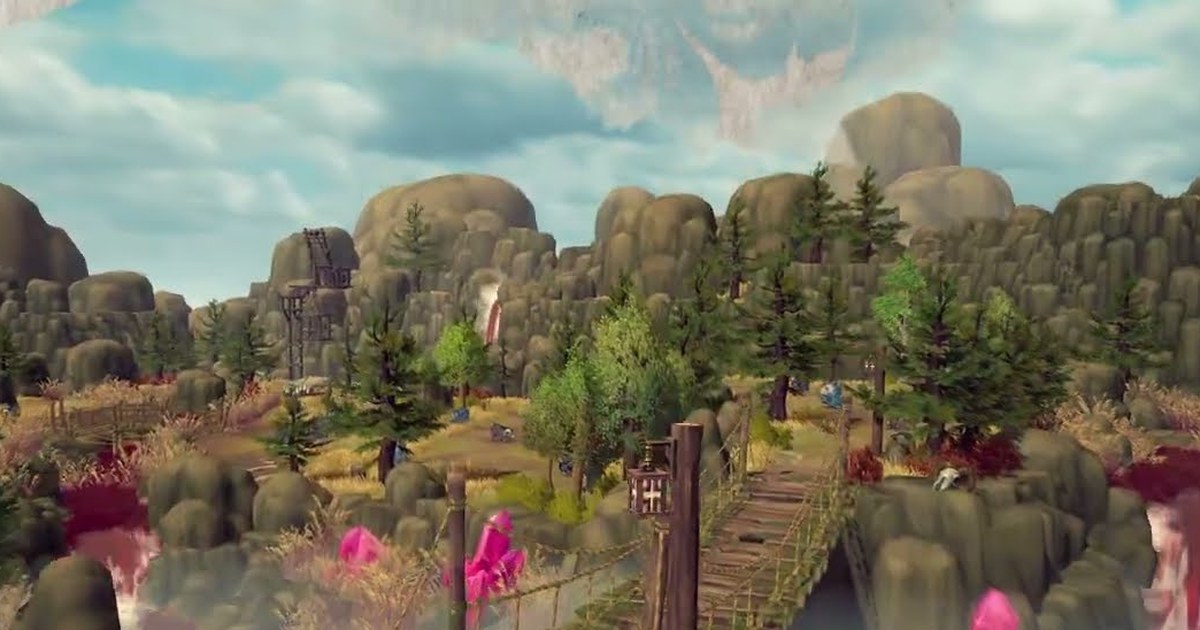
World of Dokkaebi is a 2.5D MMORPG developed by Supercat, the studio behind Kingdom of the Winds: Yeon, and published by Kakao Games.
It puts 2D pixel art characters on 3D backgrounds and draws on Korean folklore, with a story set about 300 years before the Naver web novel and webtoon Myeolgwi Sudojeon.
It launched in Korea on October 8, 2026 on Android, iOS, and Windows PC, and it reached the top of the popularity charts on both Korean app stores around launch. On November 4 it added Dimension Conquest, a large war where servers fight over territory.
If you found the game through clips or streams and want to run it on a PC, the route is a little unusual: the official PC version is a dedicated launcher that you install through the Google Play Store.
This guide walks through that install, the official minimum and recommended specs, how mobile and PC share one account, and the official remote play feature. It also explains where the game stands outside Korea, because that is the first question most English searchers have. Everything here is checked as of November 10, 2026.
Before you install: a Korean service now, global plans not dated
As of November 10, 2026, World of Dokkaebi is a Korean service. The official site, store pages, and install guide are written in Korean, and Kakao Games has said it is putting stable domestic operations first while it begins preparing a global service.
No global launch date, regions, or language details have been announced, so treat any claim about a worldwide release as unconfirmed until Kakao Games posts it. For players who can use the Korean service, the official way to play on a computer is the PC launcher rather than an Android emulator.
The official supported setups are the dedicated PC launcher plus the Android and iOS apps, and before launch the developers said the PC client runs one instance per PC and external app players are blocked.
Because the launcher is a Windows client, check your machine against the official PC spec table below, not emulator requirements. The minimum already asks for 16GB of RAM, a GTX 1660 class graphics card, and 30GB of free SSD space, and the game needs .NET Framework 4.5 or later.
If you are not sure what is inside your PC, check your PC specs on Windows 11 first and compare. One more thing: if you open the official site on a phone, the PC button is greyed out with a note asking you to install from a Windows PC, so start from a desktop browser.
How to install World of Dokkaebi on PC
- 1Open the official download page on a PCOn your computer, open the World of Dokkaebi official website and go to its game download menu. The PC, Google Play, and App Store buttons sit side by side. On a phone the PC button cannot be pressed, so do this from a Windows PC.
- 2Click the PC button, then Install on WindowsThe PC button takes you to the game's page on the Google Play Store. Click Install on Windows to start installing the launcher. The official guide says that if this button does not appear, switch to another browser or check the free storage on your PC, then try again.
- 3Install Google Play Games for PC when promptedThe store page notes that installing this game on Windows requires Google Play Games for PC. If you do not have it yet, install it when prompted. Once setup finishes, you start World of Dokkaebi from its dedicated launcher.
- 4Sign in with the account you linked on mobileTo keep playing the character you started on your phone, sign in to the launcher with the account you linked in the mobile app. The official site gives the same instruction for anyone who wants one account across devices, so check which account your mobile game uses before you sign in.
- 5Turn on remote play (RINK) if you want itOfficial remote play lets you control the game running on your PC from your phone. In the launcher, select RINK in the top right corner, switch the RINK setting on, then install the kakaogames CONNECT app from the QR code in the popup or from the official site. Sign in to the app with the same account you used in the launcher. If you use several accounts, the official guide says to set this up while signed in to your main account.
World of Dokkaebi official minimum and recommended specs (as of November 10, 2026)
| Component | Minimum | Recommended |
|---|---|---|
| Operating system | Windows 10 64-bit | Windows 11 64-bit |
| CPU | AMD Ryzen 3 3300X (4 cores, 8 threads) or Intel Core i5-10400F (6 cores, 12 threads) | AMD Ryzen 7 3700X (8 cores, 16 threads) or Intel Core i9-9900K (8 cores, 16 threads) |
| Memory | 16GB or more | 32GB or more |
| Storage | 30GB free on an SSD | 30GB free on an SSD |
| Graphics | NVIDIA GTX 1660 (Full HD) | NVIDIA RTX 3060 (Full HD) |
| DirectX | DirectX 11 or later | DirectX 12 or later |
| Android phone | Galaxy S20 (8GB RAM), Android 10 or later | Galaxy S23 (8GB RAM) |
| iPhone | iPhone 14 (6GB RAM), iOS 16 or later | iPhone 15 Pro (8GB RAM) |
Checklist before and after you install
- Confirm you have at least 16GB of RAM. The official minimum is 16GB and the recommendation is 32GB.
- Keep 30GB or more free on an SSD. The official table lists 30GB on an SSD for both minimum and recommended.
- Update your graphics driver, DirectX, and .NET Framework (4.5 or later). The official download page links to each one at the bottom.
- If Install on Windows does not show up, switch browsers and check your free storage before trying again.
- Make sure the account you sign in with on the launcher matches the one linked on mobile and the one you will use in the kakaogames CONNECT app.
- The official page notes that meeting the recommended specs does not guarantee smooth play on every device or network, and that specs can change, so recheck the table after big updates.
Saving field boss and server war moments on PC
World of Dokkaebi is full of moments you only get once, like a field boss your guild finally takes down or a turn in a Dimension Conquest war. DOR is a free Windows app that detects supported games when you launch them, records automatically, and collects everything in My Clips.
When you play World of Dokkaebi through the PC launcher, start and stop recording yourself with screen recording, which uses F7 by default. Game sound and your mic are saved together on one track, so a boss fight with guild voice chat comes through as you heard it.
When you are done, trim the part you want and save it in 16:9, 9:16, or 1:1, then use DOR Studio (dor.gg/studio) to join several clips, add text or music, and export an mp4 or share a dor.gg link. On supported NVIDIA cards such as the RTX series, DOR records with NVENC hardware encoding.
For settings that keep a long session from stuttering, see how to record long gameplay sessions, and for how much space an hour takes, see the GB per hour table for game recording.
Older videos are cleared only after the full gameplay storage share (5GB by default) fills up, and your latest recordings and liked videos stay, so trim what you want to keep on the same day. How to trim game clips covers the cutting itself.