After a long gaming session, you know there were plenty of great moments, but actually finding them again feels daunting. You open the recording file, scrub the timeline back and forth, and try to recall which match and roughly what minute it happened, until you eventually give up and tell yourself you'll get to it later. The DOR Daily Recap was built to eliminate exactly this friction.
What Is the Daily Recap?
The Daily Recap is a feature that gathers all the highlights automatically detected while you played throughout the day and summarizes them in one place once your gaming session ends. DOR catches your kill moments and decisive plays as they happen, then, when the day is done, organizes them into a single collection called your best plays of the day.
The key point is that you don't have to search for anything yourself. There's no need to dig around for where each clip was saved. Once you close the game, the great moments created today are automatically waiting for you on a single screen.
No More Digging Through Long Recordings
Normally, capturing highlights means opening the full recording, scrubbing the timeline, and hunting for the good moments by hand. For a session that runs three or four hours, just this process alone is exhausting. The Daily Recap flips that flow around. Instead of searching for moments, you simply review the ones that have already been organized for you.
- Highlights detected throughout the day are automatically gathered in one place once the session ends.
- Each clip is labeled with which game it's from and roughly what time it happened.
- You can play back just the best moments without opening the full recording.
- You can pick only the ones you like to save or share.
Your Whole Day, Organized by Game at a Glance
The recap is even more useful on days when you bounce between multiple games. Even on a day where you mixed in a few rounds of Valorant and a few rounds of Overwatch, the Daily Recap sorts your moments by game and by time. You can follow the flow of which match produced which moment and retrace your entire day.
Here's How to Use It
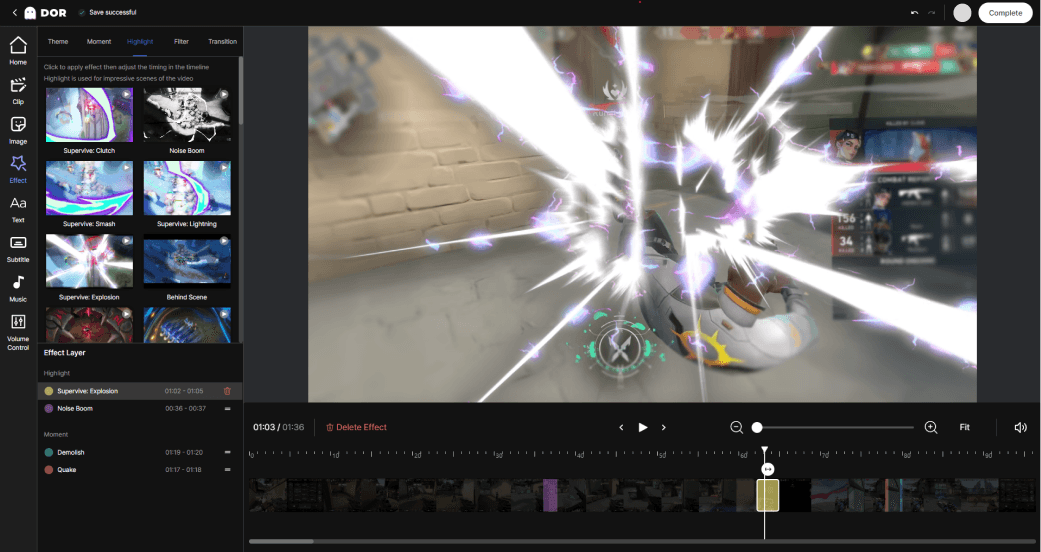
No special setup is required. Keep DOR running and play as you normally would, and great moments are detected and stacked up in the background. When you finish your game, you just need to check today's collection on the Daily Recap screen.
- Launch DOR and make sure automatic highlight detection is turned on.
- Play your games as usual. No extra actions needed.
- When you finish your session, check the highlights gathered today in the Daily Recap.
- Pick the clips you want to save or share with friends.
A Lighter Way to Wrap Up Your Day
The Daily Recap is a feature focused not on recording a lot, but on keeping things well organized. It's great for reviewing the moments you played well and studying them yourself, and it's easy to pick out one or two to share. Just opening the recap once before you turn off your game leaves the best of your day in your hands. With DOR, instead of the effort of searching for great moments, all that's left is the time to enjoy them.
 #Valorant