Have you ever recorded a great moment and even finished editing it, only to leave the clip buried in a folder because actually showing it to others was too much of a hassle? DOR's one-click share removes exactly that final step. Post your edited clip to the dor.gg community with a single button and show it to other users right away.
Why Sharing Clips Matters
A great play from a game is too good to keep to yourself. Moments like an ace, a hard carry, or an unexpected comeback are more fun when shared with other users. When you share a clip to the community, your play gets reactions, and you naturally connect with people who play the same games.
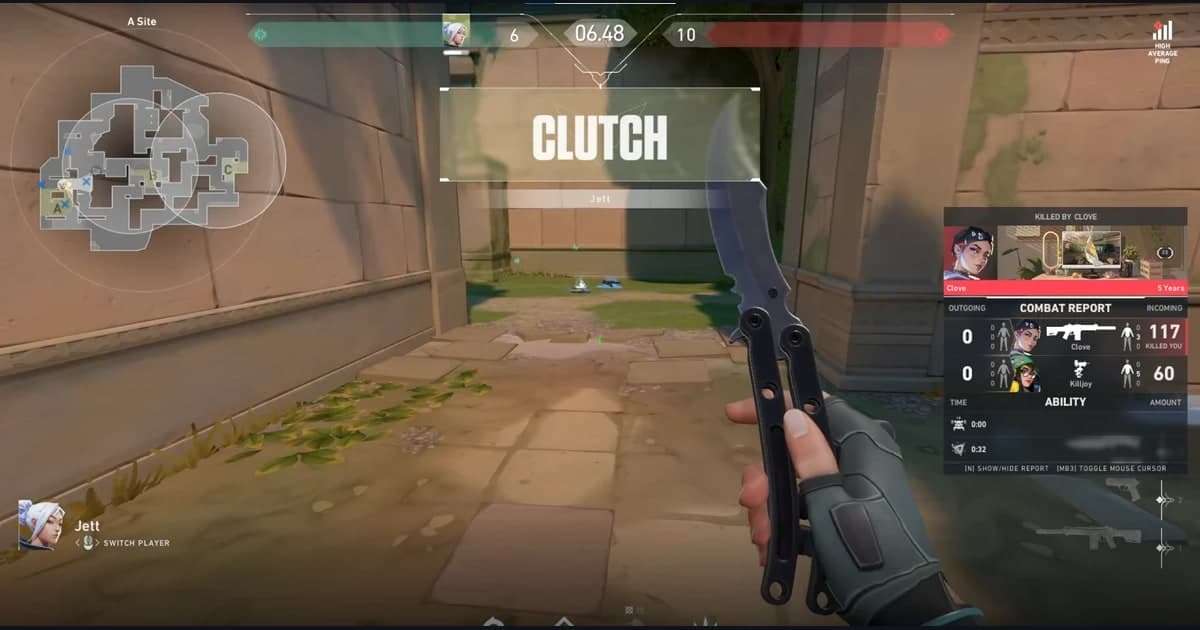
Games like Valorant and League of Legends keep serving up moments you want to share within a single match. The problem is that the process of actually showing those moments to others is longer than you would think.
Why Sharing Clips Is Usually a Hassle
You have to export the video from your editing software, upload the file somewhere, wait for a link to be generated, and then paste that link back into the community or chat. Each step takes time, and if the file is large, the upload can even fail.
- The time to export the video back into a file after editing
- The process of uploading to external storage or a streaming site
- The problem of encoding and quality loss stripping away the feel of your original edit
- The repetitive work of copying the link and pasting it into several places again
When this process repeats every time, it eventually becomes "I'll do it later," and good clips stay buried. DOR condenses this flow into one.
Sharing to the dor.gg Community With One Click in DOR
When you finish editing a clip in DOR, the share button is right there beside it. Press this button and your edited clip goes straight up to the dor.gg community. With no separate export or upload process, your edited result becomes a shared clip right away.
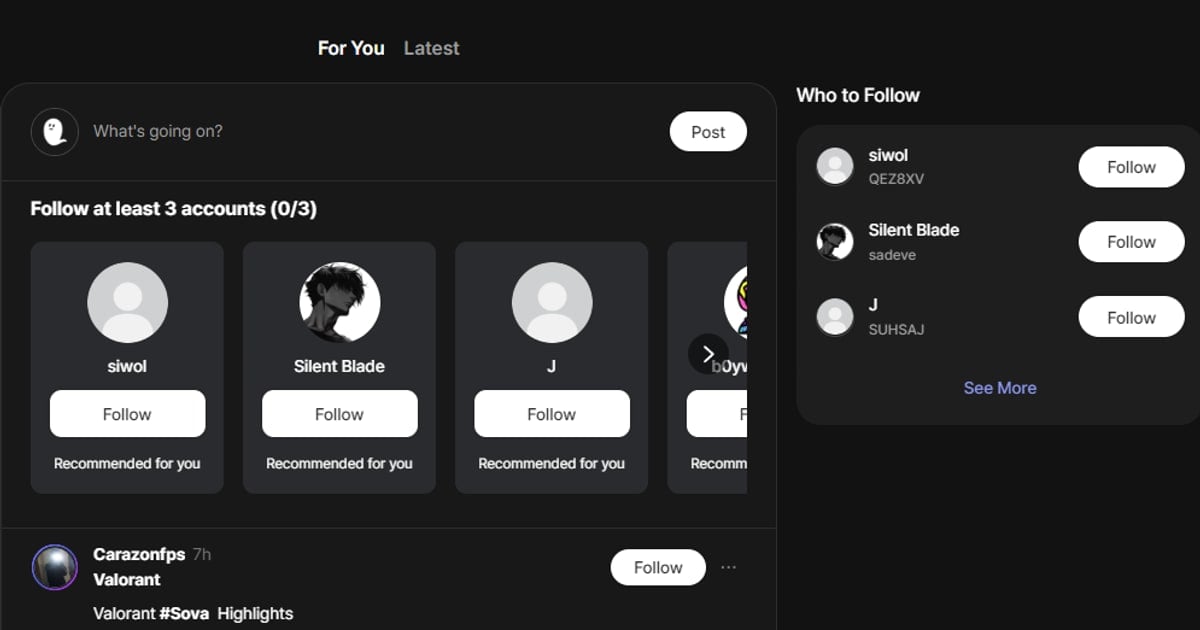
A shared clip appears in the dor.gg community feed, where other users who enjoy the same game can see it and leave likes or comments. You can check the reactions to your play right away, and browse other users' clips you like as well.
Copying a Link and Sharing on Discord
Beyond posting to the community, DOR also lets you copy the link to a shared clip right away. Paste the copied link anywhere, in chat or on social media, and the other person can view the clip with a single click. There is no need to send the file directly.
- Copy link: Instantly copy the clip's address and paste it wherever you want
- Share on Discord: Send the clip straight to friends you play with or to a server
- Community share: Post it to the dor.gg feed to reach more users
For a team-based game like Overwatch, it is also great to send a good moment straight to your teammates on Discord to review it together. Instead of passing around heavy files, a single link is enough.
Wrap-Up
DOR's one-click share removes the tedious steps between editing and sharing. Post a finished clip to the dor.gg community with a single button, spread it anywhere by copying a link or sharing on Discord, and check the reactions through other users' likes and comments. You no longer have to leave your best moments buried in a folder.
 #Valorant