After finishing a game, there's always at least one moment that makes you think, that play just now was really good. The problem is that it's a hassle to find that moment again, buried somewhere in a recording that runs several minutes long. DOR's automatic POTG selection solves exactly this.
POTG stands for Play of the Game, meaning the single most impactful, best moment of a match. In League of Legends and VALORANT, when a match ends, DOR picks just one of these moments from the clips it saved automatically and marks it as POTG in your library.
What Is Automatic POTG Selection?
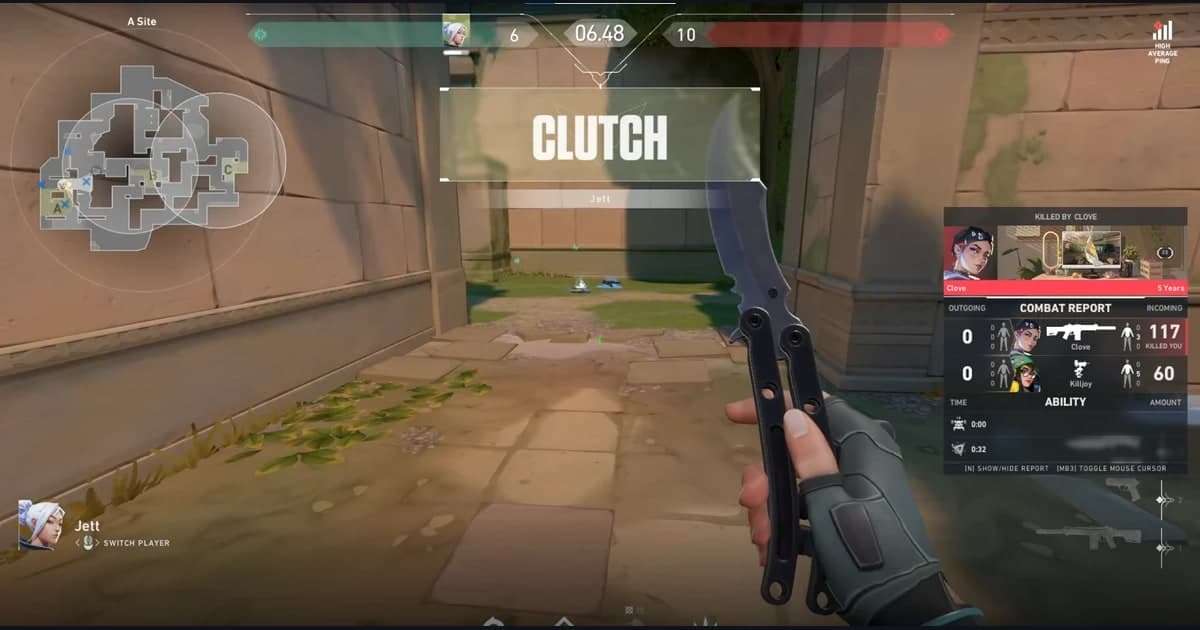
As you play, decisive fights, clutch finishes, and game-turning plays happen. While recording League of Legends or VALORANT, DOR saves events like kills as auto clips, and once the match ends, it picks the most impactful of those clips as POTG.
The key is automatic and just one. You don't have to rewind the timeline yourself to find great moments, and you don't have to agonize over which of several clips is the best. The signature moment of each match is organized for you and placed right in your hands.
Where It Works: League of Legends and VALORANT
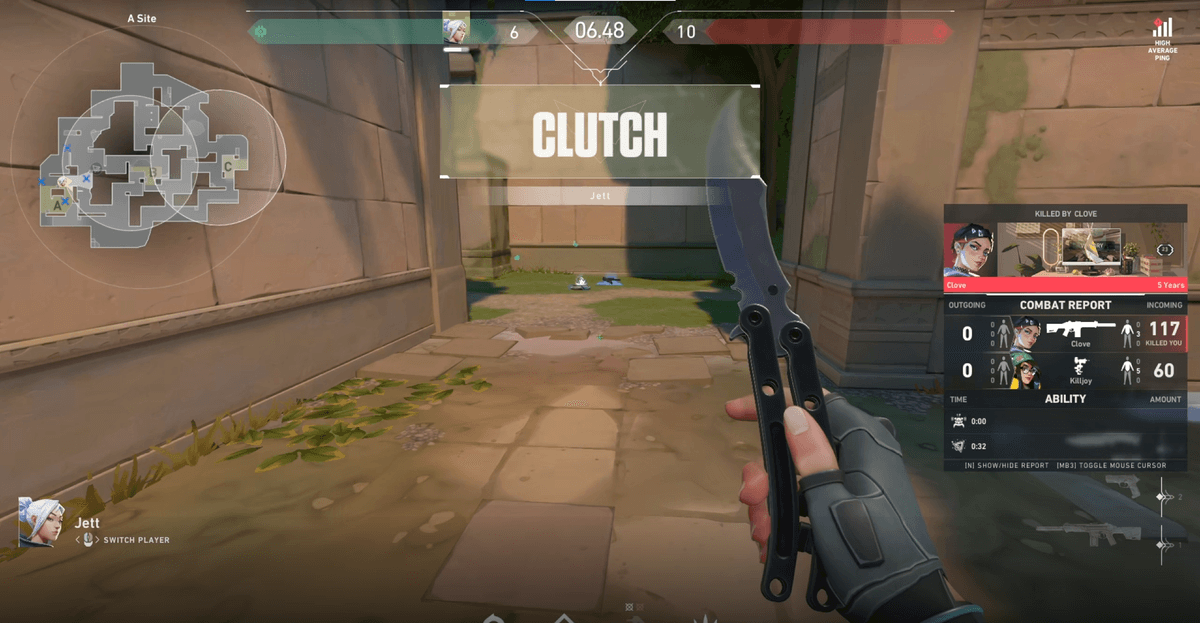
When people hear POTG, they usually think of Overwatch, but DOR's automatic POTG selection works only in VALORANT and League of Legends. Whether it's a clutch round in VALORANT or a teamfight carry in League of Legends, one signature clip is chosen as POTG from each match's auto clips in those two games.
Overwatch has its own built-in POTG and highlight saving, and DOR does not detect Overwatch's POTG. In Overwatch, DOR saves kill and death moments as auto clips instead. A POTG in League of Legends or VALORANT is one of the clips DOR saved, so you can rewatch, edit, and share it later from your library.
How Is It Different From Auto Clips?
DOR's auto clips save multiple moments, such as kills, from a single match in seven supported games, including League of Legends and VALORANT. Automatic POTG selection, on the other hand, focuses on the single most impactful one among those moments. If your highlight collection is an album, POTG is the cover photo for that match.
- Auto clips: gather and save multiple impressive moments from a single game
- Automatic POTG selection: mark the single best clip among them as POTG (League of Legends and VALORANT)
- In League of Legends and VALORANT, the two work together, so you can capture both your full set of highlights and your signature moment at once
How to Make the Most of It
When you open a match in your library, the selected POTG is already marked, so you can find it right away without digging through a long video. Collecting the POTGs that stack up after each game naturally builds a running record of your best moment of the day, day after day.
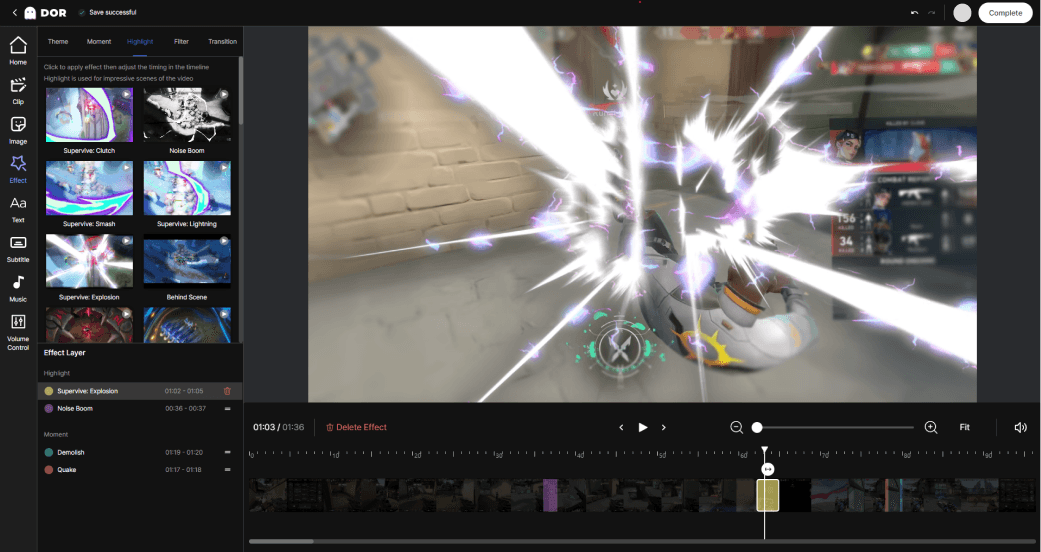
DOR is a free game-recording and clip tool. Just keep recording turned on with no extra setup, and every time a League of Legends or VALORANT match ends, that match's signature moment is picked for you. Start experiencing how your best plays are saved for you without ever having to rewind.
 #Valorant