If you want to switch GTA 6 (Grand Theft Auto VI) to first person, there is one thing to know first. As of November 23, 2026, GTA 6 has no full first person mode like GTA 5, where you turn it on in the menu and walk and drive in first person all the time.
Instead, a first person view opens up in three situations. Stand still, hold L2 (LT on Xbox) and press R3 to look around in first person on the spot. Press R3 while aiming a scoped gun for first person aiming.
Pull out your phone with D-pad Up while driving for a first person driving view.
Based on GTA 6 as released on PS5 and Xbox Series X|S on November 19, 2026, this guide walks through the buttons for each situation, the camera options you can change in Settings, and the first person glitch known in the community along with its caveats.
Many people also look for a GTA 6 first person mod, but mods are a PC topic, and as covered in GTA 6 PC release date, the PC version has not been officially announced as of November 23, 2026.
Pick by purpose: stand still for scenery, a scope for shooting, the phone for driving
If you want a close look at scenery or buildings, inspecting while standing still is the easiest option. While standing, hold L2 (LT on Xbox) and press R3 (click the right stick) to switch to a first person view at your character's eye level, then use the right stick to look around.
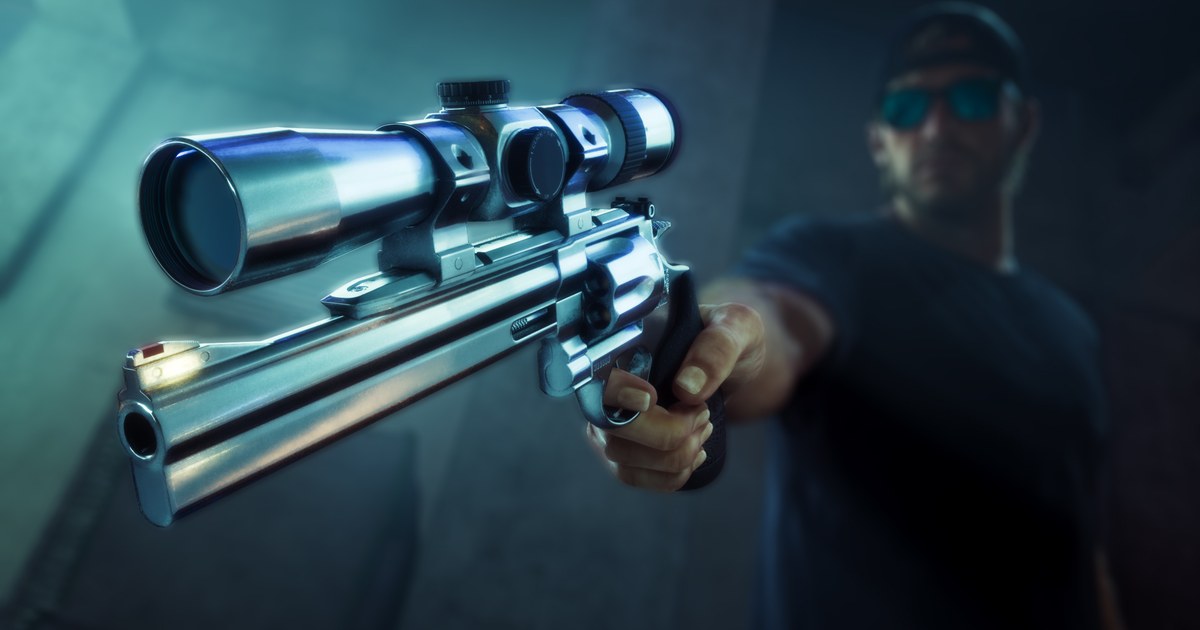
You cannot walk in this view, so you need to return to third person to move. If you want to shoot in first person, you need an optic on your gun. Optics are sold at the Ammu-Nation gun store, and pressing R3 while aiming puts you in a first person view looking down the scope.
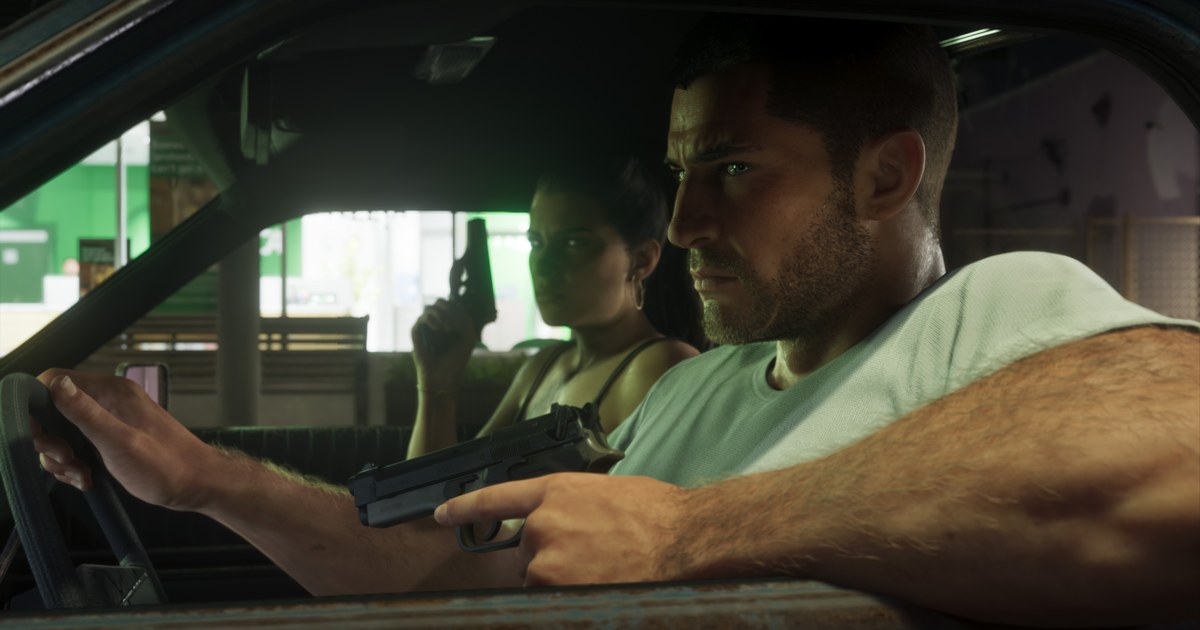
Lower the weapon and you are back in third person. If you want the feel of first person driving, press D-pad Up while driving to pull out your phone. While you hold the phone, the camera moves to the driver's seat and you see the road and the phone together.
The phone covers part of the screen and the camera returns to third person when you put it away, so use it for a moment of atmosphere and drive in third person during chases and missions.
All three views last only while you perform that action, and there is no menu option that locks the whole game in first person.
How to switch to a first person view
- 1Change Phone Display in SettingsFrom the pause menu, go to Settings > Camera and change Phone Display from Default to First Person. Every time you pull out your phone, you now see it through your character's eyes.
- 2Look around in first person while standingBring your character to a stop, then hold L2 (LT on Xbox) and press R3 (click the right stick). Look around with the right stick, and return to third person when you want to move.
- 3Fit an optic and aim in first personAdd an optic to your gun at Ammu-Nation, then press R3 while aiming. You get a first person view down the scope, and the camera goes back to normal when you stop aiming.
- 4Drive in first person with the phoneWhile in a vehicle, press D-pad Up to pull out your phone and the camera moves to the driver's seat. Putting the phone away returns you to third person, so only enjoy it on a safe road.
- 5Tune the third person cameraIf you would rather make third person comfortable, adjust on foot camera height and camera shake in Settings > Camera. Turning camera shake off helps if you get motion sick.
Every situation that gives a first person view in GTA 6
| Situation | PS5 / Xbox input | What you can do and limits |
|---|---|---|
| Inspect while standing still | Hold L2 and press R3 / hold LT and click the right stick | Look around in first person on the spot, no walking |
| Scope aiming | Press R3 while aiming (L2) / click the right stick while aiming (LT) | Scoped guns only, buy optics at Ammu-Nation |
| Phone while driving | Pull out the phone with D-pad Up | First person driving only while the phone is out, phone covers part of the screen |
| Phone Display setting | Settings > Camera > Phone Display | Choose Default or First Person, phone scenes always first person |
| Third person camera | Settings > Camera | Adjust on foot camera height, camera shake and more |
| Community glitch | Spam the camera button right after closing the phone in a car | Unofficial, reload a save to undo, may be patched |
Check before trying first person
- Set Settings > Camera > Phone Display to First Person
- Pressed L2 (LT) and R3 together while standing still
- Fitted an optic on the gun you want to aim in first person
- Saved the game before trying the glitch
- Decided to play missions and chases in third person
How to make GTA 6 videos: turn first person moments into Shorts
To keep a first person look at Leonida or a phone in hand driving moment, record it on your console, move it to your PC and edit it in the DOR Studio. On PS5, use the Create button to save recent gameplay from 15 seconds up to 1 hour or start a new recording (up to 1 hour).
On Xbox Series X|S, use the Xbox button menu to capture what just happened, up to the last 2 minutes, or start a recording. Copy PS5 videos from the Media Gallery to a USB drive or get them on your phone through PS App auto upload, and find Xbox captures in the Captures list of the Xbox mobile app.
Detailed PS5 steps are in GTA 6 PS5 recording. Upload the video to the dor.gg Studio to turn it into a 9:16 vertical Short, merge several clips, trim, add text, music and effects (shake zoom, punch zoom and more), then export as mp4 or share a link. The result has no watermark. Shorts editing tips are in GTA 6 Shorts and TikTok editing, and the full process from console recording to upload is in how to make GTA 6 videos.