The short answer: save the moment on your console, move it to a PC or phone, upload it to DOR Studio in your browser, switch it to vertical 9:16, add music and text, and export.
GTA 6 launched on November 19, 2026 for PS5 and Xbox Series X|S, and as of November 23, 2026 there is no official PC version announced. So you capture with the console's built in tools and only do the editing in a PC browser. The popular montagem music edits follow exactly the same order. If you want the basics of turning landscape clips into vertical ones, see how to make a vertical game video.
Which moments to cut into a Short
Pick moments where viewers can tell what is happening within the first one or two seconds.
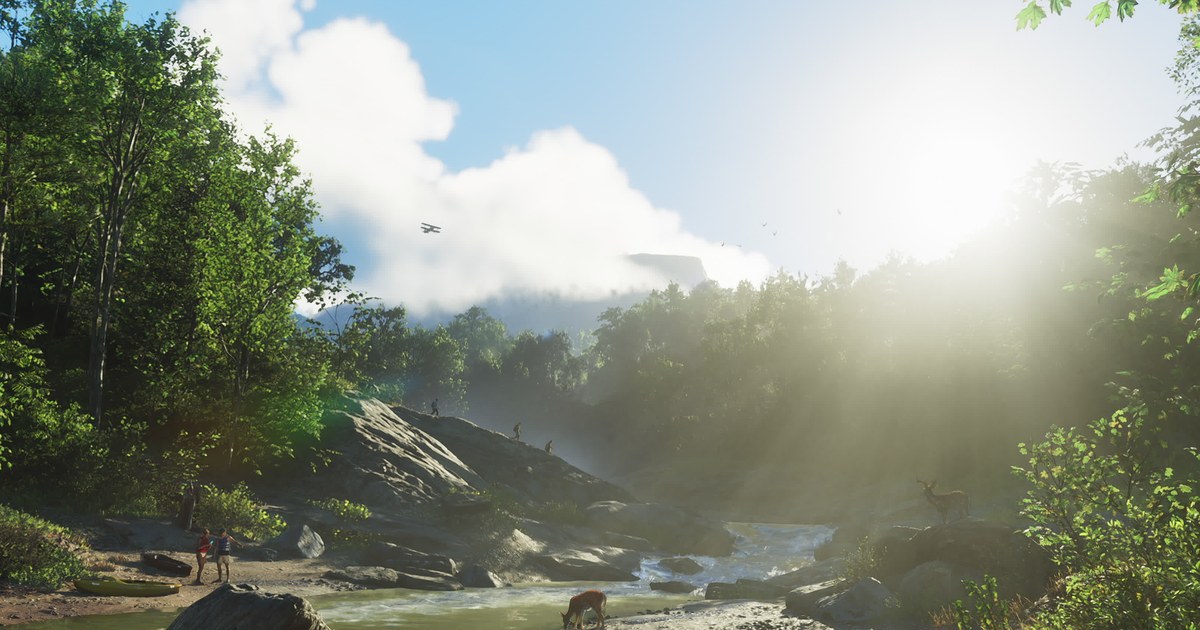
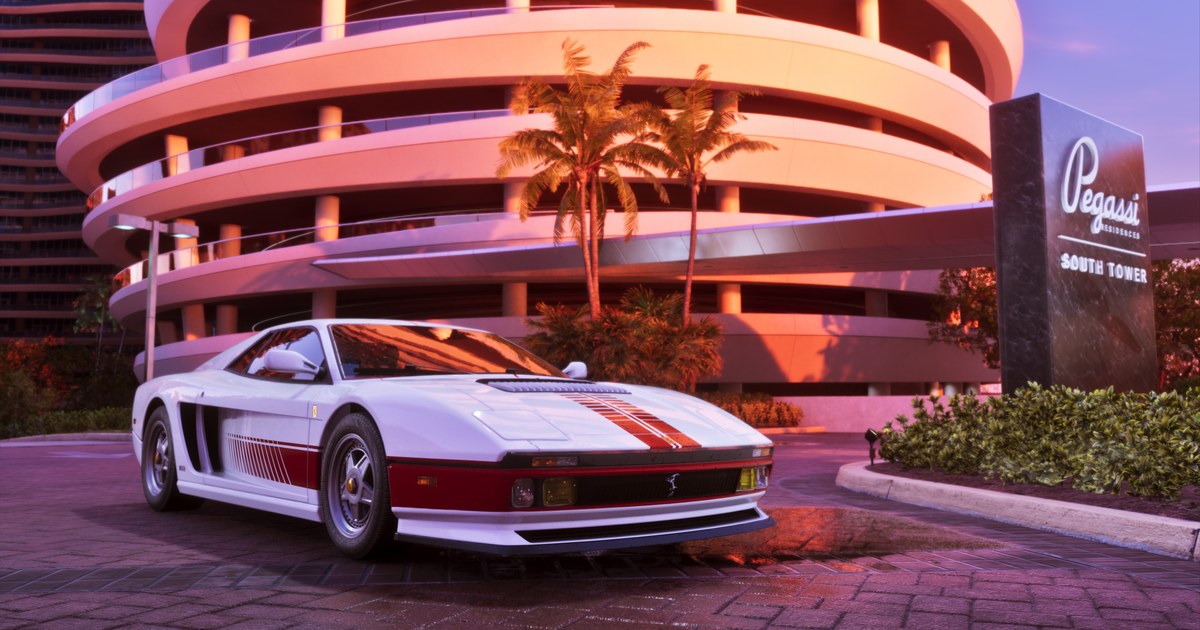
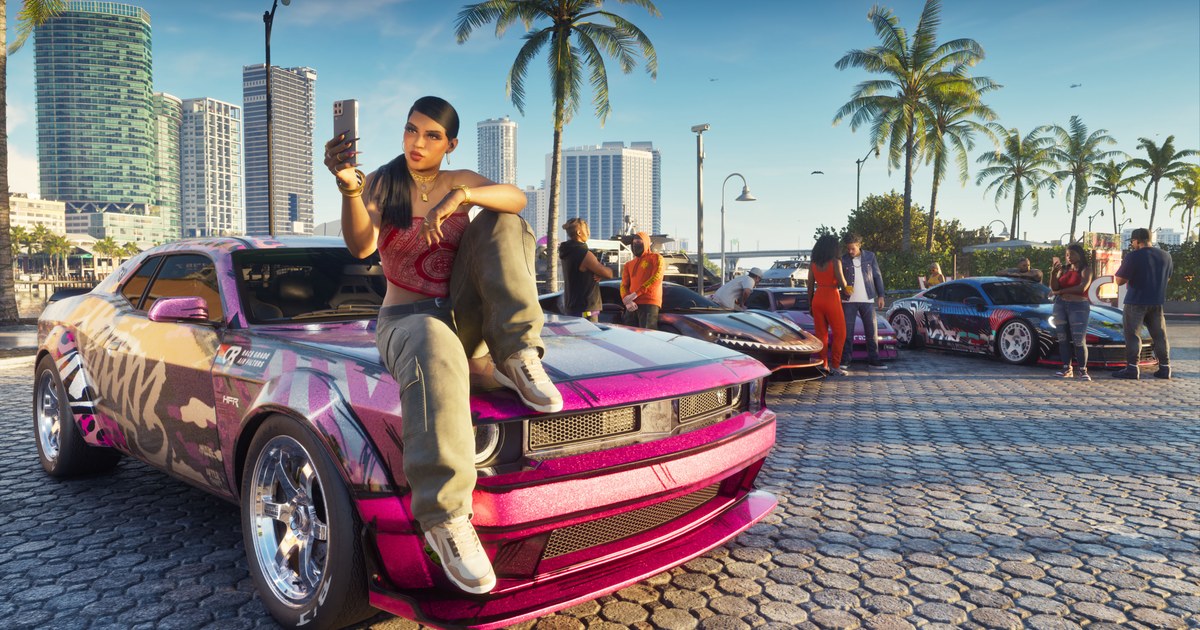
In GTA 6 that means a hard turn at the end of a chase, the moment you lose the cops, plane or boat stunts, or a night drive along the Leonida beaches and Vice City skyline, where the action stays in the middle of the frame.
Cropping a 16:9 frame to 9:16 cuts off both sides, so choose clips where the car or character stays centered. If the sides matter, fill the top and bottom instead of cropping. The difference between the two is explained in how to crop a video to vertical 9:16.
Story cutscenes easily turn into spoilers, so early after launch it is safer to post free roam and chase moments.
Steps to make a GTA 6 Short
- 1Save the moment on your consoleWhen something great happens, choose Save recent gameplay from the Create button on PS5, or press the Xbox button and then X on Xbox. For a Short, 30 seconds to 2 minutes is plenty. 4K capture works on PS5 with a compatible display and on Xbox when your TV output is 4K. Some scenes blocked by the game are not included in PS5 clips.
- 2Move the clip to a PC or phoneOn PS5, pick the clip in the Media Gallery and use More to copy it to a USB drive, or turn on PS App auto upload and download it in the app. PS App uploads only cover videos under 3 minutes at 1920x1080 or lower, kept for 14 days. Xbox clips upload to the Xbox network automatically and appear in the Xbox mobile app under My library → Captures.
- 3Upload to DOR Studio and pick 9:16Open dor.gg/studio in a browser, set the ratio to TikTok, Shorts and Reels (vertical 9:16), and drag your clip in from My computer. You can upload mp4, mov, webm and mkv files and edit right on the web without the desktop app. Videos need to be at least 3 seconds long.
- 4Trim, merge and add textTrim the start and end on the timeline so the first shot hits immediately, then join several clips into one chase. A short line at the top such as cops shaken off tells viewers watching on mute what is going on.
- 5Add music and effects, then exportChoose a popular track in the music tab or upload your own mp3, then set the section and volume. The original game audio volume can be adjusted separately. Sync effects such as shake zoom and punch zoom to the beat for a montagem style edit. When you are done, download the mp4 and post it to YouTube, TikTok or Instagram, or share it with a dor.gg link.
Console capture options for GTA 6 Shorts (as of November 23, 2026)
| Device and method | Button order | Length and conditions |
|---|---|---|
| PS5 save recent gameplay | Create button → Save recent gameplay | Last 15 seconds up to 1 hour |
| PS5 new recording | Create button → Start new recording; to finish, Create button → Stop recording | Up to 1 hour |
| Xbox capture what happened | Xbox button → X button | Last 30 seconds, up to 2 minutes if you pick a length |
| Xbox record from now | Xbox button → Capture & share → Start recording | Up to 10 minutes on internal storage, up to 1 hour on external storage |
| Move PS5 clips | Media Gallery → More → Copy to USB drive, or PS App auto upload | PS App: videos under 3 minutes and up to 1080p, kept 14 days |
| Move Xbox clips | Automatic upload to the Xbox network → Xbox mobile app My library → Captures | Auto upload can be turned off in settings |
Checklist before you post
- The video is vertical 9:16 and the car or character sits in the center
- The key moment shows up within the first one or two seconds
- Anything you post as a YouTube Short is 3 minutes or less
- Text is not covered by the buttons and caption area at the bottom; see how to add captions to game clips for tips
- Spoiler scenes such as story cutscenes are removed
How to make GTA 6 videos
For GTA 6 videos, record on your console (PS5 Create button: recent gameplay from 15 seconds to 1 hour, new recordings up to 1 hour; Xbox: save the last 30 seconds to 2 minutes or start a recording), move the clips to a PC or phone with USB or the PS App, then upload them to DOR Studio on dor.gg to edit 9:16 ratio, merging, trimming, text, music and effects in one place.
Export the result as an mp4 or share it as a link, with no watermark. If you show PS Remote Play or a capture card preview full screen on your PC's main monitor, you can also capture it with screen recording in DOR, the free Windows app. The full flow from recording to upload is in how to make GTA 6 videos, and PC news is in GTA 6 PC release date.