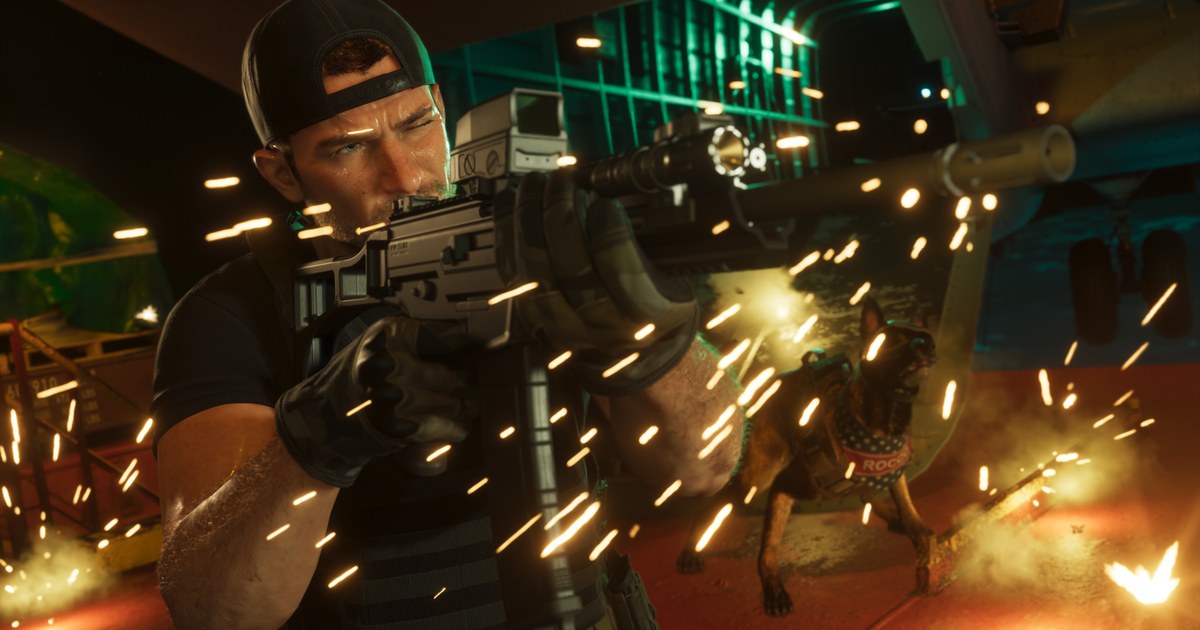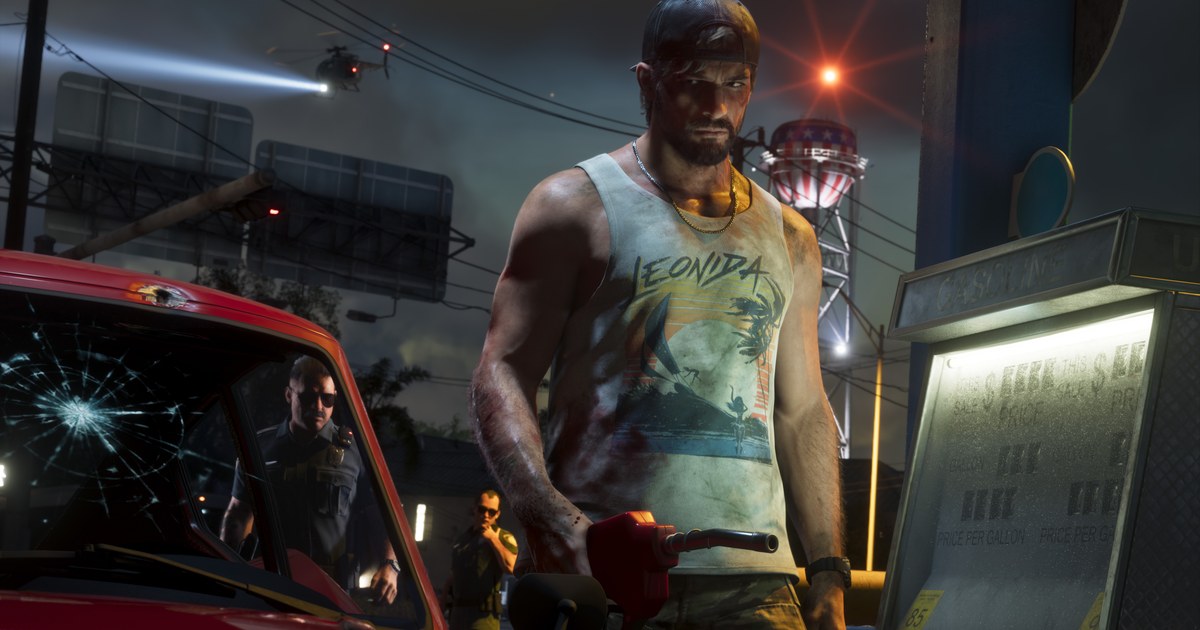
The short answer: GTA 6 melee comes down to three habits. Hold L2 (LT on Xbox) to lock onto your opponent so they stay in front of you, hold X (A on Xbox) to block punches, and tap X once just before a hit lands to dodge, then counter straight away with Square (X on Xbox).
These are the Default control scheme buttons. If you picked Classic or Left-Handed in the settings, some buttons move, so read the exceptions below. Lock on during a gunfight is a different thing and is set in the Targeting option.
GTA 6 came out on PS5 and Xbox Series X|S on November 19, 2026, and the guides and option lists we compared mostly agree, but menu names can differ by language, so we list the English labels.
This guide covers lock on, block, dodge and counter in order, how to practice them, and the gun targeting setting that people mix up with them. At the bottom you will also find how to save your fights as video.
The answer: L2 to lock on, hold X to block, tap X to dodge
The most common mistake is pressing block and dodge the same way. It is the same button, but block means holding it, while dodge means one tap just before the opponent's hit lands. Mashing it makes neither work well.
Block keeps your guard up and is the more forgiving of the two, and dodge asks for timing but leads straight into a counter, which suits one on one fights. Start by blocking to learn how fast your opponent attacks, then mix in dodges.
Keep L2 (LT) held so the opponent stays in front of you and their attacks are easy to read; in melee, make L2 the first thing you press.
How to learn melee controls in order
- 1Check your control scheme firstThe buttons above are for the Default scheme. The settings offer Default, Classic and Left-Handed. In the Classic layout described by one guide, block and dodge move to Square and punch and kick to Circle, and in Left-Handed lock on and grapple swap so lock on sits on R2 (Xbox RT). If your buttons do not match, check this first.
- 2Hold L2 and face your opponentWalk up to the opponent and hold L2 (Xbox LT) to lock on and strafe. Letting go makes it easy to lose them off screen, so keep it held for the whole fight.
- 3Hold X to learn blocking firstWhen the opponent throws a punch, hold X (Xbox A) to block. The aim is to get used to their attack rhythm, so hold the button instead of tapping it.
- 4Tap X just before the hit to dodgeTap X (Xbox A) once as the punch is about to land. Too early and you whiff the dodge, so time it to the moment the opponent's arm comes forward.
- 5Counter with Square right afterRight after a successful dodge, press Square (Xbox X) to counter. Grapple (R2 or RT) is a different input and is not needed here.
GTA 6 melee controls at a glance (Default scheme)
| Action | PS5 / Xbox | How to use it |
|---|---|---|
| Lock on and strafe | Hold L2 / Hold LT | Keeps the opponent in front of you while you move sideways |
| Block | Hold X / Hold A | Blocks punches and keeps your guard up |
| Dodge | Tap X / Tap A | Press just before the hit lands |
| Counter | Square / X right after a dodge | Hit back immediately |
| Punch and kick | Square / X | Your basic attack |
| Grapple | R2 / RT | A separate move, not needed for the counter |
| Gun lock on | Settings > Gameplay > Combat > Targeting | Pick Lock-On, Partial or Free Aim |
Settings to check, including gun lock on
- Melee lock on is holding L2 (Xbox LT), not tapping it
- Practice block as a hold and dodge as a single tap
- If the buttons differ, check whether you are on Default, Classic or Left-Handed
- For guns, pick Lock-On, Partial or Free Aim under Settings > Gameplay > Combat > Targeting
- Check Aim Assist Strength too (0 to 4, default 4)
How to make a GTA 6 video
If you want to keep your fights or any GTA 6 moment as a video, record it on your console, move it to your PC or phone, and edit it there.
On PS5, press the Create button and choose Save recent gameplay to keep anything from the last 15 seconds up to 1 hour, or Start new recording to capture up to 1 hour.
On Xbox Series X|S, press the Xbox button and then X to save the last 30 seconds, pick a length to keep up to the last 2 minutes, or choose Start recording to record from now.
Copy PS5 videos from the Media Gallery to a USB drive or pull them through the PS App, and view and share Xbox captures in the Xbox mobile app.
Then upload the video to DOR Studio on dor.gg, switch it to vertical 9:16, merge several clips, trim, add text, music and effects such as shake zoom, and export an mp4 or share a link. Your result has no watermark. The full workflow is in how to make a GTA 6 video, the merging steps are in how to merge game clips, and vertical Shorts are covered in how to make vertical gameplay videos.