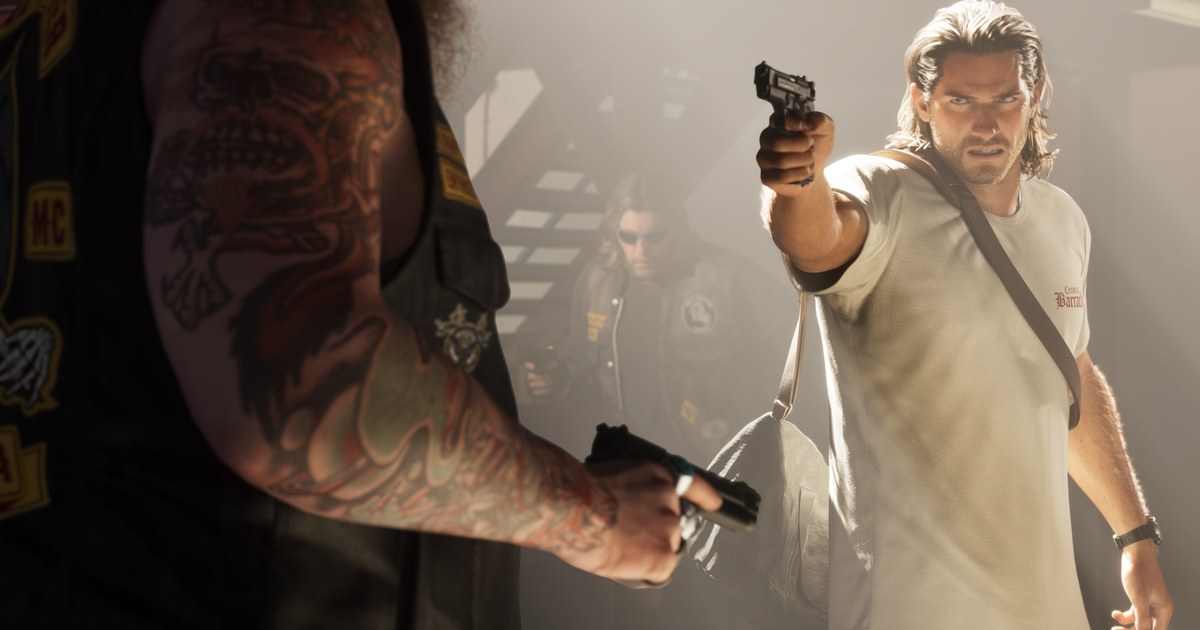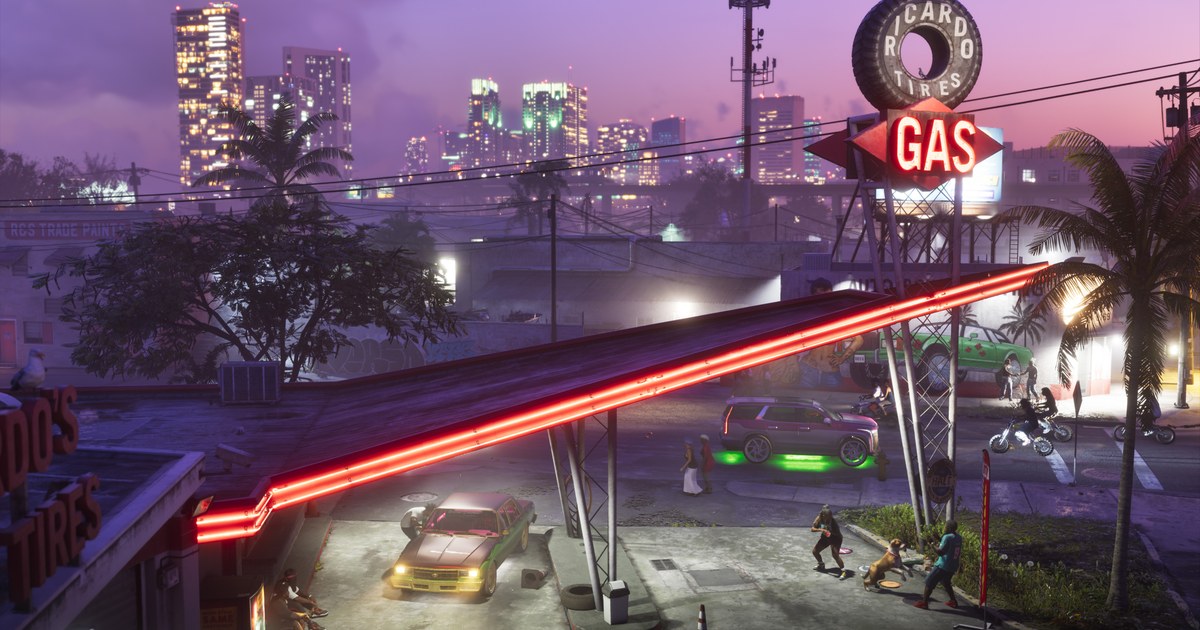
Mandy's house in GTA 6 is on Peach Palm Drive in Key Lento, an island town in the Leonida Keys.
Start the Chapter 1 mission Pipework as Jason and the destination marker takes you straight to her house, and because it is in the same neighborhood as the house Jason starts in, you do not have to travel far.
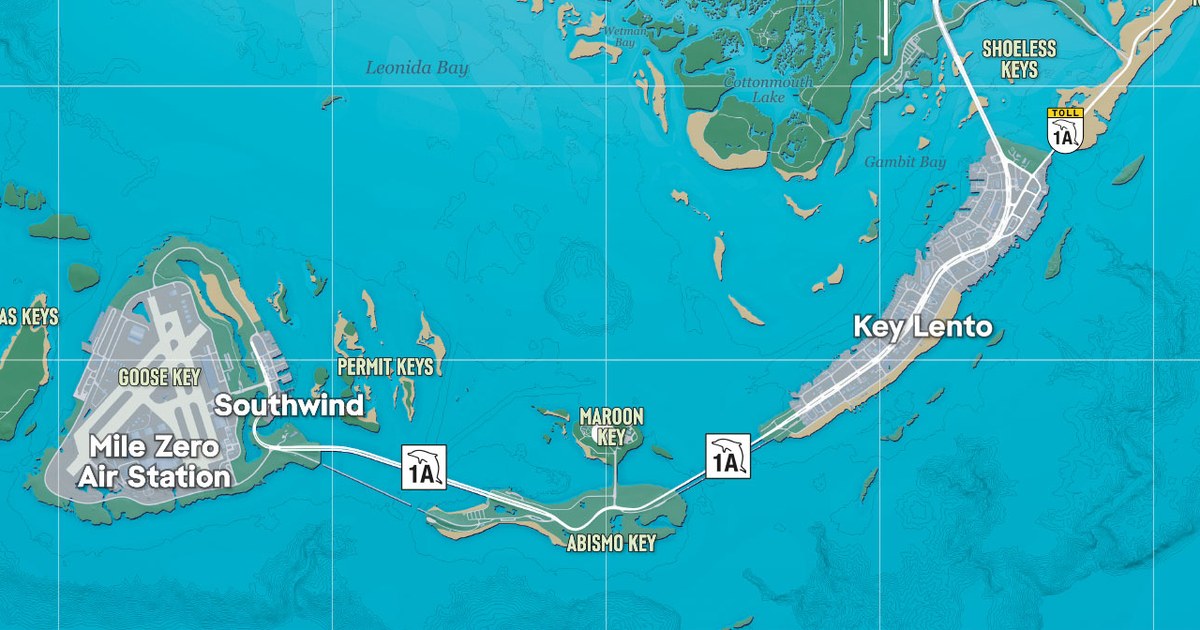
On Rockstar's official Leonida map poster, Key Lento is labeled on the southern island chain, in column 6 between rows K and L. Below you will find the route, what you do in the mission, and how to turn the scene into a video, all as of November 23, 2026.
Short answer: Peach Palm Drive in Key Lento, via the mission Pipework
You do not need to search for Mandy's house on your own. Mandy is a tenant of Brian Heder, the man who gives Jason a place to live, and Pipework is the mission where you collect her rent on Brian's behalf.
Once the mission opens, the destination is set to Peach Palm Drive in Key Lento, and Mandy is standing in the front yard of a house by the road.
The location details in this guide are only the ones that at least two different guide outlets reported the same way, and anything guides disagree on, such as the mission number, is marked separately in the table.
GTA 6 launched on November 19, 2026 for PS5 and Xbox Series X|S, and there is no official PC announcement as of November 23, 2026. For PC news, see GTA 6 PC release date.
How to get to Mandy's house
- 1Play through Chapter 1Pipework is a Chapter 1 mission. Keep playing the earlier Chapter 1 missions as Jason and the mission to collect Mandy's rent opens up. Guides number the missions differently, so searching for the name Pipework is faster than looking for a number.
- 2Head to Key LentoKey Lento is an island town in the Leonida Keys, south of Mariana County. Brian's house, where Jason first lives, is also in Key Lento, so you reach it quickly once you leave the house and get onto the main road.
- 3Follow the marker on Peach Palm DriveFollow the minimap route onto Peach Palm Drive and the destination marker lands on one of the houses along the street. The marked house is Mandy's, so you do not need to memorize an address; just follow the marker.
- 4Talk to Mandy in the yardWhen you reach the marked house, Mandy is standing outside in the front yard. Walk up to her and talk to her, and the mission properly begins.
- 5Fix the sink and collect the rentMandy says she will only pay the rent once her sink is fixed. Follow her, repair the broken sink and the mission wraps up.
Mandy's house at a glance
| Item | Details | Checked |
|---|---|---|
| Area | Key Lento, Mariana County, Leonida Keys | Two guide outlets agree |
| Street | Peach Palm Drive, not far from Jason's house | Two guide outlets agree |
| Official map spot | Leonida map poster, column 6, between rows K and L | Rockstar official map poster |
| Mission | Pipework, Chapter 1, played as Jason | Two guide outlets agree |
| Objective | Collect rent from Brian's tenant Mandy and fix her sink | Two guide outlets agree |
| Mission number | Guides count missions differently, so the number varies | Varies by outlet |
Check before you go
- Make sure you are playing as Jason. Pipework is a mission Jason plays.
- Find Key Lento on the map. It is the island on the southern chain of Leonida that Route 1A runs through.
- Turn onto Peach Palm Drive and look for the house the destination marker sits on.
- Search by the name Pipework rather than a mission number. The mission name may look different if your game is set to another language.
- If you want to keep the scene with Mandy, decide how you will record on console before you start the mission.
How to make a GTA 6 video
Capture the scene at Mandy's house on your console, move it to your PC or phone, then polish it in DOR Studio. On PS5, the Create button lets you save recent gameplay from 15 seconds up to 1 hour, or start a new recording of up to 1 hour.
On Xbox Series X|S, press the Xbox button to save the last 30 seconds right away, change the length to save up to the last 2 minutes, or use Start recording to capture from now on.
Copy PS5 captures to a USB drive or download them to your phone through the PS App, and get Xbox captures from the Xbox mobile app.
Upload the clip to DOR Studio on dor.gg and, right in your browser, switch to a 9:16 vertical ratio, merge several videos, trim, and add text, music and effects, then export an mp4 or share a link, with no watermark. The full steps are in how to make a GTA 6 video and edit clips in your browser with no install.
For supported PC games, just leave the DOR app running and it detects the game and records the whole match automatically.